A gba awọn nkan pada laarin awọn ọjọ 40. Awọn nkan aṣa ko le pada. Awọn nkan ti a ra pẹlu kaadi ẹbun ni iyipada nikan.
Ẹbun Ọfẹ
Kaabọ si Roymall, oju opo wẹ ẹbun rẹ. A dupẹ lọwọ rẹ, a si pese ẹbun ọfẹ pẹlu eyikeyi rira.Ṣetan lati ṣawari akojo wa? Yẹra ni koko wa, fi aṣẹ rẹ sii, ki o si gba ẹbun ọfẹ rẹ.
Ilana Gbigbe
A nṣe awọn aṣẹ laarin ọjọ 2.Gbigbe deede jẹ ọjọ 5-7.Akoko gbigbe le yatọ da lori ibudo.
1. Ilana Pada
A gba nikan awọn nkan ti a ra lati roymall.com.Awọn ẹbun ọfẹ ko le pada.Nkan gbọdọ jẹ ailohunsi ati ni apoti atilẹba.A nṣe awọn pada laarin ọjọ 3-5 lẹhin gbigba.Awọn nkan aṣa ko le pada.Kan si wa: service@roymall.com tabi Whatsapp: +447549870296
2.Ilana Isanwo
Iwọ yoo gba isanwo lẹhin gbigba nkan.A ko san owo gbigbe pada.Kan si wa: service@roymall.com tabi Whatsapp: +447549870296
Videos for similar product
Loading product videos...
❮
❯
Products related to this item
Loading related products...
❮
❯
Specifications:
Power supply:DC9V alkaline battery (no include 6LR61)
Static current:<10uA
Alarm current: <100mA
Working temperature:0℃ ~ +50℃
Humidity:u226695%RH,no freezing
Alarm sound:>80dB
Low battery alert:u22667.0V± 0.2V
Mute & Testing:
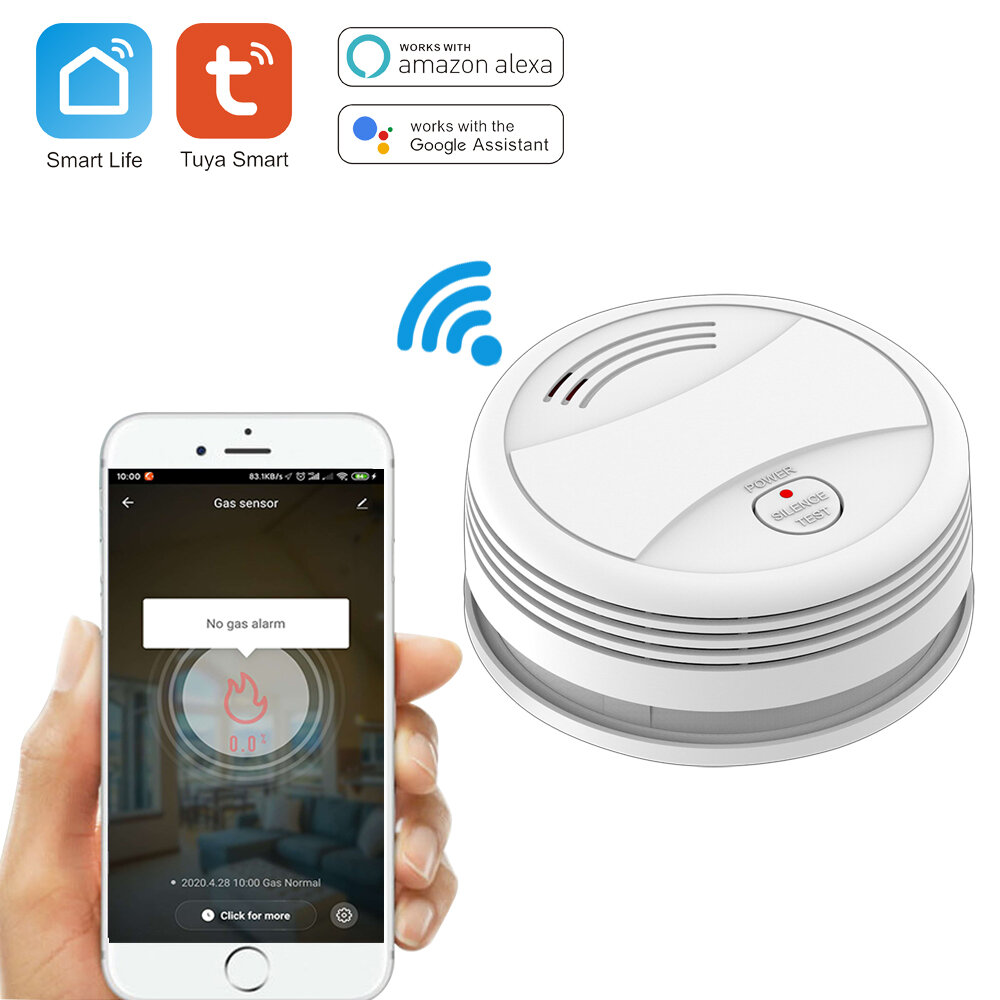
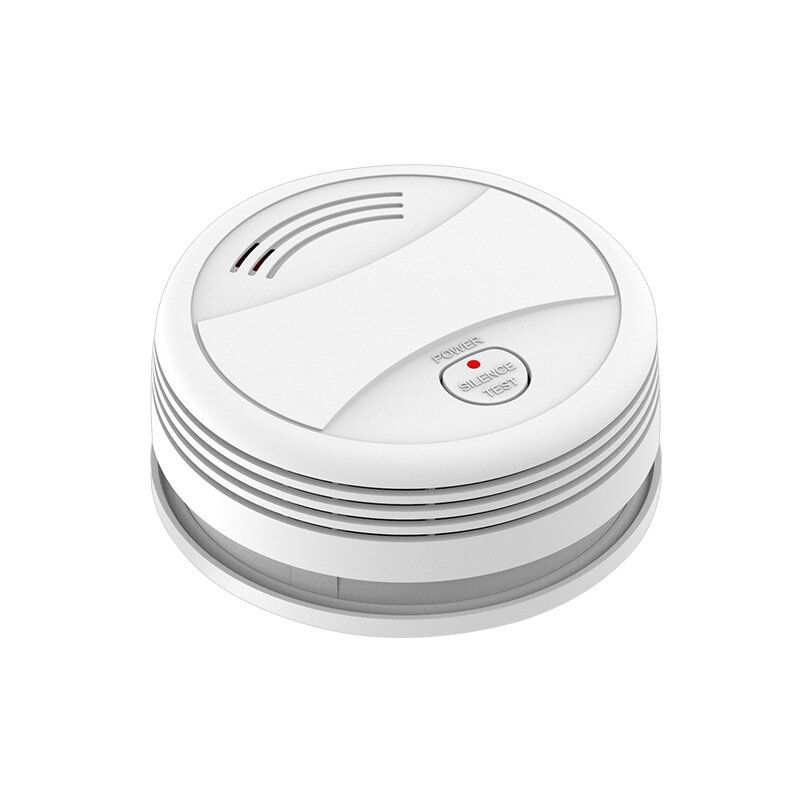
1. Mute: in alarm status, press the "TEST" button to mute the buzzer, only LED indicator flashes.
2. Testing: in normal status, long press "TEST" button for 2s to trigger the sound & light alarm, alarm message is pushed to the mobile APP.
WiFi Configuration & Networking:
Install "Tuya Smart" APP on your smartphone the first time you use the detector.
Make sure your smartphone is connected to the WiFi.
a) Launch the APP, click "Add device"---"Security Sensor"---"Sensor (WiFi)" / "Smoke(WiFi)".
b) Long press the "TEST" button for 5s until LED flashes with a short beep of "Di" (long press the button within 20s of loading the battery to enter WiFi configuration mode).
c) Click "OK" in the APP---input password for the WiFi an click "OK", the detector enters configuration mode which lasts for 60s maximum.
A long beep of "Di" with LED indicator on for 10s means the WiFi configuration is completed. When WiFi configuration fails, the detector exits configuration mode with short beep of "Di Di Di".
WiFi configuration is done based on the 3 steps above.
WiFi Networking Status: when LED indicator is on for 10s after battery is loaded, it means the detector is successfully connected to WiFi.
Installing Method:
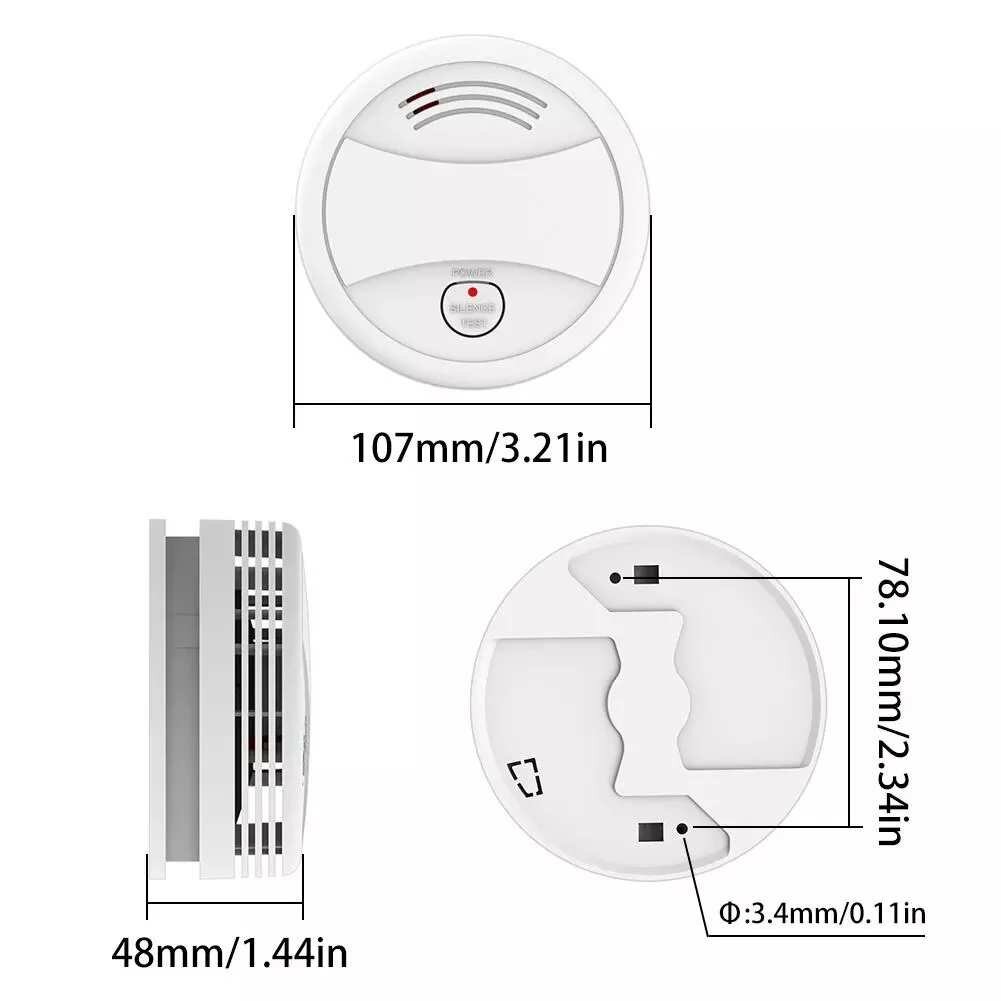
a. Make a hole on the ceiling by using the percussion drill
b. Install the expansion tube on the ceiling
c. Fix the installation board by using the screw
d. Aiming the alarming device with the installing board and connect them, rotating clockwise till heard the "kaca" sound, means installing correctl



 Roymall C.o.


 Ẹbun ọfẹ
 Ilana gbigbe
 Ilana pada





 Coupon Code
 Direct purchase from the factory
 Security & Protection
 Security & Surveillance
 Security Alarm
 Alarms