A gba awọn nkan pada laarin awọn ọjọ 40. Awọn nkan aṣa ko le pada. Awọn nkan ti a ra pẹlu kaadi ẹbun ni iyipada nikan.
Ẹbun Ọfẹ
Kaabọ si Roymall, oju opo wẹ ẹbun rẹ. A dupẹ lọwọ rẹ, a si pese ẹbun ọfẹ pẹlu eyikeyi rira.Ṣetan lati ṣawari akojo wa? Yẹra ni koko wa, fi aṣẹ rẹ sii, ki o si gba ẹbun ọfẹ rẹ.
Ilana Gbigbe
A nṣe awọn aṣẹ laarin ọjọ 2.Gbigbe deede jẹ ọjọ 5-7.Akoko gbigbe le yatọ da lori ibudo.
1. Ilana Pada
A gba nikan awọn nkan ti a ra lati roymall.com.Awọn ẹbun ọfẹ ko le pada.Nkan gbọdọ jẹ ailohunsi ati ni apoti atilẹba.A nṣe awọn pada laarin ọjọ 3-5 lẹhin gbigba.Awọn nkan aṣa ko le pada.Kan si wa: service@roymall.com tabi Whatsapp: +447549870296
2.Ilana Isanwo
Iwọ yoo gba isanwo lẹhin gbigba nkan.A ko san owo gbigbe pada.Kan si wa: service@roymall.com tabi Whatsapp: +447549870296
Videos for similar product
Loading product videos...
❮
❯
Products related to this item
Loading related products...
❮
❯
Parameters
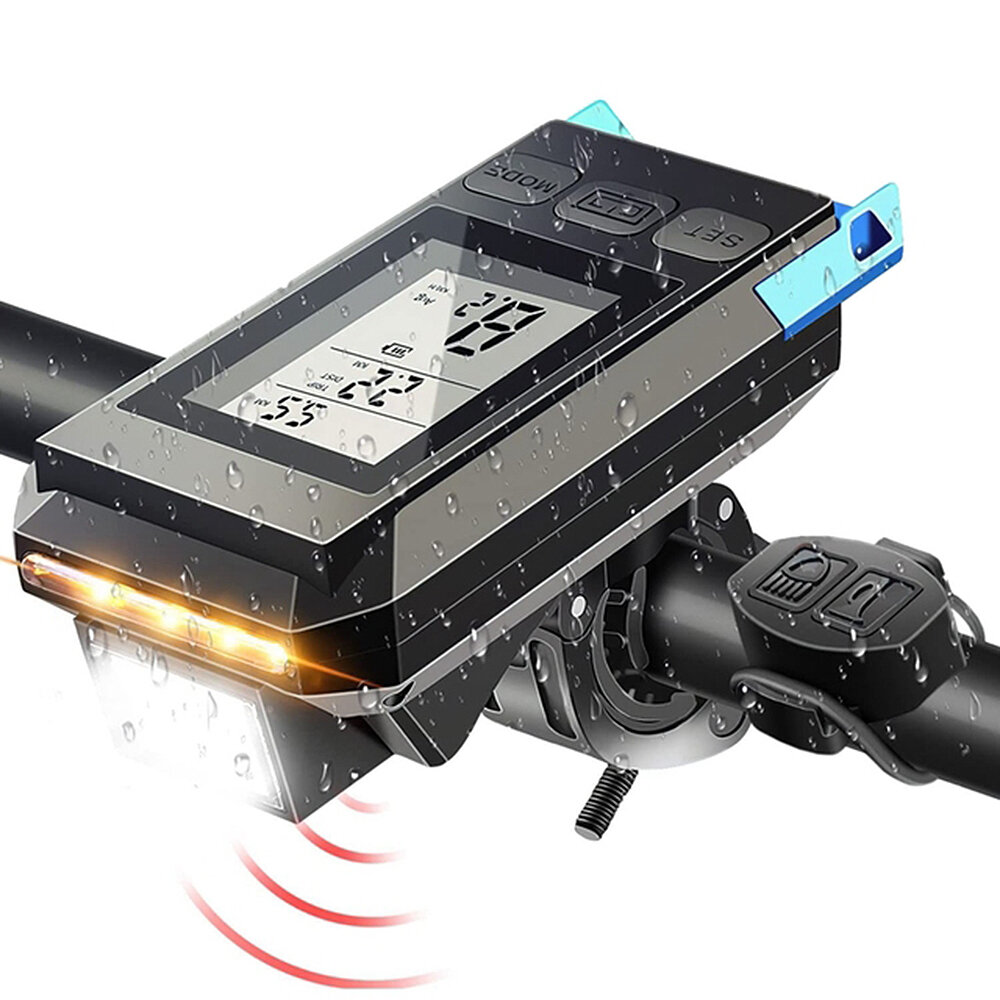
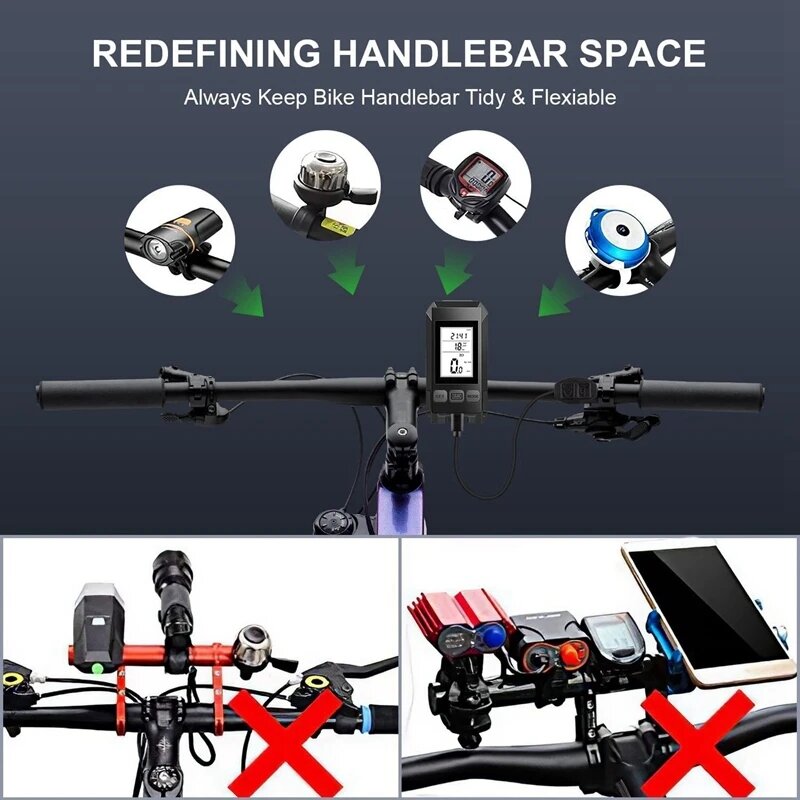
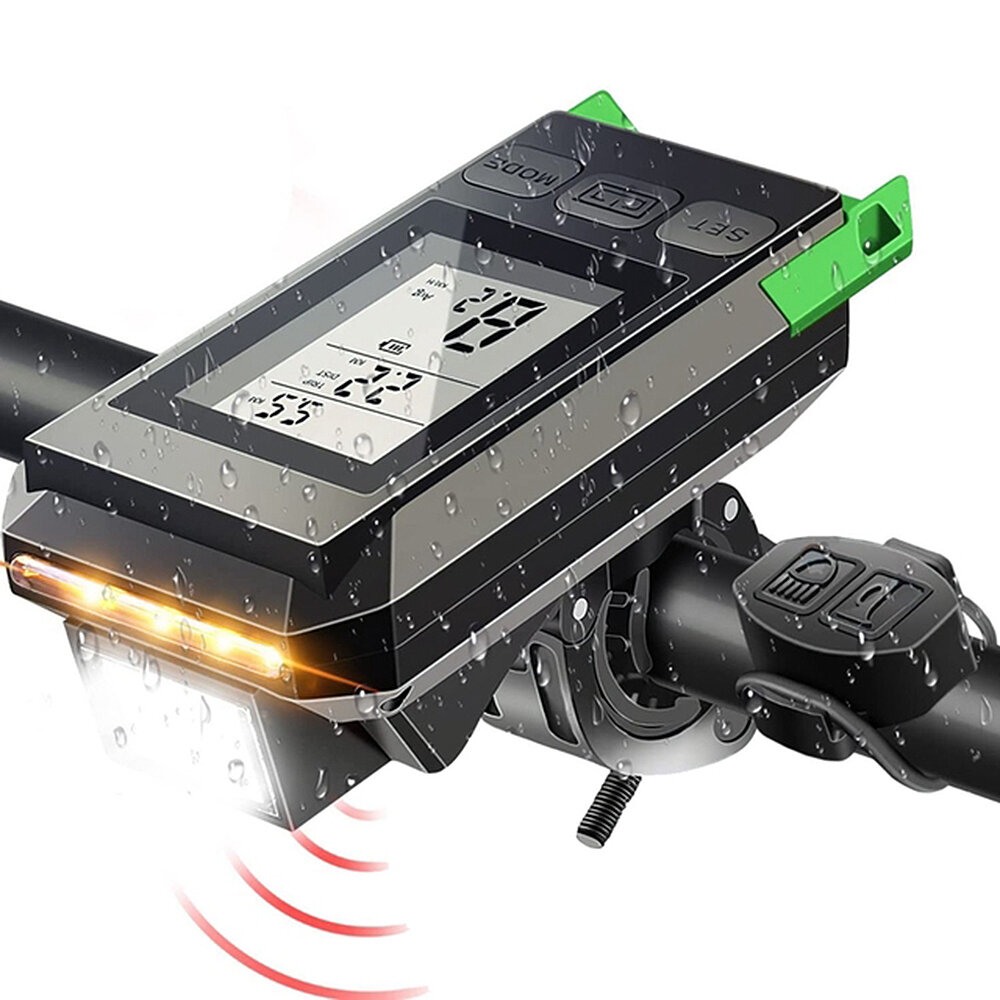
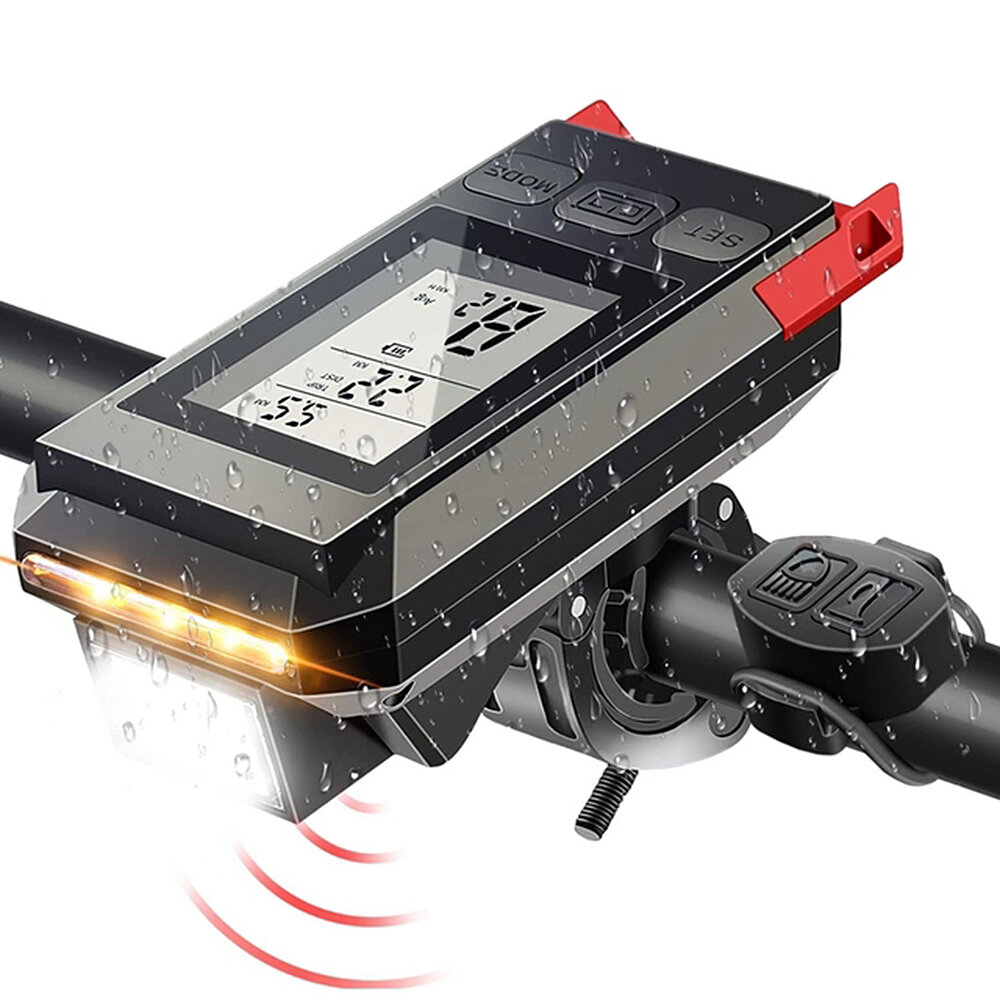
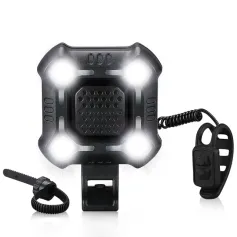
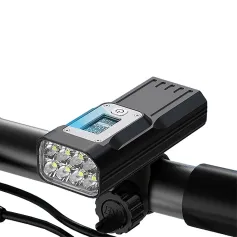
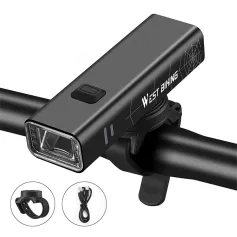
Name: bicycle yardstick horn light
Material: ABS
Lamp beads: T6 lamp beads
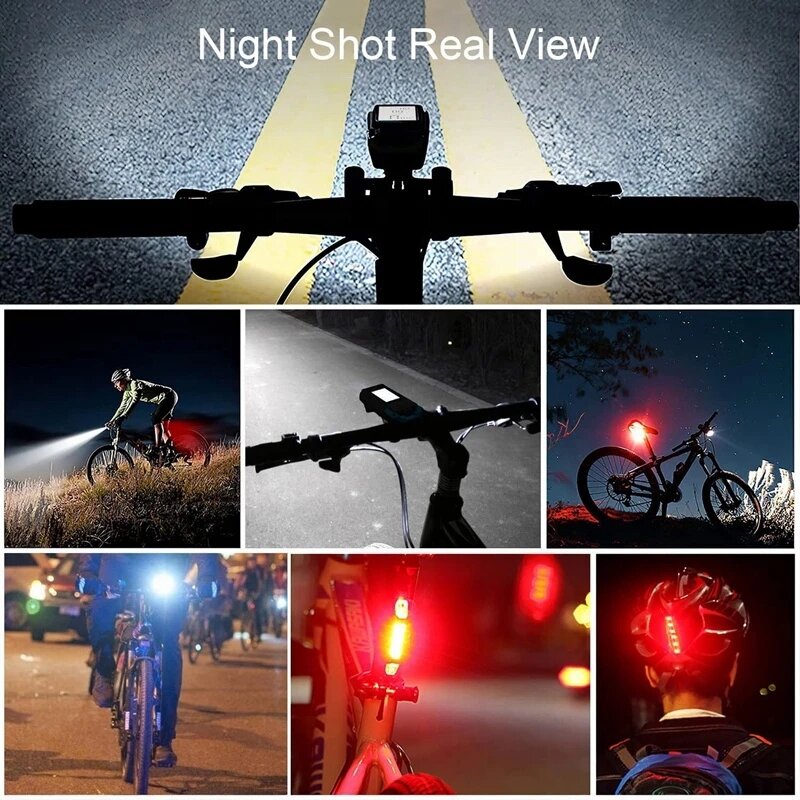
Brightness: 800 lumens
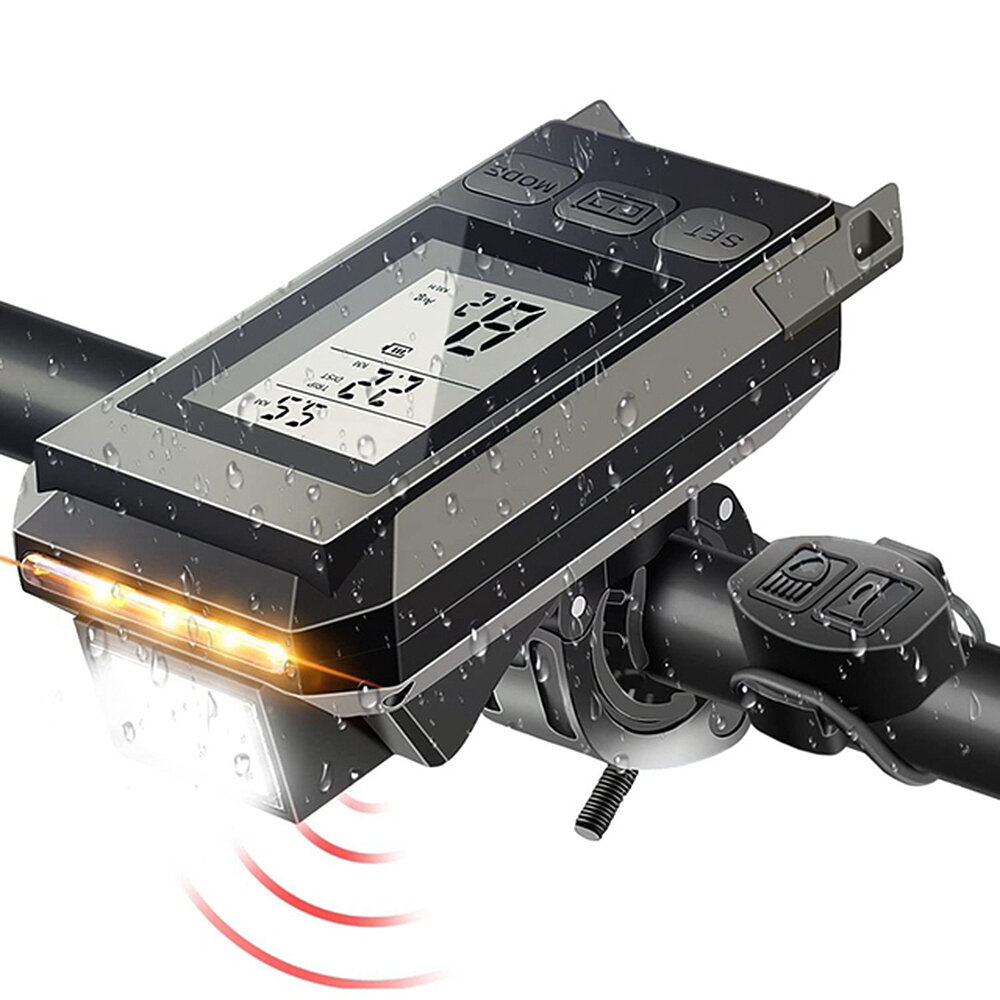
Horn: 120dB
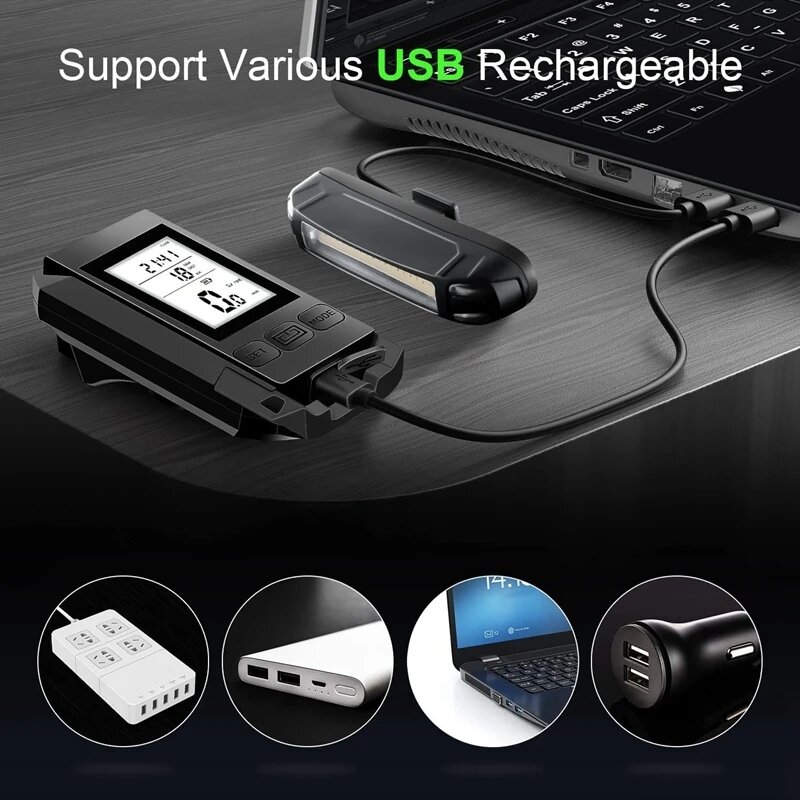
Battery: 2000mAh
Waterproof: IP65 waterproof rating
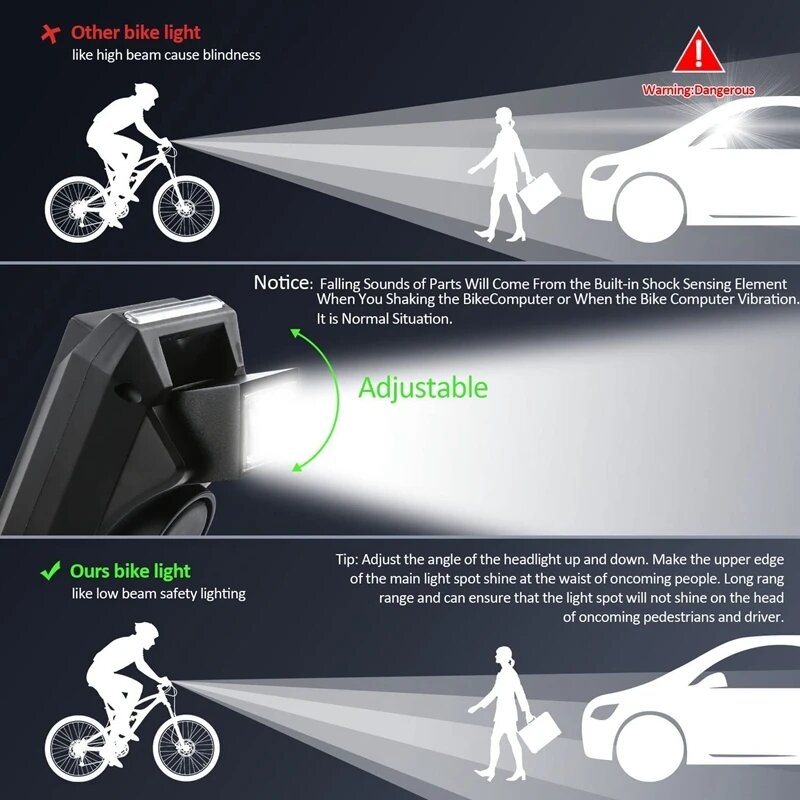
Light way: German standard anti-shooting eyes
Color: black/blue/red/green
Way: code table and sensor for not wire connection
1. Enter the interface after powering on and full display
The first line displays: real-time time, calories, cycling distance, total cycling distance, cycling time, total cycling distance, etc.
2. Press Mode to switch the function of the first row (left button)
In the current function interface, long press the mode key to enter the setting or clearing state. For example: in TOTAL _DIST mode, press and hold the mode key to enter the setting state.
In the setting state, continue to press the mode key to select, and press the set key to add and subtract until the end of the bit selection.
Only the total riding time, total riding distance, and real-time time can be set, and the others will be cleared!
3. The second line displays the cycling distance
Press the mode button and the set button at the same time to enter the kilometer and mile setting, wheel circumference setting and weight setting. The default wheel circumference is 2060mm, and the mode key is also used to select the position, and the set key is used to add and subtract. After setting the wheel circumference, it will display 070, which means that the default weight is 70Kg
4. The third line displays: current speed, maximum speed, average speed, temperature, kilometers or miles
Press the set button to switch functions Short press to switch functions Long press to clear
5. Default backlight time; greater than 18:00, less than 06:00, the bright time is 5s. Press and hold the LED power button for about 3 seconds to turn on the backlight constant light function, and press and hold it for 3 seconds to turn off the backlight constant light function.



 Roymall C.o.


 Ẹbun ọfẹ
 Ilana gbigbe
 Ilana pada





 Coupon Code
 Direct purchase from the factory
 Bike Lights
 Bike & Bicycle
 Headlights


![[USA Direct] SAMEBIKE XWLX09 10Ah 48V 500W 20 Inches Moped Electric Bike Smart Folding Bike 80-90km Mileage Max Load 150-180kg](https://static.roymall.com/d/file/mall/bigpic/232/n2mqj1aoqos.jpg?x-oss-process=image/resize,w_237/quality,Q_80/format,webp)