A gba awọn nkan pada laarin awọn ọjọ 40. Awọn nkan aṣa ko le pada. Awọn nkan ti a ra pẹlu kaadi ẹbun ni iyipada nikan.
Ẹbun Ọfẹ
Kaabọ si Roymall, oju opo wẹ ẹbun rẹ. A dupẹ lọwọ rẹ, a si pese ẹbun ọfẹ pẹlu eyikeyi rira.Ṣetan lati ṣawari akojo wa? Yẹra ni koko wa, fi aṣẹ rẹ sii, ki o si gba ẹbun ọfẹ rẹ.
Ilana Gbigbe
A nṣe awọn aṣẹ laarin ọjọ 2.Gbigbe deede jẹ ọjọ 5-7.Akoko gbigbe le yatọ da lori ibudo.
1. Ilana Pada
A gba nikan awọn nkan ti a ra lati roymall.com.Awọn ẹbun ọfẹ ko le pada.Nkan gbọdọ jẹ ailohunsi ati ni apoti atilẹba.A nṣe awọn pada laarin ọjọ 3-5 lẹhin gbigba.Awọn nkan aṣa ko le pada.Kan si wa: service@roymall.com tabi Whatsapp: +447549870296
2.Ilana Isanwo
Iwọ yoo gba isanwo lẹhin gbigba nkan.A ko san owo gbigbe pada.Kan si wa: service@roymall.com tabi Whatsapp: +447549870296
Videos for similar product
Loading product videos...
❮
❯
Products related to this item
Loading related products...
❮
❯
Features:
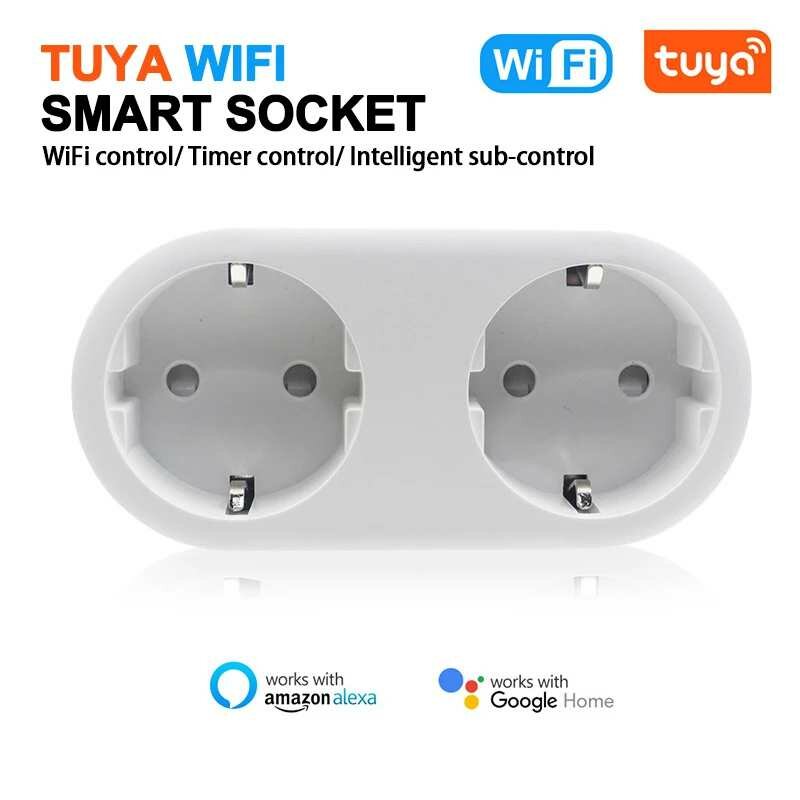
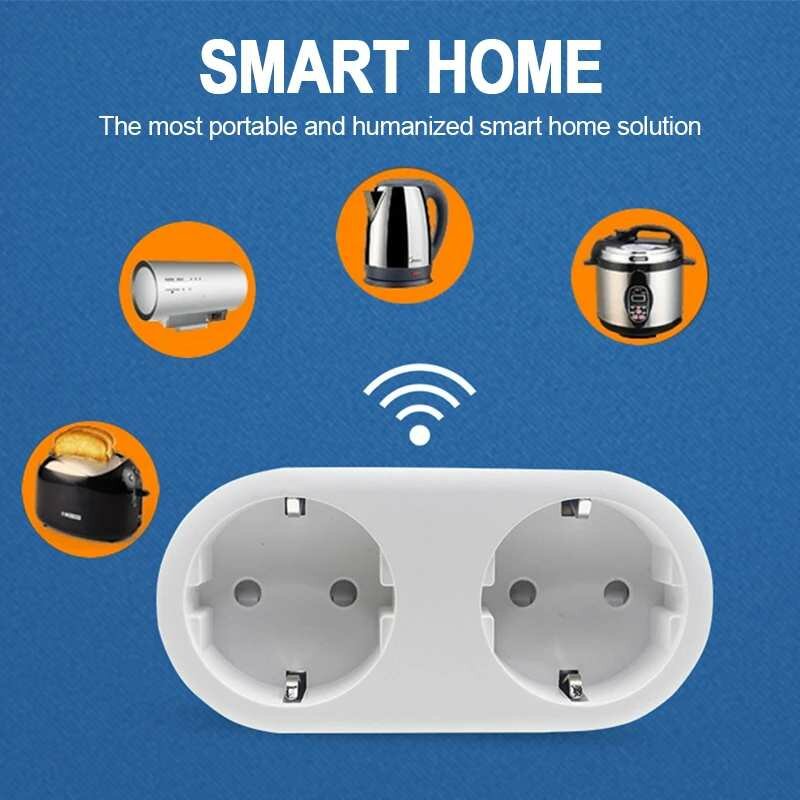
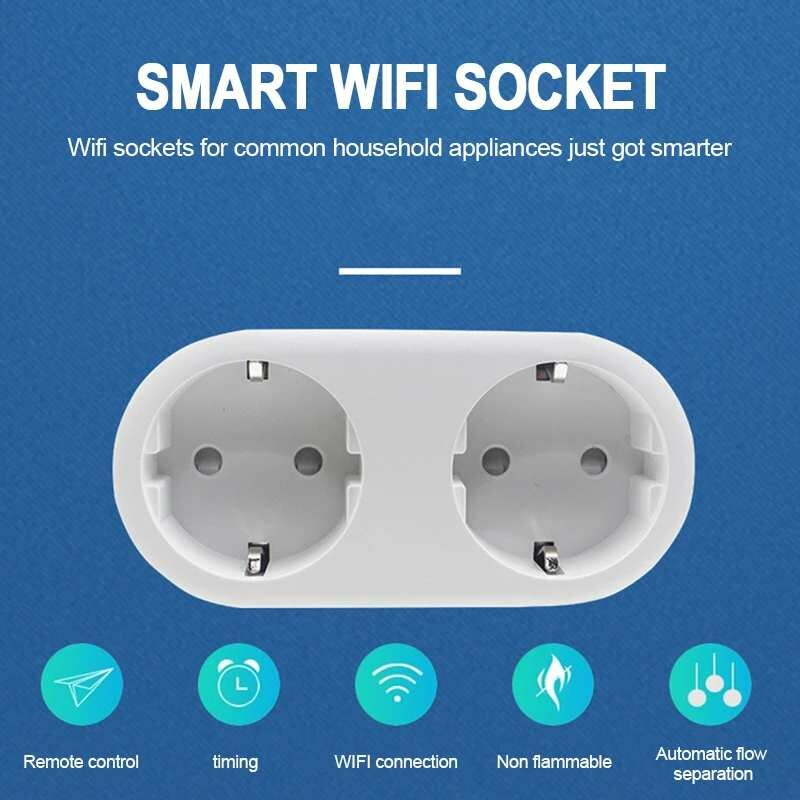
1.Control with Your Voice:Works with Amazon Alexa and Google Home for voice control, easily open and close any household appliances.
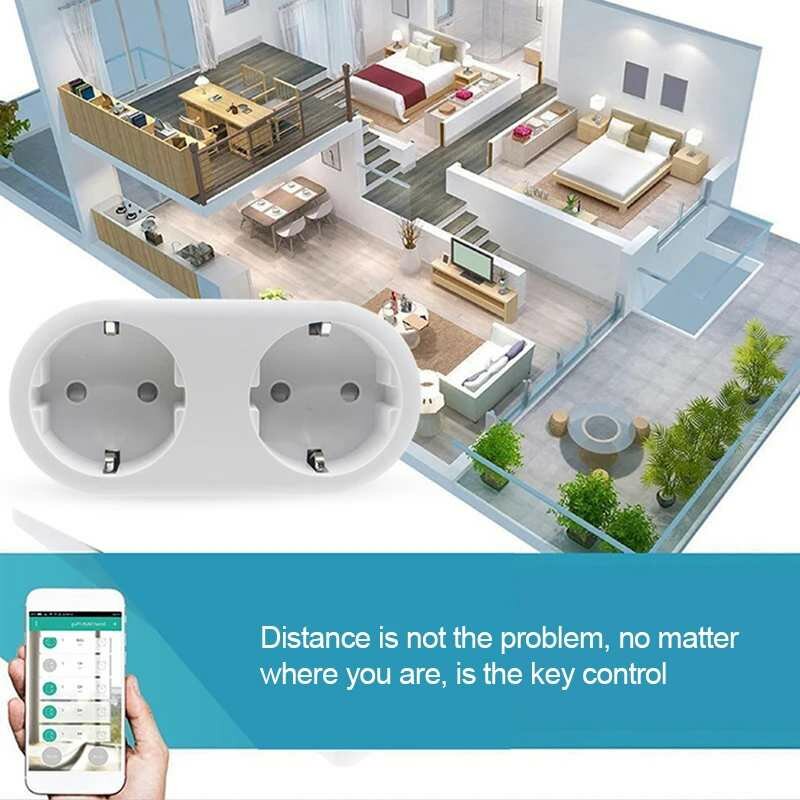
2.Control from anywhere:Remote control your household appliances form anywhere in the world on your smart phone or tablet over the internet.
3.Connection(WiFi/3G/4G) using the smart plug.
3.Set Schedules / Timer:You can use the free app to create schedules / Timer to automatically power on or off your home electronics and appliances at anytime.
4.No Hub Required:The Smart Plug works with any Wi-Fi router without the need for a separate hub or paid subscription service.
5.Easy to Set Up.
Specifications:
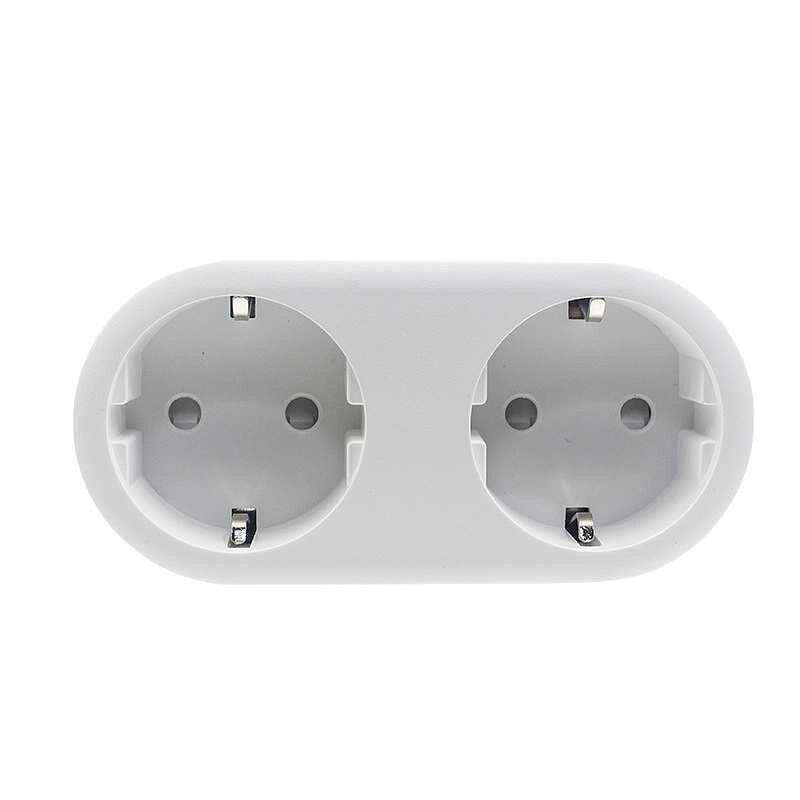
*Produce Name: Tuya WIFI Smart Socket
*APP:Smart Life/TUYA/Alexa
*Voltage:200-240V
*Max output:16A
*Standard: EU Standard
*Support system: Android4.4 or iOS9.0 or above
Package Included:
1 x Tuya WIFI Smart Socket
1 x Manual
How to Use:
1. Use with Smart Life:
a):Search ""Smart Life"" on App1 store, Google Play or Scan the QR code on User Manual to download and install it.
b):Set up your Smart Life account
c):Plug Gosund S1 into an AC outlet
d):Add Device>ELECTRICAL OUTLET and confirm the device in the App.
e):Connect the plug to your local WIFI with your phone connecting to it.
f):Schedule your appliances.
2. Use with Alexa:
a):Set your Echo Speaker by Alexa APP
b):Enable a Skill which is ""Smart Life"" in Alexa APP.
Note: Please set up Smart Life before setting up Alexa.
3.Use with Tuya:
a ): Download the""Tuya""App;
b ): Plug the Smart Wifi Plug into any outlet;
c ): Configure Smart Wifi Plug preferences on the ""Tuya"" App.



 Roymall C.o.


 Ẹbun ọfẹ
 Ilana gbigbe
 Ilana pada








 Coupon Code
 Direct purchase from the factory
 Consumer Electronics
 Smart Home
 Smart Remote Control
 Smart Sockets Switches