$9.9 артык заказлар өчен түләүсез стандарт тапшыру
Кайтару сәясәте
Кайтарыла торган әйберләр тауарларны алу көненнән 40 көн эчендә кабул ителәчәк. Көйләнгән әйберләр кире кайтарыла яки алыштырыла алмый. Электрон бүләк картасы белән сатып алынган әйберләр генә алыштырыла ала; акча кире кайтару кулланылмый.
Без генә roymall.com сайтында сатып алынган әйберләрне кабул итәбез. Әгәр сез безнең җирле дистрибьюторлардан яки башка розница сатучылардан сатып алсагыз, сез аларны безнең якка кире кайтара алмыйсыз.Соңгы сату әйберләре яки түләүсез бүләкләр кире кайтарыла алмый.Кире кайтару өчен яраклы булыр өчен, әйбер кулланылмаган һәм сез аны алган кебек үк хәлдә булырга тиеш. Ул шулай ук оригиналь пакетта булырга тиеш.Бездән кире кайтару күрсәтмәләрен алганнан соң, зинһар, кире кайтарыла торган әйберләрегезне пакетлагыз һәм пакетыгызны җирле почта бүлегендә яки башка курьерда калдырыгыз. Без сезнең кире кайтарылган яки алыштырылган әйберне алудан соң 3-5 эш көне эчендә эшкәртәчәк. Акча кире кайтару сезнең оригиналь түләү ысулыгызга автомат рәвештә кертеләчәк.Кире кайтару яки алыштыру кабул ителмәячәк, әгәр әйбер шәхси заказ буенча эшләнгән булса, шул исәптән көйләнгән зурлык, көйләнгән төс яки көйләнгән бастыру.Күбрәк ярдәм кирәк, зинһар, безнең белән элемтәгә керегез. service@roymall.com яки Whatsapp: +447549870296
2.Акча кире кайтару сәясәте
Сез тулы акча кире кайтару яки 100% кибет кредиты аласыз, без кире кайтарылган пакетны алганнан һәм тикшергәннән соң. Акча кире кайтару сезнең оригиналь түләү ысулыгызга автомат рәвештә кертеләчәк.Зинһар, игътибар итегез, тапшыру бәяләре һәм һәрбер пошлина яки җыемнар кире кайтарылмый. Өстәмә тапшыру бәяләре пакет җибәрелгәннән соң кире кайтарылмый. Сез бу җыемнарны түләү өчен җаваплы, һәм без аларны кире кайтара алмыйбыз яки түләмәбез, хәтта заказ безгә кире кайтарылса да.Без сезнең кире кайтарылган әйберне алганнан һәм раслаганнан соң, без сезгә электрон почта җибәрәчәкбез, сезгә без сезнең кире кайтарылган әйберне алганыбыз турында хәбәр итәр өчен. Без шулай ук сезгә акча кире кайтаруның раслануы яки кире кагуы турында хәбәр итәчәкбез.Әгәр сезнең акча кире кайтару процессы белән бәйле проблемаларыгыз булса, зинһар, безнең белән элемтәгә керегез. service@roymall.com яки Whatsapp: +447549870296
Videos for similar product
Loading product videos...
❮
❯
Products related to this item
Loading related products...
❮
❯
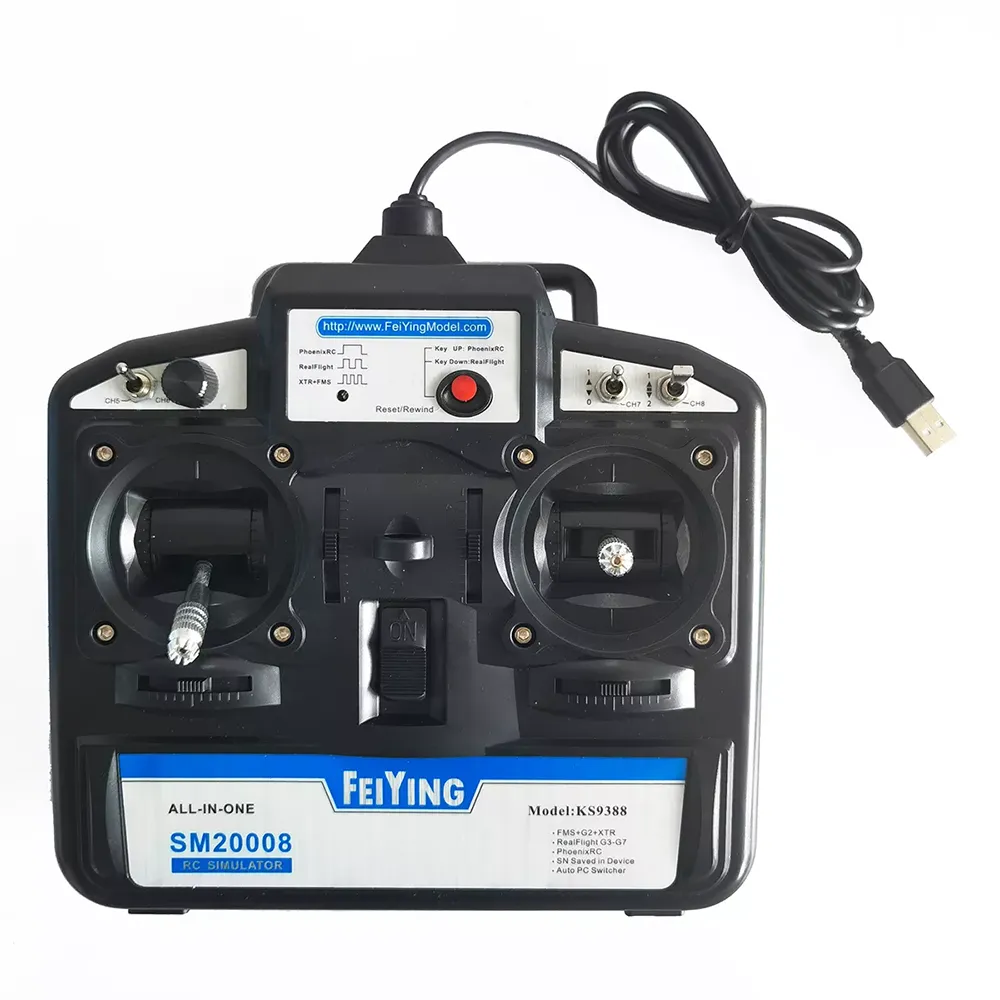
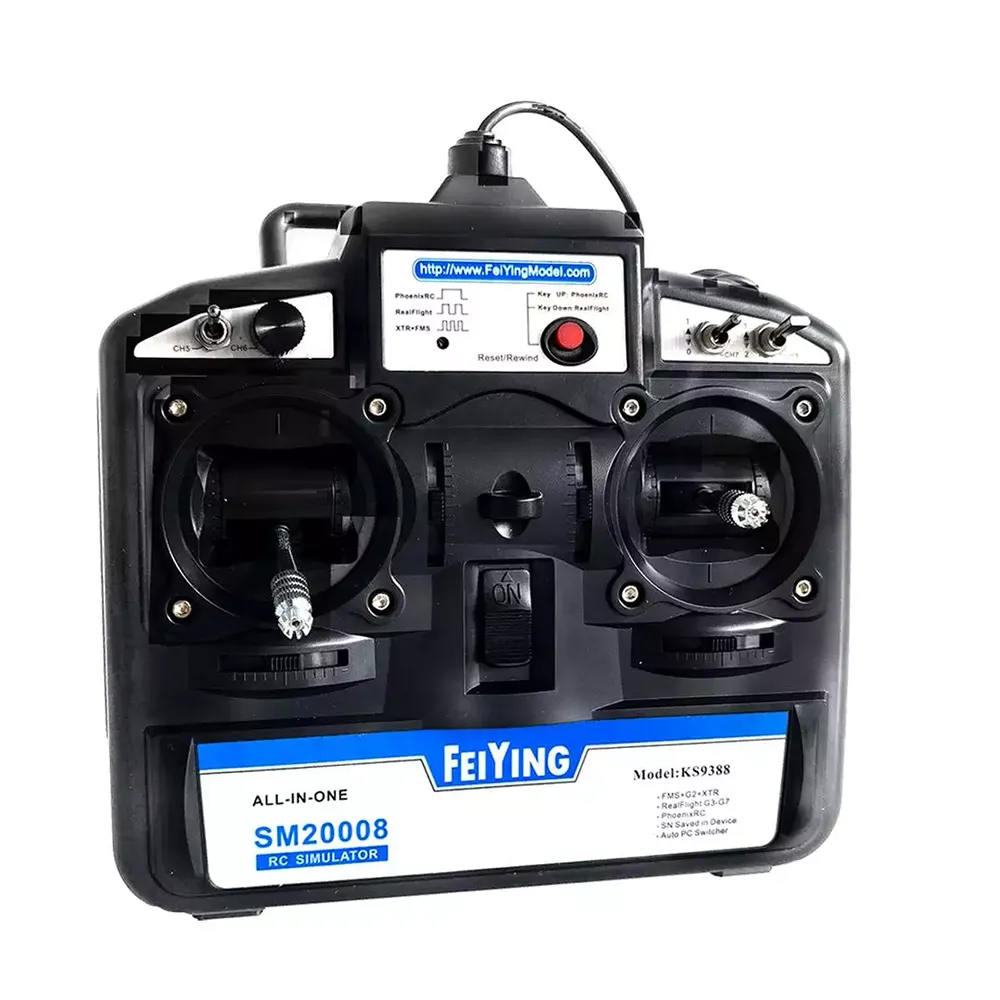
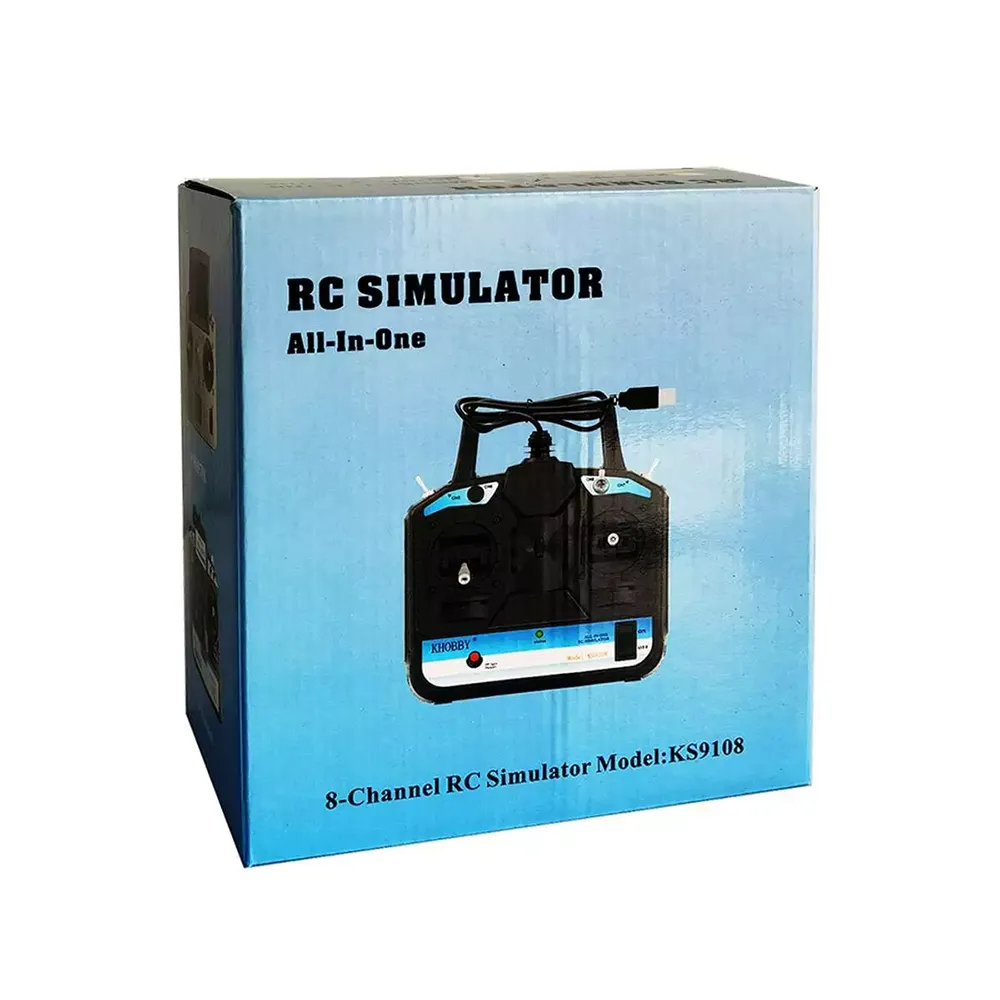
SM2008 6/8CH ALL-IN-ONE RC Simulator Support FMS+G2+XTR RealFlight G3-G9 PhoenixRC Simulator for RC Racing Drone
Description:
Item Name: RC Simulator
Model: KS9388
Number of channels: 6/8CH
Features:
* Support FMS, XTR, PhoenixRC, RealFlight G3 to the latest G8 G9.
* No battery is needed, and the USB can be connected to the USB port of the computer for power supply.
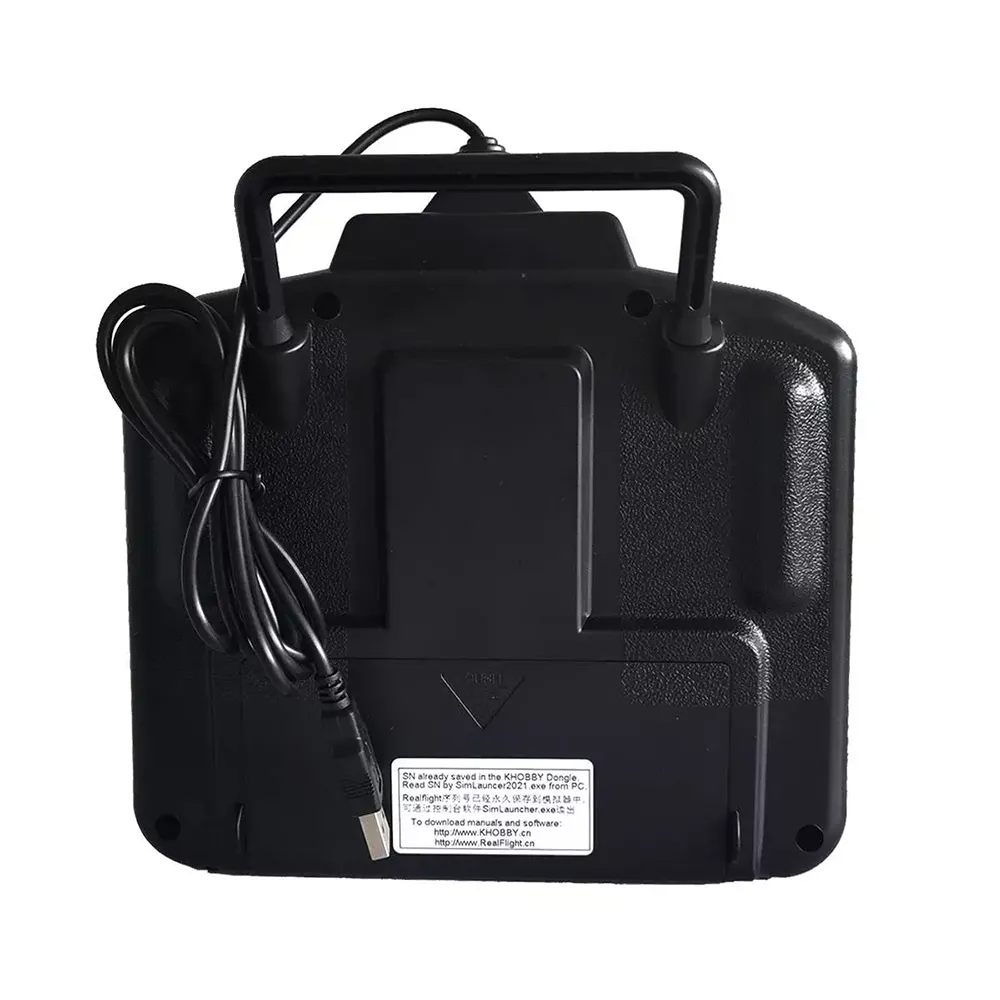
* RealFlight G8 G9 unique serial number, which can be activated and bound to a computer. After binding the computer, there is no need to worry about the simulator corresponding to the computer equipment, it can be used universally.
* 8 channels. (Two two-position switches, one knob, one three-position switch)
* One-key switching of console software. No need for physical shifting. The equipment is more durable.
Fantastic seller with fast shipping. Highly recommend buying from!
I bought this transmitter to teach myself to fly in Mode 2 from Mode 1.
The transmitter works with all versions of RealFlight that I have from version 7 up to 9.5, However you need to follow a few steps first which are easy to do.
I had to upgrade the firmware in my transmitter via the KHOBBY SimHelper application before I could use it. This was a free upgrade for me. Then I installed version 9.5 of RealFlight and closed it after the install. I then ran RF 9.5 from the KHobby SimHelper menu and it loaded without any issue.
Now to use the controller. You will need to calibrate it from the calibration menu from inside RF 9.5 and make sure that you select the InterLink-X as the other options do not work. You might also have to re-assign the controls in the calibration section which I guess is dependent on the mode that you are flying with. For example I had to remap channel five on the transmitter to use retracts as channel 5 is the channel I use for retracts when I am flying my real models.
I also noticed that after you launch RF 9.5 you will see a banner saying RF 9.5 over the actual program which is quite annoying. But easily fixed. All you have to do is go down to your Windows task bar and right click on the blue RF icon and select close. This will close this banner but still leave RF 9.5 running. However you will have to do this each time you launch RF 9.5. Minor inconvenience really.
I had an issue with the sound not working either after installation of RF 9.5. But this was an easy fix by exiting the program and running it again.
I am not allowed to post links here. So if you need the files to use the transmitter with or have any questions? Please email me at cybagirl at gmail dot com as I will be more than happy to help you or anyone for that matter.
I also have a direct link that was sent to me for RF 9.5 which is what I have installed.



 Roymall C.o.


 Түләүсез бүләк
 Тапшыру сәясәте
 Кайтару сәясәте








 Coupon Code
 Direct purchase from the factory
 Radios & Receiver
 RC Parts