Tichashanda nesimba kutumira zvinhu kwauri mushure mekugamuchira maodha ako uye kuve nechokwadi chekuti zvinosvika zvakachengeteka. Ruzivo rwekutumira rwuchapihwa muemail yako yekusimbisa.Kazhinji, maodha anogadziriswa mukati memazuva maviri.Pasi pemamiriro ezvinhu akakosha, zvinononoka seinotevera: Paunoisa odha neMugovera, Svondo kana mazororo, zvinononoka kwemazuva maviri.Kazhinji, zvinoda mazuva mashanu kusvika manomwe ekushanda (Muvhuro kusvika Chishanu) pasina kukanganiswa nekunonoka kwendege kana zvimwe zvinhu zvemamiriro ekunze.Sezvo basa redu rekutumira riri pasi rose, nguva dzekutumira dzinoenderana nenzvimbo yako saka zvingatora nguva shoma uye ndapota mirira nemoyo murefu kana iwe uri mumatunhu ari kure kana nyika.
1. Kudzoserwa & Kuchinjaniswa Mutemo
Tinogamuchira chete zvinhu zvakatengwa kubva roymall.com. Kana iwe ukatenga kubva kune vedu vekutengesa kana vamwe vatengesi, haugone kuzvidzosera kwatiri.Zvinhu zvekupedzisira kutengeswa kana zvipo zvemahara hazvigamuchirwe kudzoserwa.Kuti ukwanise kudzosa, chinhu chako chinofanira kunge chisina kushandiswa uye chiri mumamiriro akafanana neawachigamuchira. Chinofanirawo kunge chiri mupakeji yepakutanga.Mushure mekugamuchira mirairo yekudzosa kubva kwatiri, ndapota pakeja zvinhu zvako zvakadzoserwa uye donhedza pasuru yako kuposvo yemuno kana imwe courier.Tichagadzirisa chinhu chako chakadzoserwa kana kuchinjaniswa mukati memazuva matatu kusvika mashanu ekushanda mushure mekunge tagamuchira. Mari yacho ichagadziriswa uye yozopihwa otomatiki kune yako yekutanga nzira yekubhadhara.Hapana kudzoserwa kana kuchinjaniswa kunogona kugamuchirwa kana chigadzirwa chakagadzirwa netsika, kusanganisira saizi yakagadziridzwa, ruvara rwakagadziridzwa, kana kudhinda kwakagadziridzwa.Unoda rumwe rubatsiro, ndapota taura nesu. service@roymall.com kana Whatsapp: +447549870296
2.Mutemo Wekudzoserwa Mari
Uchawana mari yakazara kana 100% kiredhiti yechitoro mushure mekunge tagamuchira pasuru yakadzoserwa uye tikaiona. Mari yacho ichagadziriswa uye yozopihwa otomatiki kune yako yekutanga nzira yekubhadhara.Ndapota cherechedza kuti mitengo yekutumira uye chero mitero kana mubhadharo haidzoserwe. Mari yekuwedzera yekutumira haidzoserwe kana pasuru yatotumirwa. Iwe une basa rekubhadhara aya mitero uye isu hatikwanise kuregerera kana kudzosera, kunyangwe odha ikadzoserwa kwatiri.Kana tangogamuchira uye tasimbisa chinhu chako chakadzoserwa, tichakutumira email kukuzivisa kuti tagamuchira chinhu chako chakadzoserwa. Tichakuzivisawo nezvekubvumidzwa kana kurambwa kwemari yako.Kana uine chero matambudziko maererano nemaitiro ekudzoserwa mari, ndapota taura nesu. service@roymall.com kana Whatsapp: +447549870296
Videos for similar product
Loading product videos...
❮
❯
Products related to this item
Loading related products...
❮
❯
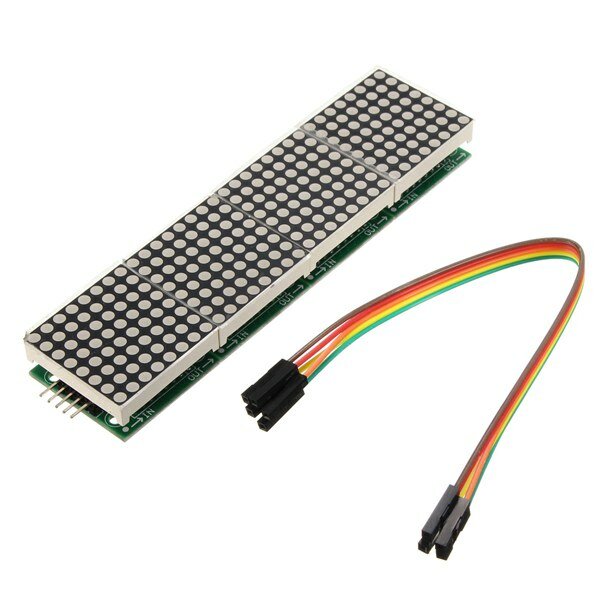
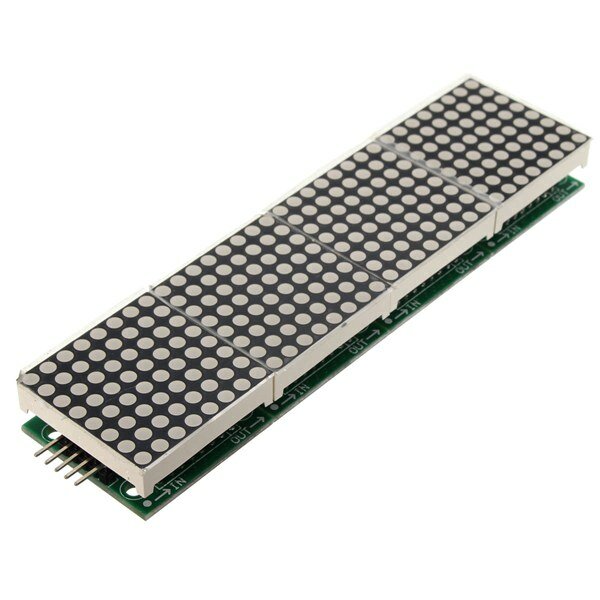
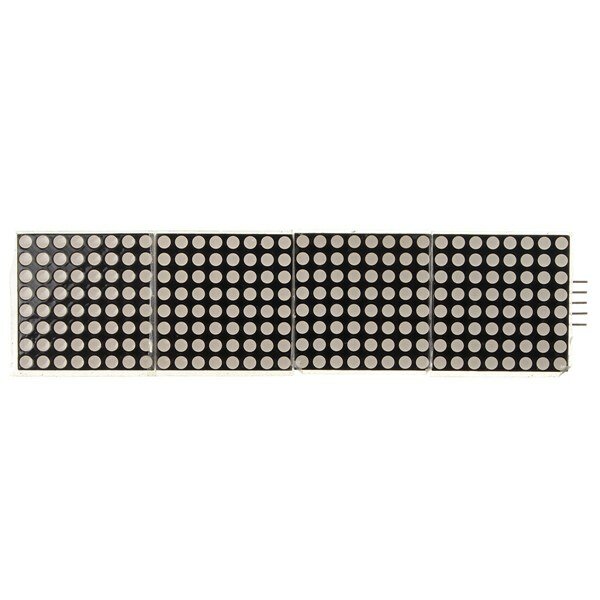
MAX7219 Microcontroller 4-in-1 Display Dot Matrix Module For
Specifications:
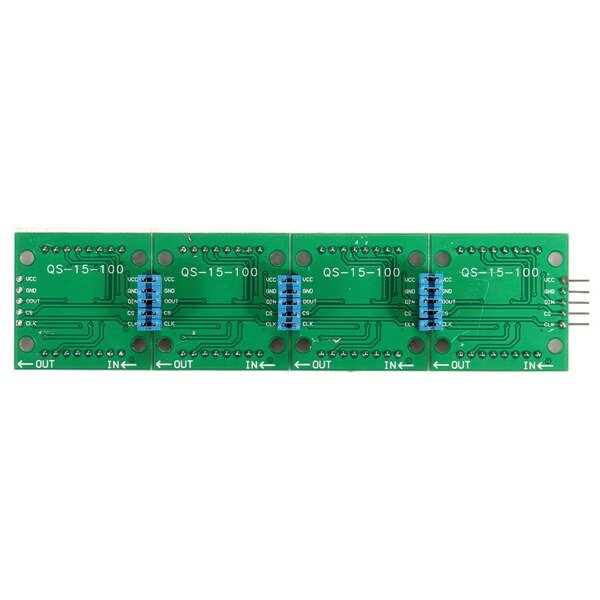
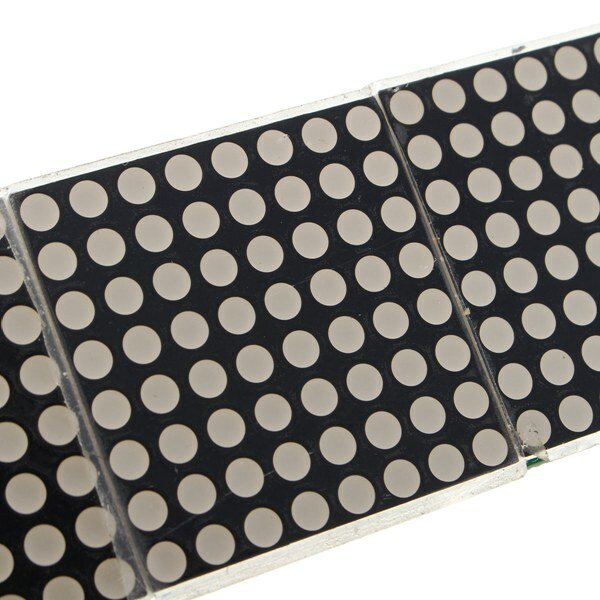
A single module can drive a 8x8 dot matrix common cathode Working voltage: 5V Module size: 12.8 x 3.2 x 1.3 cm (L*W*H) With 64 fixing screw holes, hole diameter: 3mm Module with input and output interfaces, support for cascading multiple modules
Wiring:
1. The left side of the module is the input port, and the right is the output port. 2. Control of a single module, the input port only need to receive CPU. 3. The more a module cascade and input end of the first module is connected with the CPU and input end of the input end of the output end is connected to the second module, output terminal of the second module connected with the three modules, and so on. For example: 51 SCM VCC→5V GND→GND DIN→P2.2 CS →P2.1 CLK→P2.0
Package included:
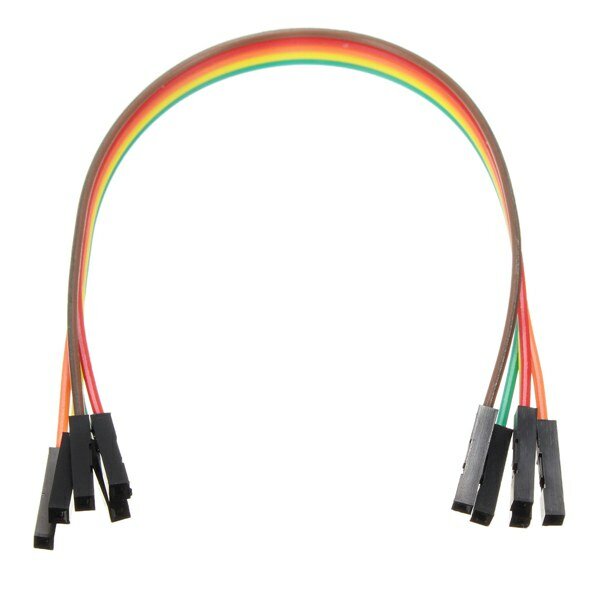
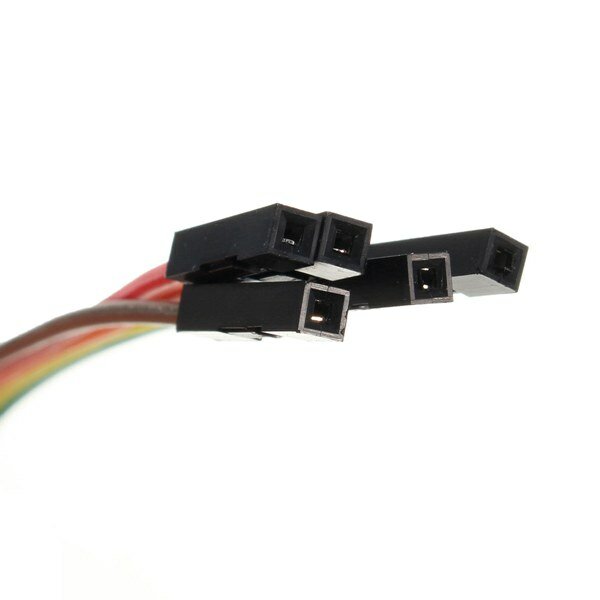
1 x MAX7219 Dot Matrix Module 1 x 5pin Dupont Cable
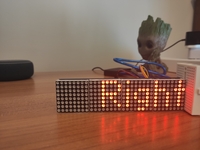
I first tried the dotMatrix on the Arduino with the Sprite and Matrix libraries. I got funny results because the column adressing is reversed.
Therefore I switched to the MD_MAX72xx libraries. Make sure to change the define in the MD_MAX72xx. h file to read:
#define USE_FC16_HW 1
I used the MD_Keyswitch library found at https://github.com/MajicDesigns/MD_KeySwitch
and the MD_MAX72xx library found at https://github.com/MajicDesigns/MD_MAX72XX
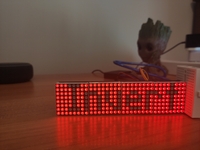
Then I pulled the source at https://github.com/MajicDesigns/MD_MAX72XX/blob/master/examples/MD_MAX72xx_ScrollChart/MD_MAX72xx_ScrollChart.ino
With that you should be able to get it to work.
If you use pins that are not-SPI standard, make sure to activate the call to MD_MAX72XX with four parameters, and comment out the one with two parameters.
very good product and good price.
If you don't know how that work i found one good tutorial.
https://www.makerguides.com/max7219-led-dot-matrix-display-arduino-tutorial/
If you try the programs and see that they do not work with the first one.
Try changing the names of the pins you will use and reload the program on Arduino.
e.g.
CS_PIN 10
DATAPIN 11
CLK_PIN 13




 Roymall C.o.


 Chipo chemahara
 Mutemo wekutumira
 Mutemo wekudzosa



 ,
, ,
, ,
, ,
, ,
,




 Coupon Code
 Direct purchase from the factory
 Electronic Components & Supplies
 Module Board
 Display Screen