Hitamo ifaranga


Hitamo ururimi


 Roymall C.o.

Kwishyura neza bihamye

 Impano y'ubuntu
 Politiki yo kohereza
 Politiki yo kugarura
Specification:
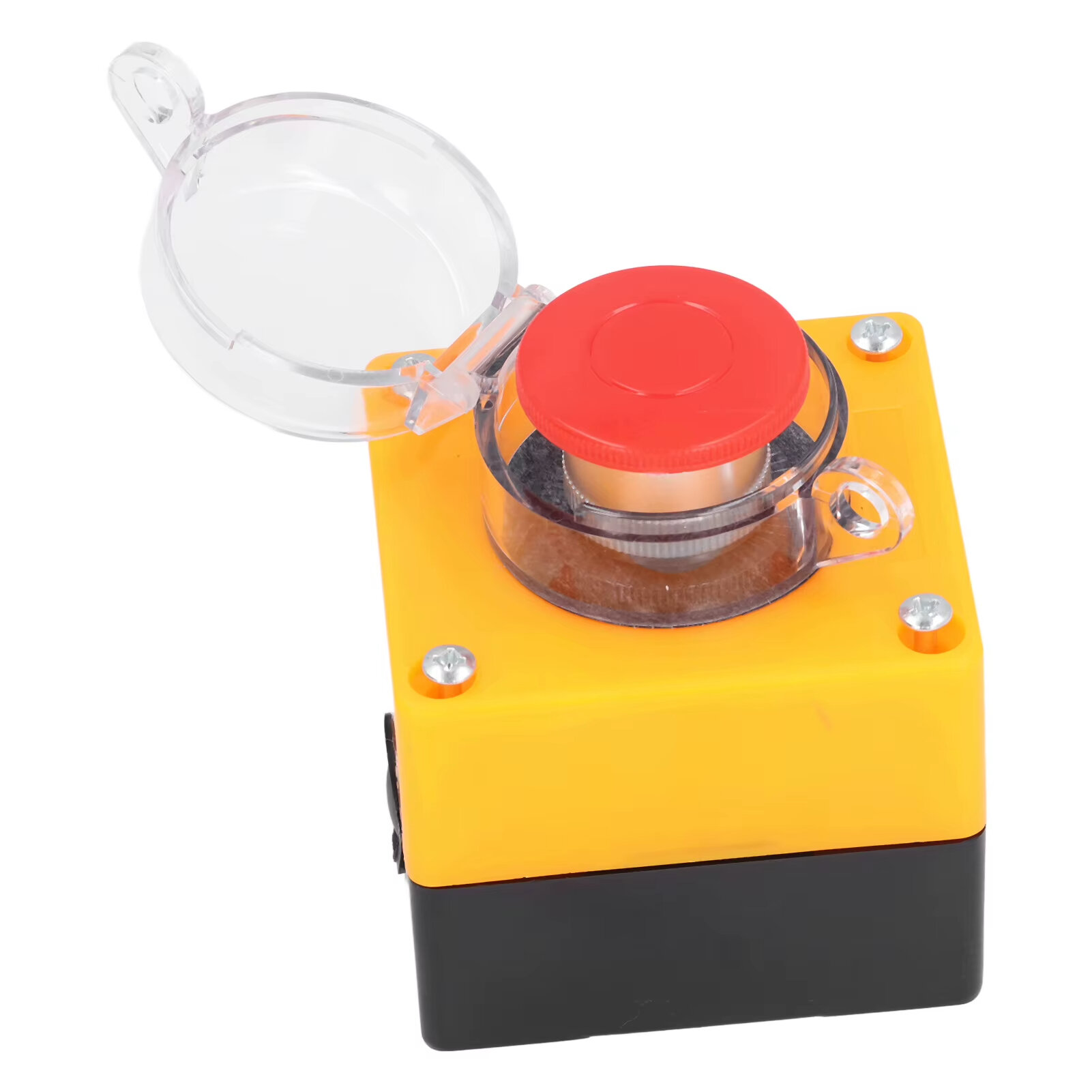
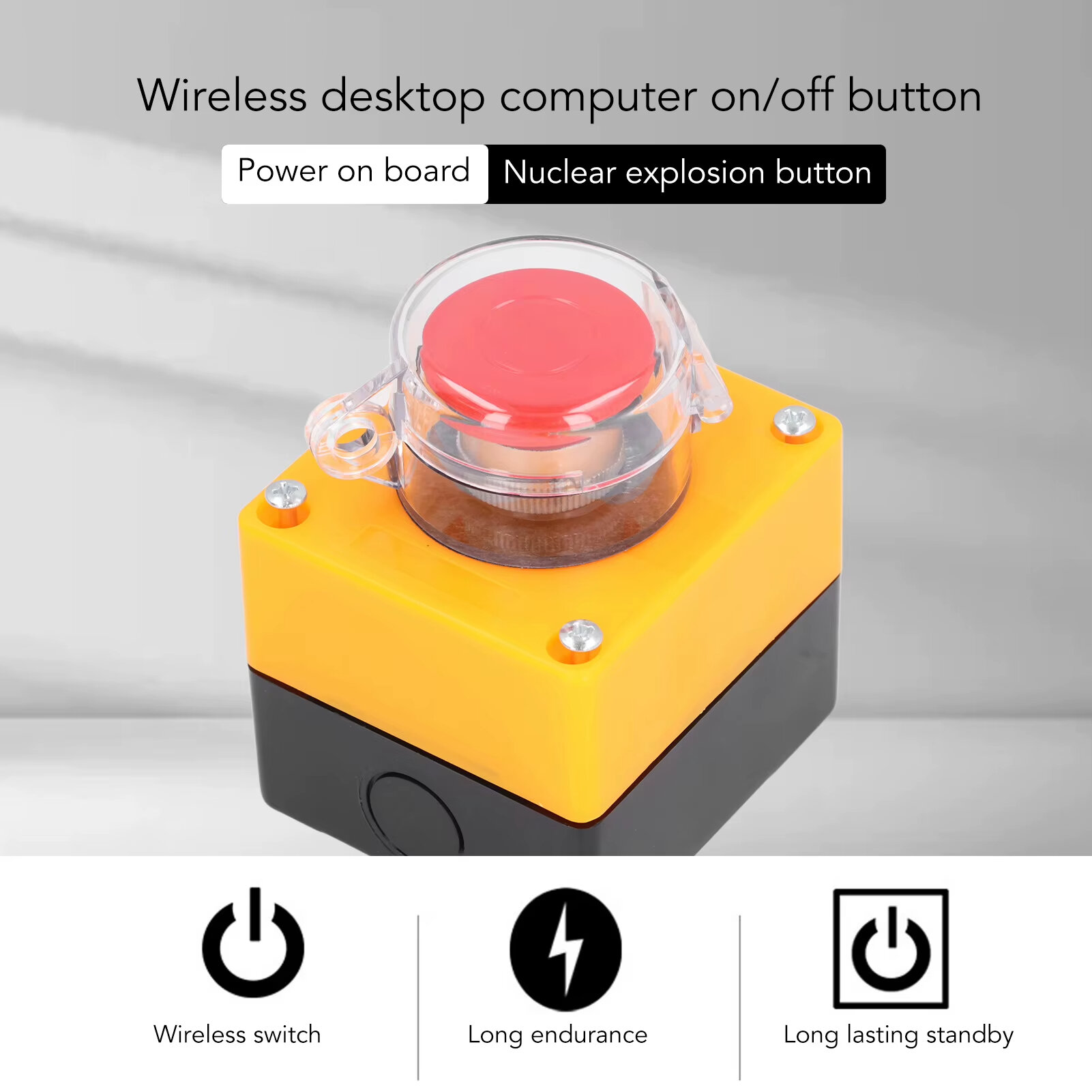
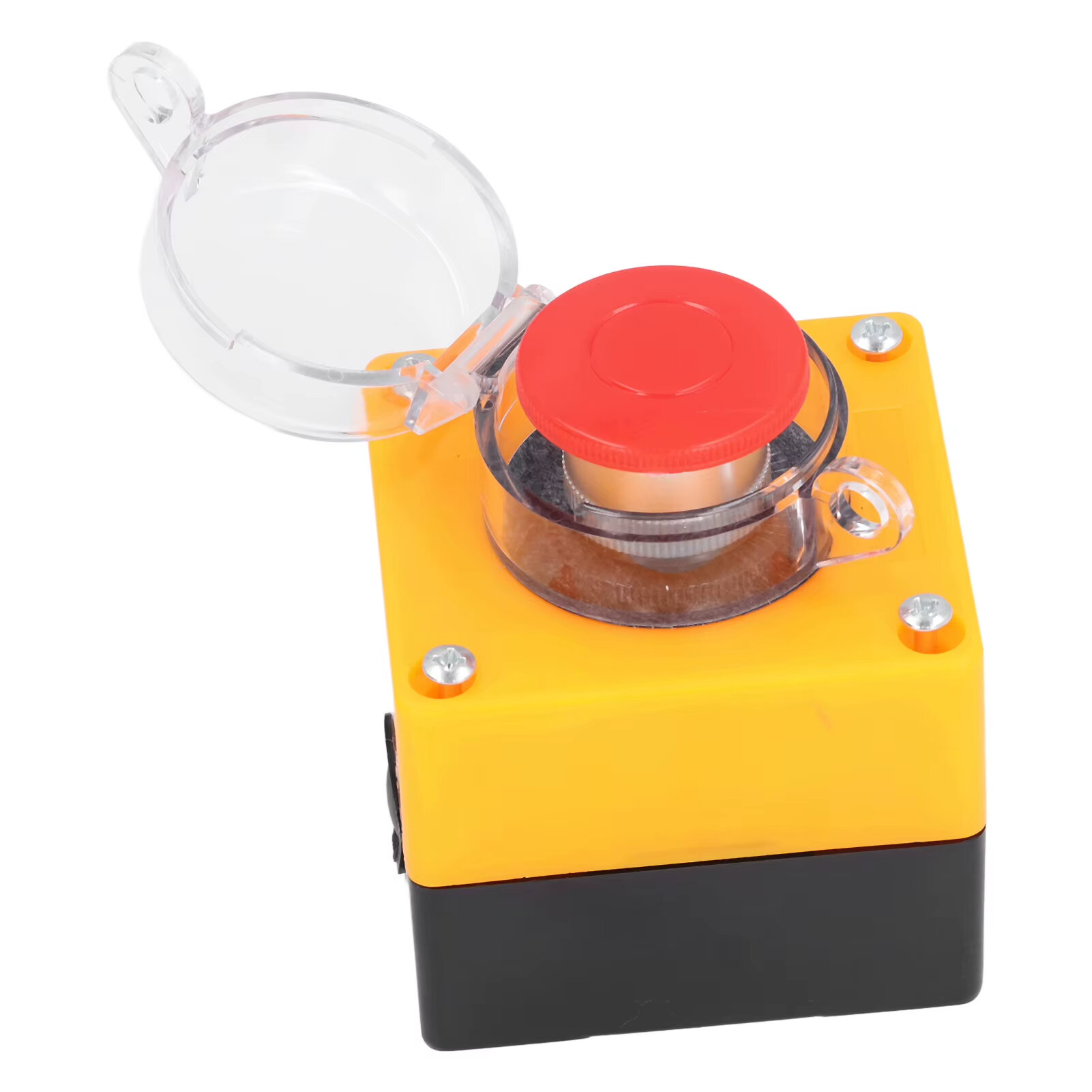
Item Type: Wireless External Computer Power Button Switch
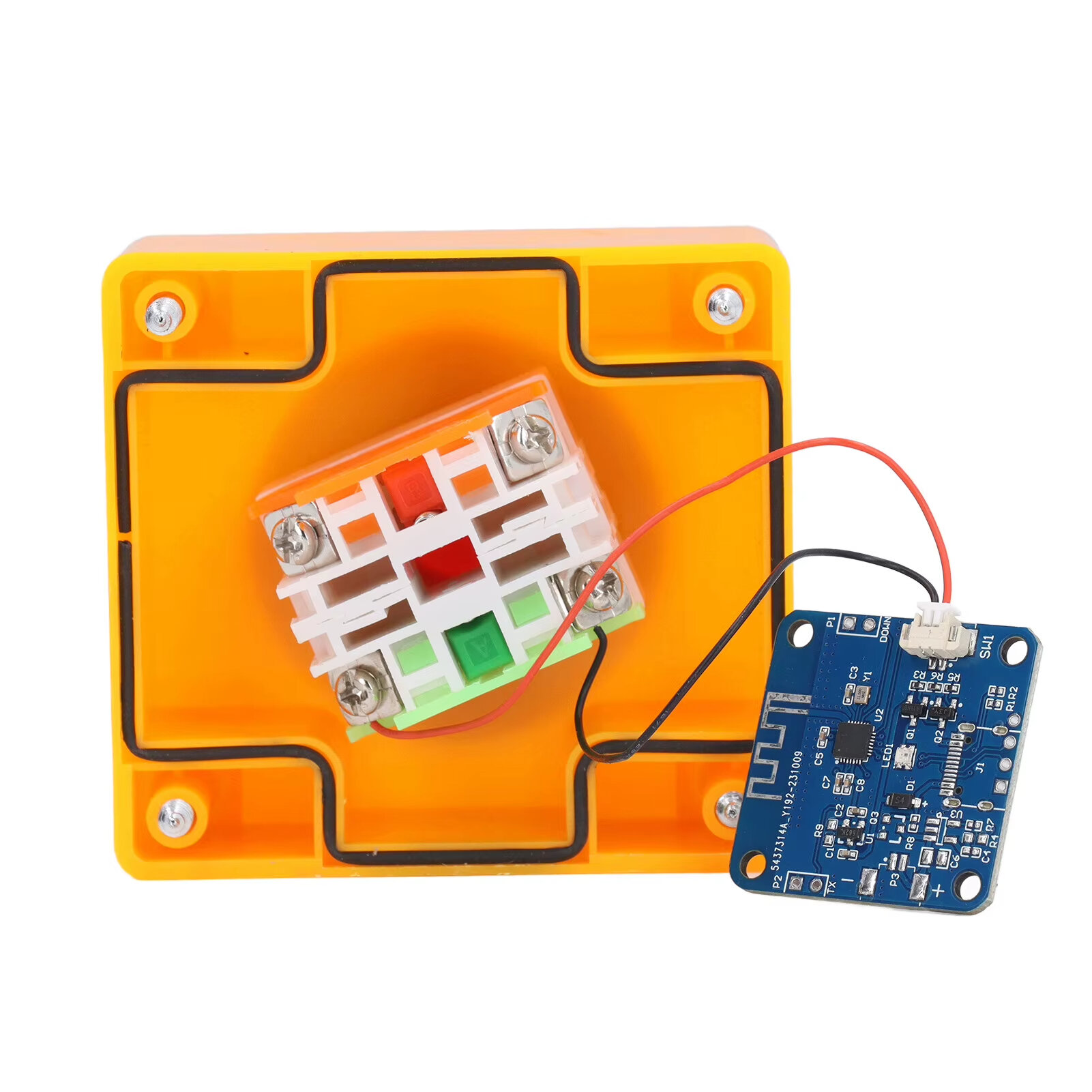
Material: ABS, PCB
Battery: CR2032 button battery x 1
Battery Capacity: 150mah (shipped with built in battery)
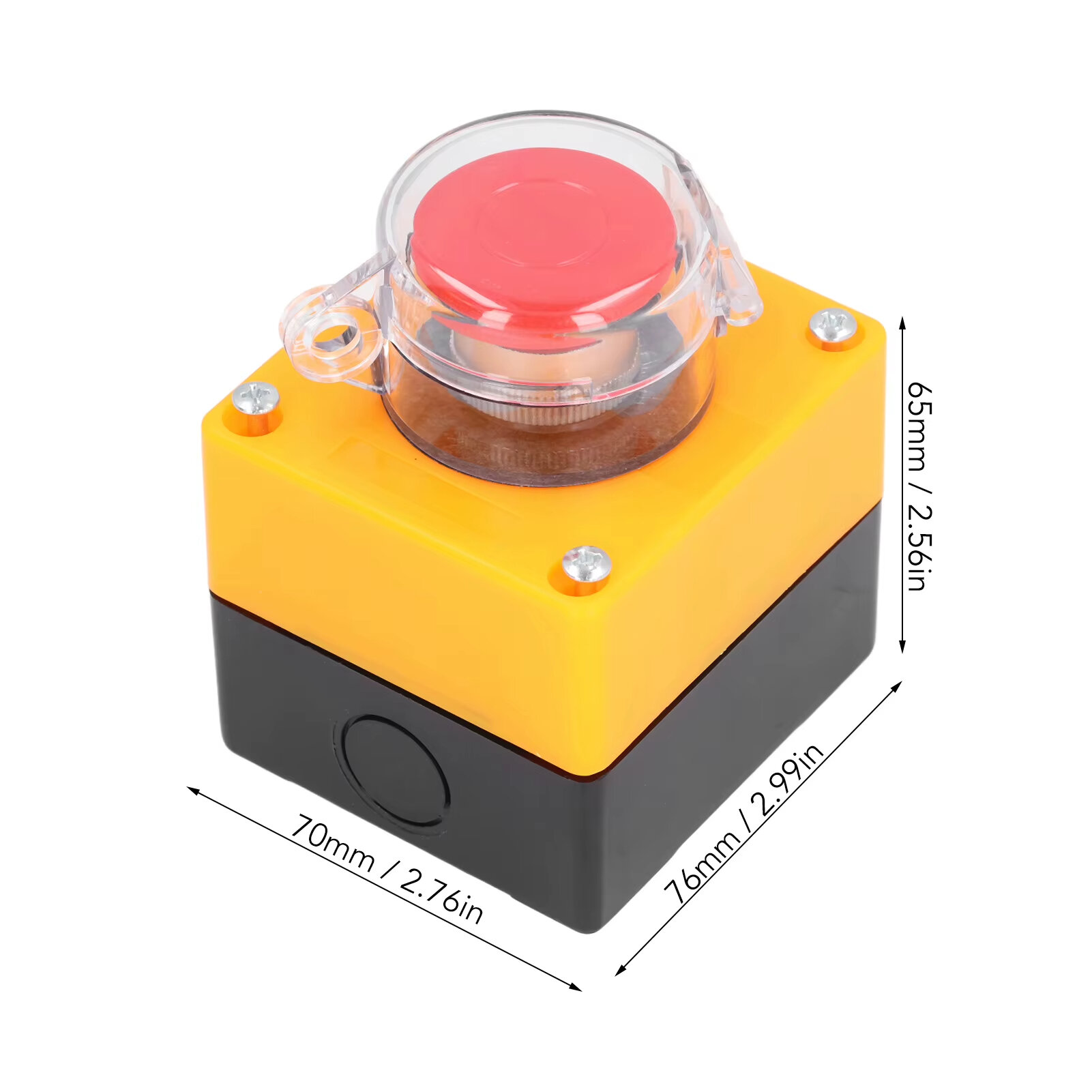
Size: 76*70*65mm
Weight: 164g
Features:
1. WIRELESS POWER BUTTON: This wireless desktop power switch allows you to conveniently turn on your computer within a range of 5 meters. Say goodbye to bending over or reaching for the power button on your computer case. With the option to enable the for BIOS USB power feature, it offers easy and wireless access without the need for charging and ensures long lasting standby functionality.
2. TIDY WORK SPACE: With this wireless external desktop power button, you can control your computer without long cables, keeping your work space neat and tidy. It helps maintain a clean and cool working environment, eliminating the clutter caused by traditional power buttons and cables.
3. REMOTE FUNCTIONALITY: This power switch enables remote operation, allowing you to effortlessly turn on or off the power of your PC tower from a distance. Say goodbye to the hassle of reaching behind your computer or crawling under your desk to access the power button.
4. EASY INSTALLATION: Installing this PC power switch is a breezes. Simply insert the control chip into the PCIE interface on your motherboard, and you"re able to take control of your computer"s power. Ensure that your motherboard has a PCIE interface before installation.
5. IMPROVED CONVENIENCE: With this wireless desktop power switch, you can enhance the convenience of controlling your computer. It provides a simple and efficient solution for powering on your PC, allowing you to focus on your work without any interruptions or cumbersome setups.
How to Use:
The motherboard boot 9 pin position is defined, and the side of the boot small board with a chip faces the side of the board edge.
Mainboard USB2.0 9 Pin definition. The single power bar cable on the startup board needs to be plugged into the USB and 5V.
1. Locate the 9 pin startup bar on the mainboard, remove the original bar, and insert the startup board.
2. Insert the eight cables on the mainboard into the startup board in the original sequences.
3. Connect the power bar on the startup pad to the USB 5V power supply pin on the mainboard.
4. At this point, the installation of the startup board is complete, and the power supply option of USB shutdown is enabled in the computer BIOS. Because there are many types of motherboards, please find out how to enable this option.
5. Press the nuclear explosion button to turn it on.
Package Include:
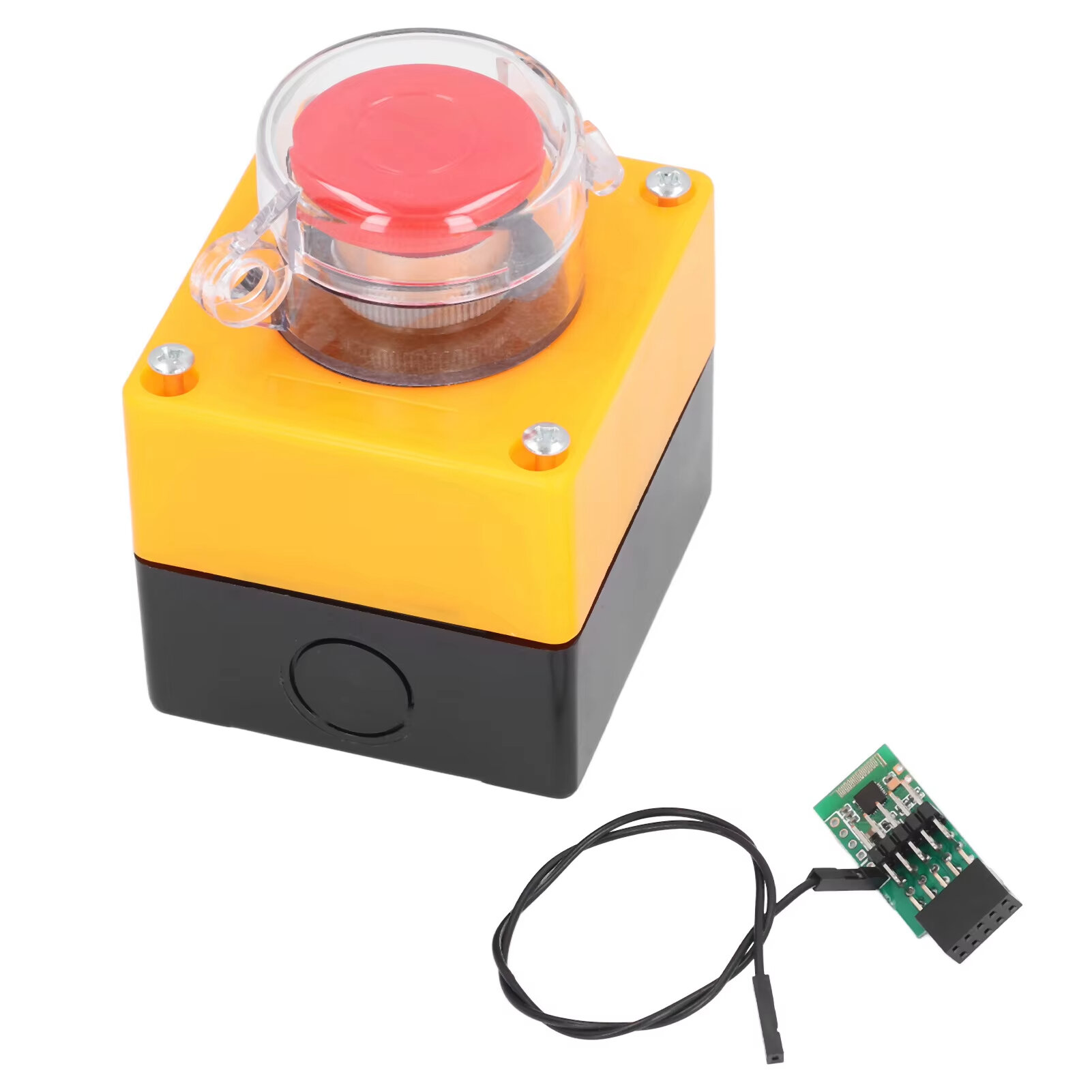
1 x Desktop Power Button Switch
1 x Mainboard Boot Board






Kugira ubone amakuru mashya no kugabanuka kwa 15% ku gutangura.

Hi ?
How can we help?


 Coupon Code
 Direct purchase from the factory
 Electronic Components & Supplies
 Module Board
 Other Module Board