Select Currency


Select Language





 Roymall C.o.

Guaranteed Safe Checkout

 Free Gift
 Shipping Policy
 Return Policy
Wireless network:1. Click Set Wifi in the watch main menu.2. Connect to the "WatchyAp" wifi from another device, such as a mobile phone or computer/laptop.3. Open 192.168.4.1 in your browser. On a Phone, this page opens on its own when connected to wifi.4. Click on "Configure WiFi"5. Enter the SSID and password. (Note: SSID can be pre-filled through the network listed at the top of this screen)6. Click the "Save" button and wait for Watch.7. If the connection fails, the watch will display "Setup failed and timed out!" Otherwise, the local IP address and SSID of the connected network are displayed and confirmed.
Package includes:
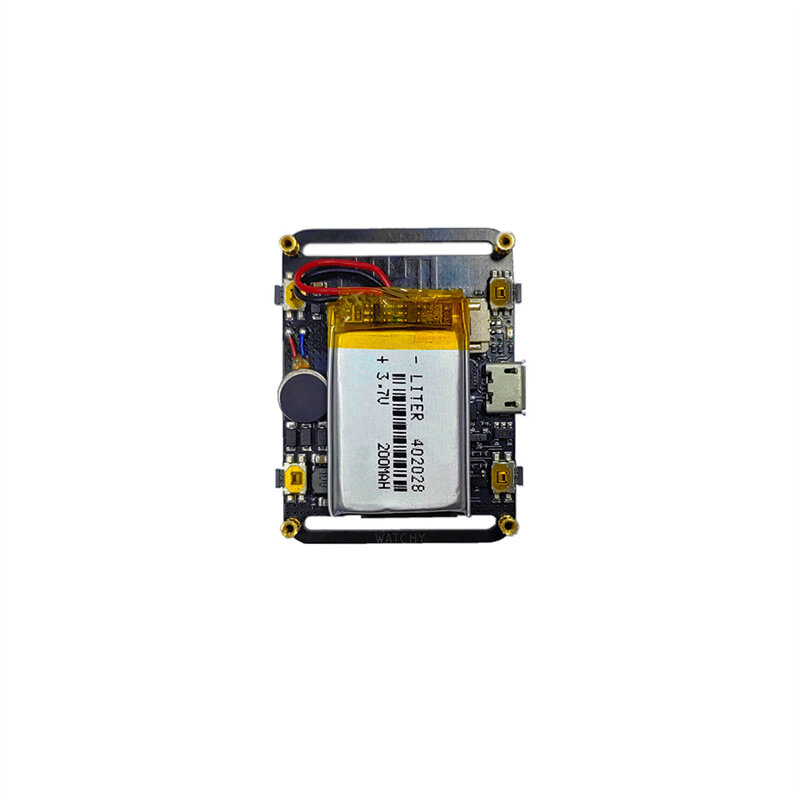
1x ESP32 Open Source E-Watch
1x Watch Band


To get the latest brand news and 15% off for your first order.

Hi ?
How can we help?


 Coupon Code
 Direct purchase from the factory
 Electronic Components & Supplies
 Motherboard & Development Board