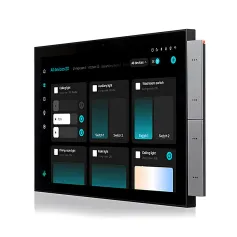
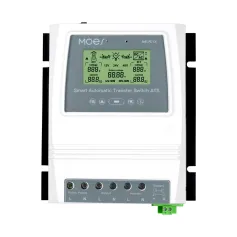
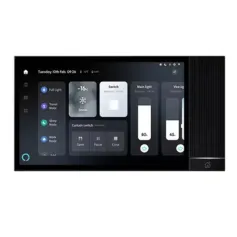
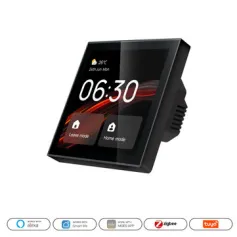
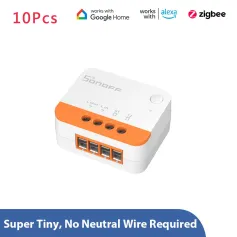
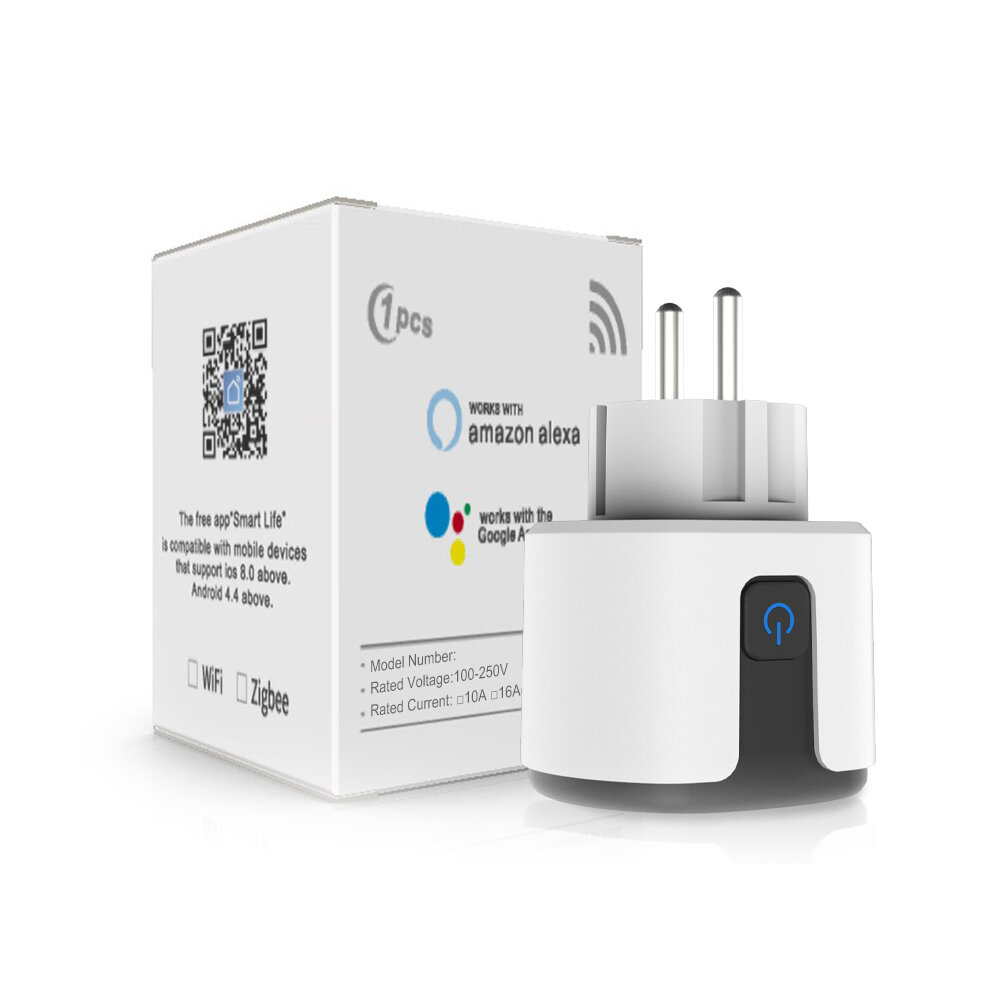
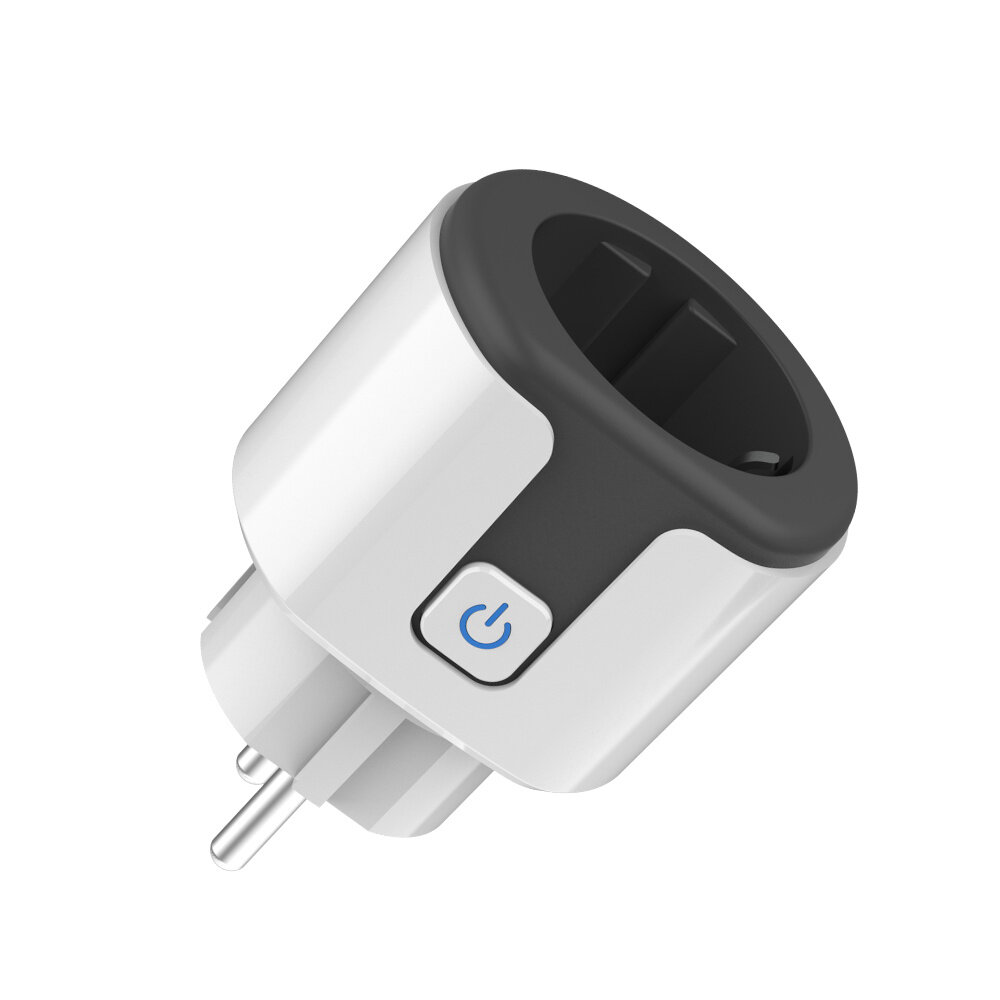
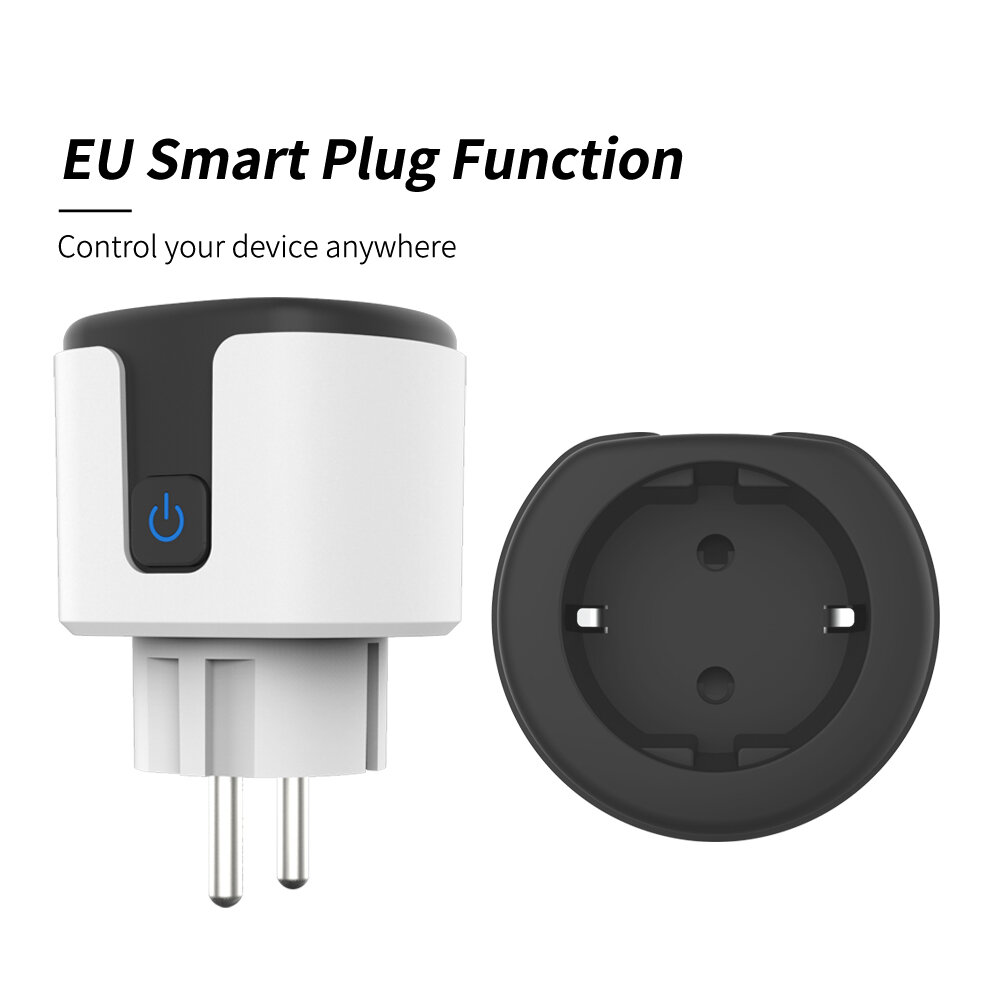
Remote control, you can control the switch at anywhere and time, as long as your smartphone has networkVoice control. Simply give a voice command to Alexa or Google Home to turn on/off switch when your hands are full and enjoy the comfort of voiceYou can set a countdown for humidifiers, microwaves and more. The device will stop automatically. Don't worry about the device working all the timeRelay status setting, don't worry about power failure, you can set this switch to restore the state after power onSharing function, main account has the exclusive permissions, one click to share the permissions with the whole family. Let the family enjoy the fun of smart lifeMake devices smarter, the maximum current supported is 16A, it can be connected to most electrical appliances and lightings
How to use it?Step 1: Search u201cSmart Life or TuyaSmartinchs on APPstor, Google Play or scan the QR code on user manual to download and install it.Step 2: Plug the socket into an AC outlet and long press master power button until the indicator light flash.Step 3: Open u201cSmart Life or Tuya Smart Appinchs, discovery and add device in the app, and then finish configuration according to the guide.



 Roymall C.o.


 Kennaa Bilisummaa
 Ijaarsa Geessuu
 Ijaarsa Deebii





 Coupon Code
 Direct purchase from the factory


 Consumer Electronics
 Smart Home
 Smart Remote Control
 Smart Sockets Switches