Returer aksepteres innen 40 dager fra mottaksdato. Tilpassede varer kan ikke returneres. Varer kjøpt med gavekort kan bare byttes.
Gratis Gave
Velkommen til Roymall, din profesjonelle netbutikk for premium gaver. Vi setter stor pris på din støtte, og som takk tilbyr vi en gratis gave med hvert kjøp.Klar til å utforske vårt utvalg? Bla gjennom våre produkter, legg inn din bestilling, og se frem til å motta din gratis gave sammen med kjøpet.
Leveringspolitikk
Vi behandler bestillinger innen 2 dager. Bestillinger lagt inn i helger eller helligdager vil bli behandlet de følgende virkedagene.Normal leveringstid er 5-7 virkedager.Leveringstid kan variere avhengig av destinasjon.
1. Returpolitikk
Vi godtar kun returer på varer kjøpt direkte fra roymall.com.Gratis gaver kan ikke returneres.Varen må være ubrukt og i original emballasje.Returer behandles innen 3-5 virkedager etter mottak.Tilpassede varer kan ikke returneres.Kontakt oss: service@roymall.com eller Whatsapp: +447549870296
2.Refusjonspolitikk
Full refusjon gis etter mottak og kontroll av returvaren.Fraktgebyrer refunderes ikke.Kontakt oss ved spørsmål: service@roymall.com eller Whatsapp: +447549870296
Videos for similar product
Loading product videos...
❮
❯
Products related to this item
Loading related products...
❮
❯
Feature:
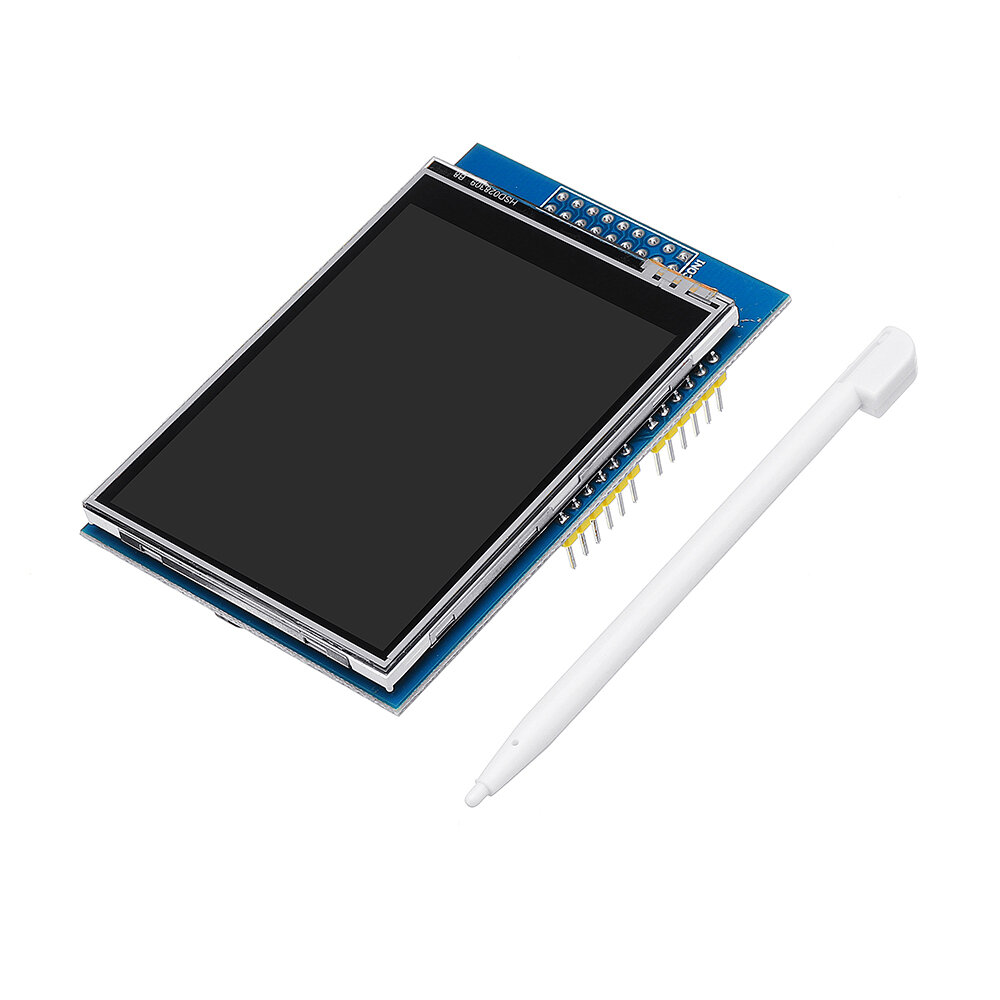
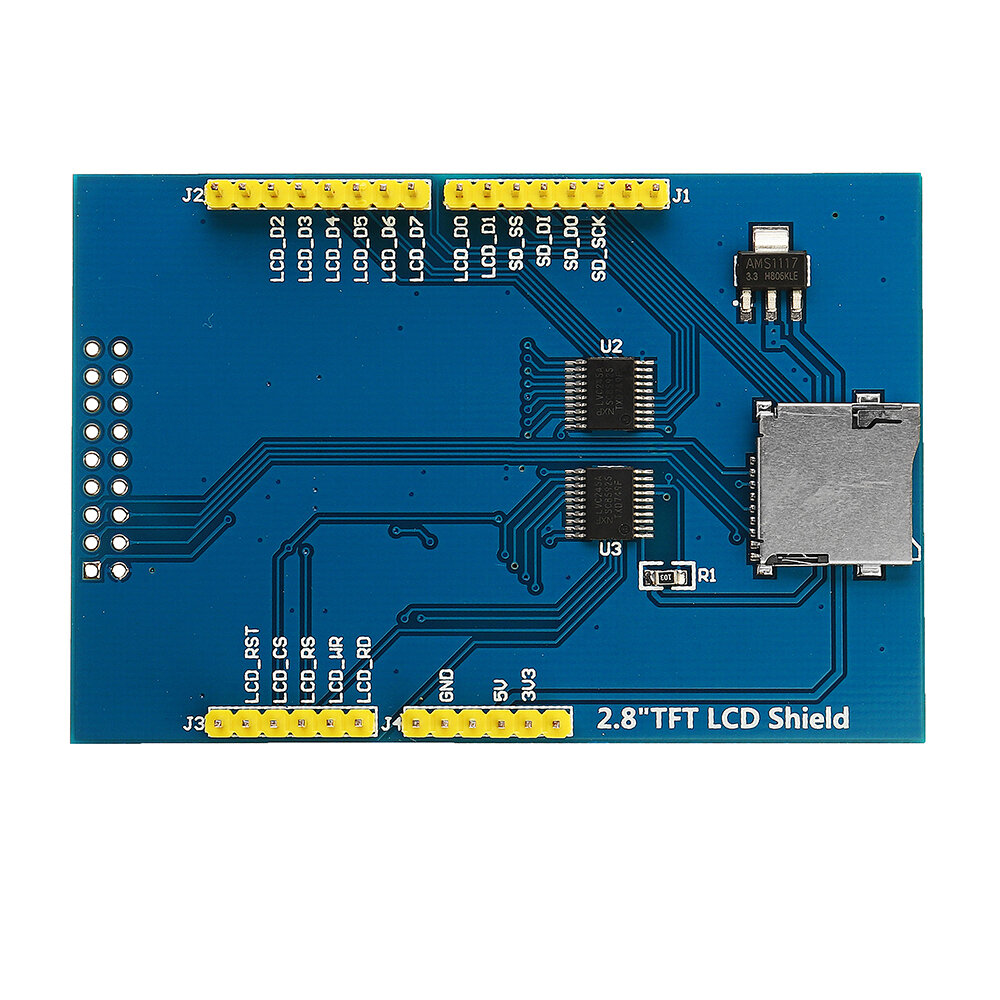
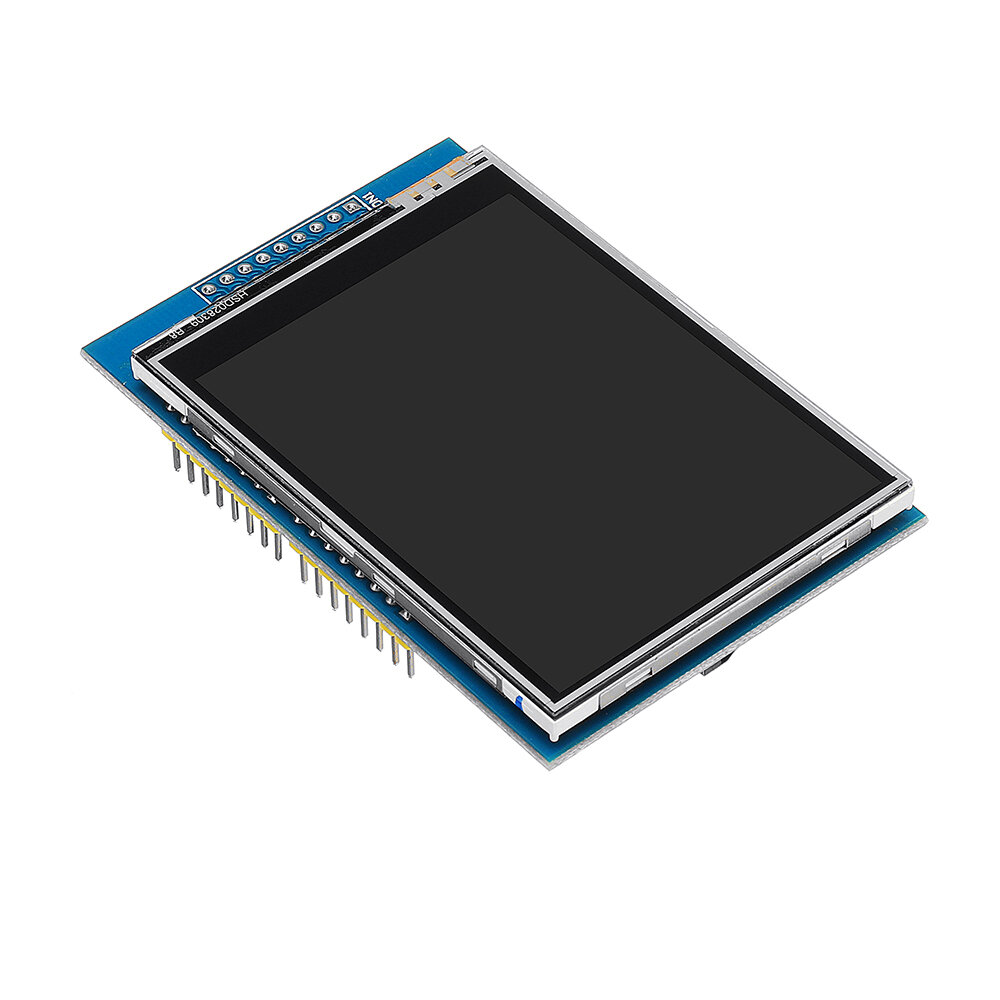
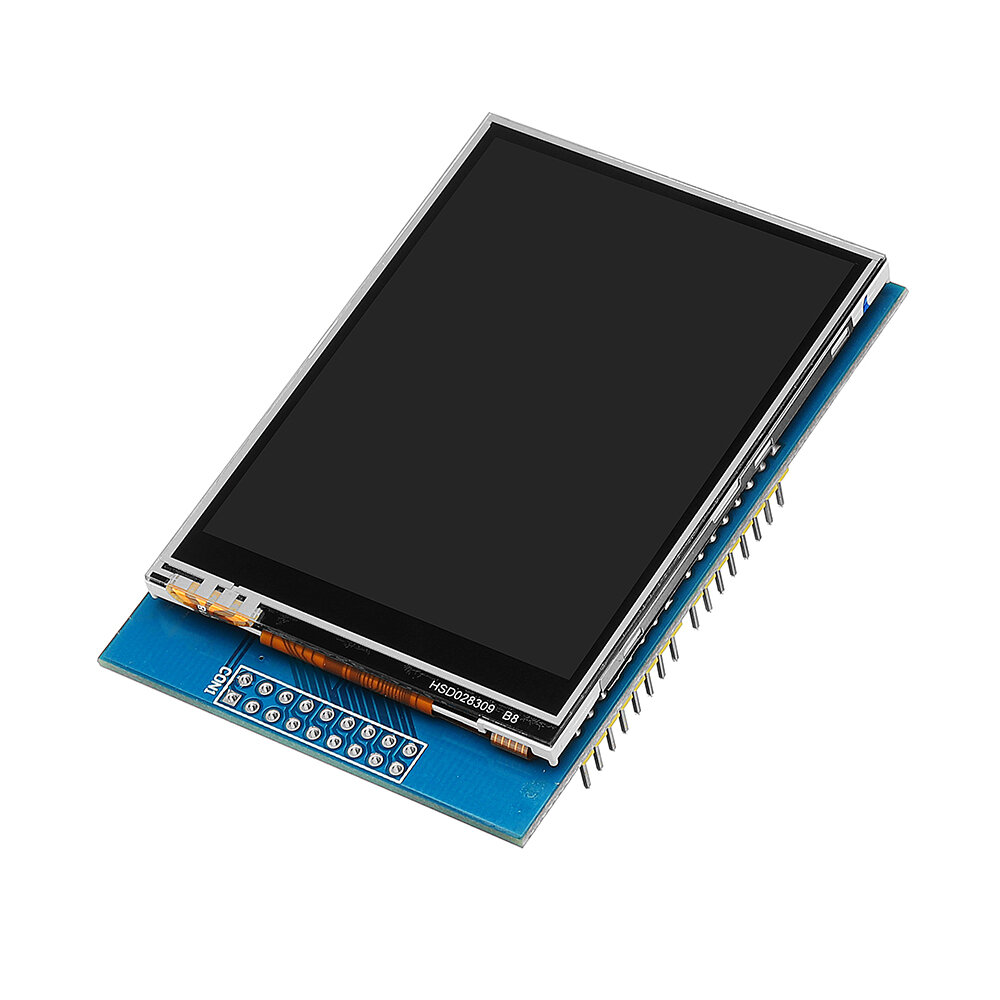
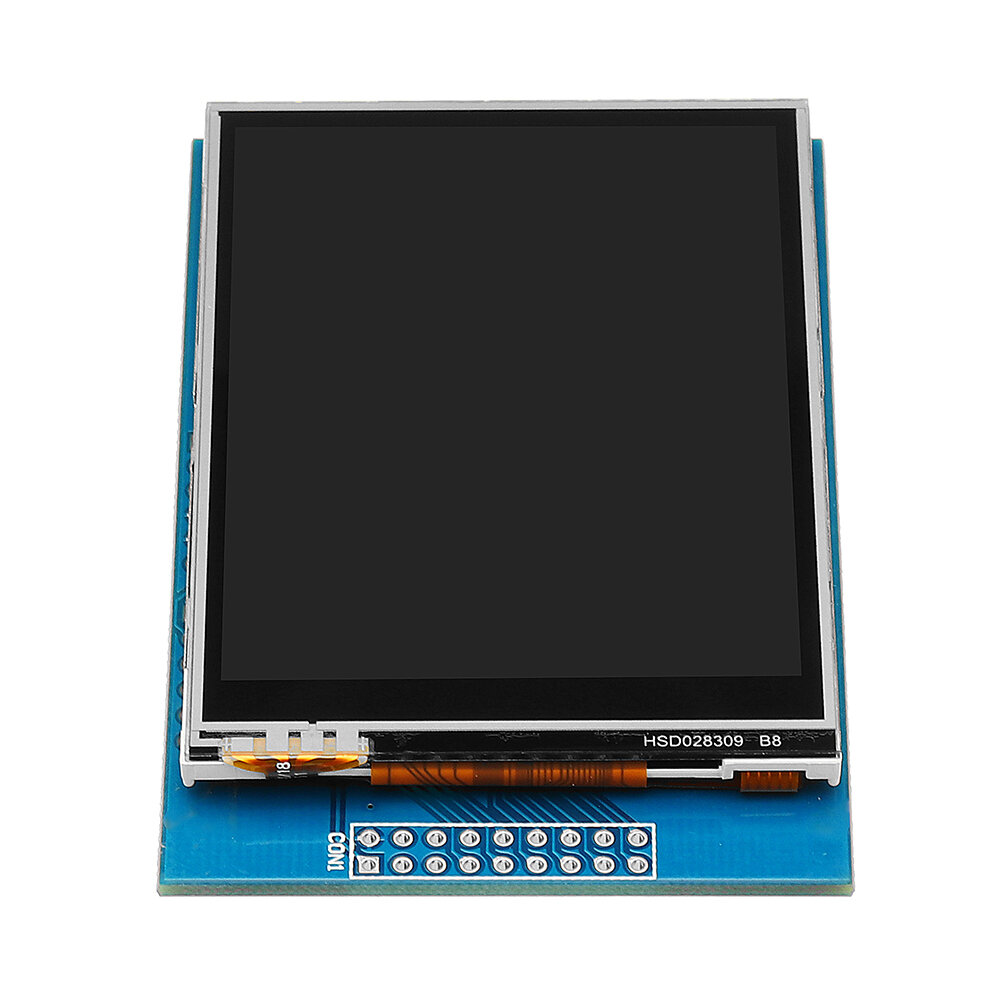
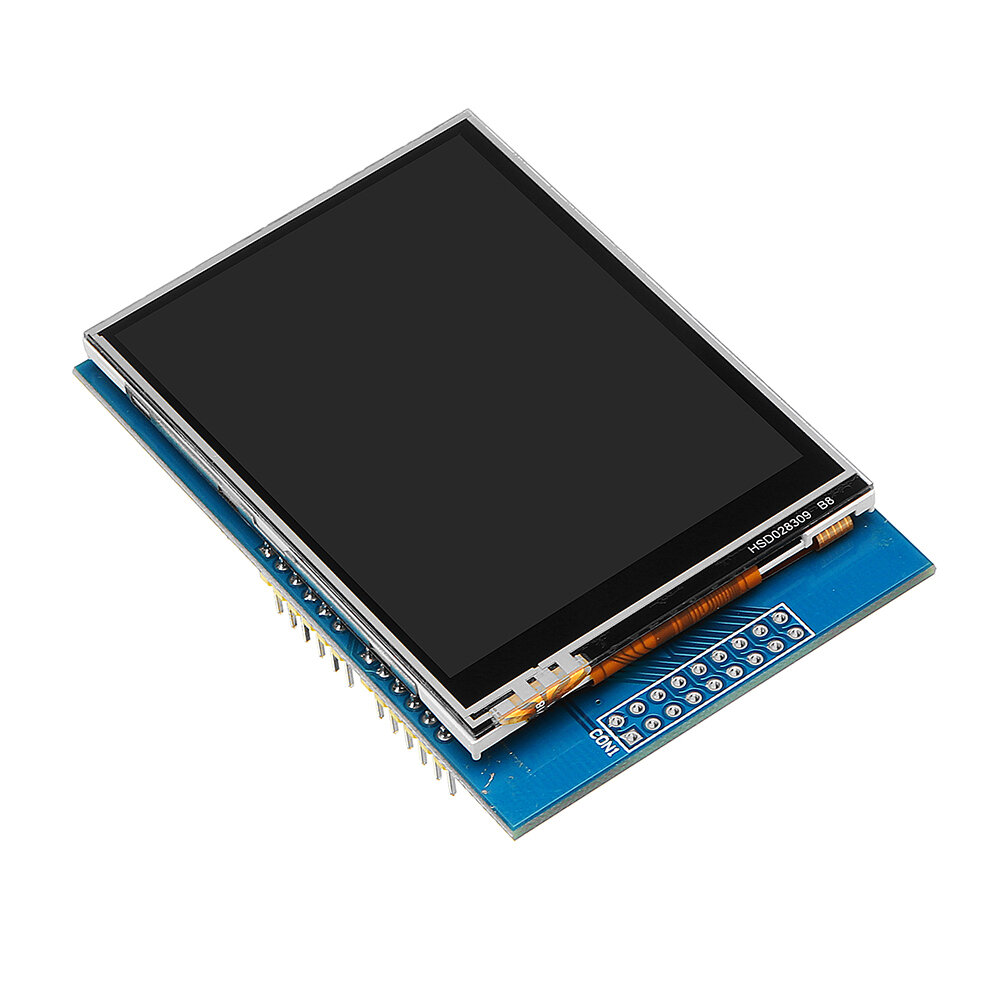
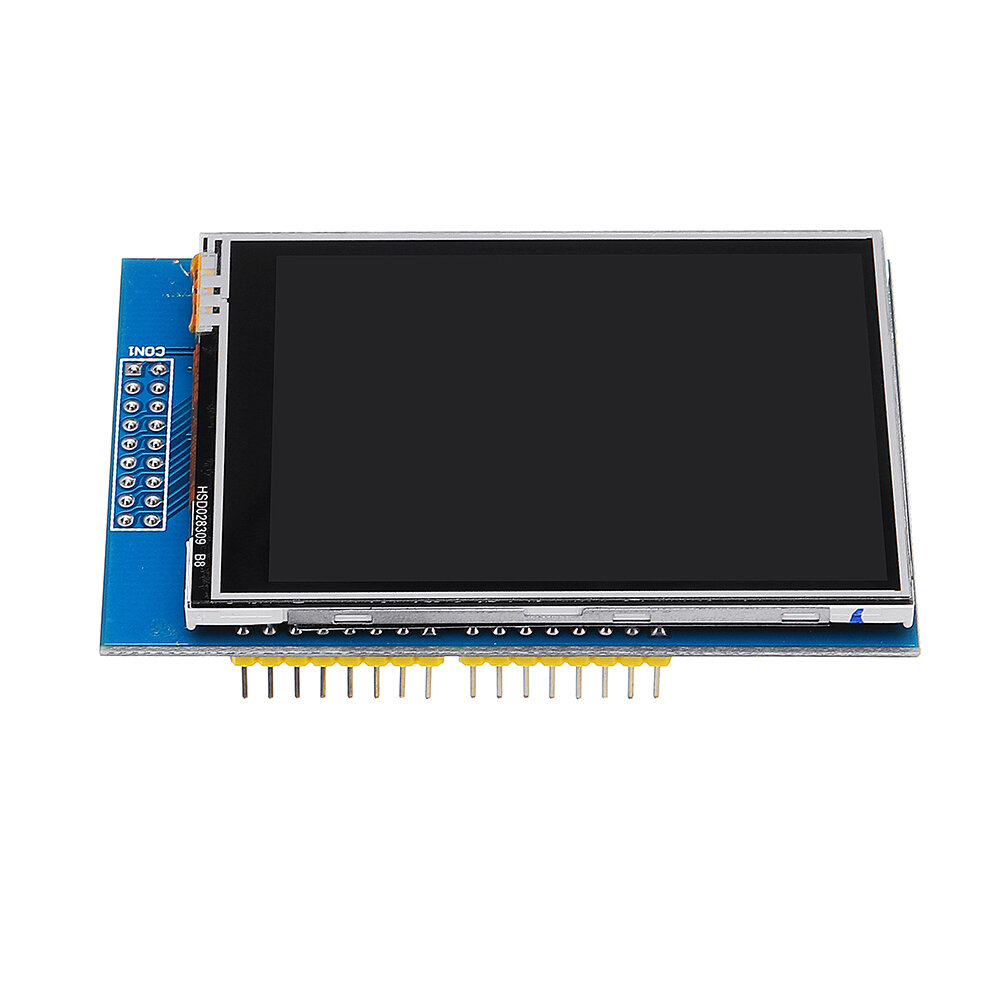
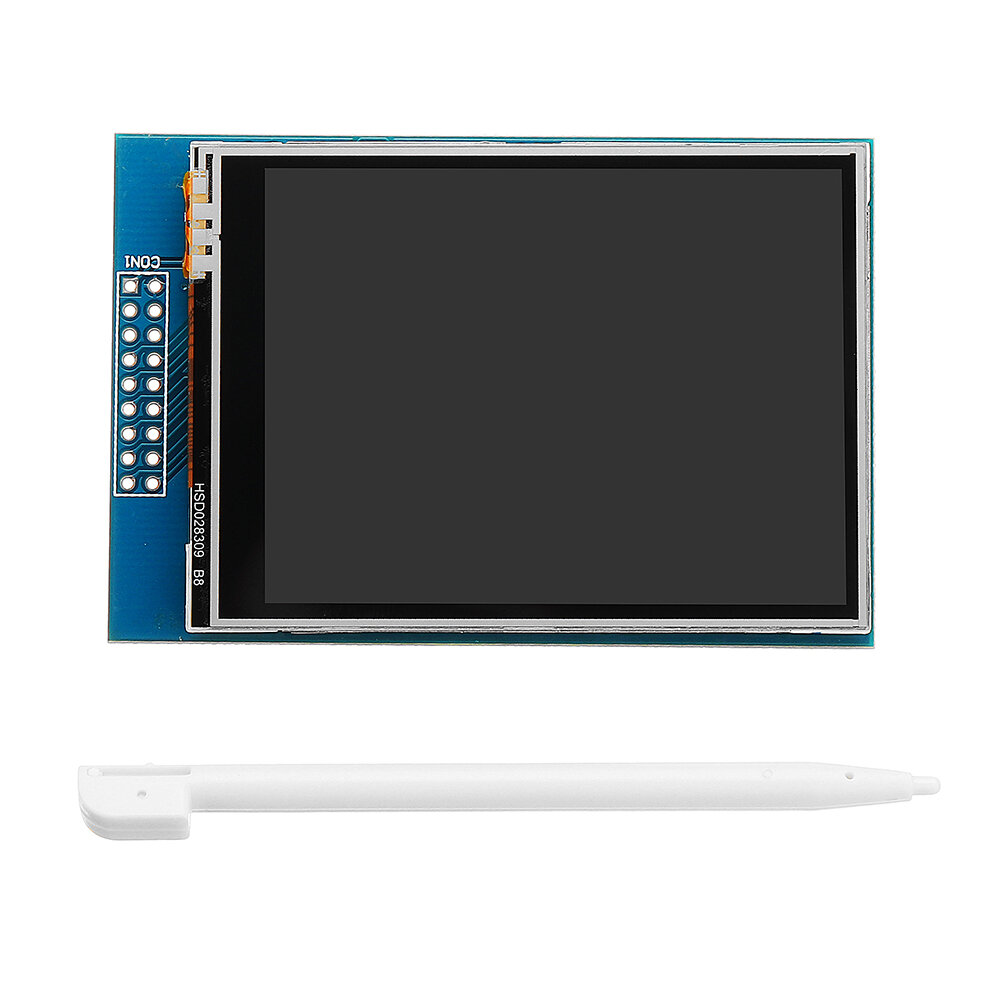
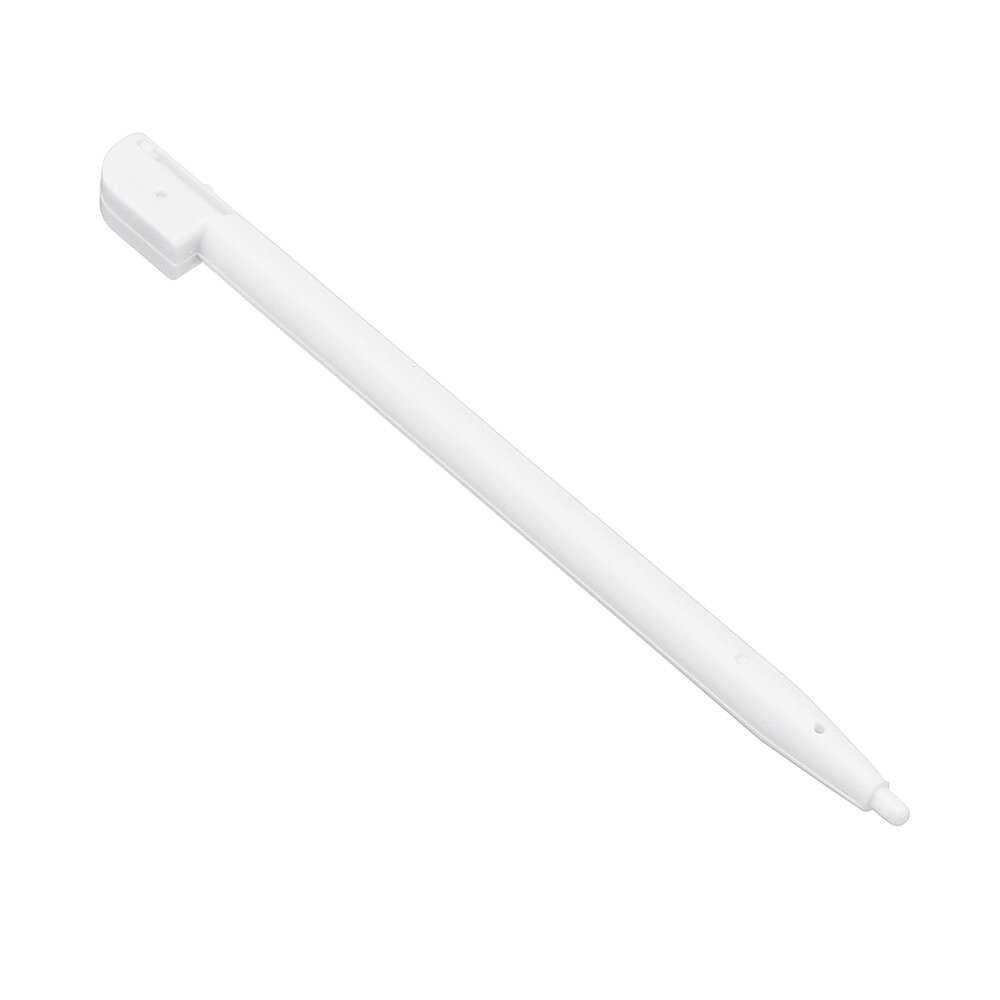
2.8 inch LCD TFT display Bright, 4 white-LED backlight Colorful, 18-bit 262,000 different shades 4-wire resistive touchscreen 240 x 320 pixels with individual pixel control No wiring, no soldering. Simply plug it in and load library On-board 3.3V 300mA LDO regulator 5V compatible, use with 3.3V or 5V logic Support 2GB micro SD TF card Size: 7.8 x 5.3cm
This is an excellent TFT screen with a 2.8" size, and sporting a resolution of 320x240 pixels, and a resistive touch screen. I have tested this on an Arduino Uno(R3), and an Arduino Mega(2560 R3) and works perfectly on both.
One thing that I found was that this uses the 0x9341 driver. Use the ADAfruit_GFX and Adafruit_TFTLCD libraries for the screen, and the TouchScreen library for the touch screen. Follow this link (http://educ8s.tv/arduino-tic-tac-toe/) (special thanks to NICK KOUMARIS) and just change this in 'void initDisplay()':
tft.begin(0x9341);
tft.setRotation(3);
(You're Welcome!)
On the UNO, you will likely be unable to add any other devices because the screen uses almost all of the IO pins. I would highly recommend this screen to anyone!
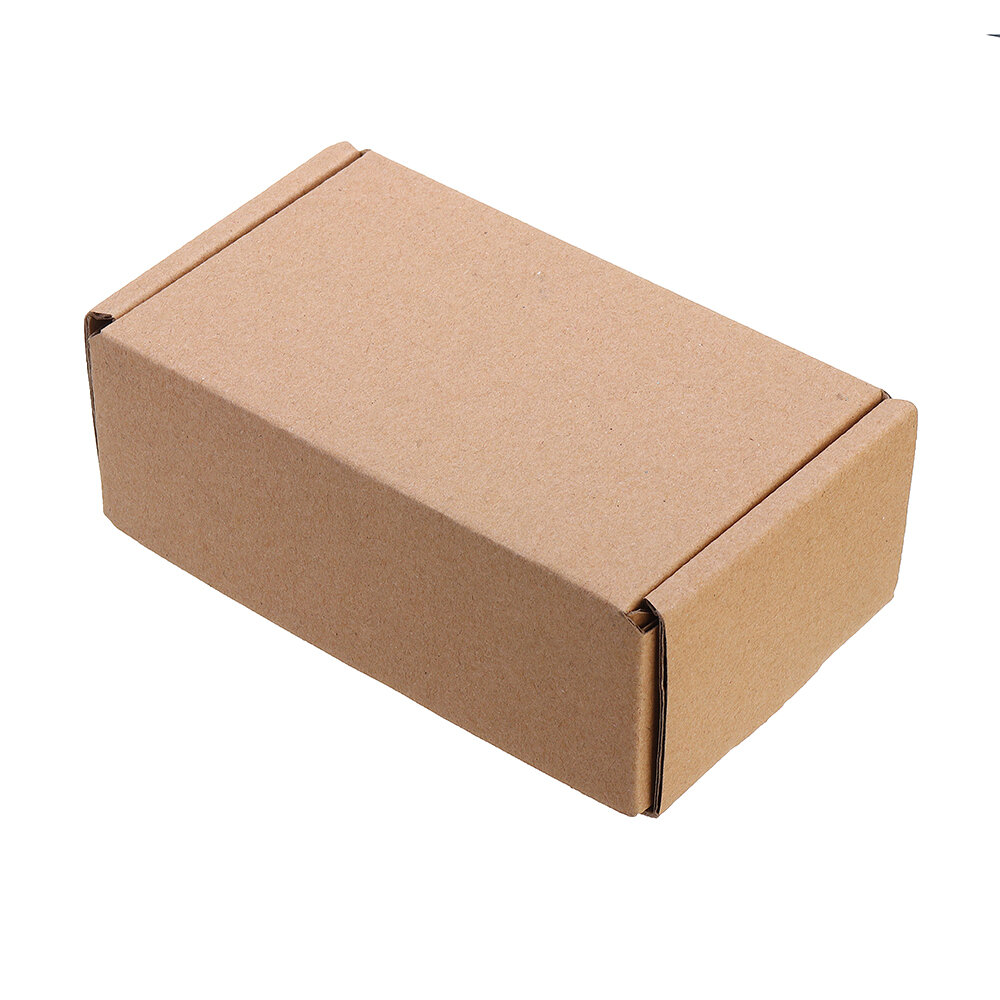
Item came sealed in an anti-static bag, wrapped in bubble wrap and placed in a cardboard box. Full marks for the packaging.
The screen is really nice & bright, simple to connect to a Genuino Uno.
This is very good quality and great value for money
Just download the libraries from Adafruit and away you go.
I will likely buy more of these screens.
NOTE: If you just get a white screen then put a small delay such as delay(10); after the tft.reset();