Ka whakaaetia ngā taonga hoki i roto i te 40 rā mai i te rā i whiwhi ai i ngā taonga. Kāore e taea te hoki mai i ngā taonga whaiaro. Kāore e taea te hoki mai i ngā taonga i hokona me te kāri koha e; kāore e taea te moni hoki.
Koha Kore Utu
Nau mai ki Roymall, tō paetukutuku ngaio mō te hoko koha toa matua. Ka whakahōnoretia, ka mihi ki tō tautoko, ā, ka hiahia mātou ki te whakaatu i tō mātou mihi mā te tāpiri i tētahi wāhanga hiamo ki āu hoko. I a koe e hoko ana i a mātou, kāore koe e whai wāhi ki te ngahau i ngā hua kounga teitei e whakapai ake i tō oranga, engari ka whiwhi hoki koe i tētahi koha kore utu muna me ia tono ka tukuna e koe. Kua rite ki te tirotiro i tō mātou kohinga, ki te kimi i ō koha tino pai? Tirohia tā mātou kohinga o ngā taonga toa matua, tuku mai i tō ota, ā, ka tūmanako ki te hiamo o tō koha kore utu e tae mai ana i te taha o tō hoko.
Kaupapa Tukunga
Ka mahi uaua mātou ki te tuku taonga ki a koe i muri i te whiwhinga o āu ota, ā, ka whakarite kia tae haumaru mai. Ka whakaratohia ngā taipitopito tukunga i roto i tō īmēra whakau.I te nuinga o ngā wā, ka tukatukahia ngā ota i roto i te 2 rā.I raro i ngā āhuatanga motuhake, ka rētihi pēnei: Ka tonoa e koe he ota i te Rāhoroi, i te Rātapu, i ngā rā hararei rānei, ka rētihi mō te 2 rā..He tikanga, e 5-7 rā mahi (Mane ki te Paraire) me kore e pāngia e te rētihi rererangi, e ētahi atu āhuatanga taiao rānei..Nā te mea kei te ao whānui tā mātou ratonga tuku, ka whakawhirinaki ngā wā tuku ki tō wāhi, nō reira me tatari mō ētahi wā mēnā kei ngā takiwahi tawhiti, kei ngā whenua tawhiti rānei koe.
1. Kaupapa Hoki & Whakawhiti
Ka whakaaetia e mātou anake ngā taonga i hokona mai i roymall.com. Mēnā ka hoko koe i ō mātou kaiwhakarato ā-rohe, i ētahi atu kaihoko rānei, kāore e taea te hoki mai i a mātou.Kāore e whakaaetia ngā taonga hokohoko mutunga, ngā koha kore utu rānei hei hoki.Kia uru ki te hoki, me kore e whakamahia tō taonga, ā, me noho ki te āhuatanga i whiwhi ai koe. Me noho hoki ki te kōpaki taketake.I muri i te whiwhinga o ngā tohutohu hoki mai i a mātou, tēnā koa kōpaki i ō taonga kua hoki mai, ka tuku i tō kōpaki ki te poutāpeta ā-rohe, ki tētahi kaihere rānei. Ka tukatukahia tō hoki, tō whakawhiti taonga i roto i te 3-5 rā mahi i muri i te whiwhinga. Ka tukatukahia te moni hoki, ka hoki aunoa ki tō huarahi utu taketake.Kāore e taea te whakaaetia he hoki, he whakawhiti rānei mēnā i hangaia motuhake te hua, tae atu ki te rahi whaiaro, te tae whaiaro, te tā whaiaro rānei.Mehemea kei te hiahia āwhina anō, whakapā mai. service@roymall.com Whatsapp rānei: +447549870296
2.Kaupapa Moni Hoki
Ka whiwhi koe i te moni hoki katoa, i te 100% moni hoki toa i muri i te whiwhinga o te kōpaki kua hoki mai, me te tirotiro. Ka tukatukahia te moni hoki, ka hoki aunoa ki tō huarahi utu taketake.Kia mōhio, kāore e taea te utu hoki i ngā utu tuku, i ngā utu, i ngā utu rānei. Kāore e taea te utu hoki i ngā utu tuku taapiri ina kua tukuna te kōpaki. Kei a koe te kawenga ki te utu i ēnei utu, ā, kāore e taea e mātou te whakakore, te utu hoki rānei, ahakoa ka hoki mai te ota ki a mātou. I muri i te whiwhinga me te whakau i tō taonga kua hoki mai, ka tuku īmēra mātou ki a koe hei whakamōhio kua whiwhi mātou i tō taonga kua hoki mai. Ka whakamōhio hoki mātou ki a koe mō te whakaaetanga, te whakakore rānei o tō moni hoki.Mēnā he raruraru ōu e pā ana ki te tukatuka moni hoki, whakapā mai. service@roymall.com Whatsapp rānei: +447549870296
Videos for similar product
Loading product videos...
❮
❯
Products related to this item
Loading related products...
❮
❯
Features:
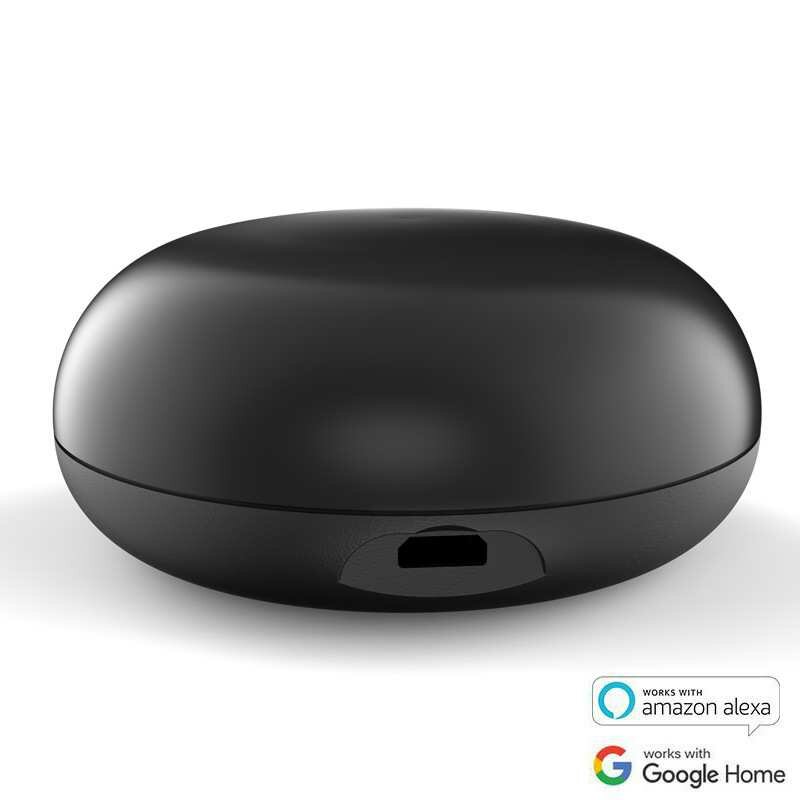
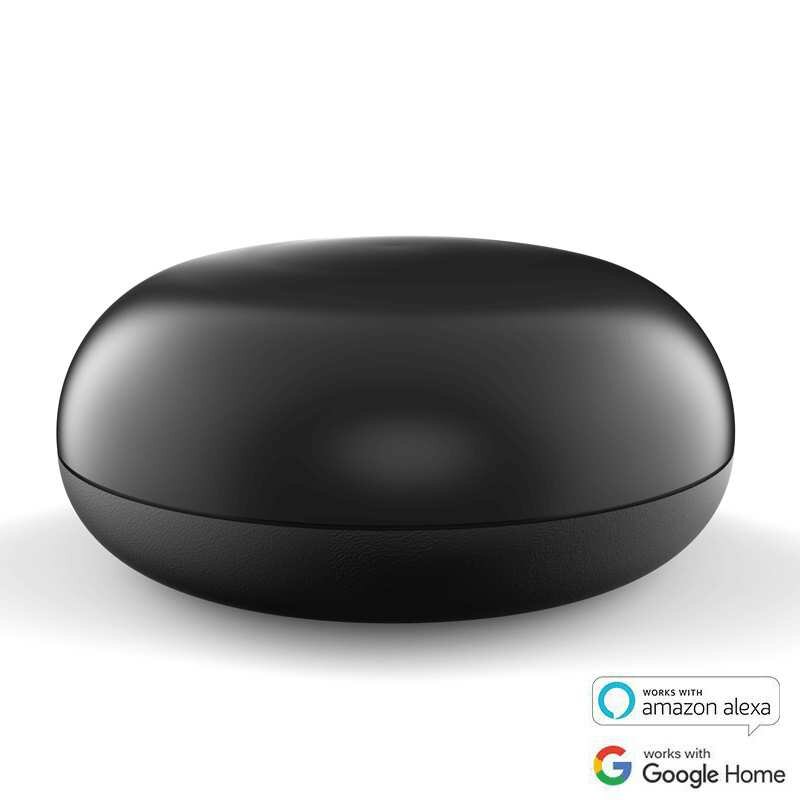
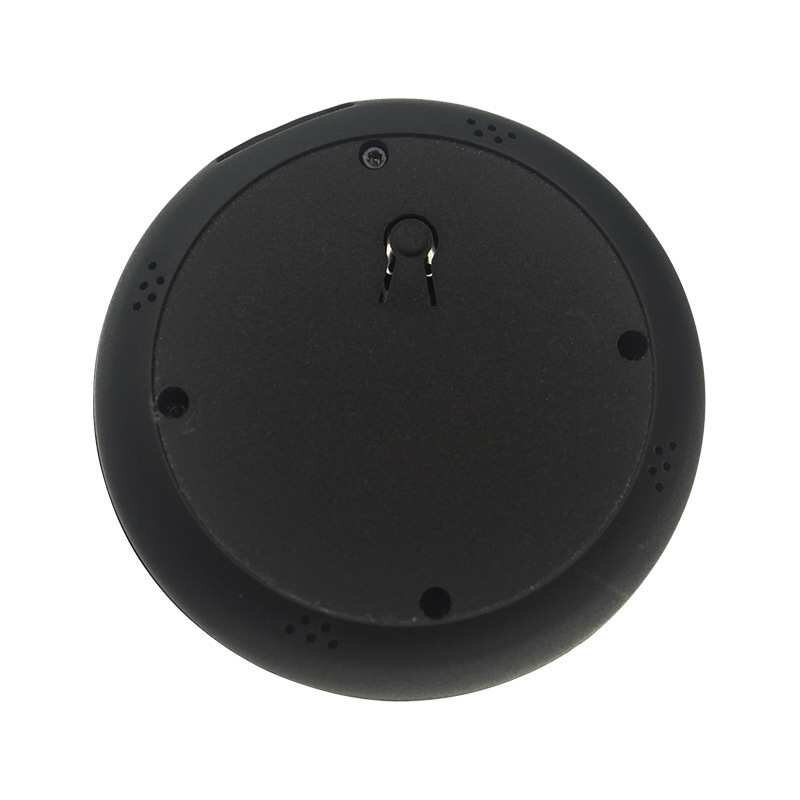
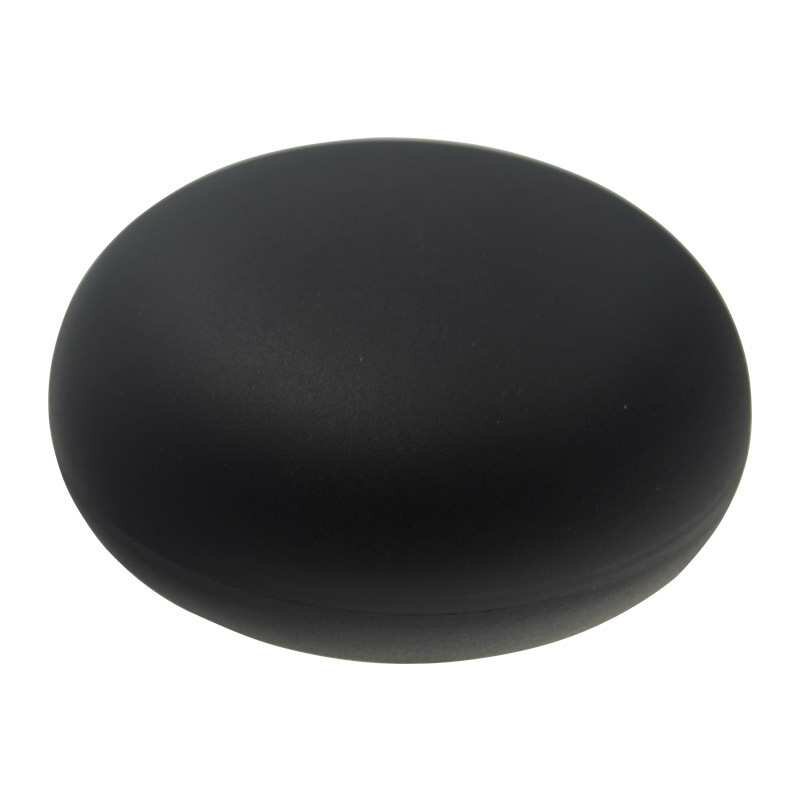
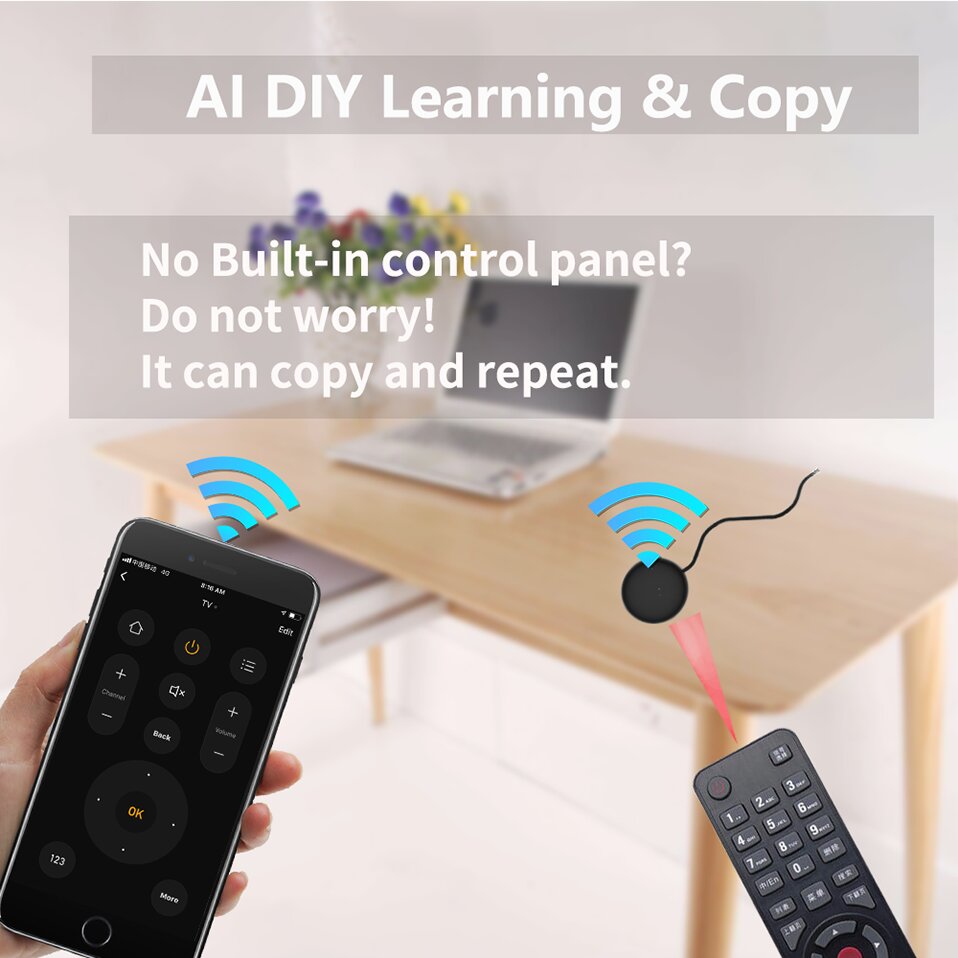
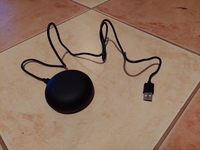
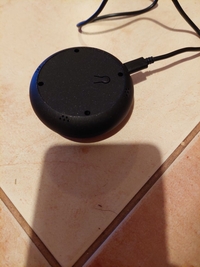
With The Smart Universal IR Remote Control, you may use your smart phone to control home appliances, such as STB(Set-Top-Box), TV Box, TV, Air Conditioner, Fan, DVD, etc. Compatible with most of brands, for details, please refer to the supported brand list in App. Besides, it has LEARNING FUNCTON, allows you to copy the key function of original remote control to App.
Note: Not compatible with the home appliances which use RF or BLUETOOTH remote control.
1. Massive IR Code Database
Support 4000+ brands, 50000+ IR Code on cloud, supported devices library is constantly being updated by the cloud.
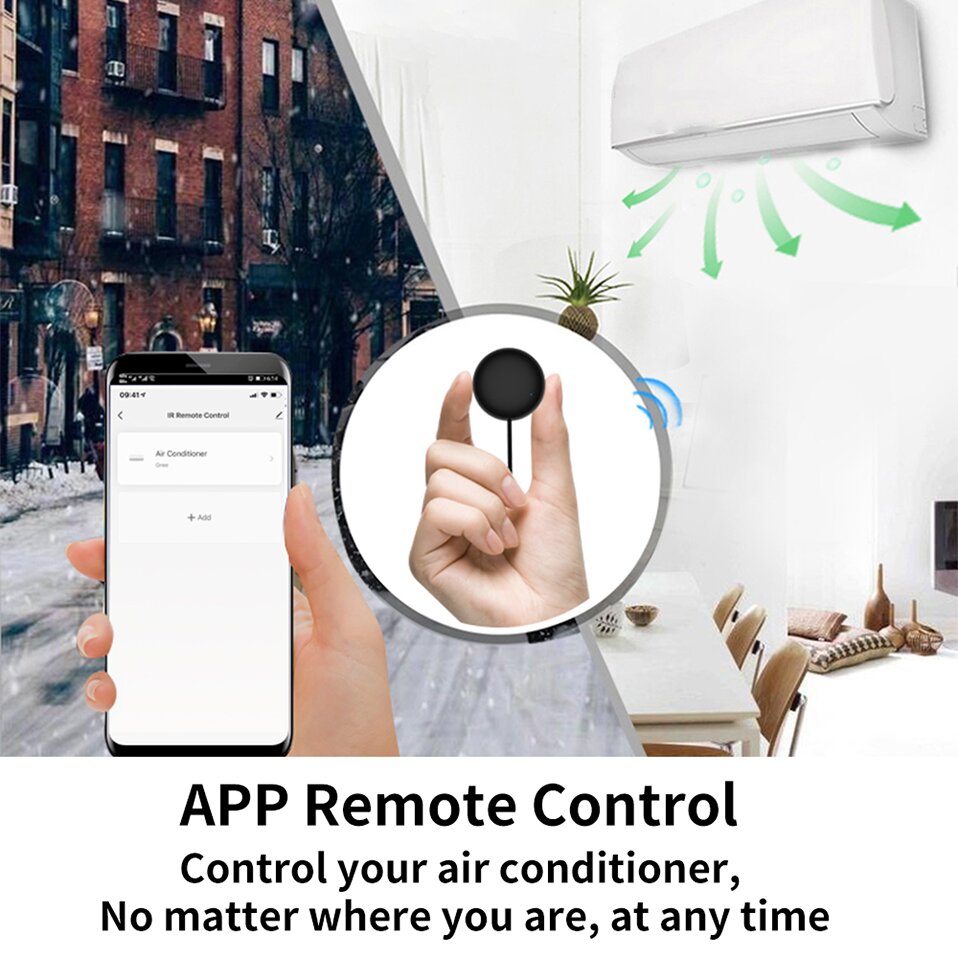
2. App Remote Control
Remote Control your home appliances by using "Smart Life" App in your smart phone anywhere anytime.
For example: Switch on home A/C in advance, enjoying the comfortable temperature once you get home.
3. Easy to install and add to app
Once you plug the cable line into the device, then select the app"s auto find Smart IR Remote Control. The whole process takes only a few minutes.
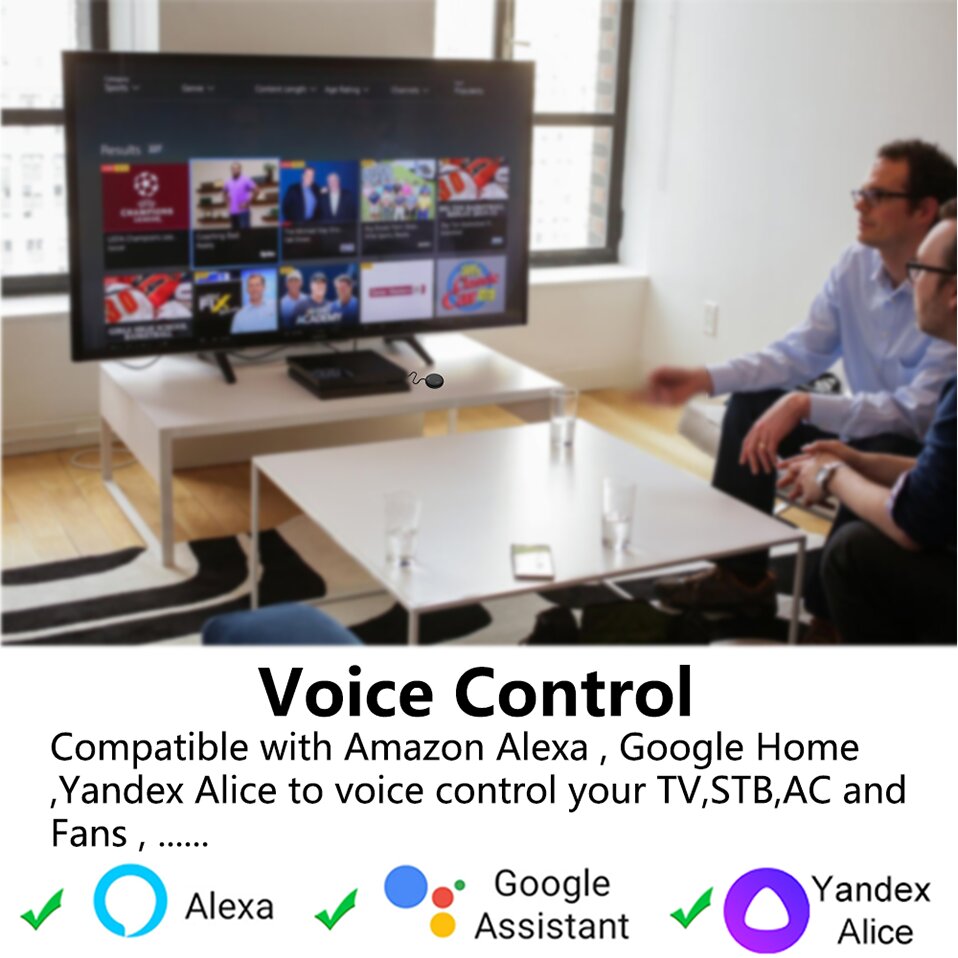
4. Voice Control
By connecting Intelligent speaker, such as Work with Alexa& Echo dot & Google Hom&IFTTT,you can control your home appliances by voice.
For example: Alexa, turn on TV; OK Google, set air conditioning temperature to 25 degrees.
5. Scenario and Automation in App
A scenario consists of 1 or more actions. By creating an "Scenario", you may control multiple devices with one tap; By adding an "Automation" and interworking with other smart home devices, Wi-Fi remote control is able to execute actions automatically according to conditions, such as device status, weather and time.
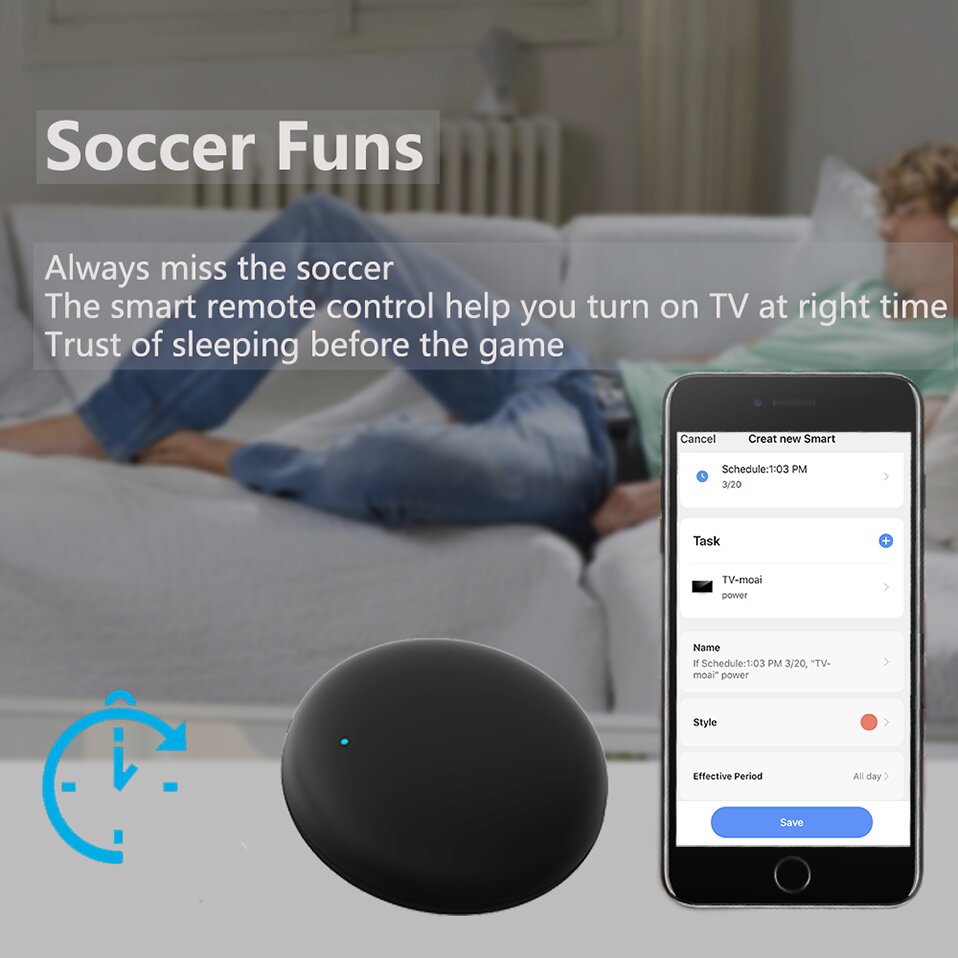
6. Timer and Automatic Trigger
According to your living habits, set time switches for your home appliances, such as turning on/off the air conditioner at regular intervals. The APP have 7 day Scheduling programming
7. DIY
Customizing button and Copy function in the "Smart Life" App, if your home appliances brand is not in the list or not supported.



 Roymall C.o.


 Koha kore utu
 Kaupapa tuku
 Kaupapa hoki





 Coupon Code
 Direct purchase from the factory
 Consumer Electronics
 Smart Home
 Smart Remote Control
 Smart Controller
![[4 Pcs] BlitzWolf® BW-SHP15 Zigbee 3.0 16A 3680W Smart Plug Wireless Power Socket Outlet EU Plug APP Remote Control / Voice Control / Multiple Timer Modes Compatible With Amazon Alexa / Google Assistant](https://static.roymall.com/d/file/mall/bigpic/235/bflluiitovx.jpg?x-oss-process=image/resize,w_237/quality,Q_80/format,webp)