Okutuma kwa bulijjo kwa mulembe ku lugendo olusinga $9.9
Enkola y'okuddamu
Ebintu ebiddayo bijja kukkirizibwa mu nnaku 40 okuva ku lunaku lw'okufuna ebintu. Ebintu ebikozesebwa ku ggwe tebikyalina kuddamu oba okukyusibwa. Ebintu ebiguliddwa ne kaadi y'okubonereza ya e-gift bikyusibwa gye biri; tebikyalina kuddamu ssente.
Eky'okubonereza Ky'omulembe
Tusanyuse okukulaba ku Roymall, wobudde bwo obw'ebintu ebirungi ebikwata ku ggwe. Tukwagala nnyo okukulaba era tukwagala okukwebaza okukola naffe. Tugenda okukwebaza okukola naffe nga tukwongera ku kiseera ky'okwagala mu bigulo byo. Bw'ogula naffe, tojja kufuna ebintu ebirungi ebitonotono ebitambuza obulamu bwo, naye ojja kufuna n'eky'okubonereza ky'omulembe ku buli kugula kwo. Otegefu okunoonya ebintu ebirungi ebitonotono ebigula? Noonya ebintu byaffe ebirungi, gula, era otungule okufuna eky'okubonereza ky'omulembe ne kugula kwo.
Enkola Y'okutuma
Tujja kukola bulungi okutuma ebintu byo oluvannyuma lw'okugula era tujja kukakasa nti bijja kufika bulungi. Ebikwata ku kutuma bijja kufunibwa mu email yo ey'okukakasa.Mu ngeri yonna, ebintu bijja kutandikibwa okutumibwa mu nnaku 2.Mu kiseera ky'obuzibu, bijja kulemererwa nga bino: Bw'ogula ku Lw'okuna, Sabbiiti oba ennaku z'amawanga, bijja kulemererwa ennaku 2..Mu ngeri yonna, bijja kusasulwa mu nnaku 5-7 ez'okukola (Ku Lw'okubiri okutuuka ku Lw'okuna) nga tebirina kulemererwa ku nnyonyi oba ebirala ebitakozesebwa..Olw'okuba enkola yaffe y'okutuma eri mu nsi yonna, ekiseera ky'okutuma kijja kuteekwa okuba ku nsi gy'oli, kale kijja kutwala ekiseera era tusaba okumanya nti ojja kutunga nga oli mu nsi endala oba mu nsi endala.
1. Enkola Y'okuddamu N'okukyusa
Tujja kukkiriza ebintu ebiguliddwa ku roymall.com. Bw'ogula ku badduukizi baffe oba ku badduukizi endala, tojja kusobola kuddamu ebintu ku ffe.Ebintu ebiguliddwa oba eby'okubonereza by'omulembe tebijja kukkirizibwa okuddamu.Okuddamu ekintu, kijja kuba tekikyali kukozesebwa era kijja kuba mu kifo ekimu nga bwekyafunibwa. Kijja kuba mu kifukiriro eky'obulungi.Oluvannyuma lw'okufuna ebyokulabirako okuva ku ffe, tusaba okukifukirira ebintu byo ebiddayo era otume ku posita oba ku mutume endala. Tujja kukola ebintu byo ebiddayo oba eby'okukyusibwa mu nnaku 3-5 ez'okukola, oluvannyuma lw'okubifuna. Ssente zijja kuddamu mu ngeri ey'obulungi ku ngeri yo ey'okusasula.Tebijja kukkirizibwa okuddamu oba okukyusibwa ebintu ebikozesebwa ku ggwe, okuli obunene obukwata ku ggwe, langi ekwata ku ggwe, oba ebifaananyi ebikwata ku ggwe.Oli mukozi, tusaba okutukwatako. service@roymall.com oba Whatsapp: +447549870296
2.Enkola Y'okuddamu Ssente
Ojja kufuna ssente zo zonna oba 100% ku ssente zo mu dduuka oluvannyuma lw'okufuna eky'okuddamu era okukikakasa. Ssente zijja kuddamu mu ngeri ey'obulungi ku ngeri yo ey'okusasula.Tusaba okumanya nti ssente z'okutuma n'ebirala tebijja kuddamu. Ssente z'okutuma ez'enjawulo tezijja kuddamu, oluvannyuma lw'okutuma. Ojja kuba osobola okuzisasula era tetujja kusobola kuzikyusa oba kuziddayo, wadde nga ebintu byo bijja kuddayo ku ffe.Oluvannyuma lw'okufuna era okukakasa eky'okuddamu, tujja kukutumira email okukulaga nti twafuna eky'okuddamu. Tujja kukulaga nti eky'okuddamu kyakirizibwa oba ky'okuddamu kyakakanirwa.Bw'olina ebizibu ku ngeri y'okuddamu ssente, tusaba okutukwatako. service@roymall.com oba Whatsapp: +447549870296
Videos for similar product
Loading product videos...
❮
❯
Products related to this item
Loading related products...
❮
❯
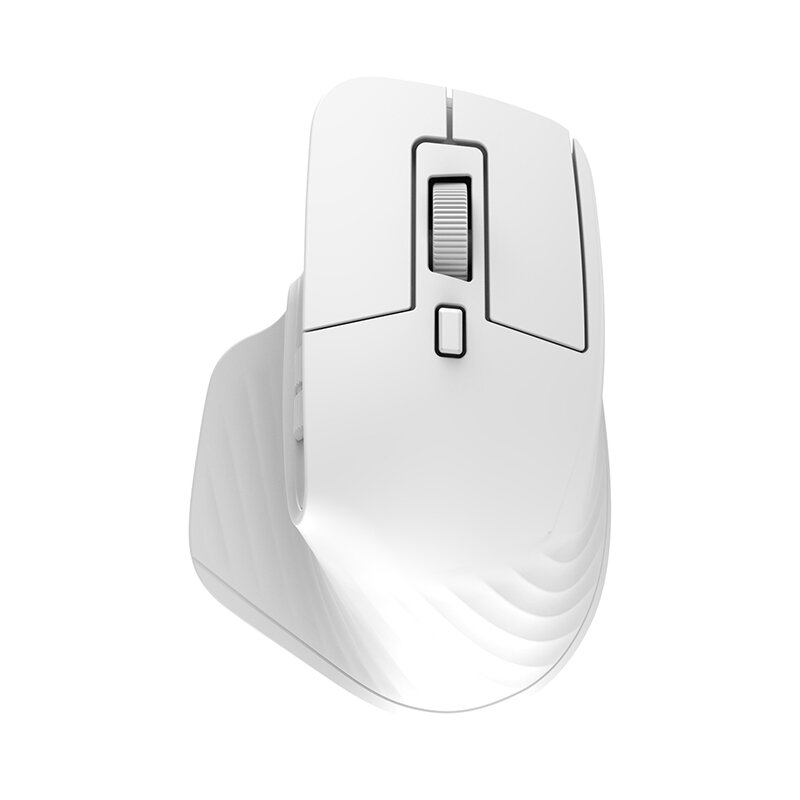
Specifications:
Brand
HXSJ
Model
T16
IC
PixArt 3212
Rate of return
125HZ
Movement speed
30IPS
Refresh rate
4800FPS
Acceleration
10G
Operation Mode
Opto-electronic
Type
2.4GHz/BT5.1/BT5.1
Power Type
Rechargeable
Number of keys
4 keys
Key lif
10 million switches
Wireless distance
10m
Battery capacity
180mAh
DPI
800-1200-1600-2400-3200-4800dpi
Rated voltage / current
3.7V / 15mA
Product weight
29.6g
Product size
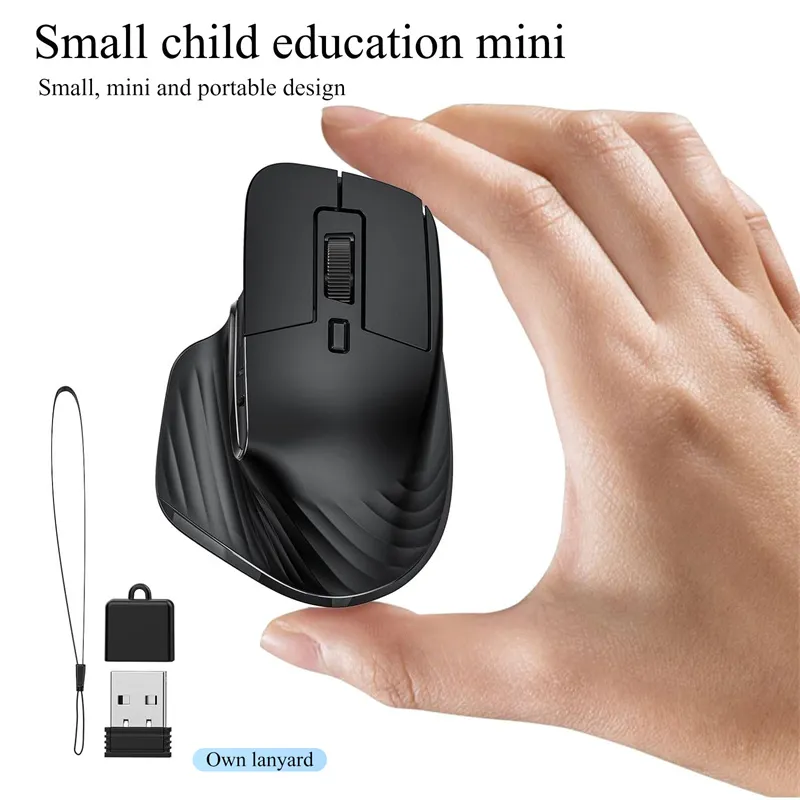
7.6*5.2*3.1cm
Package weight
54g
Package size
8*6.5*3.5cm
Features:
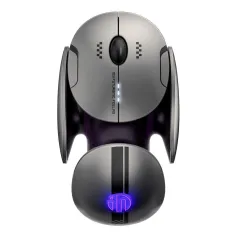
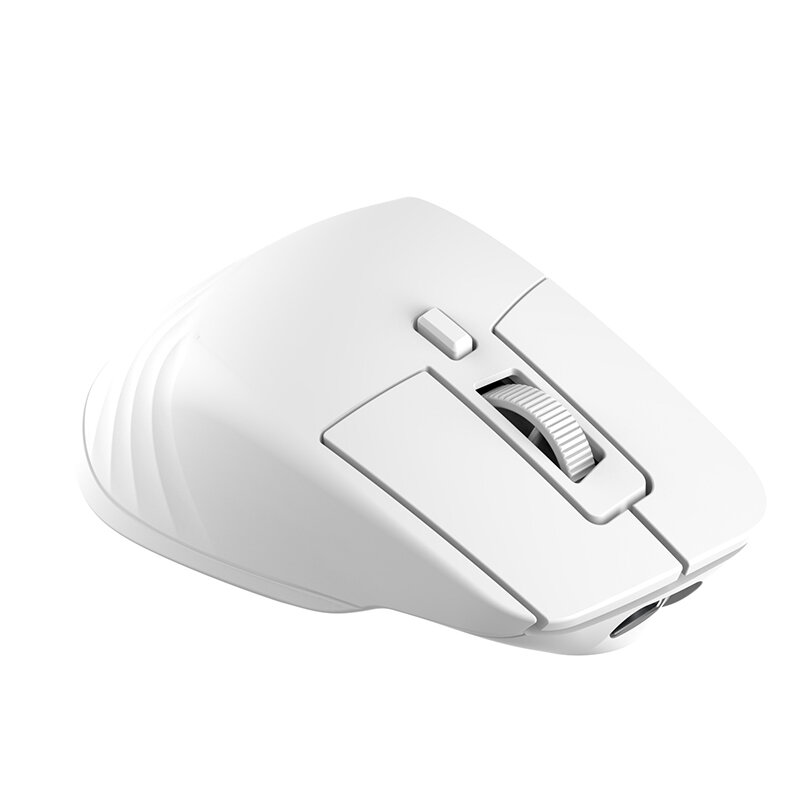
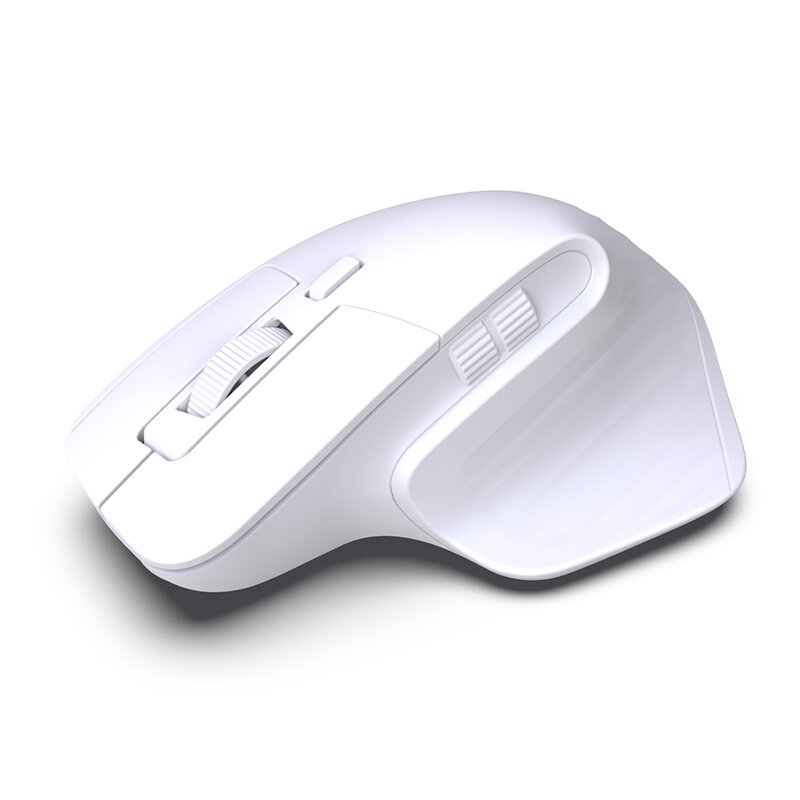
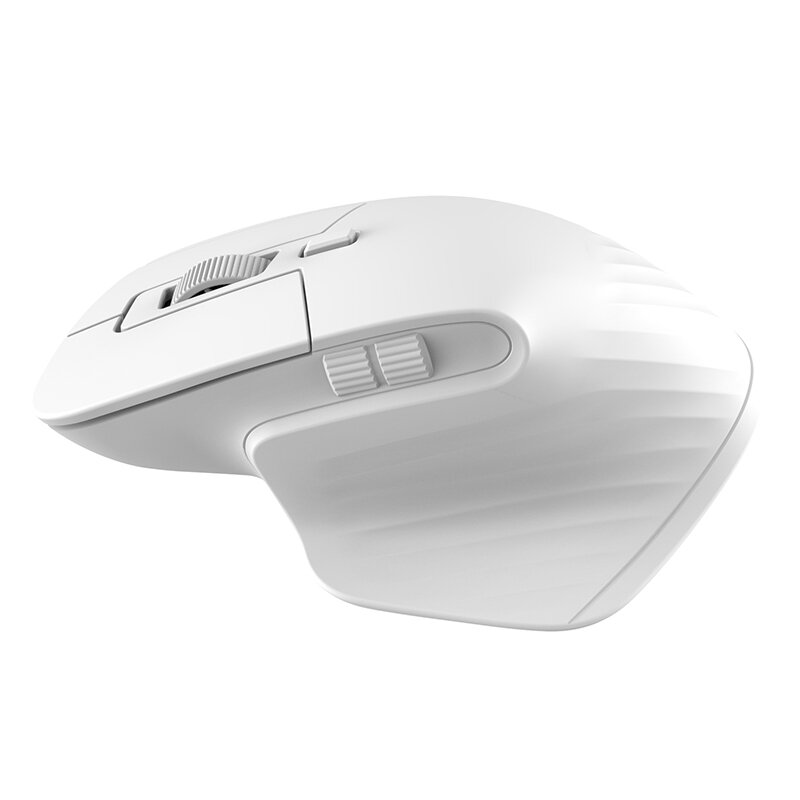
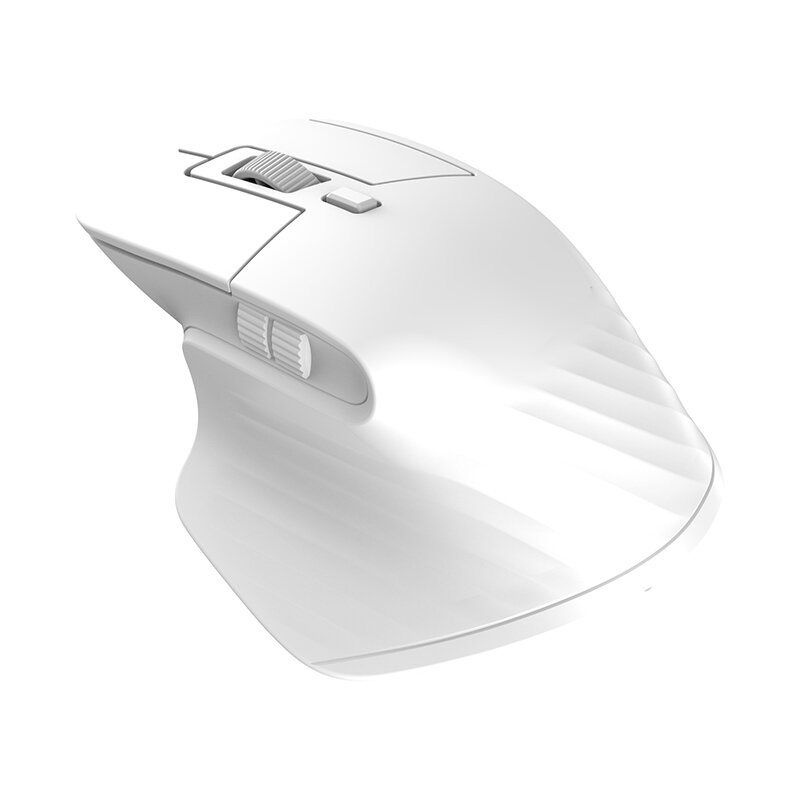
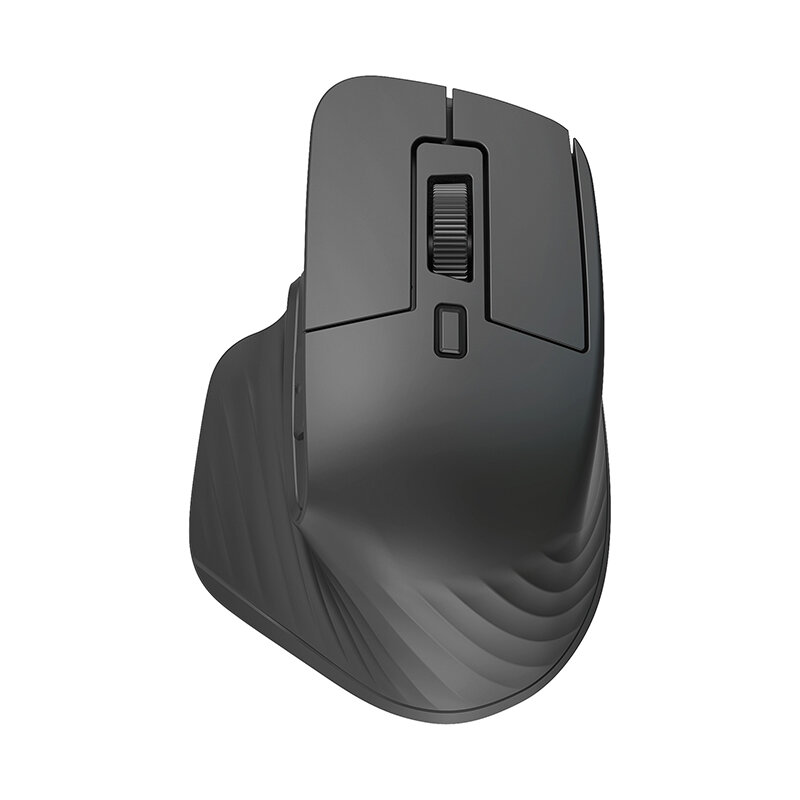
1. Opto-electronic operation mode for precise and smooth movements. 2. Multi-mode compatibility with 2.4GHz/BT5.1/BT5.1 options. 3. Rechargeable power type for convenient and eco-friendly usage. 4. Customizable DPI settings ranging from 800-4800dpi for different sensitivity preferences. 5. Lightweight and compact design for easy handling and portability.
Applicable system: In BT mode: Windows ( windows XP / Vista / 7 / 8 / Server 2003 / 2000 / Win10 ,etc) Android (Android4.3 above) (for mak OS 10.10 above is recommended). In 2.4G mode: suitable for desktop computers, notebook computers, smart TV with USB interface, etc.
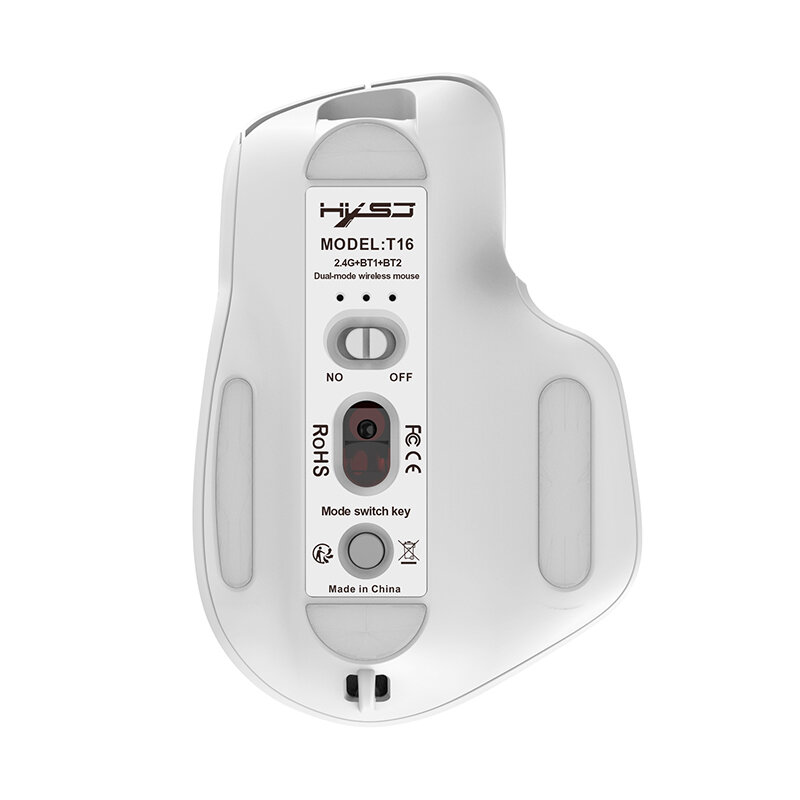
Sleep mode: 1): After the mouse is stationary, it immediately goes to shallow sleep. 2): After 1.5 minutes of mouse rest. 3): Pausing the mouse for 10 minutes to enter deep sleep. Installation and use steps: USB 2.4G mode connection steps: 1). Set the mouse switch to ON . 2). Plug the receiver into the computer"s USB port. Press the mode button once.The red LED flashes and the installation is done automatically.
BT Mode: To turn on the BT mode, light flashes quickly,indicating that the bluetooth mode is activated and you can search for connections. BT Mouse1 mode connection steps: 1)Turn on the BT icon on your computer. 2)Turn on the mouse power switch, press the mode switch 2times, the second mode light turns blue and flashes quickly. 3)Enter BT Mouse 1 BT Wireless connection mode for pairing.
BT Mouse 2 mode connection steps: 1)Turn on the BT icon on your computer. 2)Turn on the mouse power switch, Press the mode switch 3 times, the third mode light turns green Flashing quickly. 3)Enter BT Mouse 2 Wireless connection mode to select pairing.
Note: If the blue and green lights are flashing slowly in bluetooth mode, please press and hold the mode button for three seconds to activate bluetooth mode. The light will flash quickly and bluetooth can be searched and connected directly.



 Roymall C.o.


 Eky'okubonereza ky'omulembe
 Enkola y'okutuma
 Enkola y'okuddamu







 Coupon Code
 Direct purchase from the factory
 Computers & Office
 Keyboards & Mouse
 Mouse
Mouse Computer Peripherals