
상품 수령일로부터 40일 이내 반품 가능 맞춤 제작된 상품은 반품 또는 교환 불가 이-기프트 카드로 구매한 상품은 교환만 가능, 환불 불가
무료 선물
Roymall에 오신 것을 환영합니다. 고급 백화점 선물을 구매하기 위한 전문 웹사이트입니다. 우리는 귀하의 지원을 높이 평가하며, 모든 주문에 독점적인 무료 선물을 추가하여 감사의 마음을 전합니다. 우리와 함께 쇼핑하면 고품질 제품을 즐기며 삶의 질을 높일 수 있을 뿐만 아니라, 모든 주문에 무료 선물도 받을 수 있습니다. 우리의 컬렉션을 탐색하고 완벽한 선물을 찾을 준비가 되셨나요? 고급 백화점 아이템을 탐색하고 주문을 하여 무료 선물이 함께 도착하는 기쁨을 누리세요.
배송 정책
우리는 귀하의 주문을 받은 후 상품을 안전하게 배송하기 위해 최선을 다할 것입니다. 배송 세부 사항은 확인 이메일에 제공됩니다.대부분의 경우, 주문은 2일 이내에 처리됩니다. 특별한 상황에서는 다음과 같이 지연될 수 있습니다: 토요일, 일요일 또는 공휴일에 주문할 경우 2일 지연됩니다.일반적으로 비행 지연이나 기타 환경적 요인에 영향을 받지 않으면 5-7 영업일(월요일부터 금요일)이 소요됩니다.우리의 배송 서비스는 전 세계적이므로 배송 시간은 귀하의 위치에 따라 다를 수 있습니다. 원격 지역이나 국가에 계시다면 몇 번의 시간이 필요할 수 있으므로 기다려 주십시오.
1. 반품 및 교환 정책
우리는 roymall.com에서 구매한 상품만 반품을 받습니다. 우리의 지역 유통업체나 다른 소매업체에서 구매한 경우 반품이 불가능합니다.최종 판매 상품 또는 무료 선물은 반품이 불가능합니다.반품을 위해서는 상품이 미사용 상태이며 받았을 때와 동일한 상태여야 합니다. 또한 원래 포장 상태여야 합니다.우리로부터 반품 지침을 받은 후, 반품 상품을 포장하고 지역 우체국이나 다른 택배사에 패키지를 보내십시오. 우리는 반품 또는 교환 상품을 받은 후 3-5 영업일 이내에 처리할 것입니다. 환불은 원래 결제 수단으로 자동 처리 및 적립됩니다.맞춤 제작된 상품(맞춤 크기, 맞춤 색상 또는 맞춤 인쇄 포함)은 반품 또는 교환이 불가능합니다.추가 도움이 필요하시면 연락주세요. service@roymall.com 또는 Whatsapp: +447549870296
2. 환불 정책
반품 패키지를 받고 확인한 후 전액 환불 또는 100% 스토어 크레딧을 받으실 수 있습니다. 환불은 원래 결제 수단으로 자동 처리 및 적립됩니다.배송 비용 및 관세 또는 수수료는 환불되지 않습니다. 패키지가 발송된 후 추가 배송 비용은 환불되지 않습니다. 귀하는 이러한 비용을 지불할 책임이 있으며, 우리는 이를 면제하거나 환불할 수 없습니다.반품 상품을 받고 확인한 후, 귀하에게 이메일을 보내 반품 상품을 받았음을 알려드릴 것입니다. 또한 환불 승인 또는 거부에 대해 알려드릴 것입니다.환불 과정에 문제가 있으시면 연락주세요. service@roymall.com 또는 Whatsapp: +447549870296
Videos for similar product
Loading product videos...
❮
❯
Products related to this item
Loading related products...
❮
❯
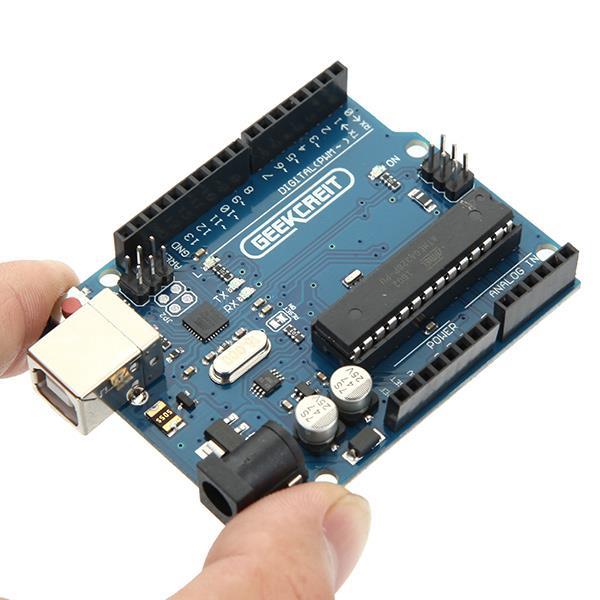
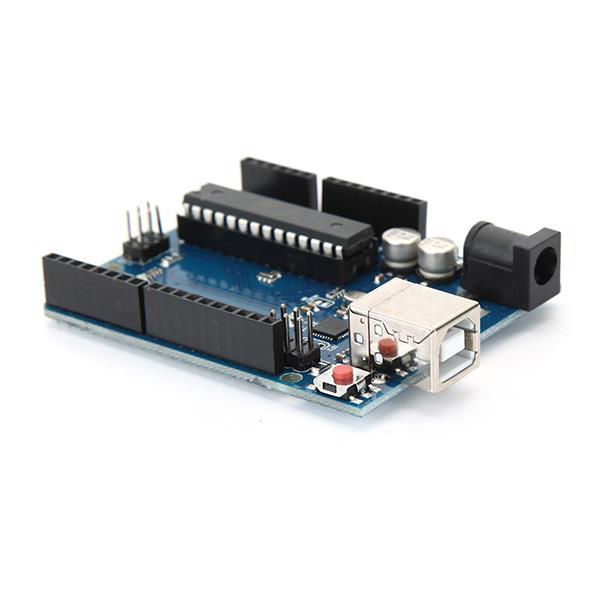
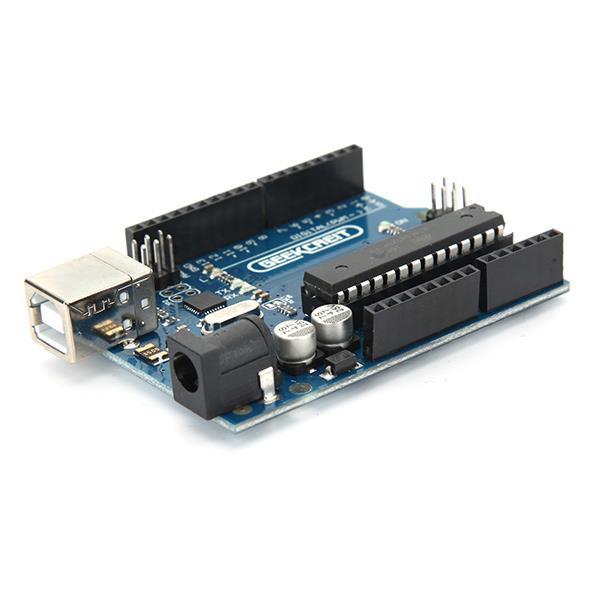
UNO R3 ATmega328P Board: Description:
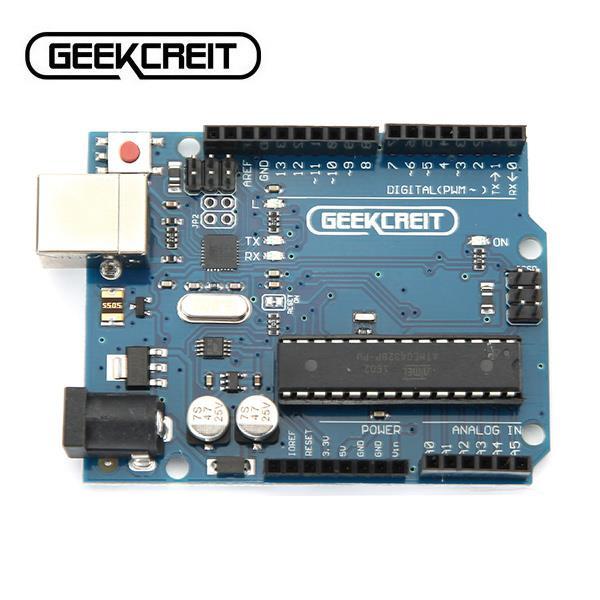
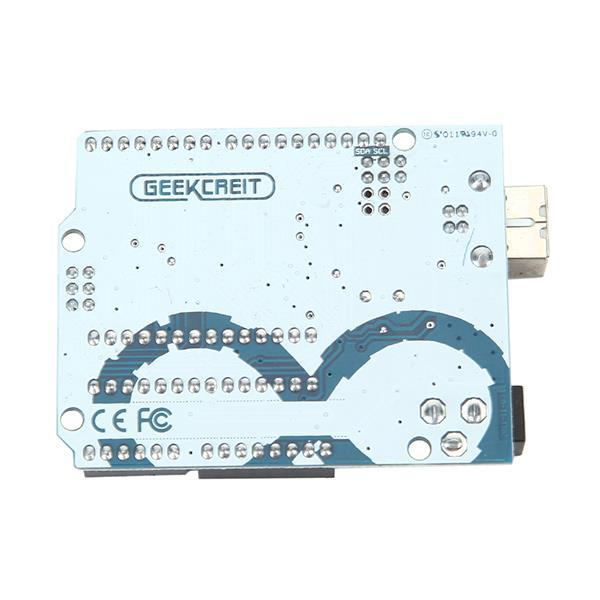
UNO R3 board is 100% compatible with original , now it has perfect quality and performance . is an open-source physical computing platform based on a simple i/o board and a development environment that implements theProcessing/Wiring language. can be used to develop stand-alone interactive objects or can be connected to software on your computer (e.g. Flash, Processing, MaxMSP). The open-source IDE can be downloaded for free (currently for Mac OS X, Windows, and Linux). This is the new Tosduino Uno R3. In addition to all the features of the previous board, the Uno R3 now uses an ATmega16U2 instead of the ATmega8U2 chip. This allows for faster transfer rates, no drivers needed for Linux or Mac (inf file for Windows is needed), and the ability to have the Uno show up as a keyboard, mouse, joystick, etc.
Note:
The TOSduino Uno R3 requires the 1.0 drivers folder in order to install properly on some computers. We have tested and confirmed that the R3 can be programmed in older versions of the IDE. However, the first time using the R3 on a new computer, you will need to have 1.0 installed on that machine. The small chip is ATmega16U2, the 28 pin DIP socket chip is ATmega328-pu.
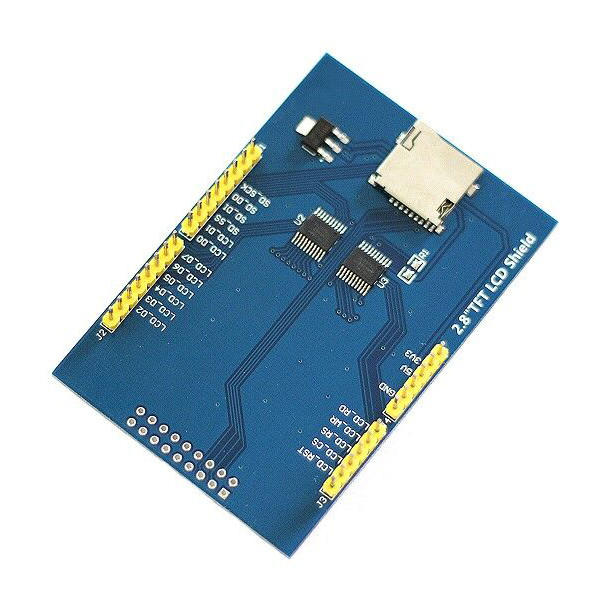
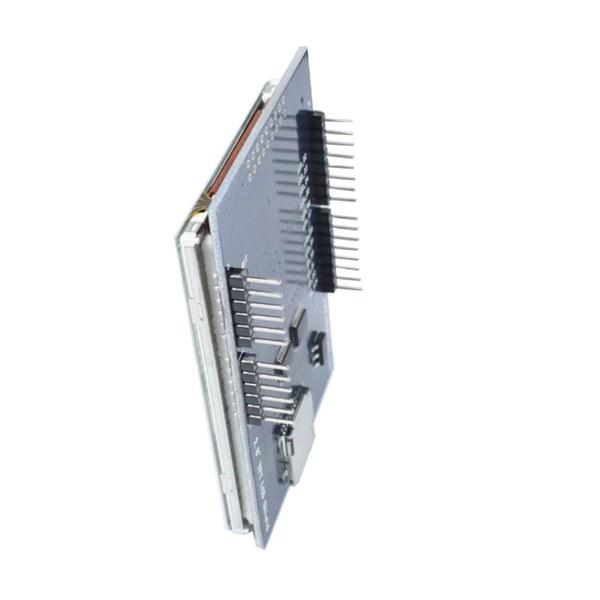
2.8 Inch LCD Display Feature: Description:
2.8 inch LCD TFT display Bright, 4 white-LED backlight Colorful, 18-bit 262,000 different shades 4-wire resistive touchscreen 240 x 320 pixels with individual pixel control No wiring, no soldering. Simply plug it in and load library On-board 3.3V 300mA LDO regulator 5V compatible, use with 3.3V or 5V logic Support 2GB micro SD TF card Size: 7.8 x 5.3cm
Package included:
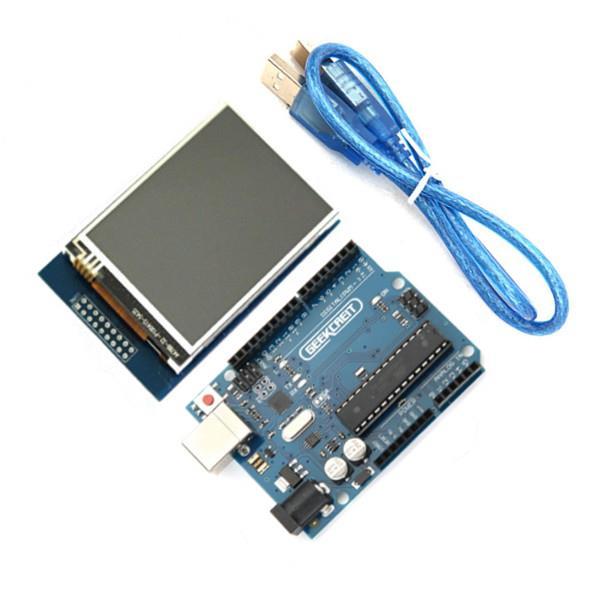
1 x 2.8 Inch TFT LCD Shield Touch Display Module 1 x UNO R3 ATmega328P Board with USB cable
Both board and display are quite nice. What I really like is that this board have replaceable chip, so you can use ti to program ATmega 328 chips: https://goo.gl/n3VbEX
After 4 weeks i finally had my hands on this product. But it was not easy to let it work.
So found the good driver!!
When you know the driver you can easily let it work. For me i found it after 2 days. So this have i done. At the back on my module stand with black marker 68090 it seem to stand for the diver RM68090 but under that name you can not found it. So after hard google. i found on another site that the RM68090 is similar on the ILI9325 so when you get the unkown driver error try this one. And change the code to:
if(identifier == 0x9325) {
Serial.println(F("Found ILI9325 LCD driver"));
} else if(identifier == 0x9328) {
Serial.println(F("Found ILI9328 LCD driver"));
} else if(identifier == 0x7575) {
Serial.println(F("Found HX8347G LCD driver"));
} else if(identifier == 0x9341) {
Serial.println(F("Found ILI9341 LCD driver"));
} else if(identifier == 0x8357) {
Serial.println(F("Found HX8357D LCD driver"));
} else {
Serial.print(F("Unknown LCD driver chip: "));
Serial.println(identifier, HEX);
identifier = 0x9325;
}
And download the normal library from adafruit
link:
https://github.com/adafruit/TFTLCD-Library
And maybe you must rotate the lcd for the correct touch. And mirror it.
Rotate can be with comment:
tft.setRotation(1)
And mirror i had do with the follow:
p.x = map(p.x, TS_MINX, TS_MAXX, 240, 0);//default is (240, 0) [default puts touch cord. 0=x/y upper right.
p.y = map(p.y, TS_MINY, TS_MAXY, 0, 320);//default is (320, 0) [I change these cause i like 0=xy bottom left.