通貨を選択


言語を選択


 Roymall C.o.

安全なチェックアウト

 無料ギフト
無料ギフト
 配送ポリシー
 返品ポリシー
Features:
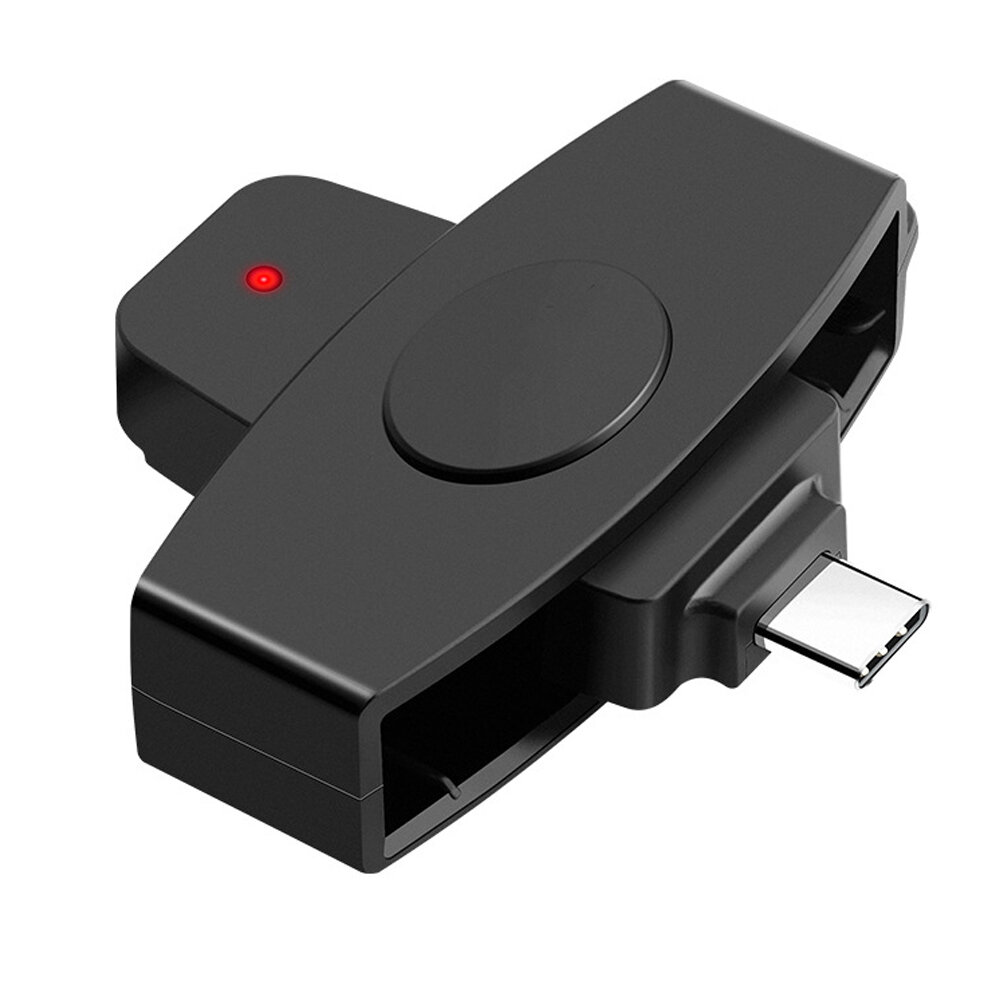
1. CAC USB Smart Card Reader: For CAC card, government ID, national ID, ActivClient, AKO, OWA, DKO, JKO, NKO, BOL, GKO, Marinenet, AF Portal, Pure Edge Viewer, ApproveIt, DCO, DTS, LPS, Disa corporate email, etc.
2. Certification Standard: The card reader supports ISO7816 A, B, C (5V/3V/1.8V) smart cards.
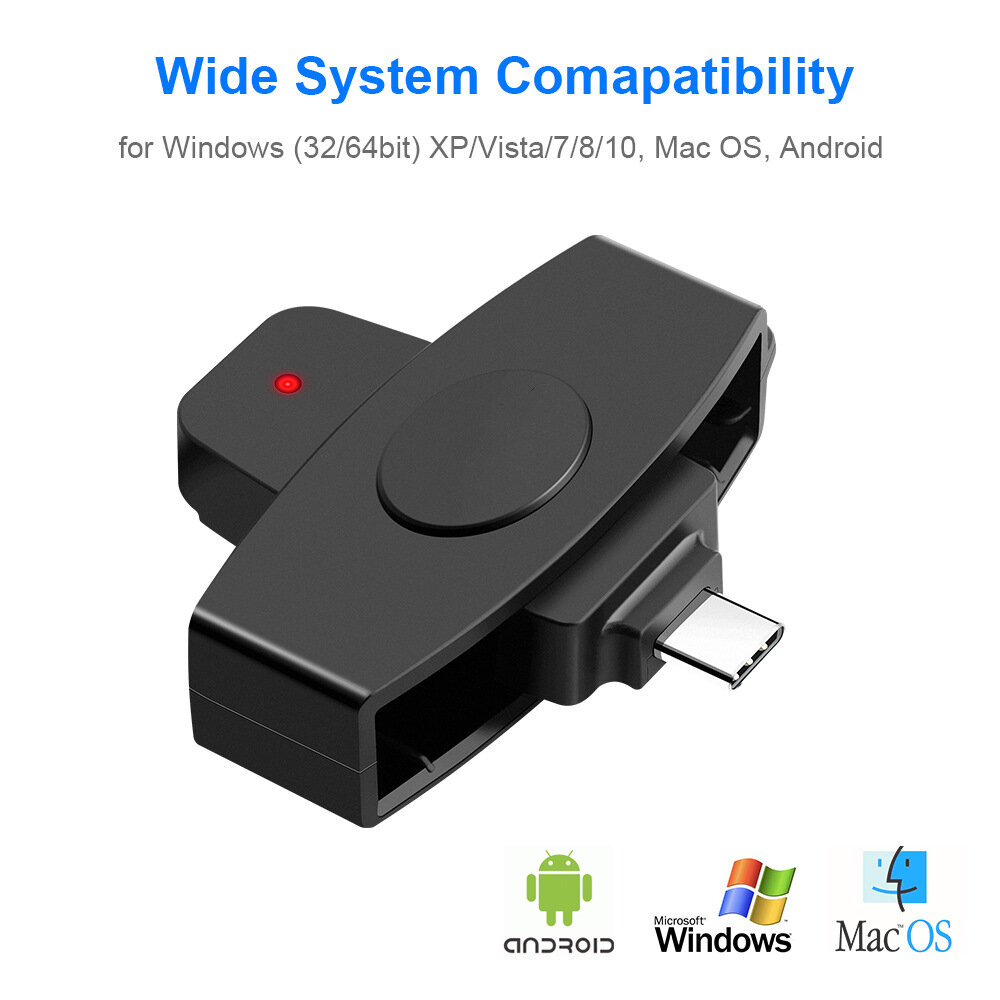
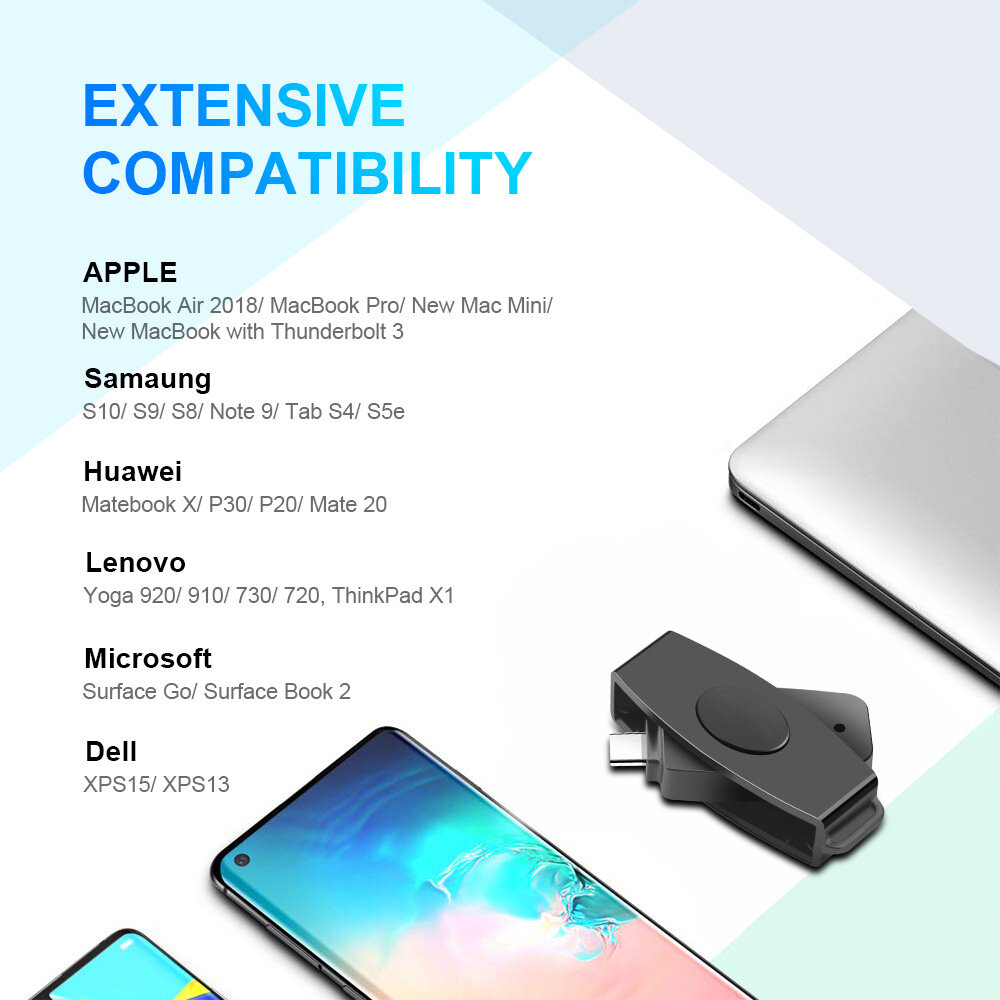
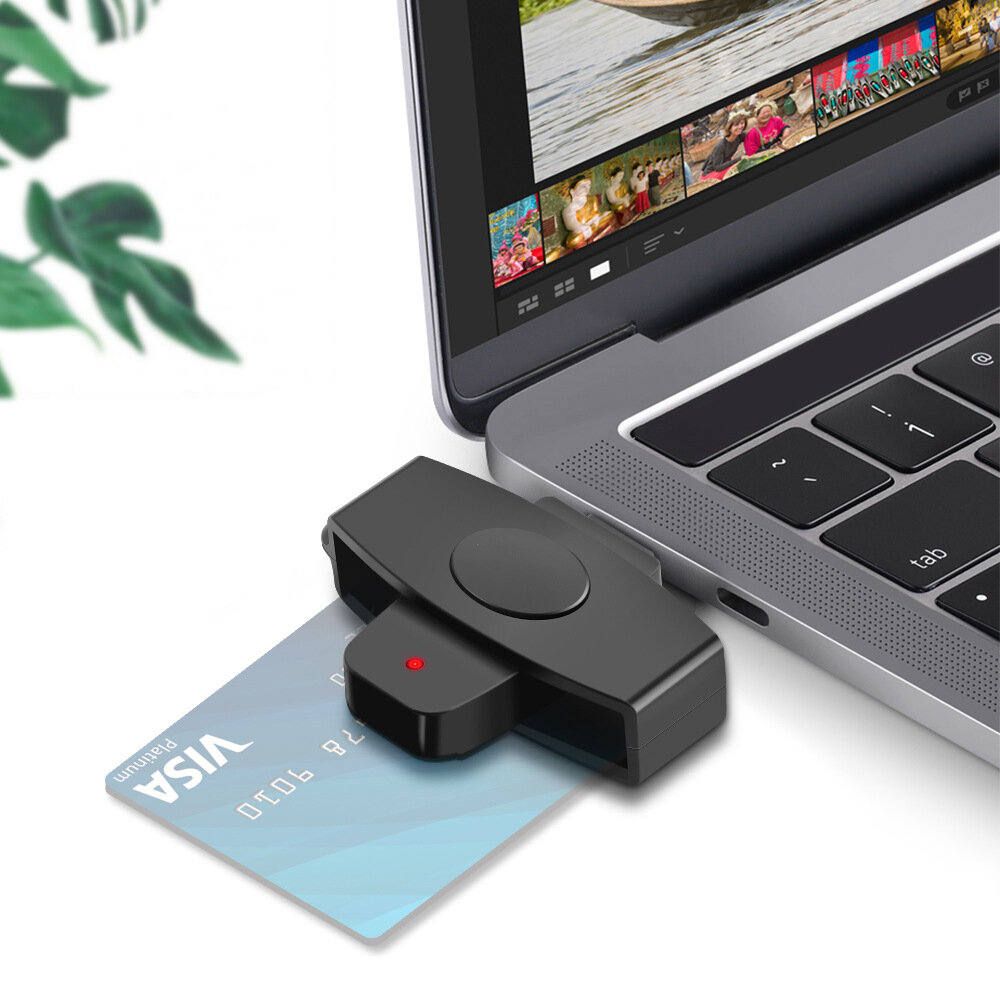
3. Universal Compatibility: The system is compatible with Windows (32/64 bit) XP/Vista/7/8/10, Ma OS X and Android OS. Compatible with Android phones, MacBook Pro 2018/2017/2016, MacAir, Chromebook, ASUS ZENBOOK, DEL XPS, Huawei Matebook and other Type C laptops.
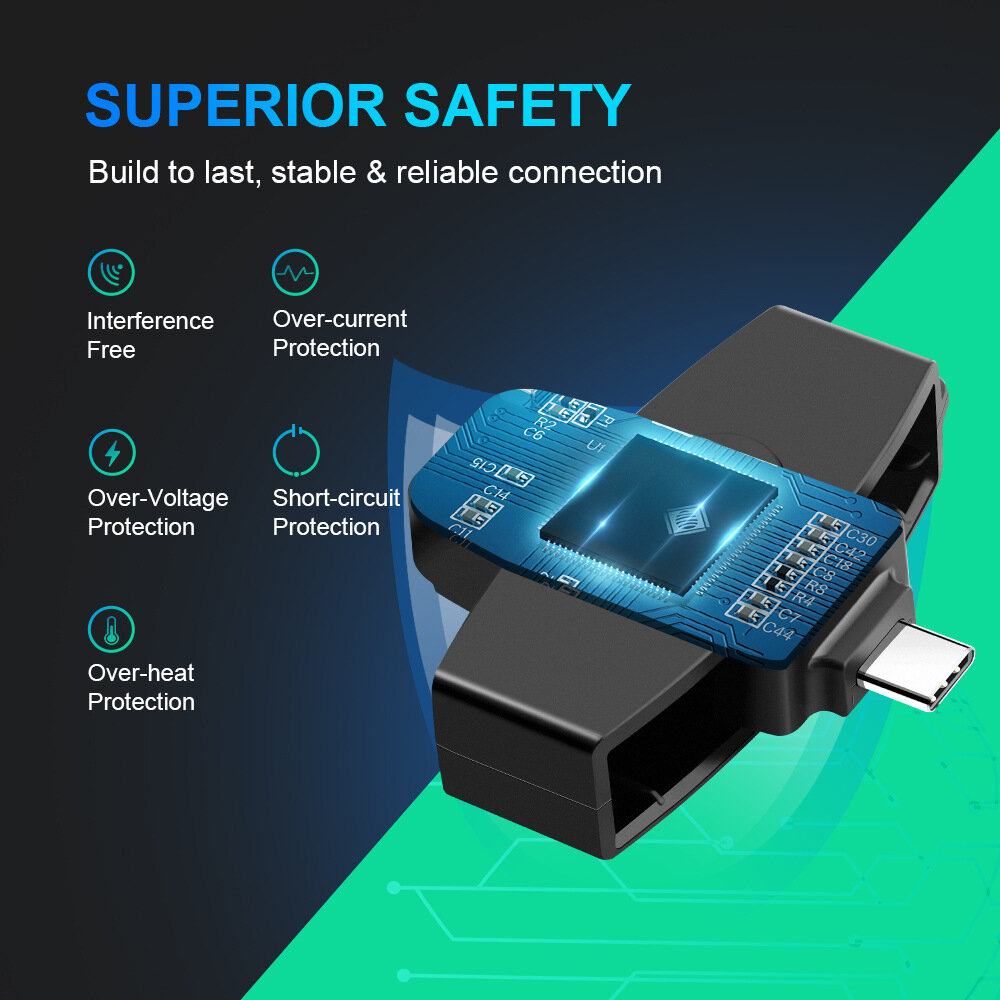
4. Smart Card Detection: Motion Detection with Auto Shutdown Automatic Detection of Smart Card Type Short Circuit and Thermal Protection.
5. USB C Multi-function Smart Card Reader is an easy-to-install USB device compatible with almost all contact smart cards, operating systems, and a variety of applications including online banking and digital signatures. It is easy to install and operate for Type C computers.
System Compatibility:
-Ma OS X (Insert the disk, first close the "Autorun" window, then open the file "MAuff1f Installer" to install)
-Windows (32/64bit) XP/Vista/7/8/10
-Android operating system
Card Compatibility:
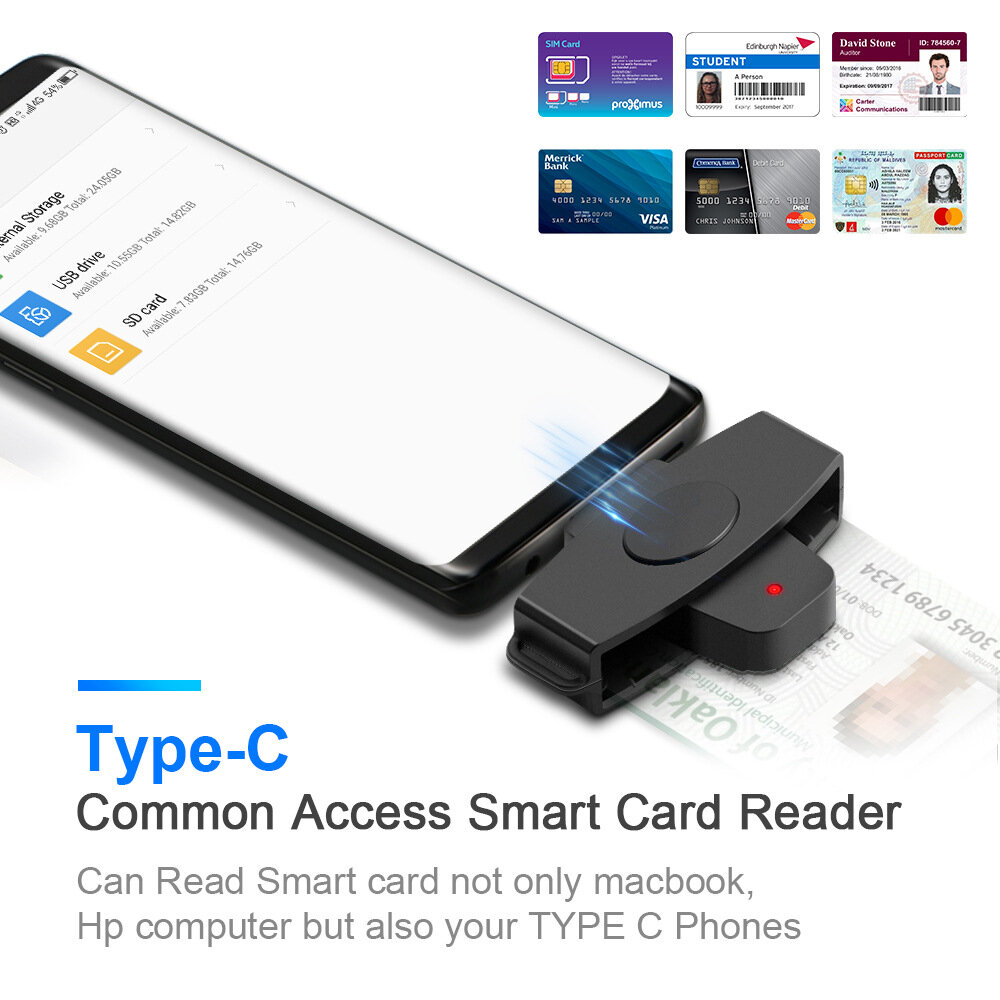
-Supports bank, post office, chip cards issued nationwide.
-Can be used for CAC (Public Access Card), Government ID, National ID
-For all contact smart card operations such as online banking or digital signature applications: ActivClient, AKO, OWA, DKO, JKO, NKO, BOL, GKO, Marinenet, AF Portal, Pure Edge Viewer, ApproveIt, DCO, DTS, LPS, Disa Business Email, etc.
-Compatible with various smart card operations for digital authentication and security, network ATM transmission, payment, balance inquiry, tax, water bill, electricity bill payment, credit card bill payment, cash card payment.
-SIM card.
Specifications:
-Card types: 5V, 3V and 1.8V smart cards, ISO 7816 Class A, B and C
-Certification standards: ISO-7816 and EMV2 2000 Class 1, CE, FCC, VCCI, CCID, Microsof WHQL.
Package Included:
1 x USB C Multi-function Smart Card Reader
Note:
A. Only Android phones that support NFC function.
B. Please follow the steps below (for Android smartphone users):
1. Download "ATuff1f Analyzer" on the Android APP market.
2. Open the APP".
3. Insert the smart card reader into the phone and insert the CAC card.
4. Read what you need easily.
Notice: The smart card function does not work in China!





最新のブランドニュースと初回注文15%オフを入手する。

Hi ?
How can we help?


 Coupon Code
 Direct purchase from the factory
 Computers & Office
 Card Readers
 Drives and Storage