Note: Raspberrry Pi is not included. Introduction:
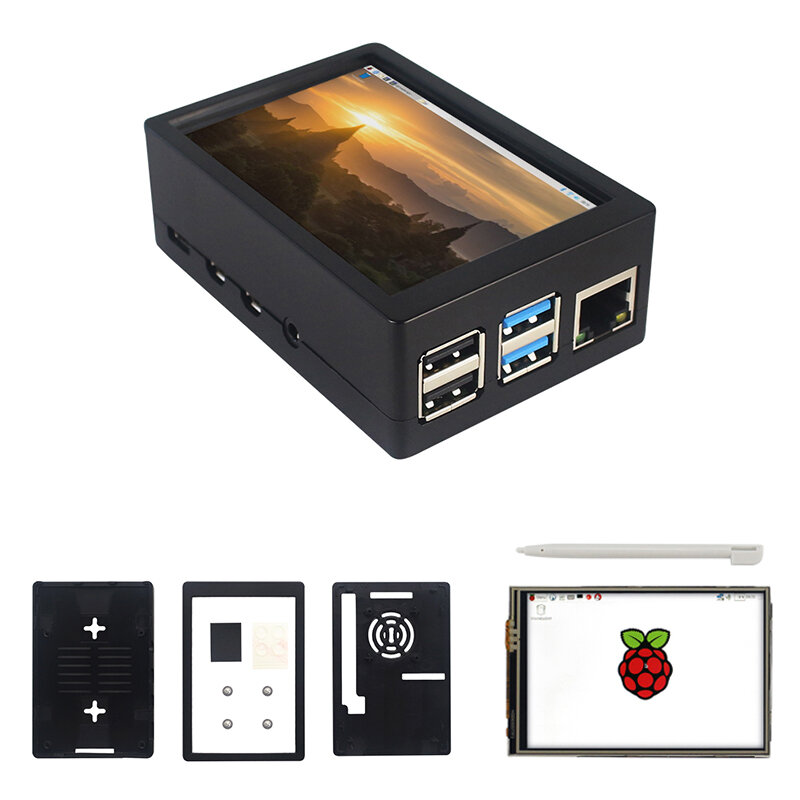
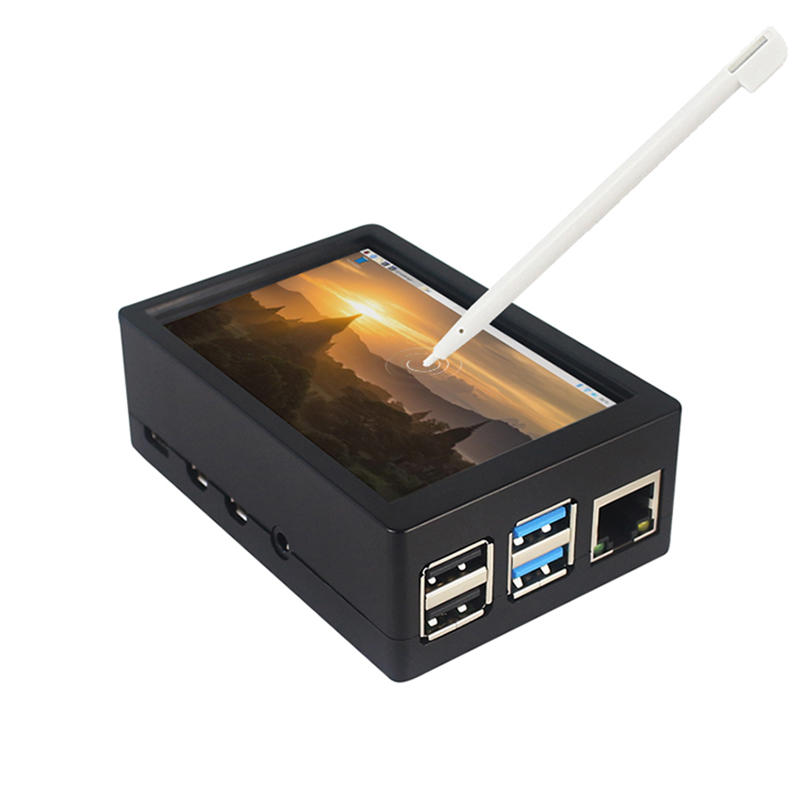
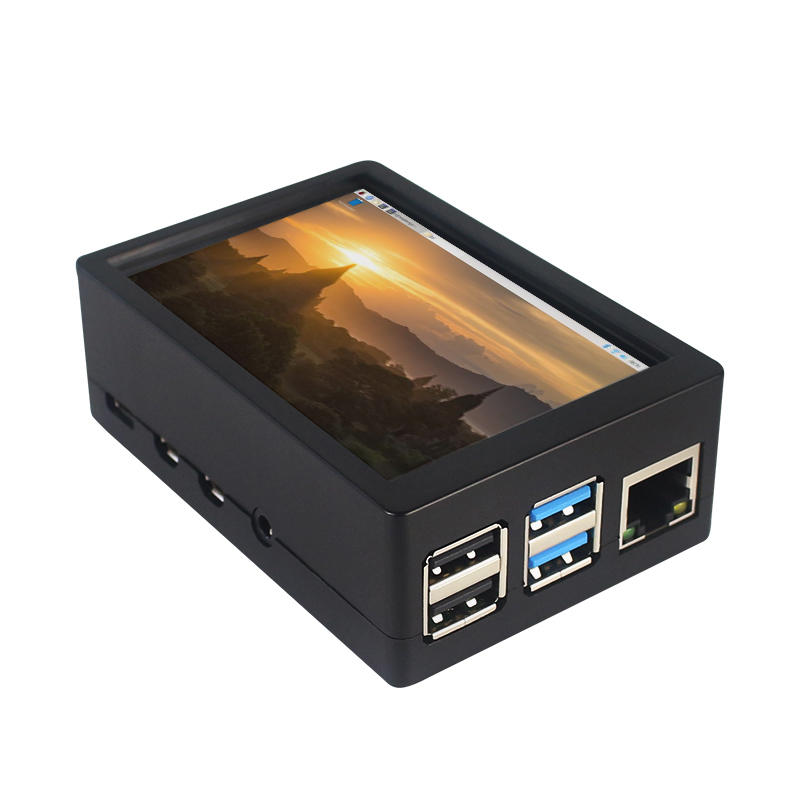
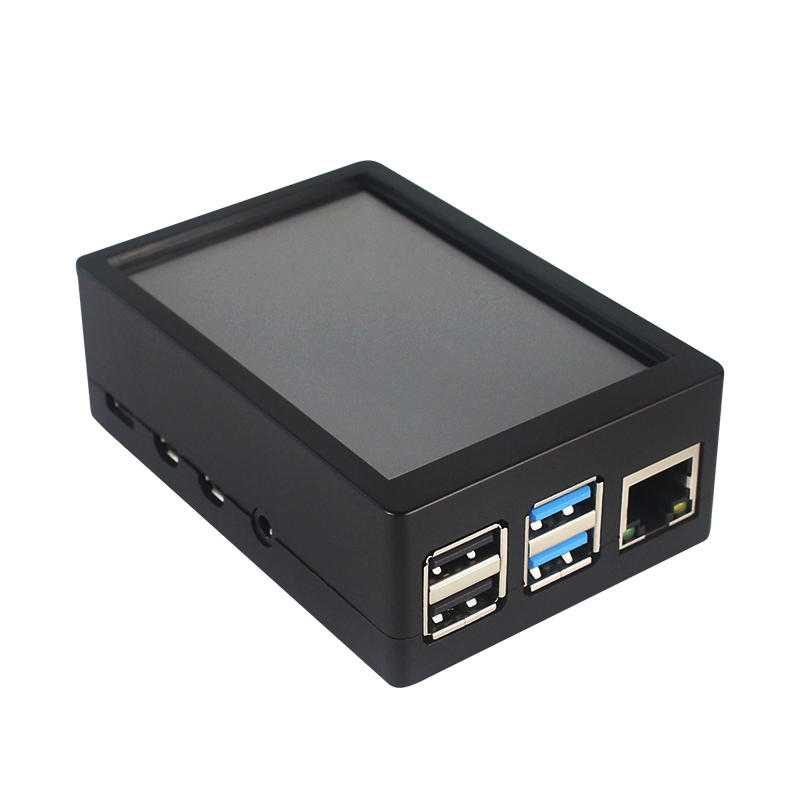
This is the dual use ABS case for 3.5 inch screen kit, suitable for Raspberry Pi 4 Model B.It is esay to install the case with screen and Raspberry Pi.When you use the Raspberry Pi with 3.5inch screen,please remove the cover of case;When you use Raspberry Pi with cooling fan,you needn"t remover the cover of case.
Note:The 3.5inch screen and cooling fan can"t be used at the same time. If Raspberry Pi is equipped with GPIO display drivers,the HDMI port will have no signal output
Specifications:
Colour: Black
Material: ABS plastic
Size: 90*61*35
Applicable to: Raspberry Pi 4B
3.5-inch touch screen or fan that can install Raspberry Pi
Knowing that: 3.5-inch display and fan cannot be installed at the same time due to the PIN pin
3.5inch Touch Screen Features:
1. Physical resolution 320 x 480, with resistive touch control
2. With the refresh rate of raspberry pi around 50Hz, play video to play the game without pressure.
3. With the refresh rate of raspberry pie around 50Hz, play video to play the game without pressure
4. Support FBCP software drive, support double screen display, can adjust the resolution of the software to zoom
5. Raspberry Pi ZeroW, A, A+, B, B+, 2B, 3B, 3B+ , 4B)
6. Support Raspbian/Ubuntu/Kali system, provide driver and image
7. WIKI for reference: raspberrypiwiki.com/index.php/3.5_inch_LCD_B
Note:
Please plug the screen on Raspberry Pi"s GPIO pins correctly( as the picture) , otherwise the touch function will be damaged.
If Raspberry Pi is equipped with GPIO display drivers such as MPI2411, MPI2418, MPI2801, MPI3201, MPI3501, etc., the HDMI port will have no signal output
If you need to switch back to the HDMI display mode, execute:
This LCD can be calibrated using a program called xinput_calibrator
Install it with the commands:
cd LCD-show/sudo dpkg -i -B xinput-calibrator_0.7.5-1_armhf.deb
Click the Men button on the task bar, choose Preference -> Calibrate Touchscreen.
Finish the touch calibration following the prompts. Maybe rebooting is required to make calibration active.
You can create a 99-calibration.conf file to save the touch parameters (not necessary if file exists).
/ect/X11/xorg.conf.d/99-calibration.conf
Save the touch parameters
About Dual Use ABS Case:
1. The Case made of ABS material,support to install 3.5 inch touch screen,and need to remove the cover of case. When you don"t use the 3.5 inch touchscreen , it is a general case with cooling fan.The 3.5inch screen and cooling fan can"t be used at the same time.
2. The case is design for Raspberry Pi 4 Model B , remain almost all interface such as USB , Ethernet , A/V , micro HDMI , SD card slot , display , camera( CSI). (Note: A1 case remain GPIO and POE hole , but A2 case does not remian)
3. Make 2 hole on the bottom so that you can hange the case on the wall or something else . This design is very convenient when using the 3.5 inch touchscreen.
Package Included: 1 x ABS box case 1 x touch screen 1 x touch screen pen



 Roymall C.o.


 無料ギフト
無料ギフト
 配送ポリシー
 返品ポリシー








 Coupon Code
 Direct purchase from the factory
 Electronic Components & Supplies
 Module Board
 Raspberry Pi & Orange Pi