Back Share

SM2008 6/8CH オールインワン RC シミュレーター FMS+G2+XTR RealFlight G3-G9 PhoenixRC シミュレーター RC レーシング ドローン用

  • gift Roymall C.o.
  • amazon
  • $27.99 /$39.03
    4.51336
    Shipping to: United States
    Express: 7-12 business days
    Standard: 15-25 business days
    $31.99 /$39.03
    • *Name:

    • *Email:

    • *Phone:

    • *Quantity:

    • *Content:

    • Attachment:

      Supports JPG, JPEG, PNG, PDF, EXCEL, WORD, RAR, ZIP, 7z formats

    安全なチェックアウト

    無料ギフト
    購入ごとに無料ギフト
    配送ポリシー
    9.9ドル以上の注文で標準配送無料
    返品ポリシー
    返品は商品受領日から40日以内に受け付けます。カスタマイズ商品は返品または交換できません。Eギフトカードで購入した商品は交換のみ可能で、返金は適用されません。

    無料ギフト

    Roymallへようこそ、プレミアムデパートメントストアギフトを購入するための専門ウェブサイトです。私たちはあなたのサポートを高く評価し、感謝の気持ちを込めて、購入ごとに特別な無料ギフトをお届けします。私たちと一緒にショッピングを楽しむことで、ライフスタイルを向上させる高品質な製品を楽しむだけでなく、注文ごとに特別な無料ギフトも受け取ることができます。 私たちのコレクションを探索して、完璧なギフトを見つける準備はできましたか?プレミアムデパートメントストアアイテムのセレクションを閲覧し、注文をして、購入品と一緒に無料ギフトが届くのを楽しみにしてください。

    配送ポリシー

    注文を受領後、商品を安全にお届けするために努めます。配送詳細は確認メールに記載されます。ほとんどの場合、注文は2日以内に処理されます。特別な状況下では、以下のように遅れることがあります:土曜日、日曜日、または祝日に注文をした場合、2日遅れます。通常、飛行機の遅延やその他の環境要因の影響を受けない場合、5〜7営業日(月曜日から金曜日)かかります。私たちの配送サービスは世界中に及ぶため、配送時間はあなたの場所によって異なります。遠隔地や国の場合は数日かかる場合がありますので、お待ちください。

    1. 返品・交換ポリシー

    私たちはroymall.comで購入した商品のみ受け付けます。地元のディストリビューターや他の小売店で購入した商品は返品できません。 最終販売商品や無料ギフトは返品できません。返品の対象となるためには、商品は未使用で受け取ったときと同じ状態でなければなりません。また、元のパッケージに入っている必要があります。返品手順を受け取った後、返品商品をパッケージに詰めて地元の郵便局または別の宅配業者に渡してください。
    返品または交換商品を受け取った後、3〜5営業日以内に処理します。返金は自動的に元の支払い方法に反映されます。カスタムサイズ、カスタムカラー、カスタムプリントなどのカスタム製品は返品または交換できません。さらにヘルプが必要な場合は、お問い合わせください。 service@roymall.com またはWhatsapp: +447549870296

    2.返金ポリシー

    返品パッケージを受け取り、確認した後、全額返金または100%ストアクレジットを受け取ります。返金は自動的に元の支払い方法に反映されます。 配送料や関税、手数料は返金対象外です。パッケージが発送された後、追加の配送料は返金できません。これらの費用を支払う責任があり、私たちはそれらを免除または返金することはできません。返品商品を受け取り、確認した後、返品商品を受け取ったことを通知するメールを送信します。また、返金の承認または拒否についても通知します。返金プロセスに関する問題がある場合は、お問い合わせください。 service@roymall.com またはWhatsapp: +447549870296
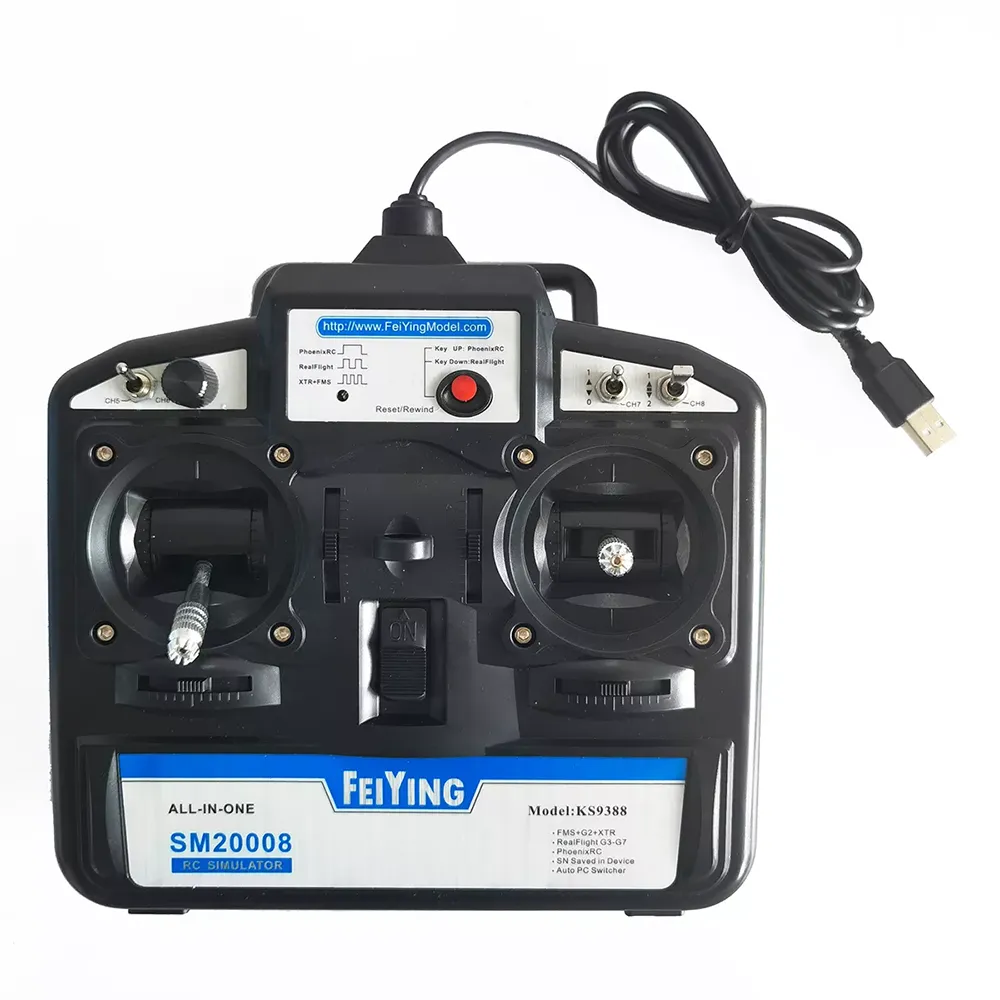
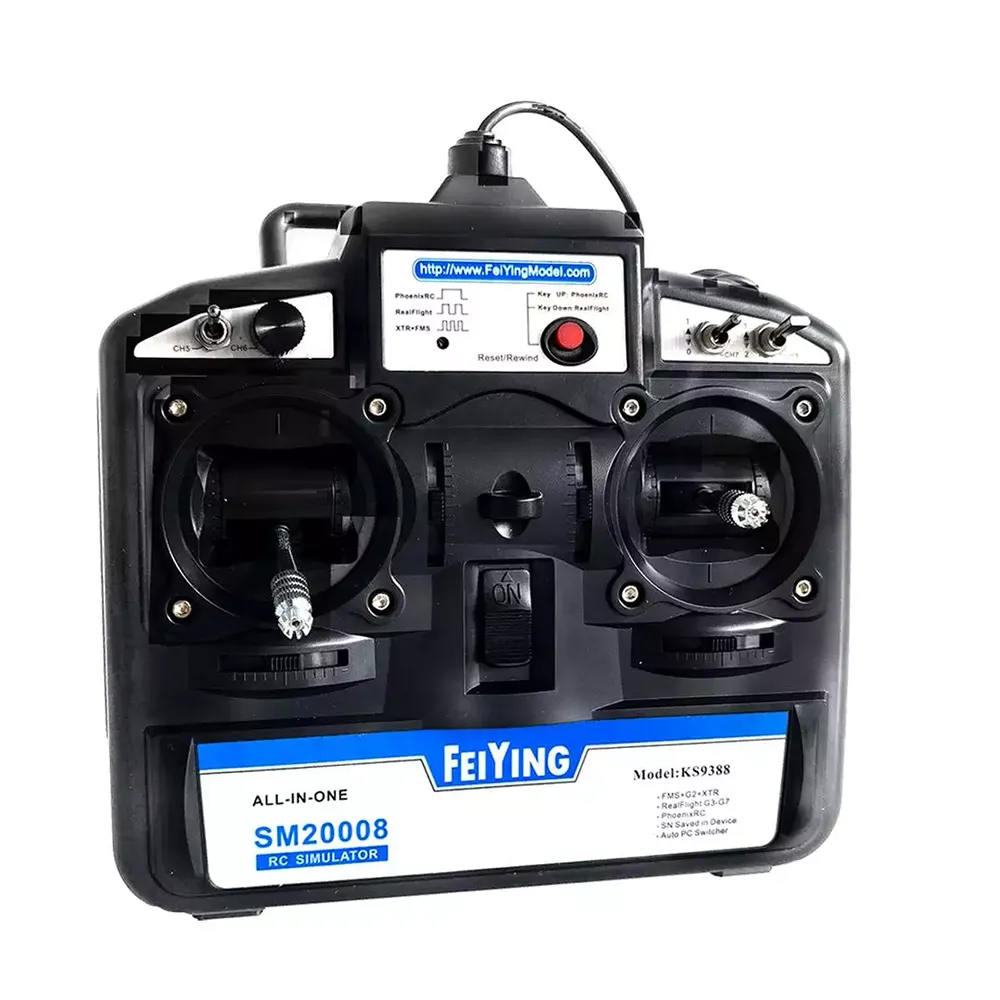
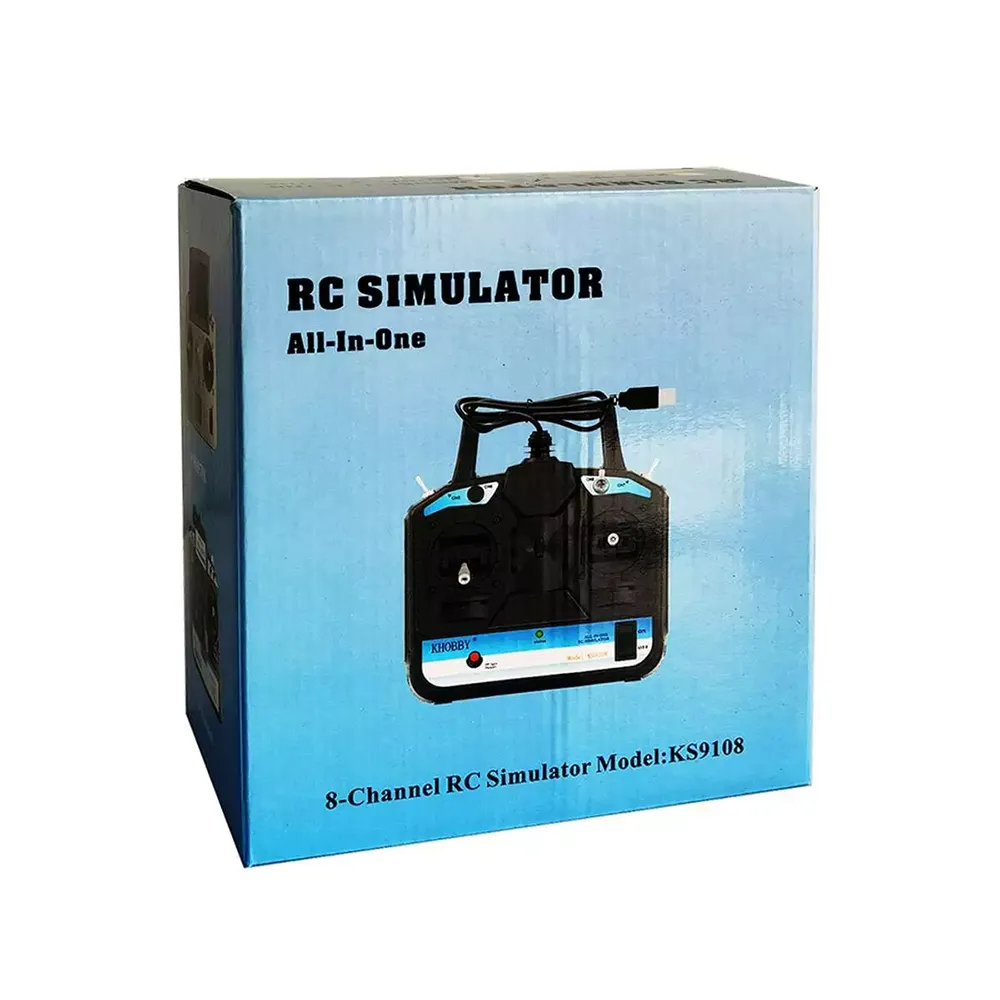
    SM2008 6/8CH ALL-IN-ONE RC Simulator Support FMS+G2+XTR RealFlight G3-G9 PhoenixRC Simulator for RC Racing Drone


    Description:

    Item Name: RC Simulator

    Model: KS9388

    Number of channels: 6/8CH


    Features:

    * Support FMS, XTR, PhoenixRC, RealFlight G3 to the latest G8 G9.

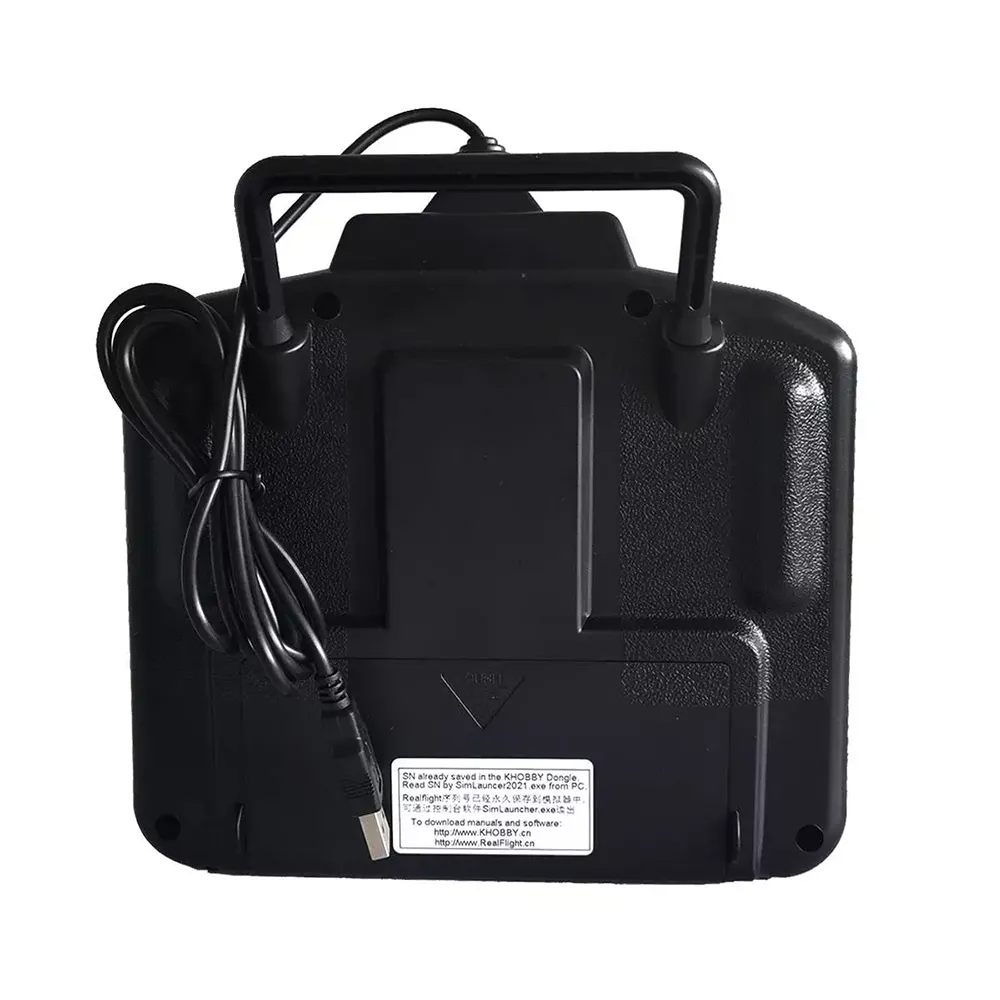
    * No battery is needed, and the USB can be connected to the USB port of the computer for power supply.

    * RealFlight G8 G9 unique serial number, which can be activated and bound to a computer. After binding the computer, there is no need to worry about the simulator corresponding to the computer equipment, it can be used universally.

    * 8 channels. (Two two-position switches, one knob, one three-position switch)

    * One-key switching of console software. No need for physical shifting. The equipment is more durable.


    Package included:

    1 x RC Simulator

    1 x USB Cable

    Reviews(9)
    4.40
    • åsanisse
      5.0
      dont work on phoenix, says button up, button dont move just pressbutton, no manual i package no working link.
    • CybaGirl
      5.0
      Fantastic seller with fast shipping. Highly recommend buying from!

      I bought this transmitter to teach myself to fly in Mode 2 from Mode 1.

      The transmitter works with all versions of RealFlight that I have from version 7 up to 9.5, However you need to follow a few steps first which are easy to do.

      I had to upgrade the firmware in my transmitter via the KHOBBY SimHelper application before I could use it. This was a free upgrade for me. Then I installed version 9.5 of RealFlight and closed it after the install. I then ran RF 9.5 from the KHobby SimHelper menu and it loaded without any issue.

      Now to use the controller. You will need to calibrate it from the calibration menu from inside RF 9.5 and make sure that you select the InterLink-X as the other options do not work. You might also have to re-assign the controls in the calibration section which I guess is dependent on the mode that you are flying with. For example I had to remap channel five on the transmitter to use retracts as channel 5 is the channel I use for retracts when I am flying my real models.

      I also noticed that after you launch RF 9.5 you will see a banner saying RF 9.5 over the actual program which is quite annoying. But easily fixed. All you have to do is go down to your Windows task bar and right click on the blue RF icon and select close. This will close this banner but still leave RF 9.5 running. However you will have to do this each time you launch RF 9.5. Minor inconvenience really.

      I had an issue with the sound not working either after installation of RF 9.5. But this was an easy fix by exiting the program and running it again.

      I am not allowed to post links here. So if you need the files to use the transmitter with or have any questions? Please email me at cybagirl at gmail dot com as I will be more than happy to help you or anyone for that matter.

      I also have a direct link that was sent to me for RF 9.5 which is what I have installed.

      Hope this helps.
    See All Reviews
    Description

    SM2008 6/8CH オールインワン RC シミュレーター FMS+G2+XTR RealFlight G3-G9 PhoenixRC シミュレーター RC レーシング ドローン用

    SM2008 6/8CH オールインワン RC シミュレーター FMS+G2+XTR RealFlight G3-G9 PhoenixRC シミュレーター RC レーシング ドローン用

    SM2008 6/8CH オールインワン RC シミュレーター FMS+G2+XTR RealFlight G3-G9 PhoenixRC シミュレーター RC レーシング ドローン用

    SM2008 6/8CH オールインワン RC シミュレーター FMS+G2+XTR RealFlight G3-G9 PhoenixRC シミュレーター RC レーシング ドローン用

    SM2008 6/8CH オールインワン RC シミュレーター FMS+G2+XTR RealFlight G3-G9 PhoenixRC シミュレーター RC レーシング ドローン用

    You also Interesting

    最新のブランドニュースと初回注文15%オフを入手する。

    QQ好友QQ空间新浪微博微信朋友圈百度贴吧复制链接
    取消