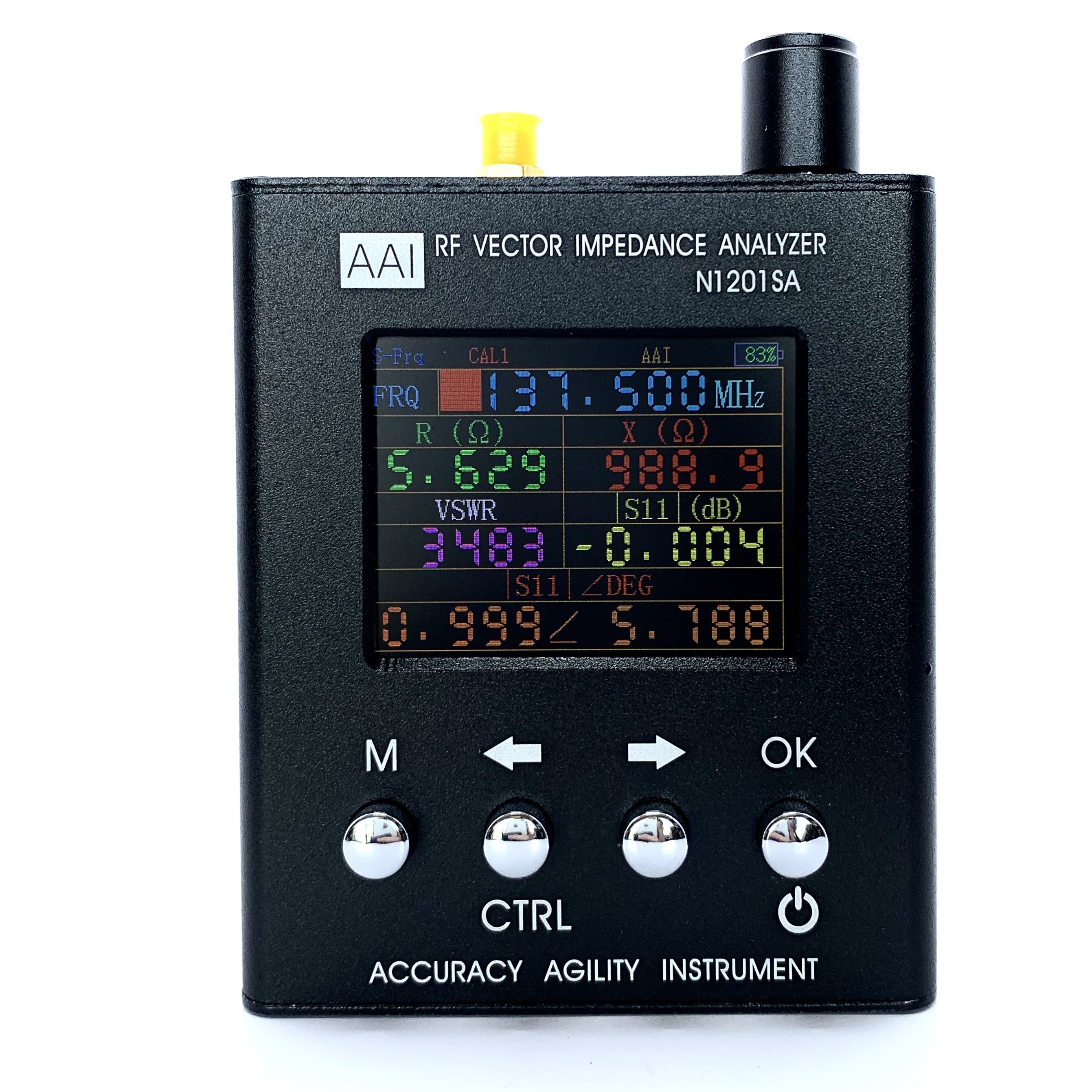
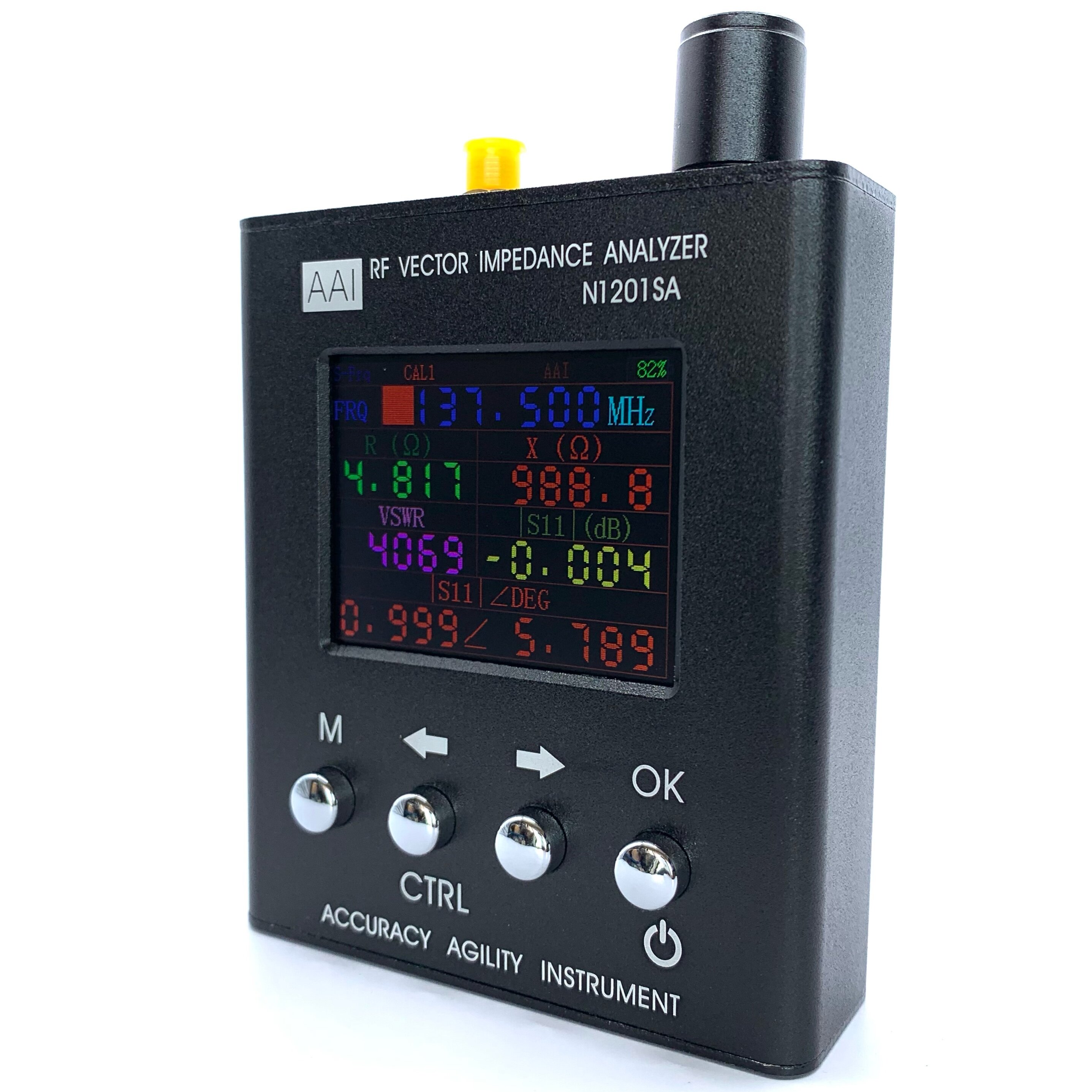
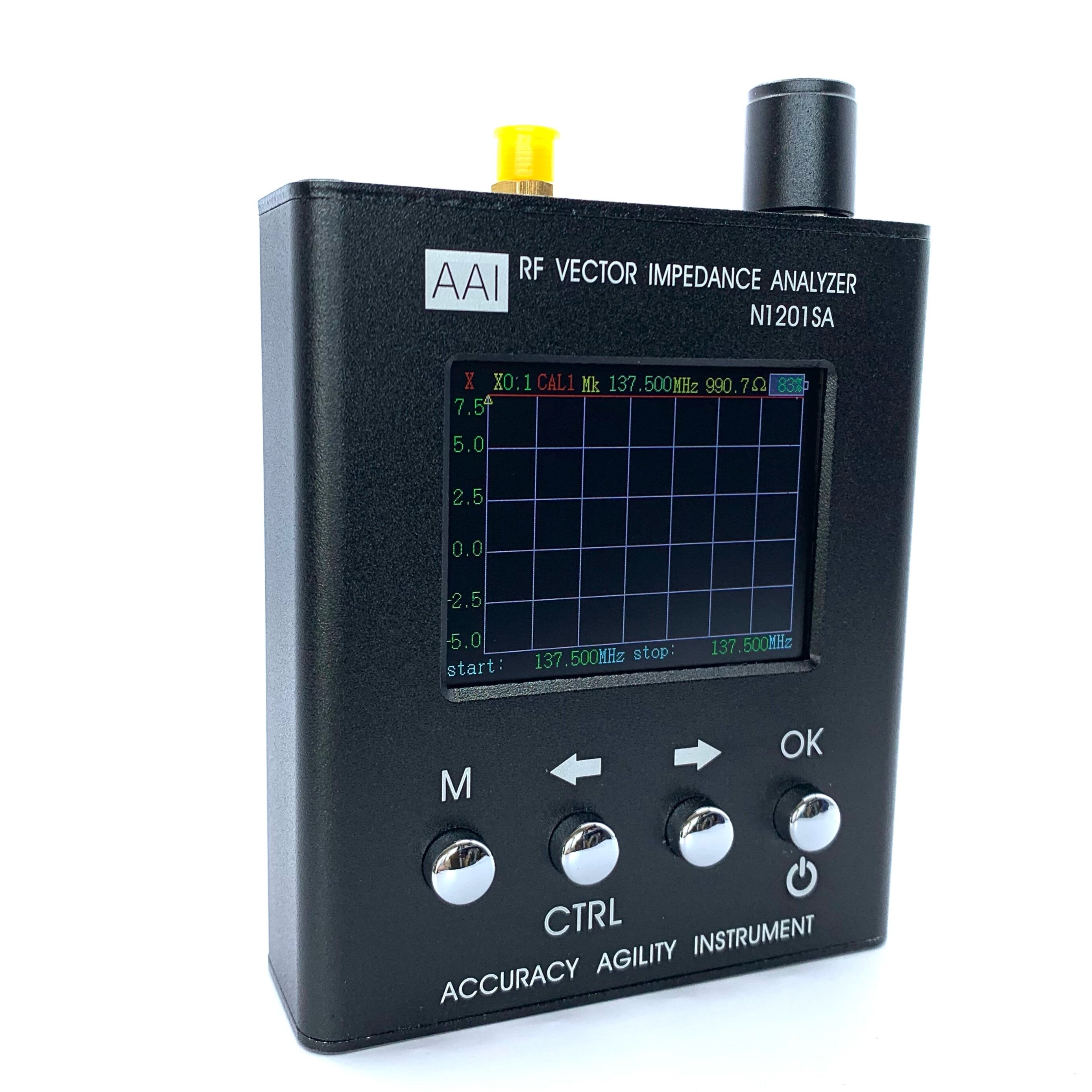
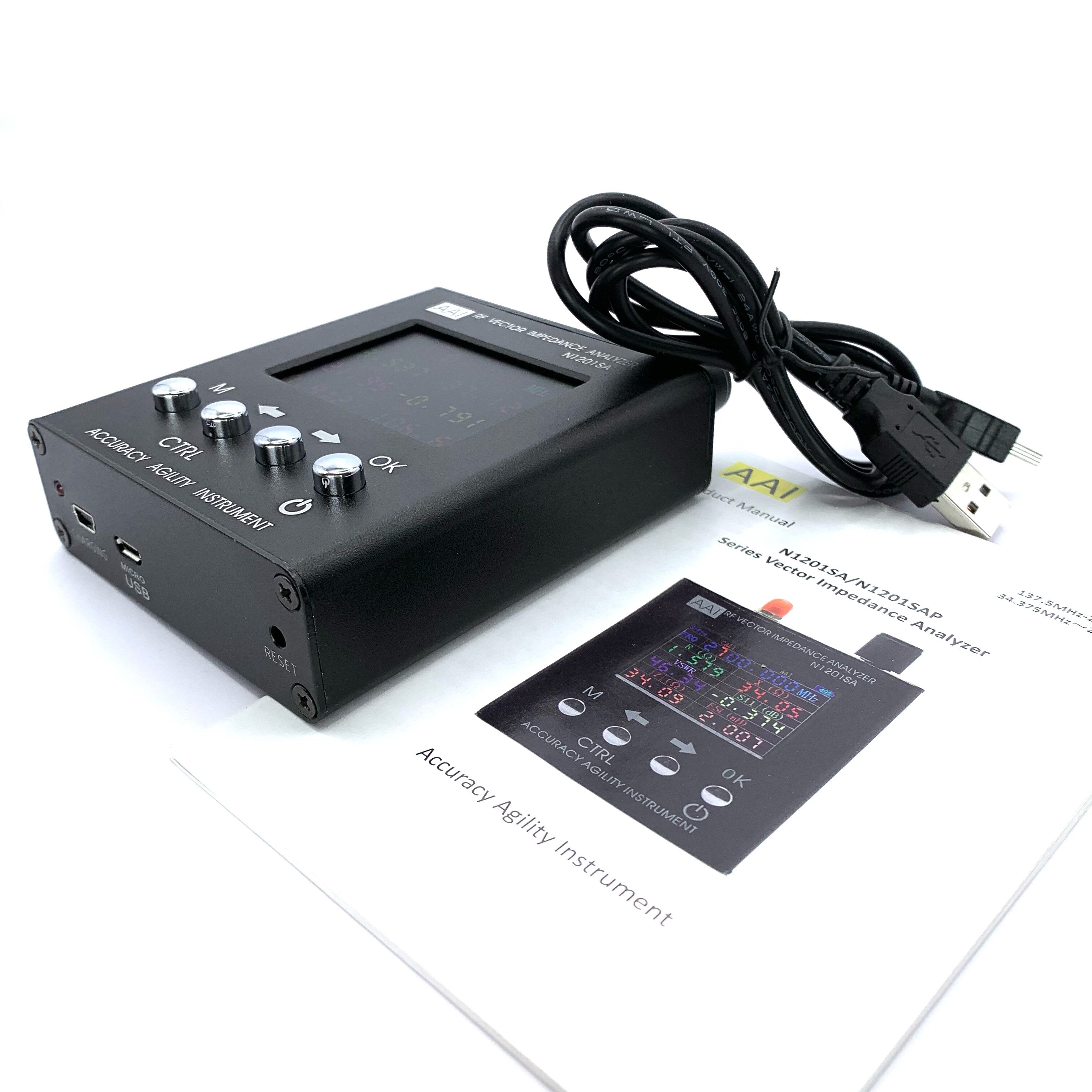
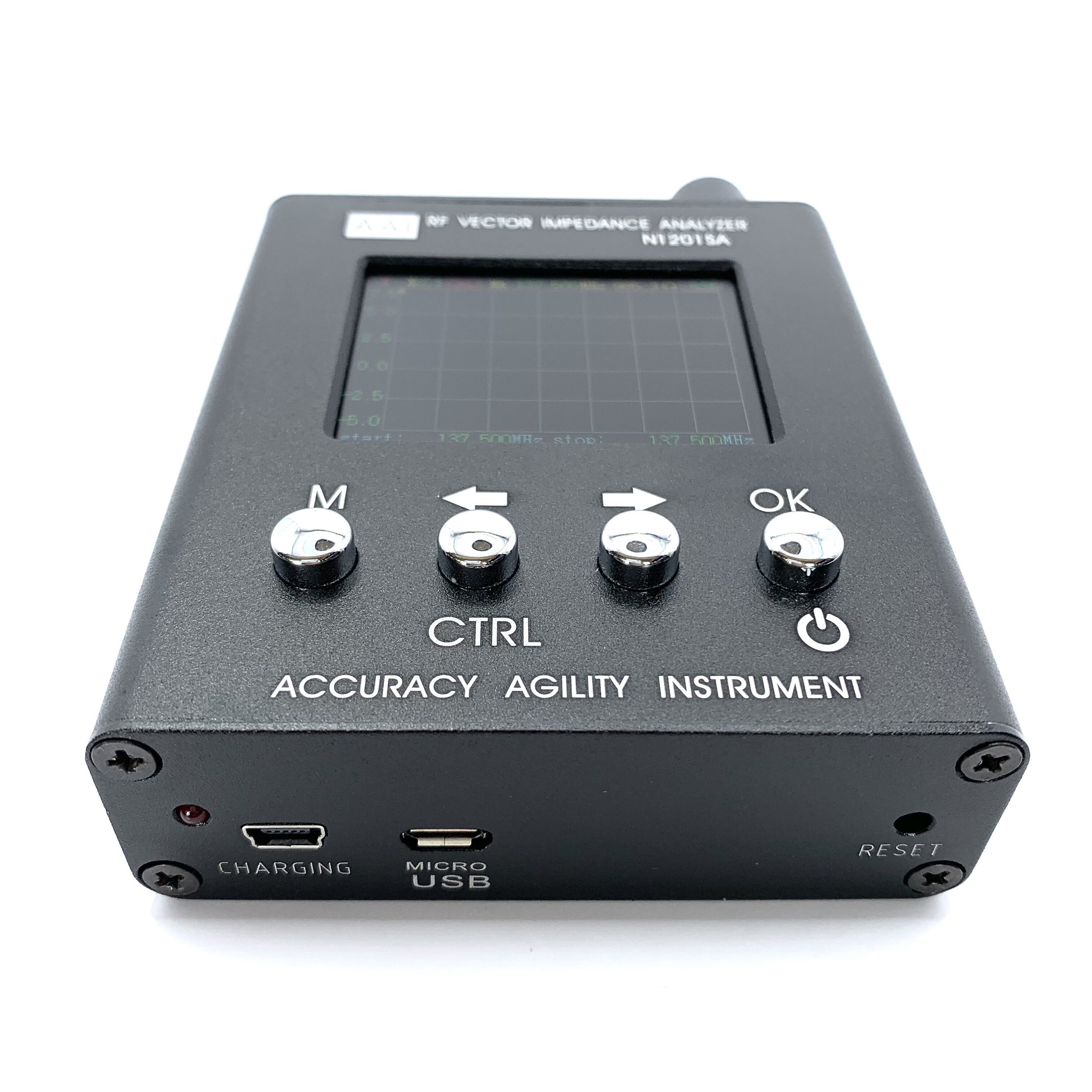
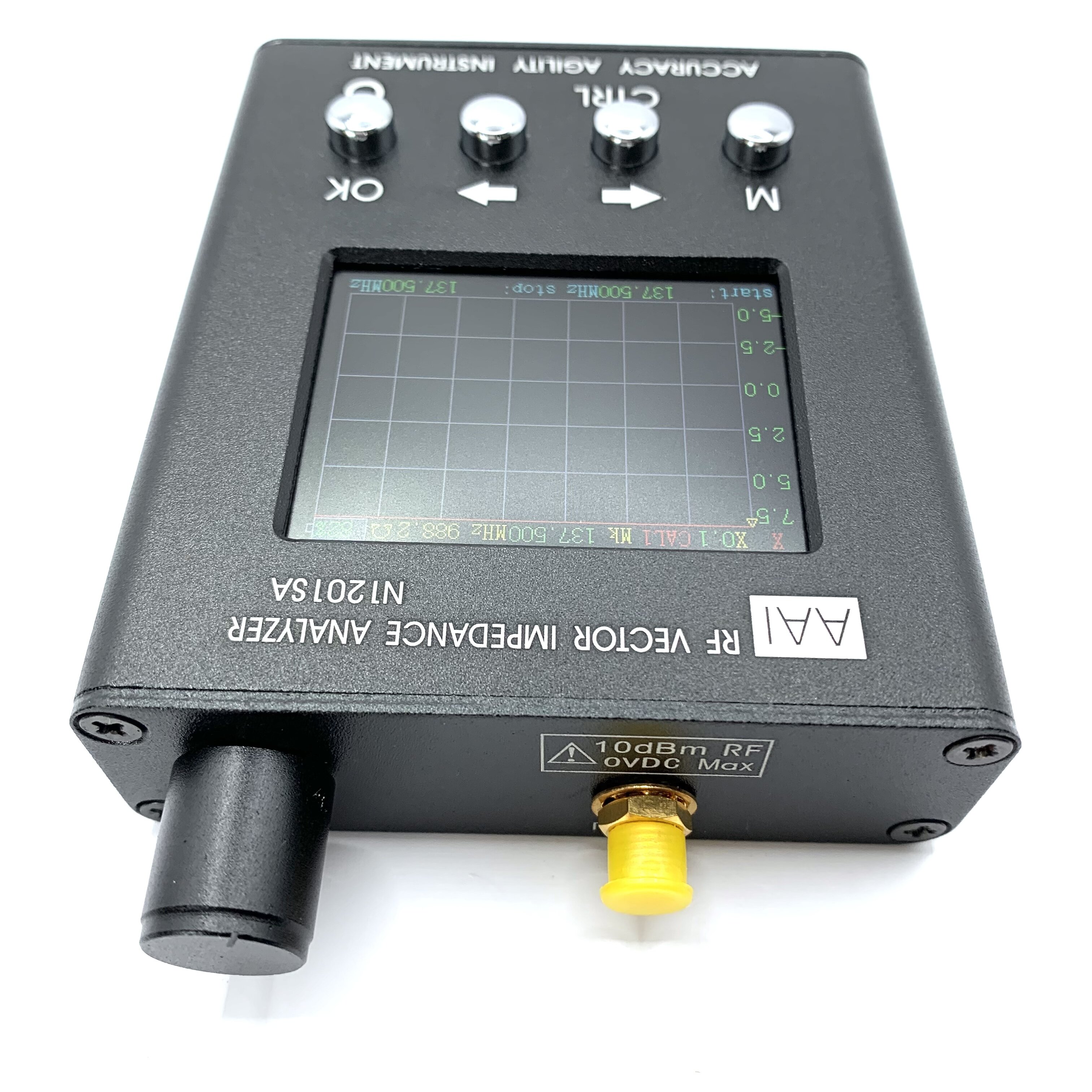

Description: - This instrument has four interfaces: single point measurement, scanning, system information, correction and calibration
The default boot into single-point measurement interface.
Note: For the convenience of the user, each time calibration correction options will automatically change to the user calibration. Meanwhile, in order to ensure the integrity of the calibration, the calibration process, the automatic shutdown function fails, the consistent boot.
Startup and shutdown: Hold down the CTRL key off press the power switch button.
The boot state, long press (2S above) the switch button, after the release, the instrument will shut down
Recommend the use: 1, in order to ensure the accuracy of measurement and calibration, preheat the instrument at least 15 minutes.
2, try to use good quality RF cable and connectors.
3, calibrated cable marked to the next may not need to calibrate and direct use.
4, test cable process affect the measurement accuracy, it is recommended that, where possible, do not choose too long test cable.
5, measurement and calibration before, make sure you are not in a strong wireless signal, so as to avoid interference caused by inaccurate measurements.
6, if the impedance measurements themselves do not understand, you can refer to a vector network analyzer instructions and tutorials. This instrument is equivalent to a single-port vector network analysis
Interesting device for RF experimentation and antenna matchin measurement. It cames calibrated, althogh it provides instructions to calibrate it yourself (ou will need special terminal caps for this). Seems to work fine after some basic testing. Instructions manual is quite complete and illustrated.
Description: - This instrument has four interfaces: single point measurement, scanning, system information, correction and calibration
The default boot into single-point measurement interface.
Note: For the convenience of the user, each time calibration correction options will automatically change to the user calibration. Meanwhile, in order to ensure the integrity of the calibration, the calibration process, the automatic shutdown function fails, the consistent boot.
Startup and shutdown: Hold down the CTRL key off press the power switch button.
The boot state, long press (2S above) the switch button, after the release, the instrument will shut down
Recommend the use: 1, in order to ensure the accuracy of measurement and calibration, preheat the instrument at least 15 minutes.
2, try to use good quality RF cable and connectors.
3, calibrated cable marked to the next may not need to calibrate and direct use.
4, test cable process affect the measurement accuracy, it is recommended that, where possible, do not choose too long test cable.
5, measurement and calibration before, make sure you are not in a strong wireless signal, so as to avoid interference caused by inaccurate measurements.
6, if the impedance measurements themselves do not understand, you can refer to a vector network analyzer instructions and tutorials. This instrument is equivalent to a single-port vector network analysis






