通貨を選択


言語を選択



 Roymall C.o.

安全なチェックアウト

 無料ギフト
無料ギフト
 配送ポリシー
 返品ポリシー
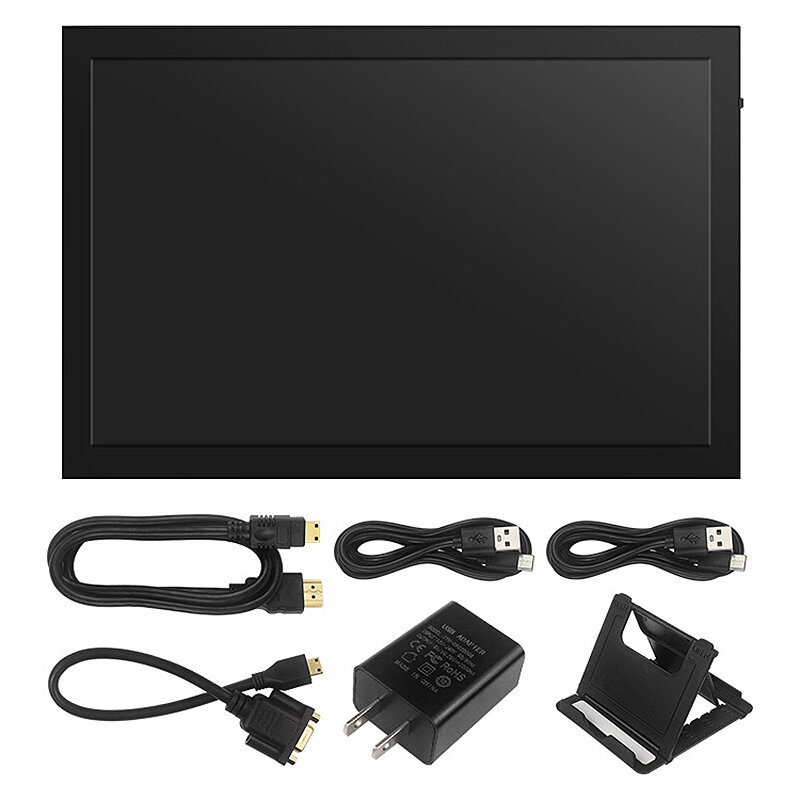
Package Include:
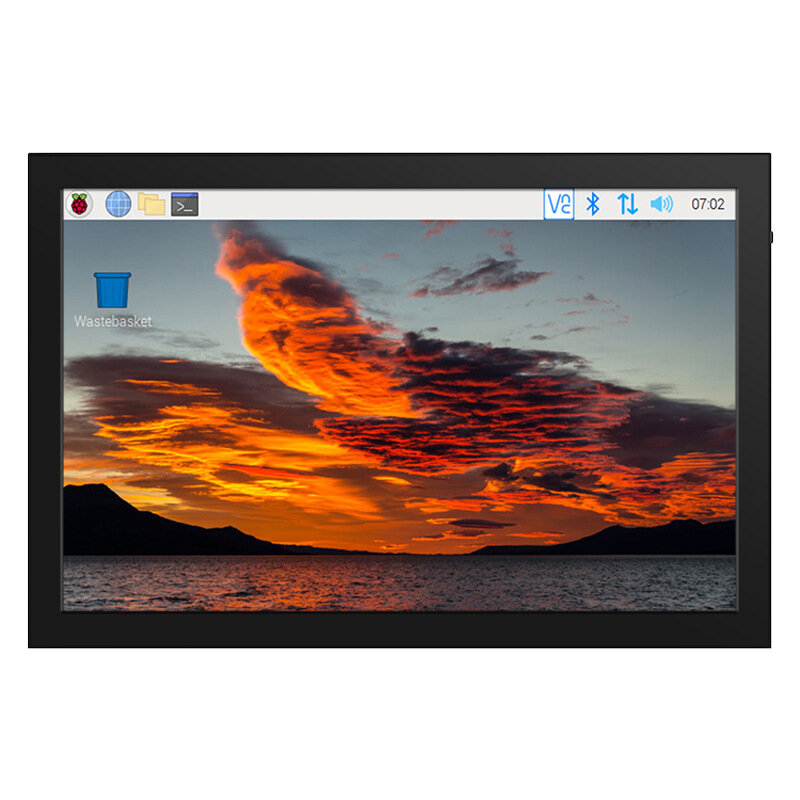
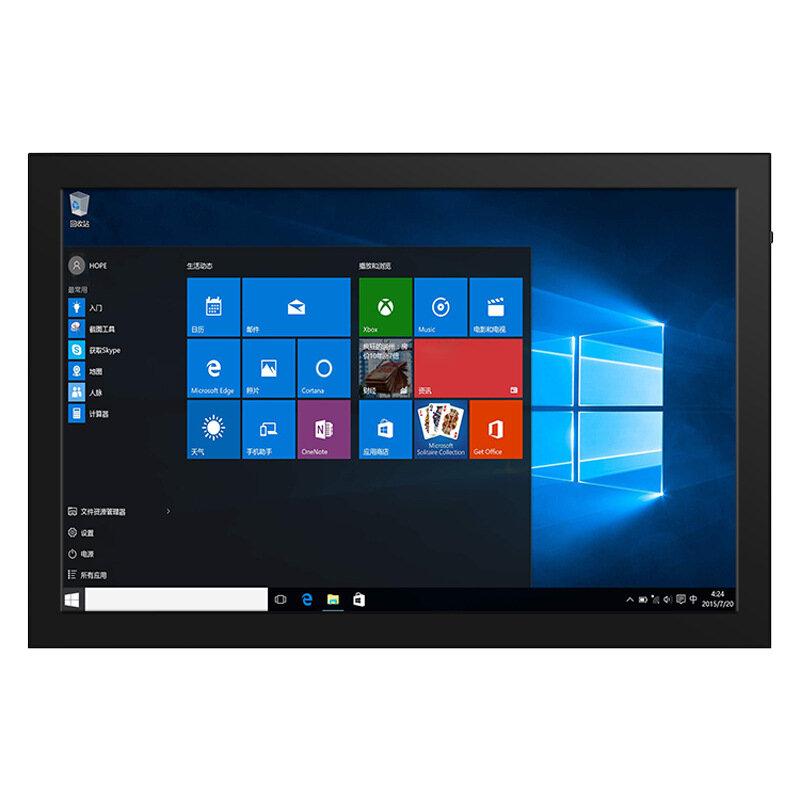
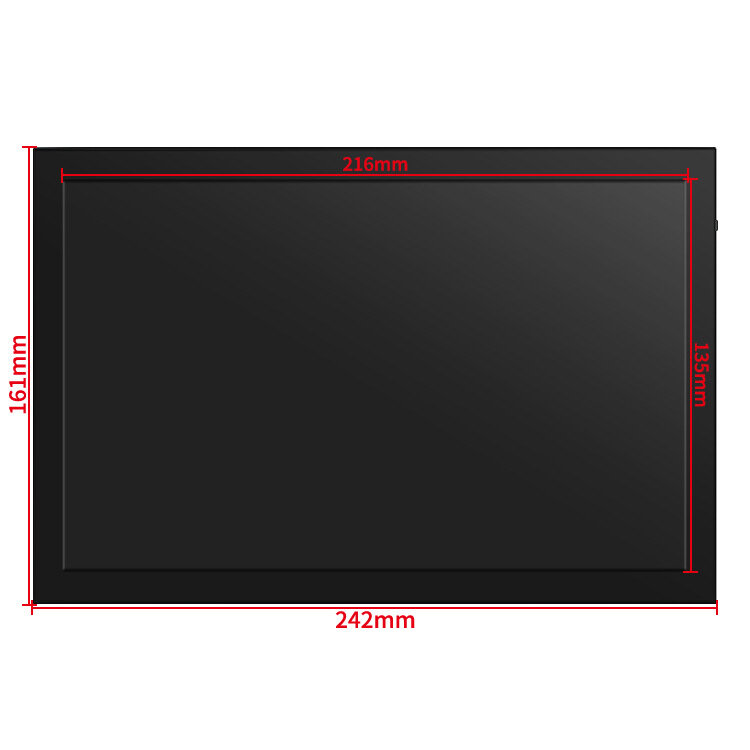
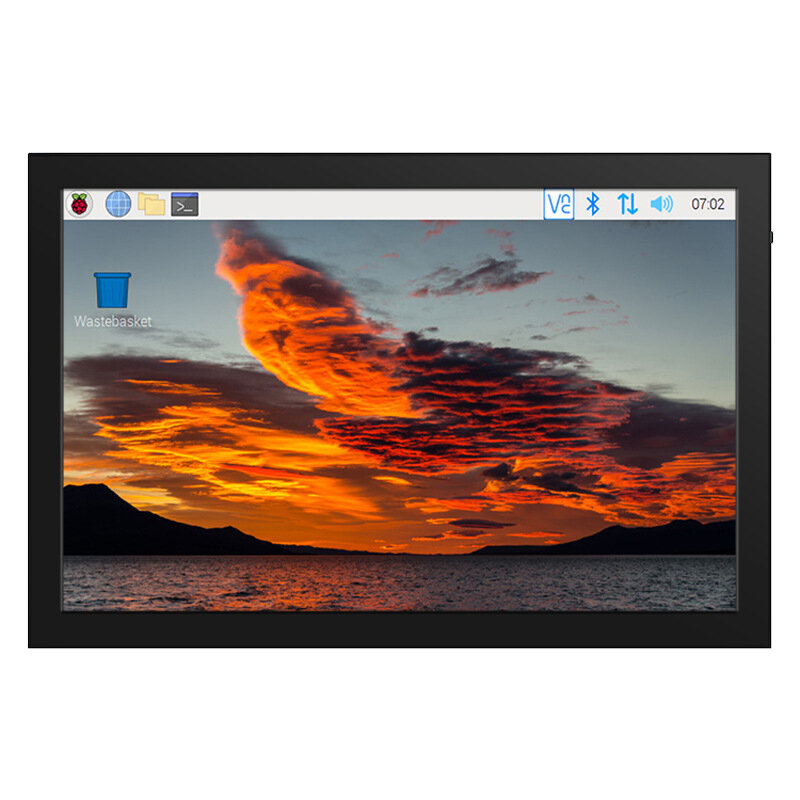
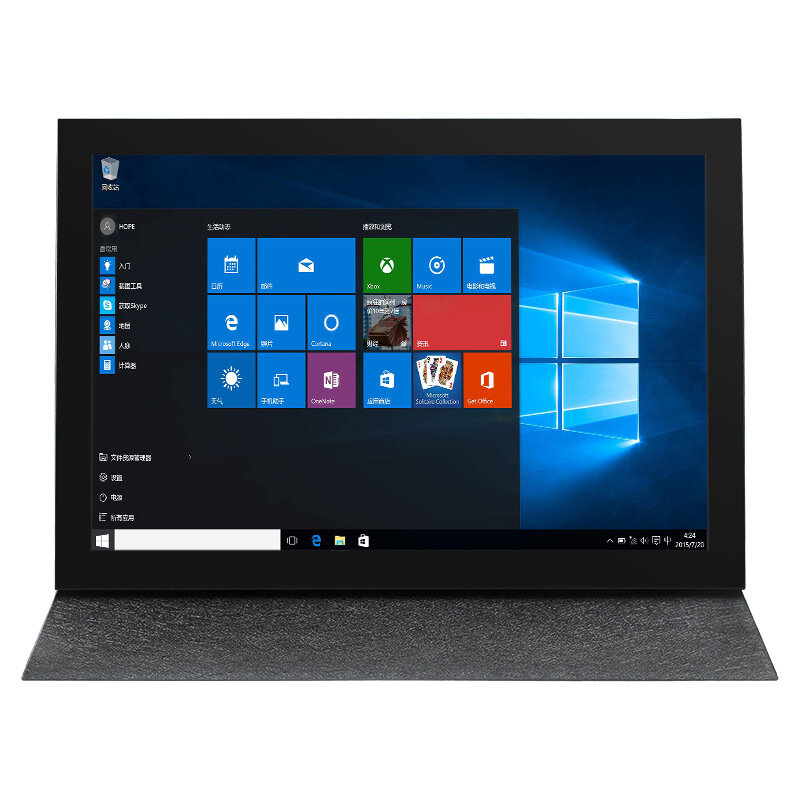
1 x Touch Screen
4 x Cables
1 x Adapter
1 x Bracket
(the Raspberry Pi is not includes)
| Buttons and Interfaces | Illustrate |
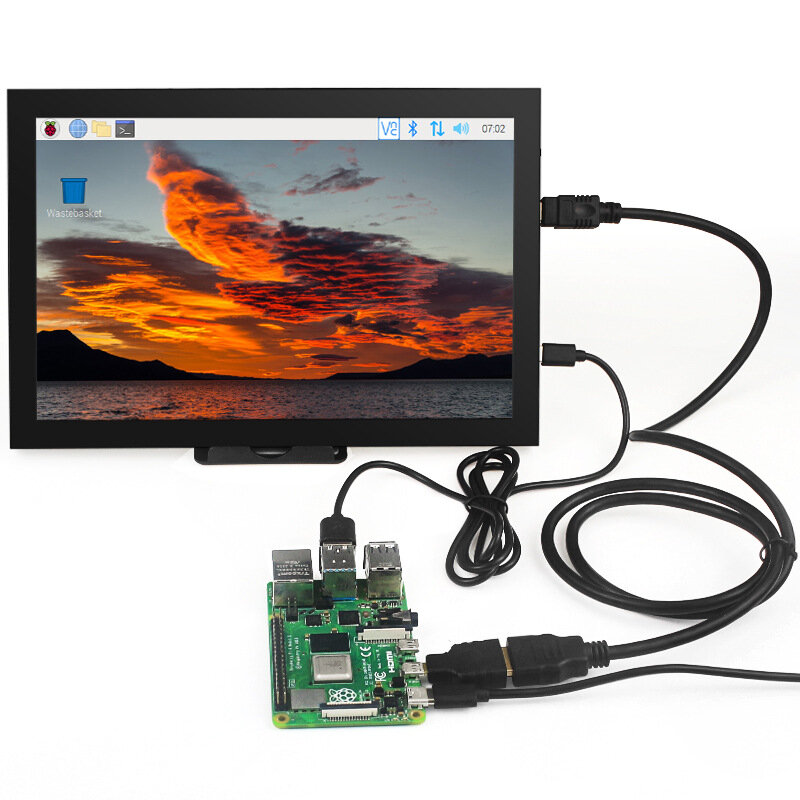
| HDMI | Input HDMI signal, use Mini HDMI cable to connect, used to connect to computer, maximum support resolution 1920x1080 |
| VGA | Input VGA signal, use Mini HDMI male to VGA female adapter cable to connect |
| POWER | Connect to the power supply, use the Type-C cable to connect, only provide power supply function |
| TOUCH | Output touch signal, connect with Type-C cable, provide power supply and touch function at the same time |
| Headphone | 3.5mm audio output interface, connect audio equipment such as headphones or speakers |
| MENU | Dimming: When no setting interface is displayed, move the rotary switch up to trigger the brightness setting function. After triggering, move the switch up and down to adjust the brightness value. After the adjustment is completed, short press the switch to exit or wait for 10 seconds to exit automatically |
| Volume Adjustment: When no setting interface is displayed, move the rotary switch down to trigger the volume setting function. After triggering, move the switch up and down to adjust the volume value. After the adjustment is completed, short press the switch to exit or wait for 10 seconds to exit automatically | |
| Menu Settings: When no setting interface is displayed, short press the rotary switch to trigger the menu setting function, and enter the menu after triggering, and toggle the switch up and down to select. Short press is to confirm, long press is to return or exit | |
| Signal Switching: When no setting interface is displayed, press and hold the rotary switch to trigger the HDMI and VGA input signal switching function |





最新のブランドニュースと初回注文15%オフを入手する。

Hi ?
How can we help?


 Coupon Code
 Direct purchase from the factory
 Electronic Components & Supplies
 Module Board
 Display Screen