Họrọ ego


Họrọ asụsụ



 Roymall C.o.

Echekwabara nlele

 Onyinye efu
 Amụma mbupu
 Amụma nlọghachi
Phone/Tablet Start Print: Step 1: Download APP "RTElabel" in google play or ios app store; Step 2: Turn on the RP420 label printer and make a Bluetooth connection in the APP; Step 3: Click the "+" sign to complete the device connection and select the file type to start print
PC Start Print: Step 1:Please download and install the RP420 driver from the USB disk; Step 2: Use the USB cable to connect the printer to your computer; Step 3: Select and open your document, and choose RP4xx in the printer list
Support: iPhone, iPad, Android Phone, Android Tablet, Laptop(Mac/Windows). "RTElabel" APP is free and can provide more creative printing experience to you
Note: Only supports Bluetooth connections with phones and tablets, laptops cannot connect via Bluetooth (only via USB cable)
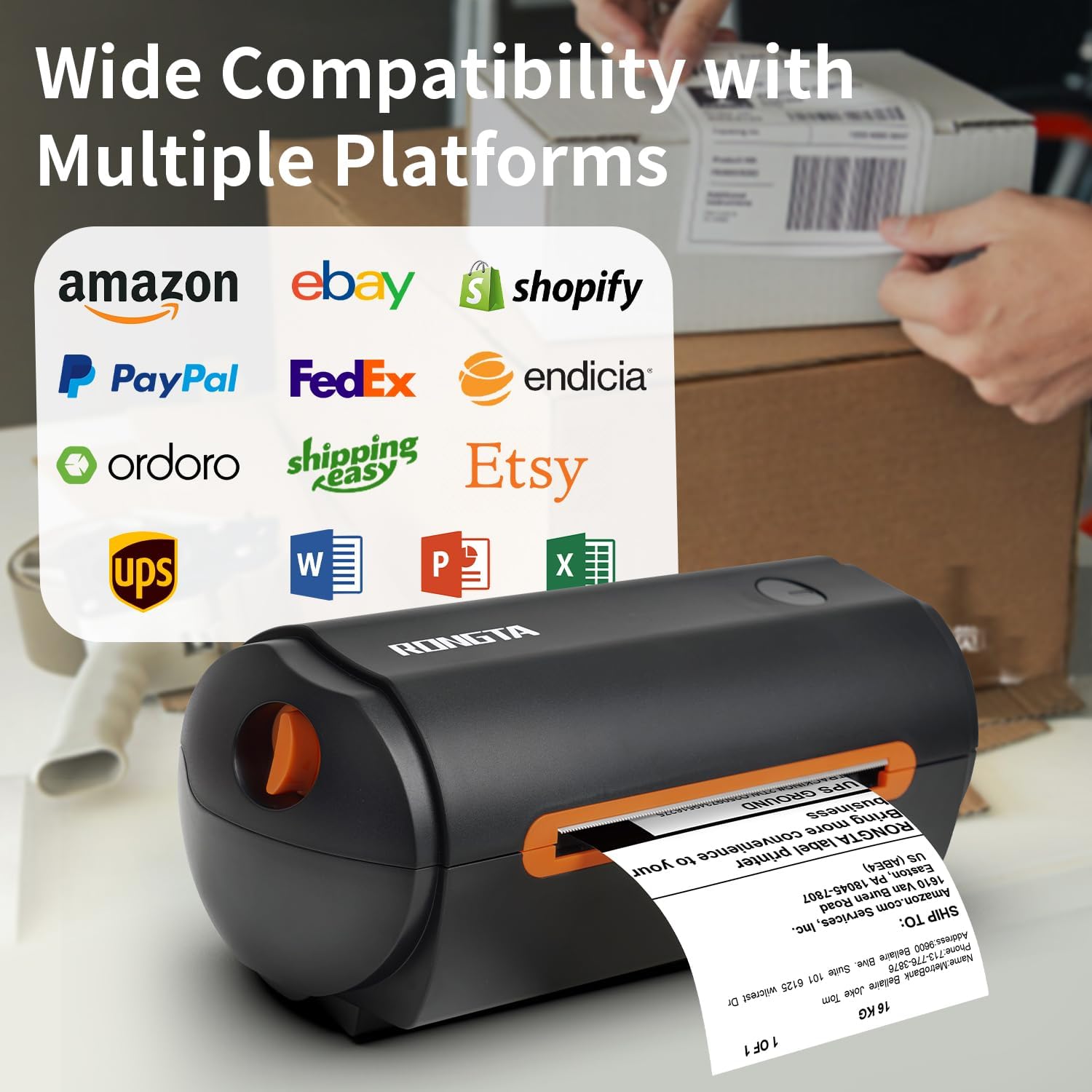
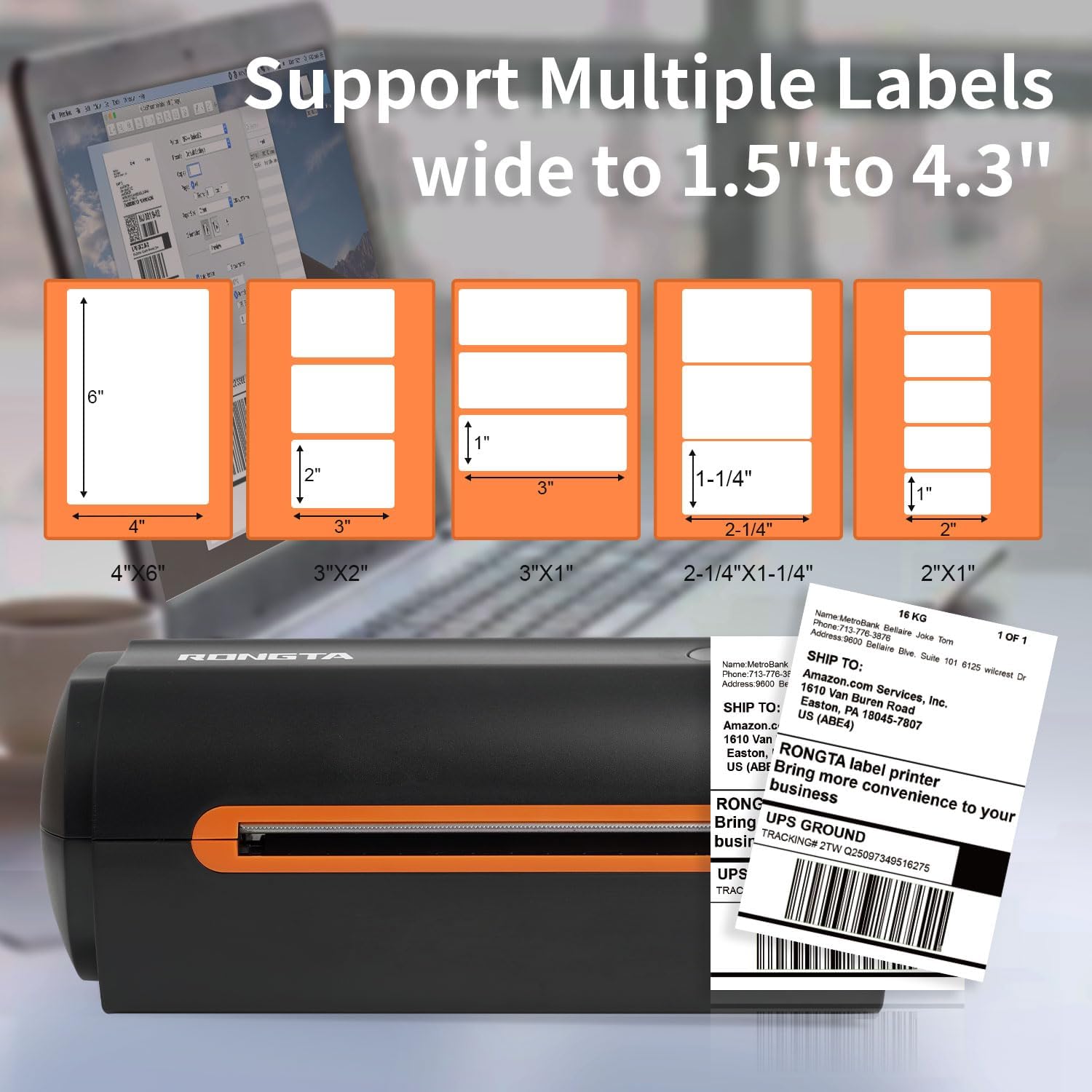
Printing speed of 150 mm/s, up to 72 sheets 4x6 labels/min. High speed brings high efficiency and helps your business grow faster! 203 DPI makes printing clearer. No ink, no toner, only thermal labels needed. Both fanfold labels and roll labels could be used. Label size: labels width ranges from 1.54" to 4.1"(40-104 mm), such as 4x6, 3x2, 3x1, 2x1 thermal labels and so on
Phone/Tablet Start Print: Step 1: Download APP "RTElabel" in google play or ios app store; Step 2: Turn on the RP420 label printer and make a Bluetooth connection in the APP; Step 3: Click the "+" sign to complete the device connection and select the file type to start print
PC Start Print: Step 1:Please download and install the RP420 driver from the USB disk; Step 2: Use the USB cable to connect the printer to your computer; Step 3: Select and open your document, and choose RP4xx in the printer list
Support: iPhone, iPad, Android Phone, Android Tablet, Laptop(Mac/Windows). "RTElabel" APP is free and can provide more creative printing experience to you
Note: Only supports Bluetooth connections with phones and tablets, laptops cannot connect via Bluetooth (only via USB cable)
Printing speed of 150 mm/s, up to 72 sheets 4x6 labels/min. High speed brings high efficiency and helps your business grow faster! 203 DPI makes printing clearer. No ink, no toner, only thermal labels needed. Both fanfold labels and roll labels could be used. Label size: labels width ranges from 1.54" to 4.1"(40-104 mm), such as 4x6, 3x2, 3x1, 2x1 thermal labels and so on


Iji nweta akụkọ ọhụrụ nke ika na mbelata 15% maka iwu mbụ gị.

Hi ?
How can we help?


 Direct purchase from the factory
 Office Products
 Office Electronics
 Printers & Accessories
 Printers
 Label Printers





![Phomemo 344WF WiFi Label Printer, [Upgraded] 300DPI Shipping Thermal Label Printer for Shipping Packages, 4x6 Label Printer Compatible with iOS, Android and PC Etsy Ebay USPS, IF Design Award 2024](https://m.media-amazon.com/images/I/71j-cr2rhdL._AC_SL500_.jpg?x-oss-process=image/resize,w_237/quality,Q_80/format,webp)


