A ga-anabata ihe nlọghachi n'ime ụbọchị 40 mgbe ọ bụ ụbọchị nnata ngwaahịa. Enweghị ike ịlaghachi ma ọ bụ gbanwee ihe ndị ahaziri iche. A na-agbanwe naanị ihe ndị ejiri kaadị e-onyinye zụta; anaghị etinye ego.
Onyinye efu
Nabata na Roymall, websaịtị ọkachamara gị maka ịzụrụ onyinye ụlọ ahịa dị elu. Anyị ji nkwado gị kpọrọ ihe ma na-eji obi ekele gị maka ime ka ihe ịzụrụ gị nwee obi ụtọ. Mgbe ị na-azụ ihe anyị, ọ bụghị naanị na ị ga-enweta ngwaahịa dị elu nke na-eme ka ndụ gị dị mma, kamakwa ị ga-enweta onyinye efu pụrụ iche na iwu ọ bụla ị nyere. Ị dị njikere inyocha nchịkọta anyị wee chọta onyinye gị kacha mma? Nyochaa nhọrọ anyị nke ihe ụlọ ahịa dị elu, tinye iwu gị, ma na-atụ anya obi ụtọ nke onyinye efu gị na-abịa n'akụkụ ihe ịzụrụ gị.
Amụma mbupu
Anyị ga-agba mbụ bufee ihe gị mgbe anyị nwetasịrị iwu gị ma hụ na ha ruru n'udo. A ga-enye nkọwa nnyefe na email nkwenye gị.N'ọtụtụ oge, a na-edozi iwu n'ime ụbọchị 2.N'ọnọdụ pụrụ iche, ọ ga-egbu oge dị ka ndị a: Mgbe ị tinyere iwu na Satọde, Sọnde ma ọ bụ ezumike ọha, ọ ga-egbu oge maka ụbọchị 2..Ọ na-adịkarị mkpa ụbọchị ọrụ 5-7 (Mọnde ruo Fraịde) na-enweghị mmetụta site na igbu oge ụgbọ elu ma ọ bụ ihe gburugburu ebe obibi ndị ọzọ..Ebe ọ bụ na ọrụ mbupu anyị bụ n'ụwa niile, oge nnyefe ga-adabere na ọnọdụ gị, yabụ ọ nwere ike ịchọ oge ụfọdụ ma bụrụ na ị nọ na mpaghara ma ọ bụ mba ndị dịpụrụ adịpụ, jiri nwayọọ chere.
1. Amụma nlọghachi & mgbanwe
Anyị na-anabata naanị ihe ndị a zụrụ na roymall.com. Ọ bụrụ na ị zụrụ n'aka ndị nkesa anyị ma ọ bụ ndị na-ere ahịa ndị ọzọ, ị gaghị enwe ike ịlaghachi ha n'akụkụ anyị.A naghị anabata ihe ire ere ikpeazụ ma ọ bụ onyinye efu maka nlọghachi.Iji ruo eru maka nlọghachi, ihe gị ga-abụrịrị na ejibeghị ya ma nọrọ n'otu ọnọdụ ahụ ị nwetara ya. Ọ ga-abụkwa na nkwakọ ngwaahịa mbụ.Mgbe anyị nwetasịrị ntuziaka nlọghachi, biko chịkọta ihe gị laghachiri ma dobe ngwugwu gị n'ụlọ ọrụ nzipu ozi mpaghara ma ọ bụ onye ozi ọzọ. Anyị ga-edozi ihe gị laghachiri ma ọ bụ gbanwee n'ime ụbọchị ọrụ 3-5 mgbe anyị nwetasịrị ya. A ga-edozi nkwụghachi ego ma kwụọ ya na ụzọ ịkwụ ụgwọ mbụ gị na-akpaghị aka.Enweghị ike ịnabata nlọghachi ma ọ bụ mgbanwe ma ọ bụrụ na emepụtara ngwaahịa ahụ, gụnyere nha omenala, agba omenala, ma ọ bụ mbipụta omenala.Chọrọ enyemaka ọzọ, biko kpọtụrụ anyị. service@roymall.com ma ọ bụ Whatsapp: +447549870296
2.Amụma nkwụghachi ego
Ị ga-enweta nkwụghachi ego zuru ezu ma ọ bụ kredit ụlọ ahịa 100% mgbe anyị nwetasịrị ngwugwu a laghachiri ma lelee ya. A ga-edozi nkwụghachi ego ma kwụọ ya na ụzọ ịkwụ ụgwọ mbụ gị na-akpaghị aka.Biko rịba ama na ụgwọ mbupu na ụgwọ ọ bụla ma ọ bụ ụgwọ anaghị akwụghachi. A naghị akwụghachi ụgwọ mbupu ndị ọzọ ozugbo ebugara ngwugwu ahụ. Ị na-ahụ maka ịkwụ ụgwọ ndị a na anyị enweghị ike ịhapụ ma ọ bụ kwụghachi ha, ọbụlagodi ma ọ bụrụ na eweghachiri iwu ahụ anyị.Ọ bụrụ na ị nwere nsogbu ọ bụla gbasara usoro nkwụghachi ego, biko kpọtụrụ anyị. service@roymall.com ma ọ bụ Whatsapp: +447549870296
Videos for similar product
Loading product videos...
❮
❯
Products related to this item
Loading related products...
❮
❯
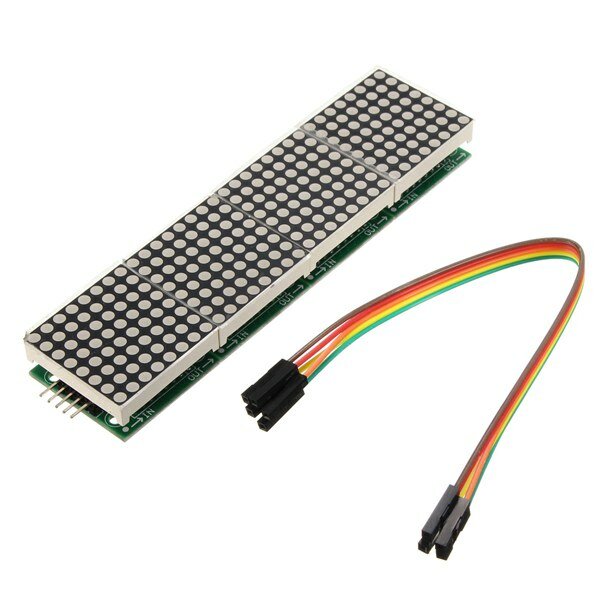
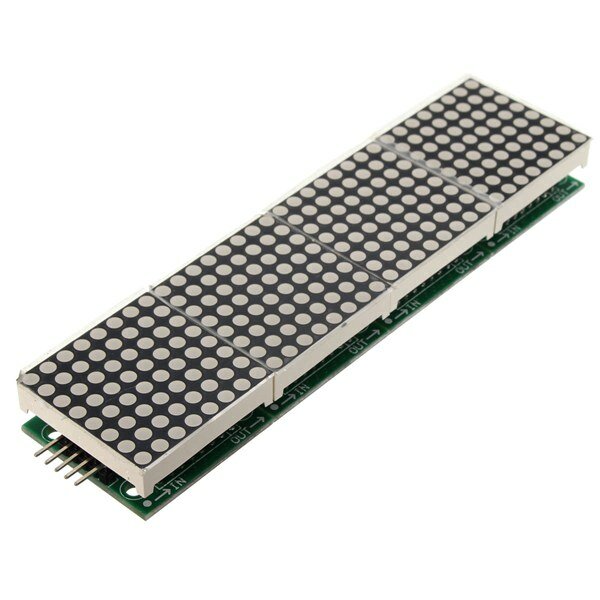
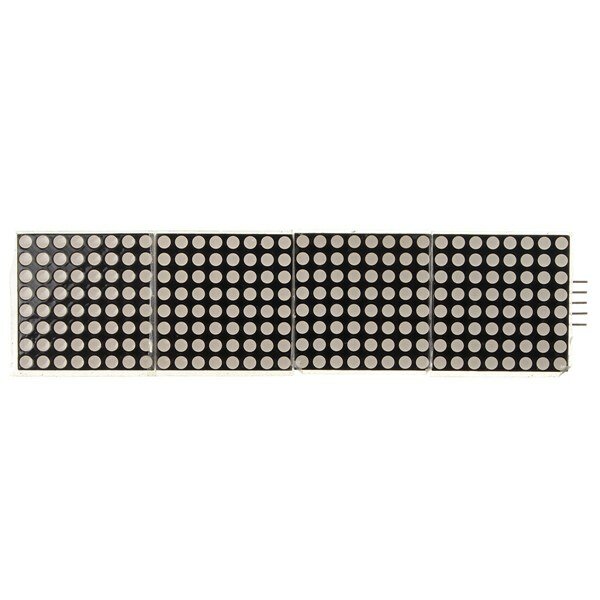
MAX7219 Microcontroller 4-in-1 Display Dot Matrix Module For
Specifications:
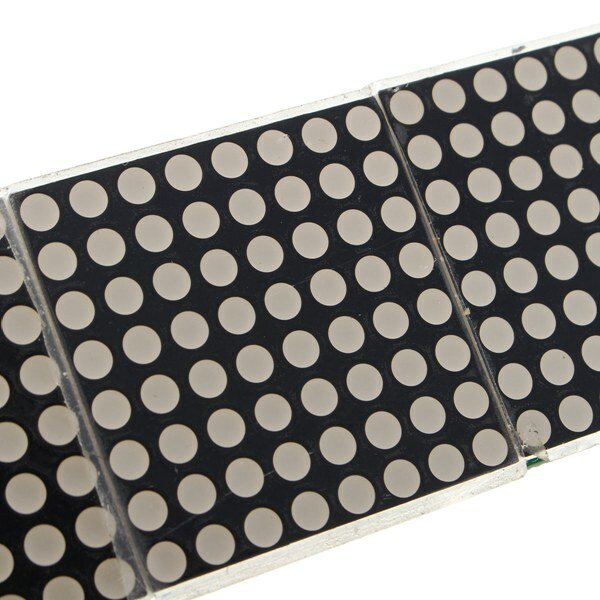
A single module can drive a 8x8 dot matrix common cathode Working voltage: 5V Module size: 12.8 x 3.2 x 1.3 cm (L*W*H) With 64 fixing screw holes, hole diameter: 3mm Module with input and output interfaces, support for cascading multiple modules
Wiring:
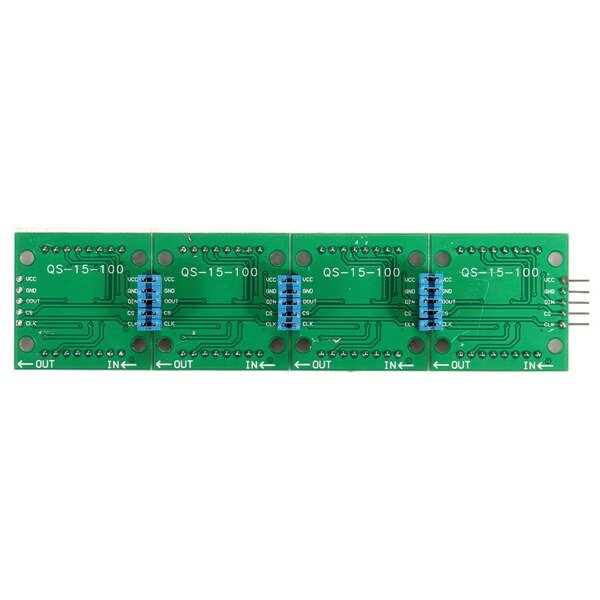
1. The left side of the module is the input port, and the right is the output port. 2. Control of a single module, the input port only need to receive CPU. 3. The more a module cascade and input end of the first module is connected with the CPU and input end of the input end of the output end is connected to the second module, output terminal of the second module connected with the three modules, and so on. For example: 51 SCM VCC→5V GND→GND DIN→P2.2 CS →P2.1 CLK→P2.0
Package included:
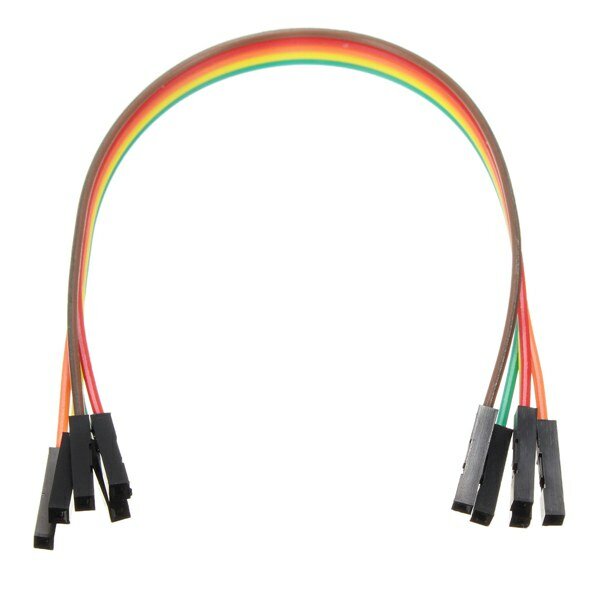
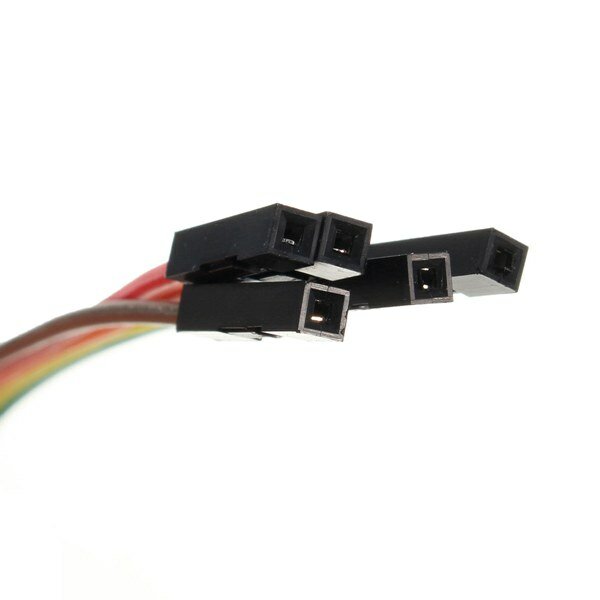
1 x MAX7219 Dot Matrix Module 1 x 5pin Dupont Cable
I first tried the dotMatrix on the Arduino with the Sprite and Matrix libraries. I got funny results because the column adressing is reversed.
Therefore I switched to the MD_MAX72xx libraries. Make sure to change the define in the MD_MAX72xx. h file to read:
#define USE_FC16_HW 1
I used the MD_Keyswitch library found at https://github.com/MajicDesigns/MD_KeySwitch
and the MD_MAX72xx library found at https://github.com/MajicDesigns/MD_MAX72XX
Then I pulled the source at https://github.com/MajicDesigns/MD_MAX72XX/blob/master/examples/MD_MAX72xx_ScrollChart/MD_MAX72xx_ScrollChart.ino
With that you should be able to get it to work.
If you use pins that are not-SPI standard, make sure to activate the call to MD_MAX72XX with four parameters, and comment out the one with two parameters.
very good product and good price.
If you don't know how that work i found one good tutorial.
https://www.makerguides.com/max7219-led-dot-matrix-display-arduino-tutorial/
If you try the programs and see that they do not work with the first one.
Try changing the names of the pins you will use and reload the program on Arduino.
e.g.
CS_PIN 10
DATAPIN 11
CLK_PIN 13




 Roymall C.o.


 Onyinye efu
 Amụma mbupu
 Amụma nlọghachi



 ,
, ,
, ,
, ,
, ,
,





 Coupon Code
 Direct purchase from the factory
 Electronic Components & Supplies
 Module Board
 Display Screen