Ana karɓar abubuwan da aka dawo da su cikin kwanaki 40 tun ranar karɓar kayan. Ba za a iya mayar da abubuwan da aka keɓance ba. Abubuwan da aka saya tare da katin kyauta ana iya musayar su kawai.
Kyauta Kyauta
Barka da zuwa Roymall, shafinku na siyan kyaututtuka masu inganci. Muna girmama goyon bayanku, kuma muna ba da kyauta kyauta tare da kowane siyayya.Shirya don bincika tarinmu kuma ku sami kyaututtukanku masu dacewa.
Manufar Jigilar Kaya
Za mu aika kayanku cikin kwanaki 2 bayan siyayya.Lokacin jigilar kaya yawanci kwanaki 5-7 ne.Saboda jigilar mu ta duniya ne, lokacin jigilar zai dogara da wurin ku.
1. Manufar Komawa
Muna karɓar abubuwan da aka saya daga roymall.com kawai.Ba za a iya mayar da kyauta kyauta ba.Dole ne abu ya kasance ba a yi amfani da shi ba kuma a cikin yanayin da kuka karɓa.Za mu sarrafa komawar ku cikin kwanaki 3-5 bayan karɓa.Ba za a iya mayar da abubuwan da aka keɓance ba.Tuntuɓi mu. service@roymall.com ko Whatsapp: +447549870296
2.Manufar Maida Kuɗi
Za ku sami cikakken maida kuɗi bayan mu karɓi abubuwan da aka dawo.Kuɗin jigilar kaya ba za a iya mayar da su ba.Tuntuɓi mu. service@roymall.com ko Whatsapp: +447549870296
Videos for similar product
Loading product videos...
❮
❯
Products related to this item
Loading related products...
❮
❯
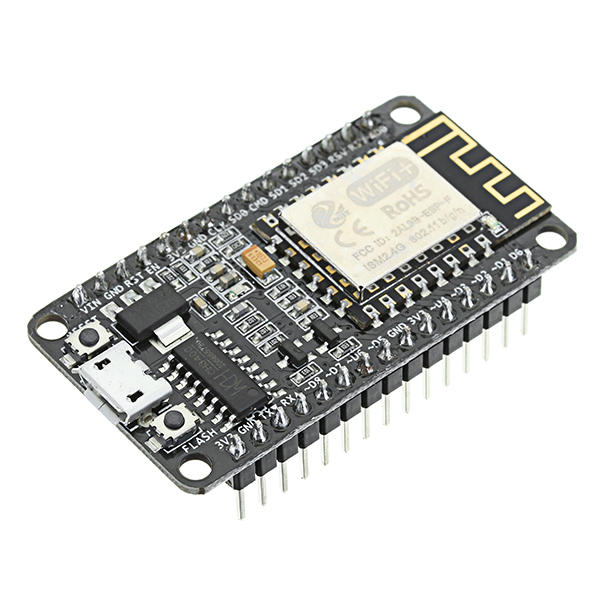
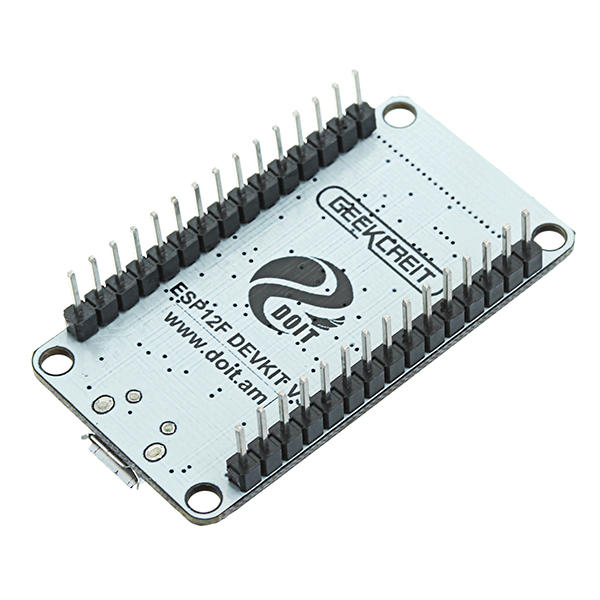
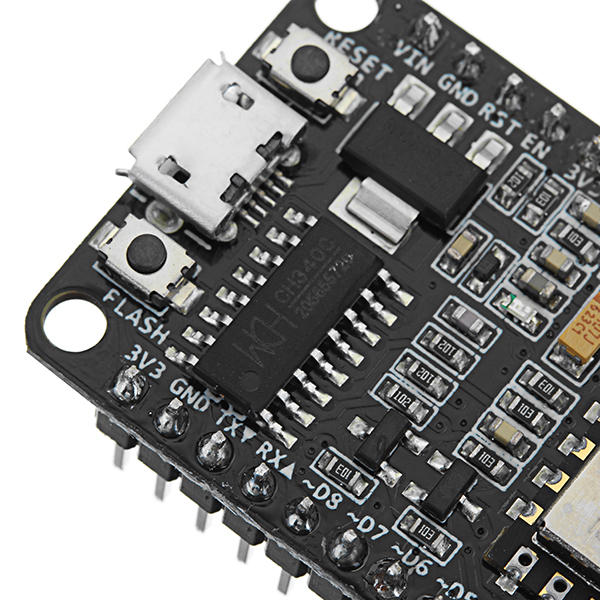
CH340 chip-driven official description:
WINDOWS driver USB to serial CH341 / CH340 installation package Support For WINDOWS 98 / ME / 2000 / XP / Server 2003 / VISTA / Server 2008 / Win7 / Win8 / Win8.1 32 Bit / 64 and for MAC Through Micro0soft"s digital signature authentication In the computer end of the USB device emulation as a standard serial devices Serial COM It contains the serial number and identification CH34X monitoring CH34X equipment swap library. Driver: http://en.doit.am/CH341SER.zip
Feature:
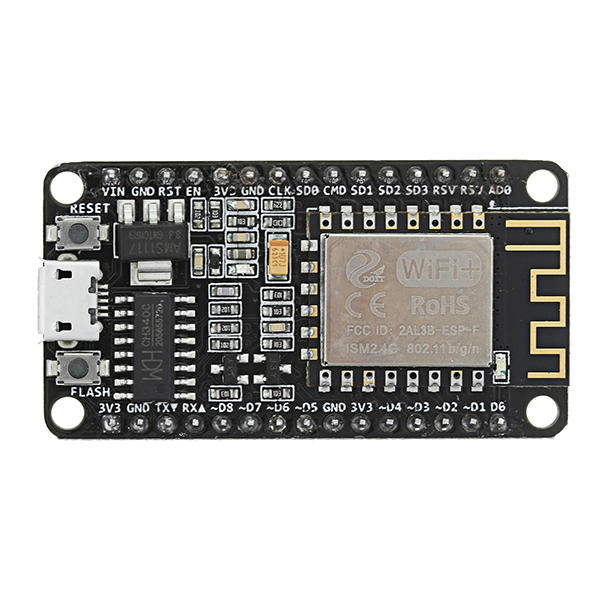
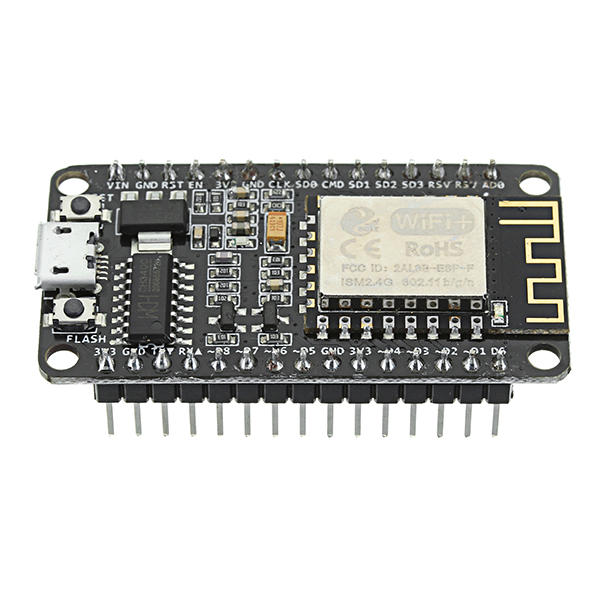
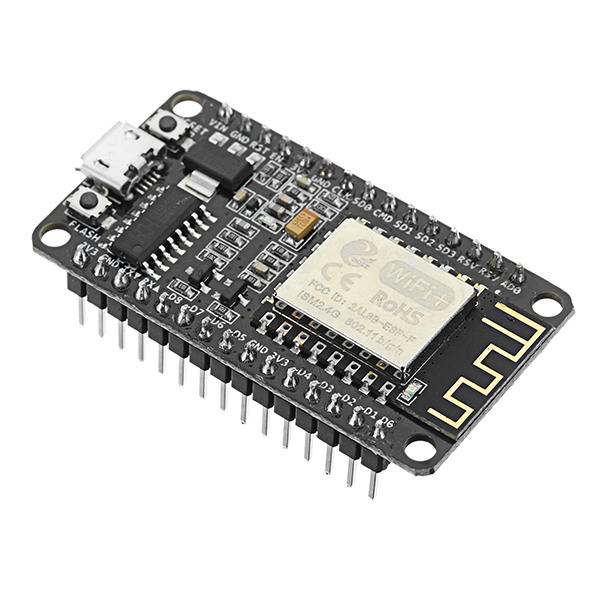
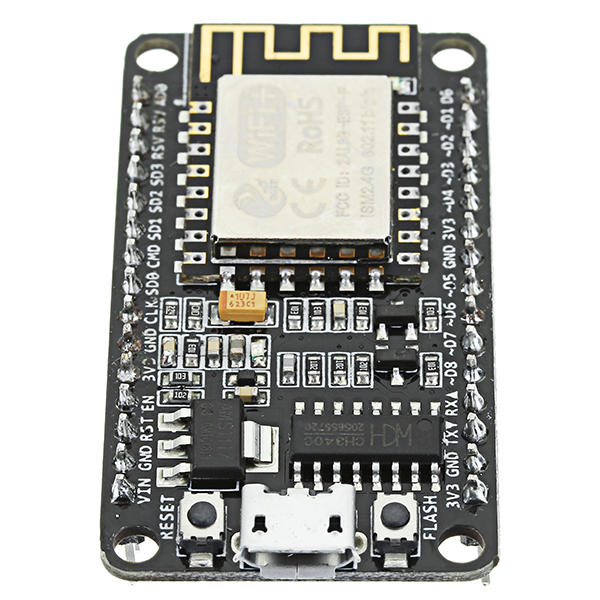
Wireless 802.11 b / g / n standard Support STA / AP / STA + AP three operating modes Built-in TCP / IP protocol stack to support multiple TCP Client connections (5 MAX) D0 ~ D8, SD1 ~ SD3: used as GPIO, PWM, IIC, etc., port driver capability 15mA AD0: 1 channel ADC Power input: 4.5V ~ 9V (10VMAX), USB-powered Current: continuous transmission: u224870mA (200mA MAX), Standby: <200uA Transfer rate: 110-460800bps Support UART / GPIO data communication interface Remote firmware upgrade (OTA) Support Smart Link Smart Networking Working temperature: -40 ℃ ~ + 125 ℃ Drive Type: Dual high-power H-bridge driver
Note:
We don"t offer any supports ,sorry for the inconvenience.
Although these modules are shipped with the NodeMcu firmware installed, it's very easy to load your own firmware using the Arduino IDE. There are loads of websites detailing installing the ESP8266 Boards Manager (Google) and, once installed, you write code in the normal Arduino IDE and upload it directly into the ESP8266 module without using the Arduino (Uno, mega, whatever) at all. The ESP8266 *replaces* the Arduino hardware.
Sketches are written exactly as for the Arduino, the only point to note is that, in common with most ESP8266 development boards, the pin numbers written on the silk screen are NOT the numbers to use in your sketches. You need to use the actual "GPIO" pin numbers of the ESP8266 chip itself - Google ESP82266-12E pinout.
The attached photo shows the ESP8266 module being put through its paces. Measuring temperature with a DS18b20, measuring pressure and temperature with a BMP180 module and lighting two LEDS.
At the same time, the ESP8266 module is connected by WiFi to my router and I'm able to display the sensor measurements and control the two LEDS via a simple webpage created by the onboard Arduino-style sketch.
In meiner kleinen Wetterstation habe ich einen ESP8266 verbaut. Das Arduino-kompatible Modul führt die Verbindung zu meinem WLAN durch. Bisher funktioniert das ausgezeichnet. Ich werde einie weiter Experiment mit diesem preiswerten Modul machen. Mein Video mit der Arbeitsweise der Wetterstation habe ich hier: https://youtu.be/DSEfxub_-f4
--------------------------------------------------------
In my small weather station I have an ESP8266 installed. The Arduino-compatible module connects to my WLAN. So far, this works very well. I'm going to make a next experiment with this cheap module. My video with the operation of the weather station I have here: https://youtu.be/DSEfxub_-f4