Ana karɓar abubuwan da aka dawo da su cikin kwanaki 40 tun ranar karɓar kayan. Ba za a iya mayar da abubuwan da aka keɓance ba. Abubuwan da aka saya tare da katin kyauta ana iya musayar su kawai.
Kyauta Kyauta
Barka da zuwa Roymall, shafinku na siyan kyaututtuka masu inganci. Muna girmama goyon bayanku, kuma muna ba da kyauta kyauta tare da kowane siyayya.Shirya don bincika tarinmu kuma ku sami kyaututtukanku masu dacewa.
Manufar Jigilar Kaya
Za mu aika kayanku cikin kwanaki 2 bayan siyayya.Lokacin jigilar kaya yawanci kwanaki 5-7 ne.Saboda jigilar mu ta duniya ne, lokacin jigilar zai dogara da wurin ku.
1. Manufar Komawa
Muna karɓar abubuwan da aka saya daga roymall.com kawai.Ba za a iya mayar da kyauta kyauta ba.Dole ne abu ya kasance ba a yi amfani da shi ba kuma a cikin yanayin da kuka karɓa.Za mu sarrafa komawar ku cikin kwanaki 3-5 bayan karɓa.Ba za a iya mayar da abubuwan da aka keɓance ba.Tuntuɓi mu. service@roymall.com ko Whatsapp: +447549870296
2.Manufar Maida Kuɗi
Za ku sami cikakken maida kuɗi bayan mu karɓi abubuwan da aka dawo.Kuɗin jigilar kaya ba za a iya mayar da su ba.Tuntuɓi mu. service@roymall.com ko Whatsapp: +447549870296
Videos for similar product
Loading product videos...
❮
❯
Products related to this item
Loading related products...
❮
❯
Feature:
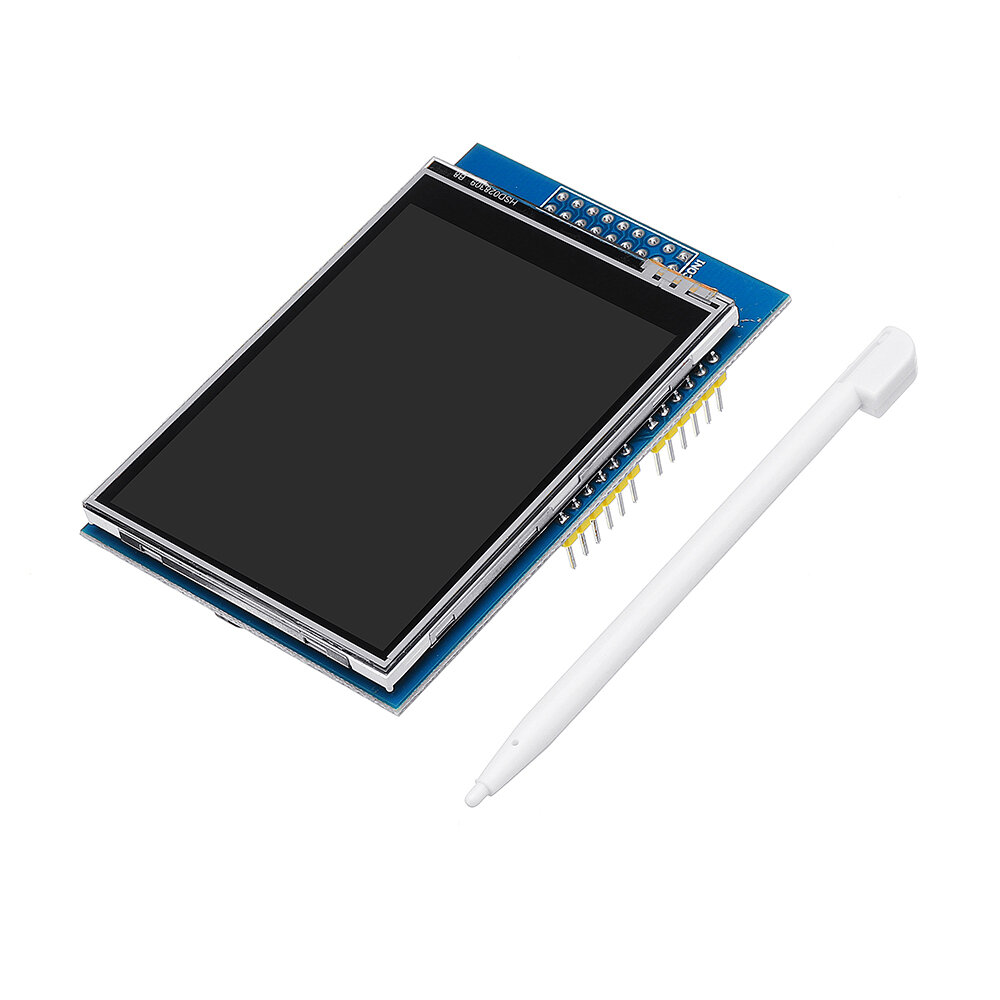
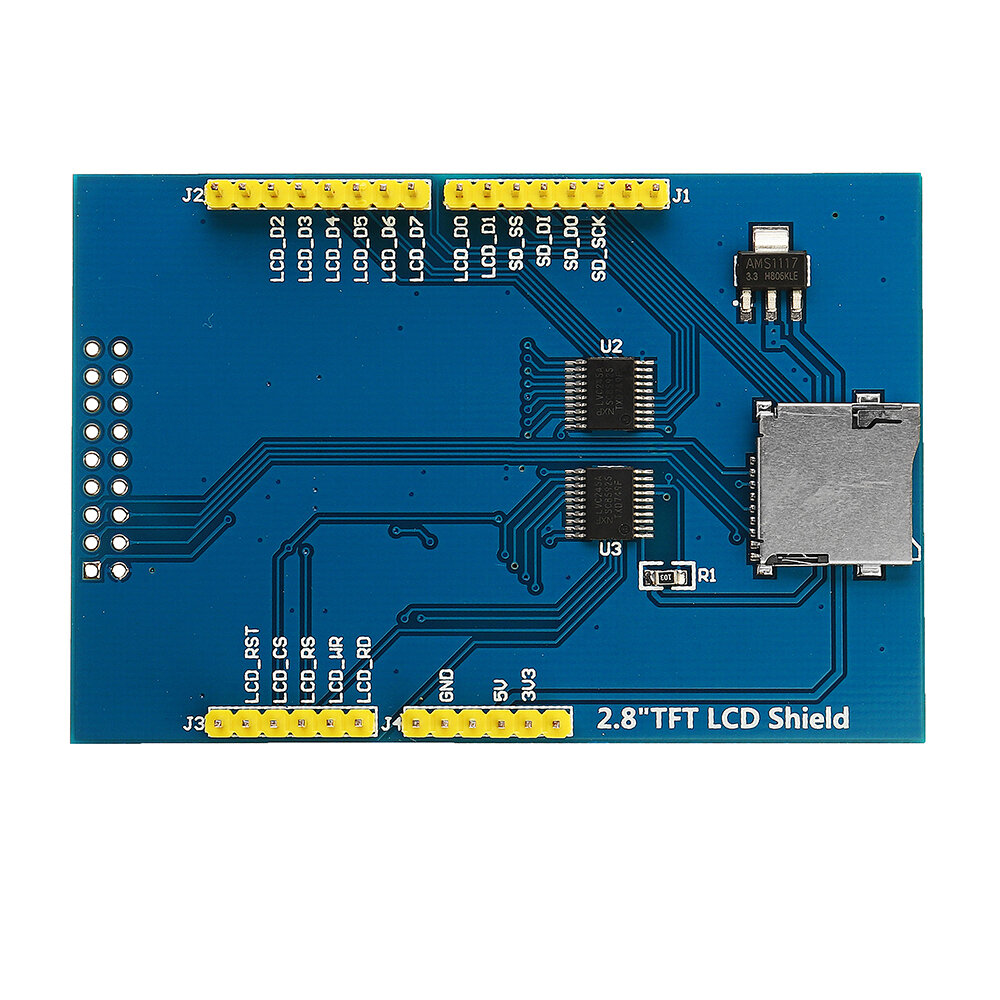
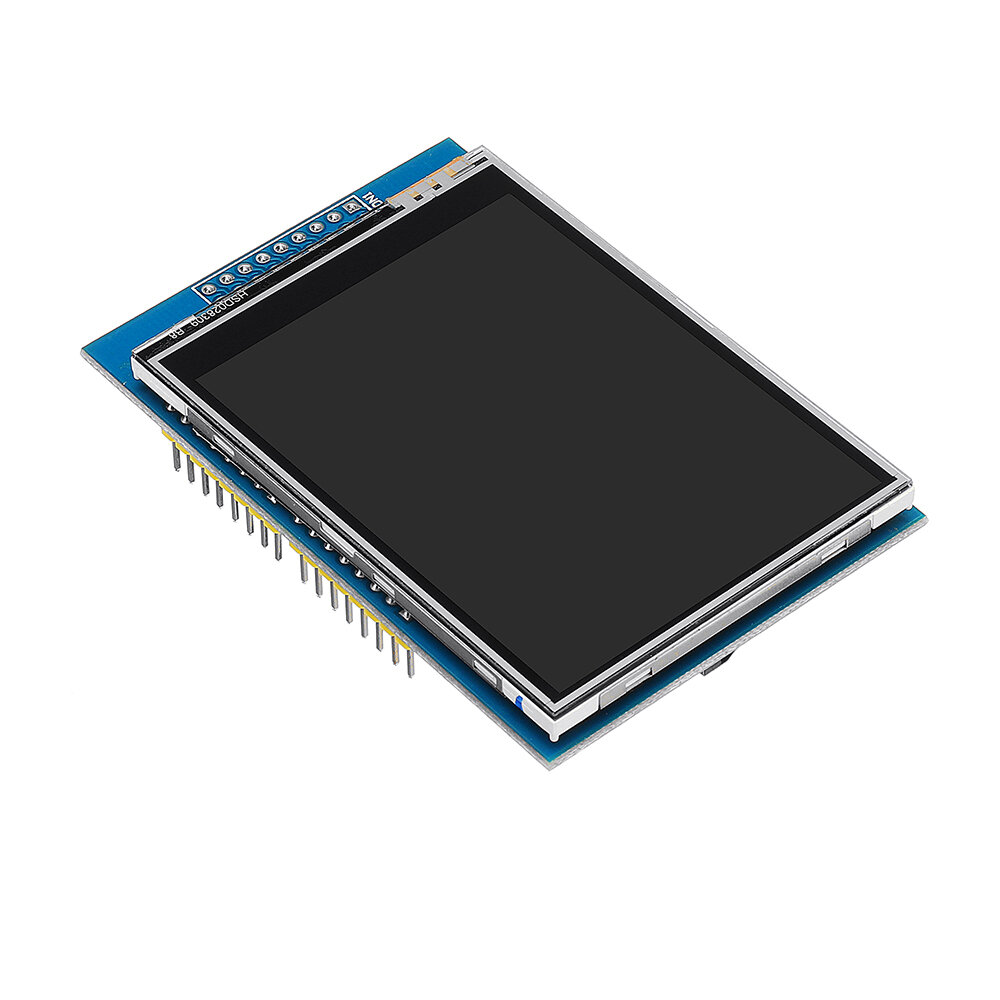
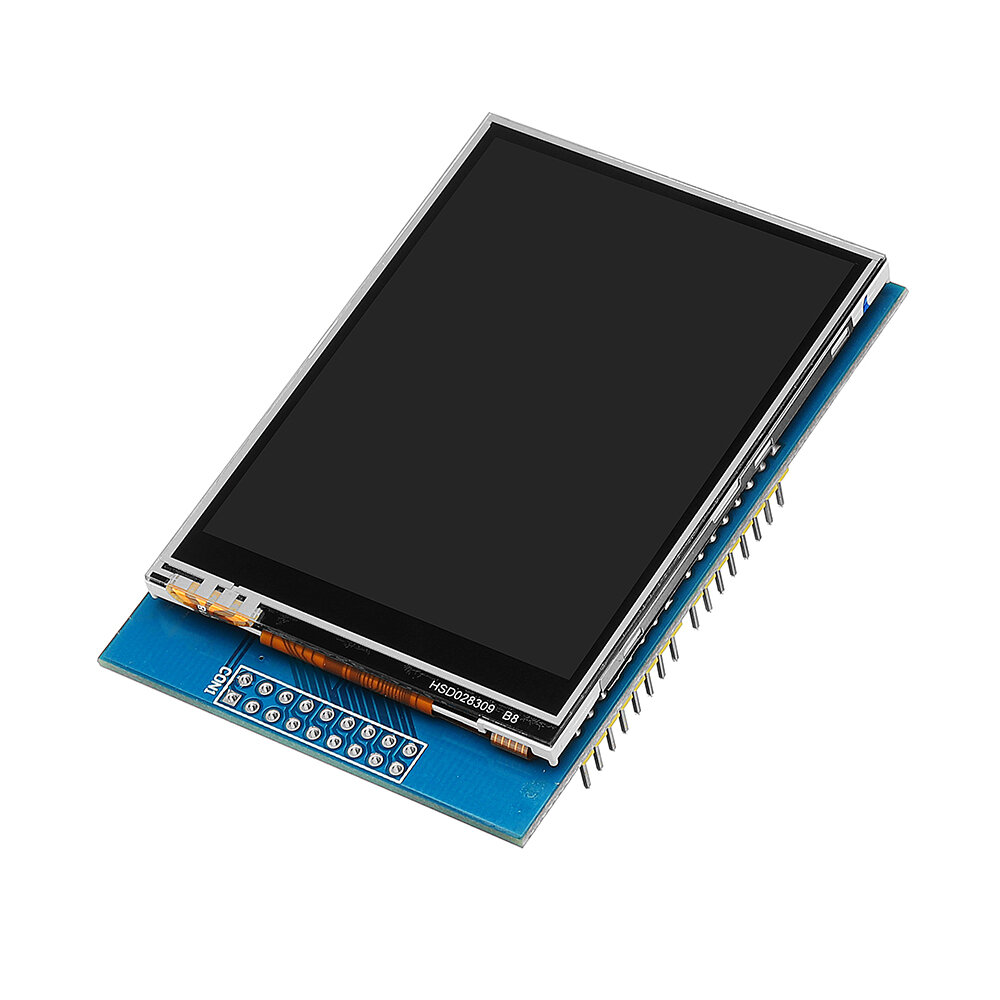
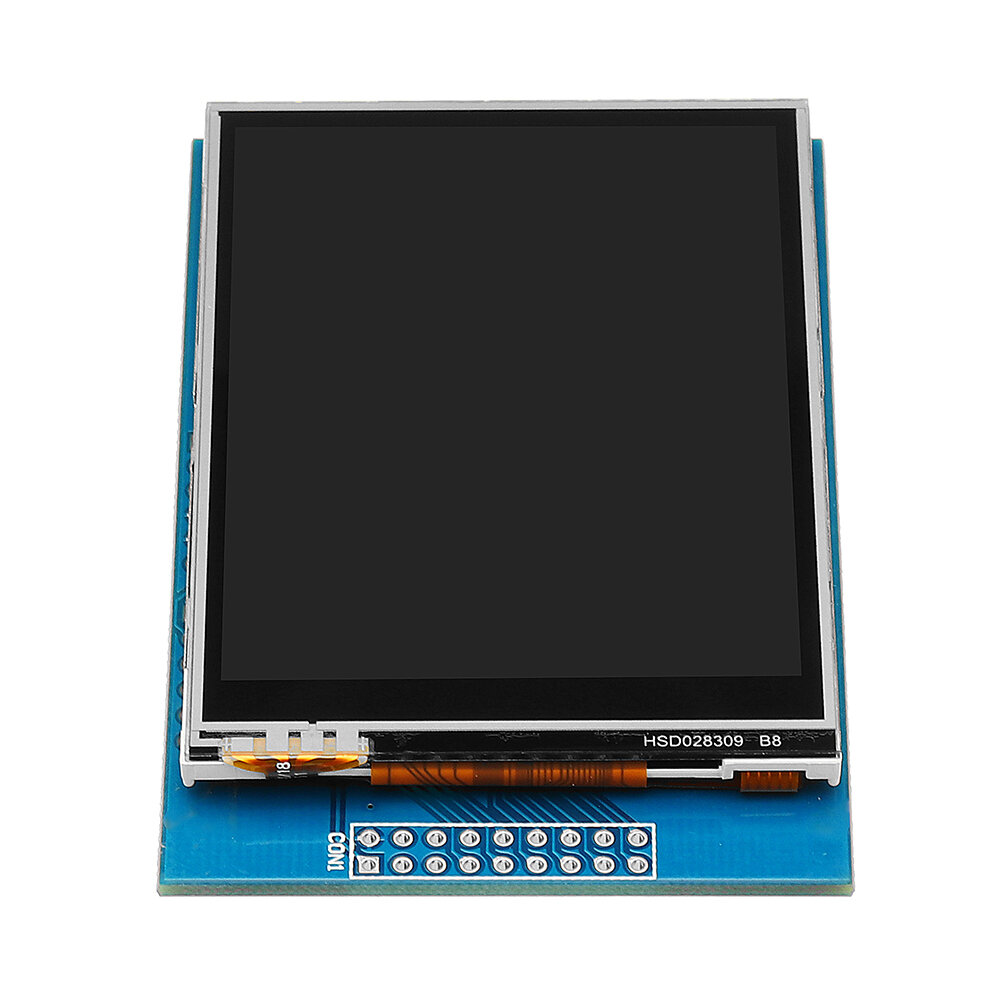
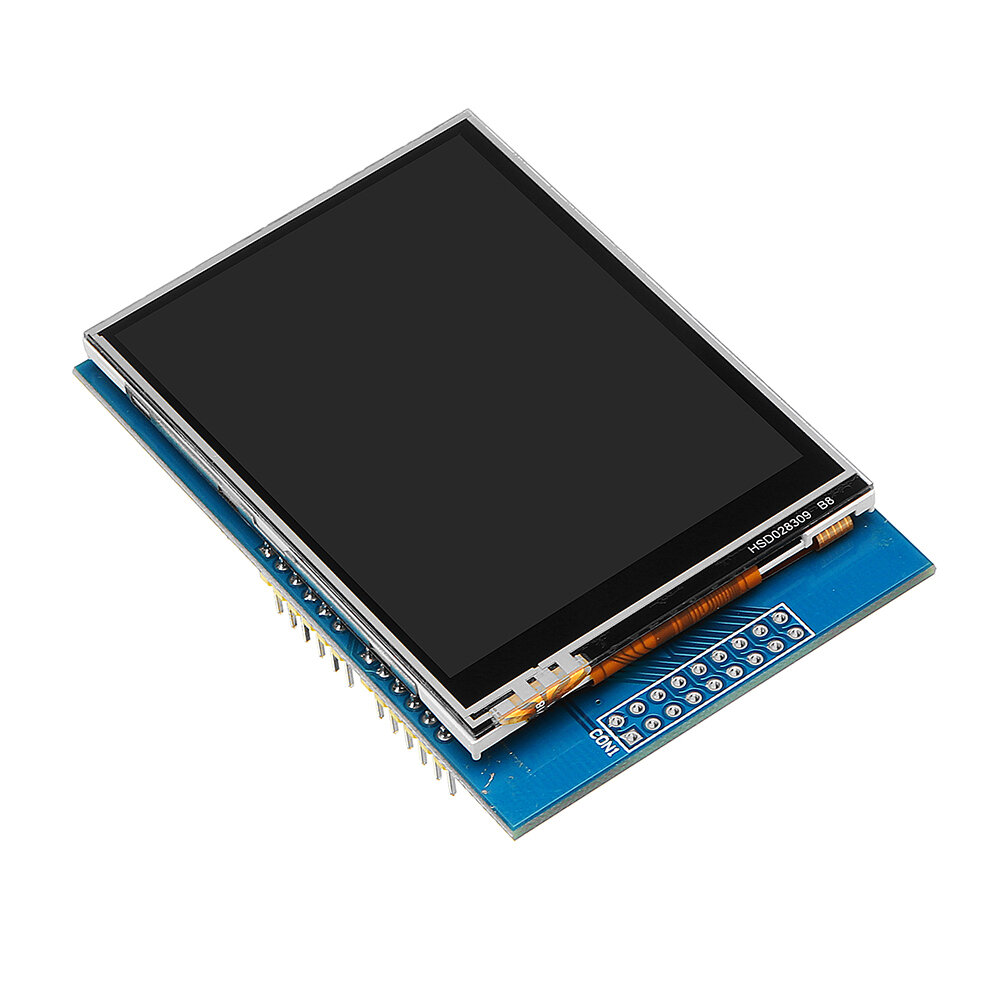
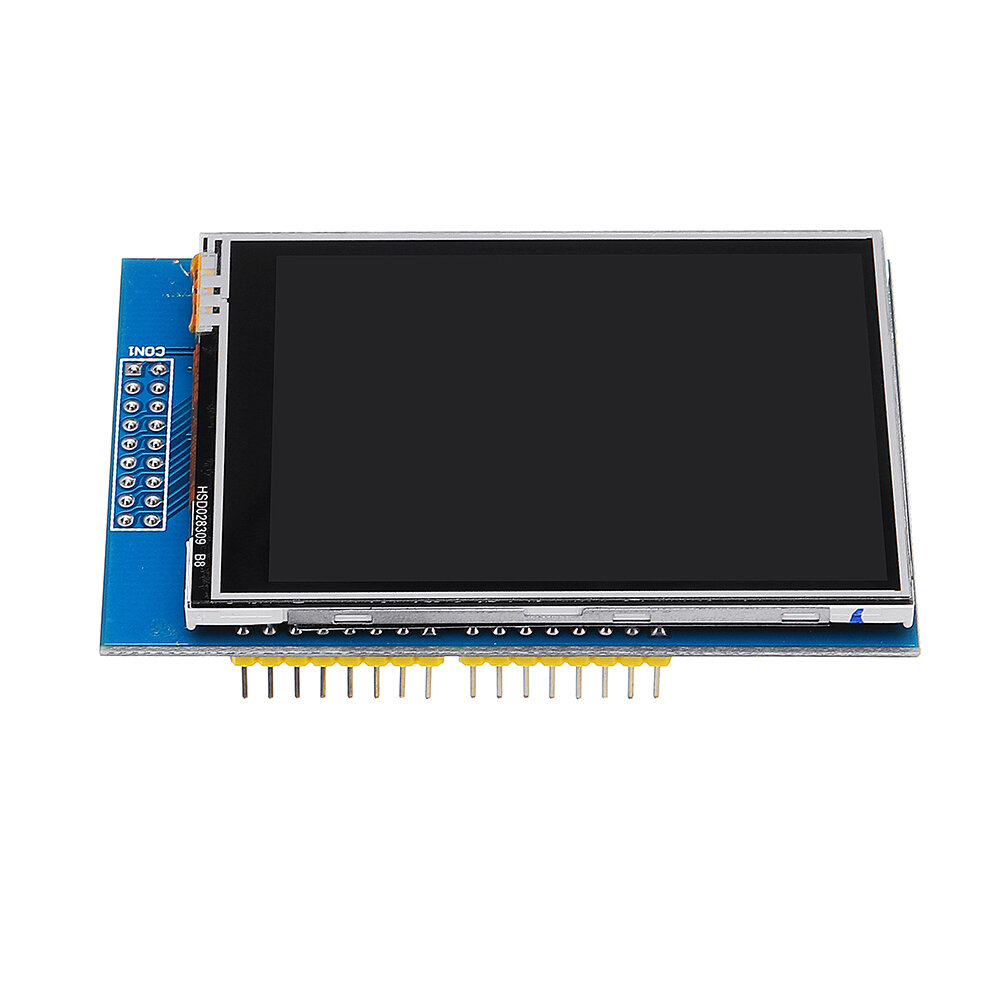
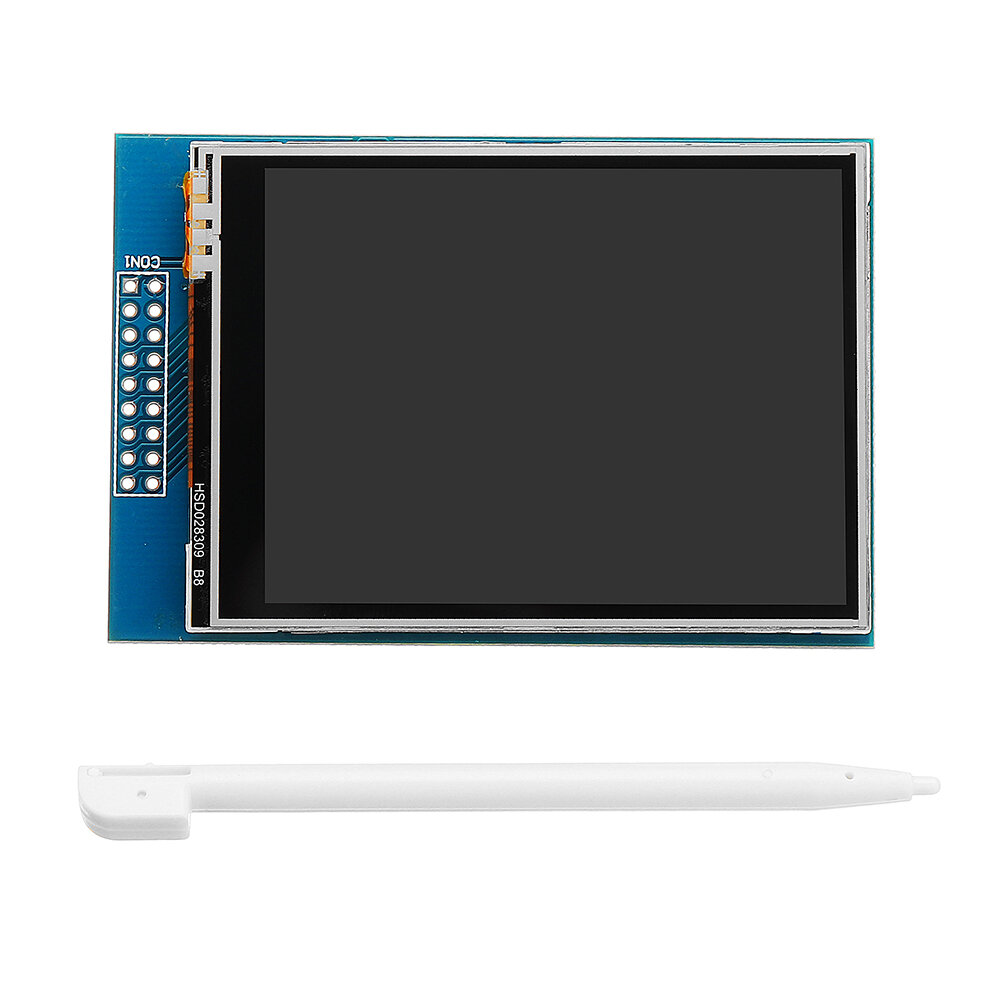
2.8 inch LCD TFT display Bright, 4 white-LED backlight Colorful, 18-bit 262,000 different shades 4-wire resistive touchscreen 240 x 320 pixels with individual pixel control No wiring, no soldering. Simply plug it in and load library On-board 3.3V 300mA LDO regulator 5V compatible, use with 3.3V or 5V logic Support 2GB micro SD TF card Size: 7.8 x 5.3cm
This is an excellent TFT screen with a 2.8" size, and sporting a resolution of 320x240 pixels, and a resistive touch screen. I have tested this on an Arduino Uno(R3), and an Arduino Mega(2560 R3) and works perfectly on both.
One thing that I found was that this uses the 0x9341 driver. Use the ADAfruit_GFX and Adafruit_TFTLCD libraries for the screen, and the TouchScreen library for the touch screen. Follow this link (http://educ8s.tv/arduino-tic-tac-toe/) (special thanks to NICK KOUMARIS) and just change this in 'void initDisplay()':
tft.begin(0x9341);
tft.setRotation(3);
(You're Welcome!)
On the UNO, you will likely be unable to add any other devices because the screen uses almost all of the IO pins. I would highly recommend this screen to anyone!
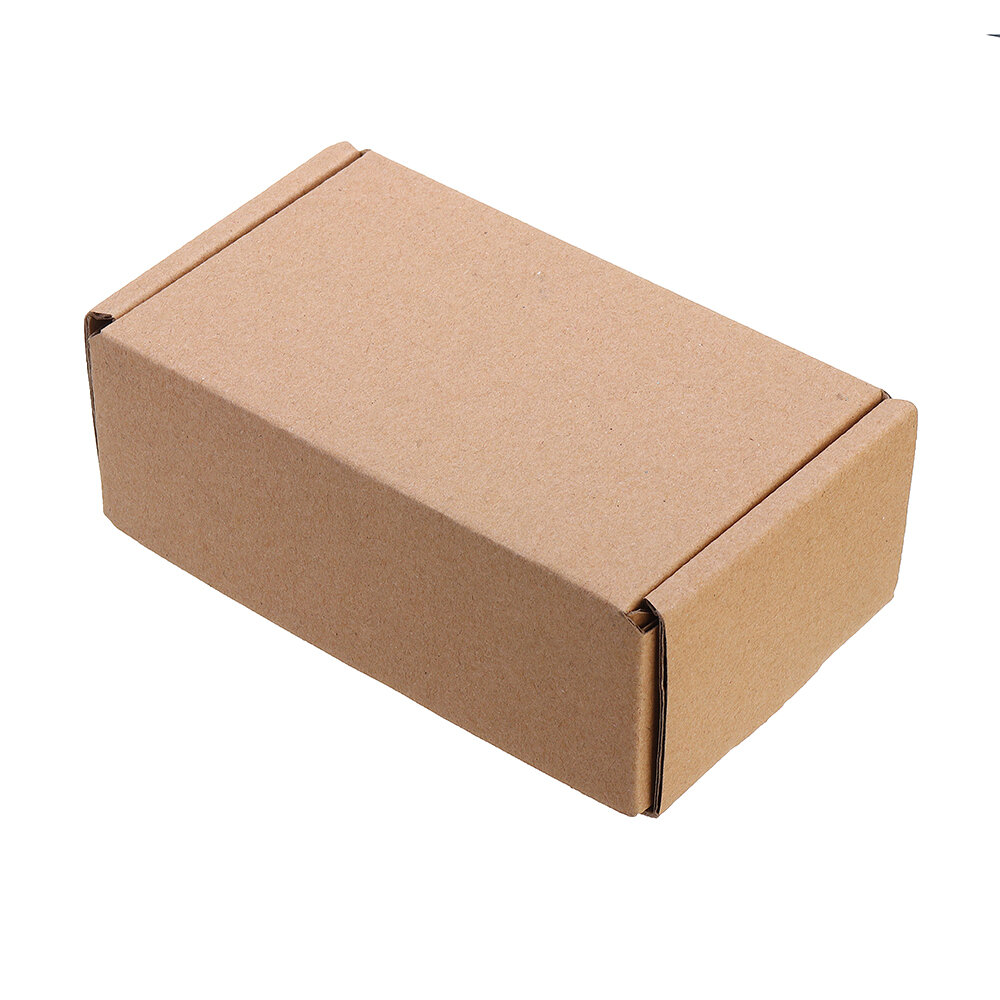
Item came sealed in an anti-static bag, wrapped in bubble wrap and placed in a cardboard box. Full marks for the packaging.
The screen is really nice & bright, simple to connect to a Genuino Uno.
This is very good quality and great value for money
Just download the libraries from Adafruit and away you go.
I will likely buy more of these screens.
NOTE: If you just get a white screen then put a small delay such as delay(10); after the tft.reset();