Eg̃uahẽ porã Roymall-pe, ne renda jopói porã joguápe. Rohechakuaa ha roaguyje ne pytyvõ, ha roñe'ẽ aguyje jopói libre ndive. Ejogua vove, rejoguáta mba'eporã porã ha reñemomba'e jopói libre ndive.Eheka ore apopyrã ha ejuhu ne jopói perfecto.
Mba'e rembosa'irã
Rojapo tembiapo rembosa'irã 2 ára peve.Ára sapy'agua oñemboare 2 ára.Oñemboare 5-7 ára mba'apo (Lunes a Viernes).Oñemboare sapy'a tetã ambuéva rupi.
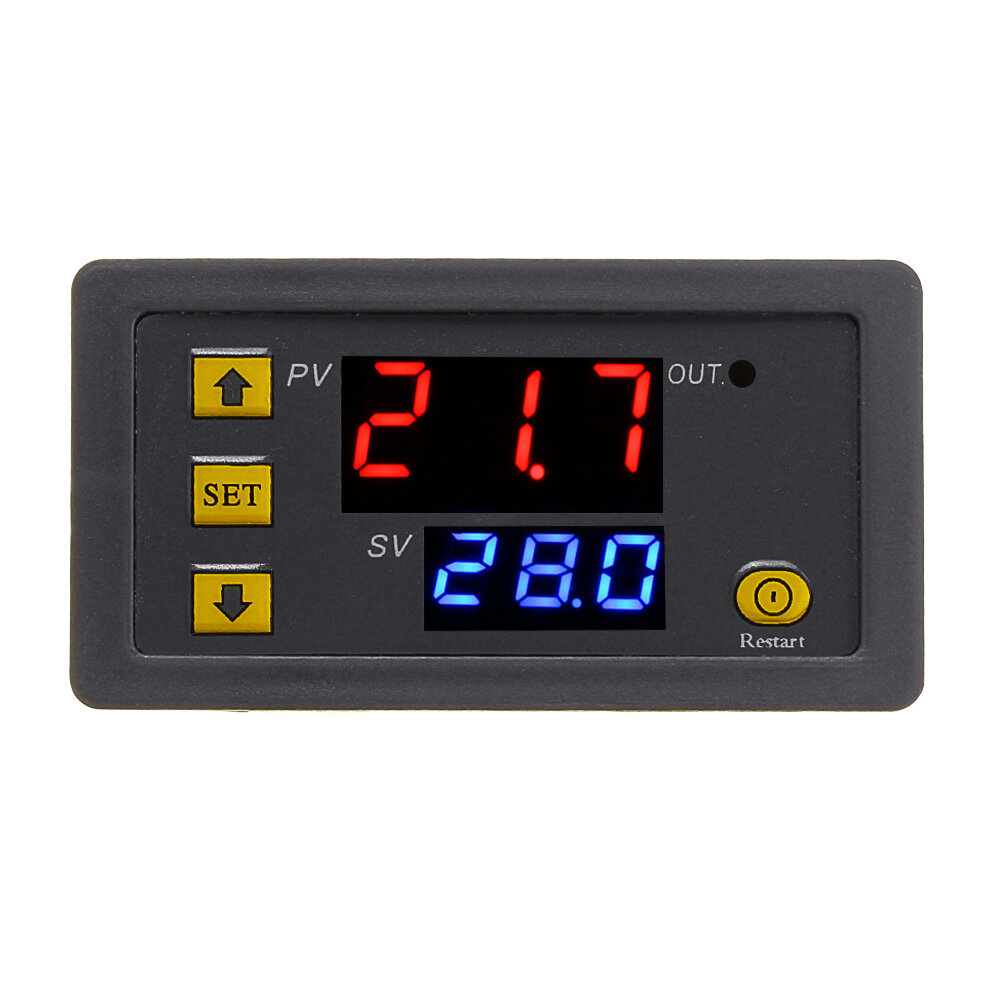
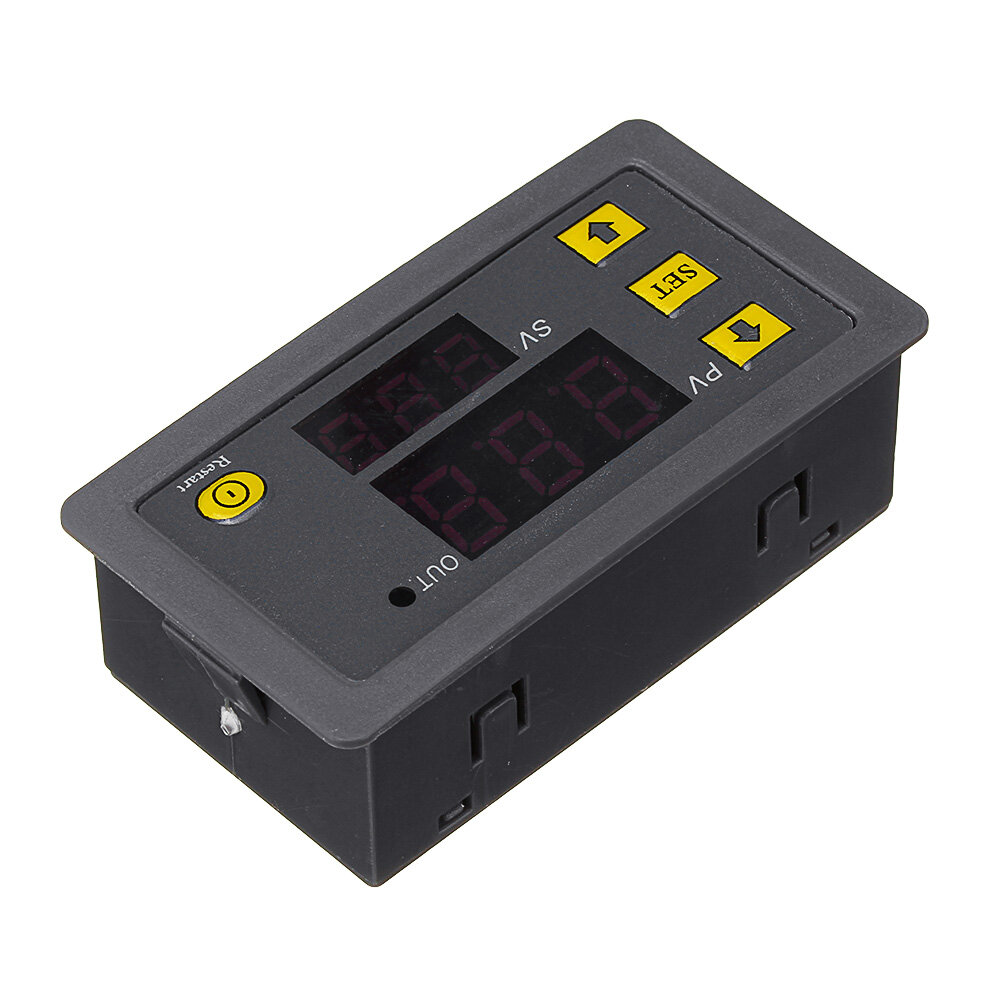
Please pay attention for your first use. You need wait 6s after your setting data, the module will save the date you have set after 6s.
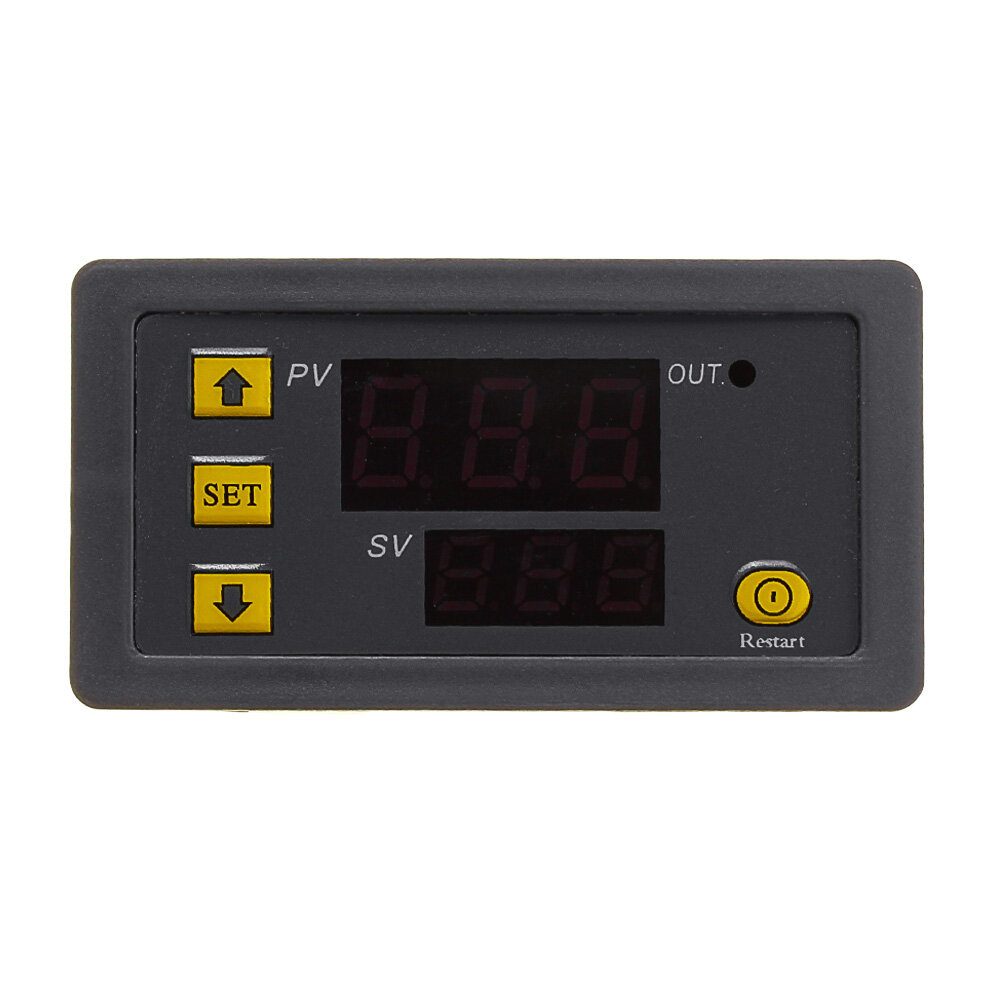
Short press button SET: If you start the time setting mode , Nixie tube will blink. You could adjust the time T1 and T2 by button+ and button-. Please wait 5s after your setting date, the module will save the date you have set after 5s .
Long press button SET: if you start the parameter setting mode. There are two group parameter for your choice : P0 and P1. You could switch P0 or P1 by short press SET. Under the parameter P0 and P1,you could set the timing mode by the button+ and button-.
P0--0: Timing time mode : 0---999s.
P0--1: Timing time mode : 0---999min.
P0--2: Timing time mode : 0---999h.
P1--0: The relay will connect after you delay the T1 time .
P1--1: The relay will disconnect after you delay the T1 time.
P1--2: The relay will connect after you delay the T1 time first, Then the relay will disconnect after you delay the T2 time , it finish.
P1--3: The relay will disconnect after you delay the T1 time first, Then the relay will connect after you delay the T2 time , it finish.
P1--4: The relay will connect after you delay the T1 time first, Then the relay will disconnect after you delay the T2 time , it is cyclic.
P1--5: The relay will disconnect after you delay the T1 time first, Then the relay will connect after you delay the T2 time , it cyclic.
Example: A customer needs 10 seconds to start up and 20 seconds off. Setup is as follows:


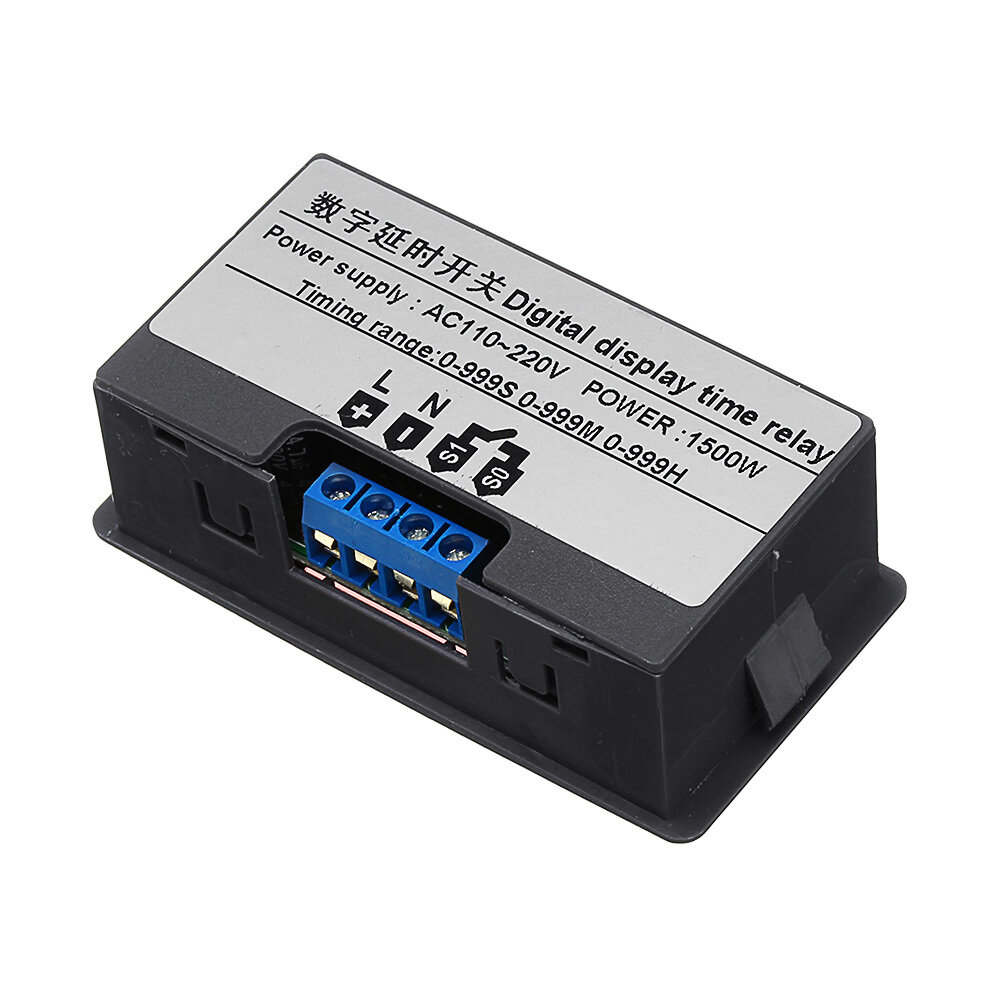
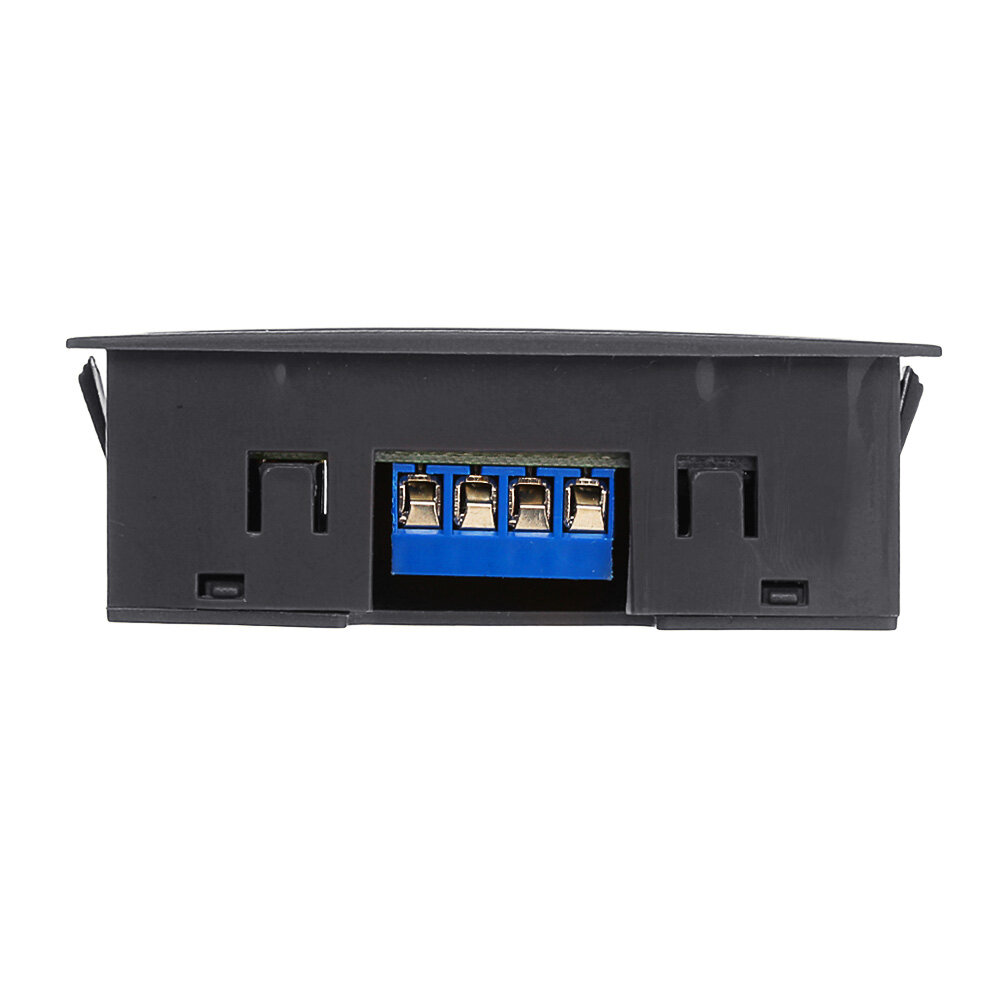
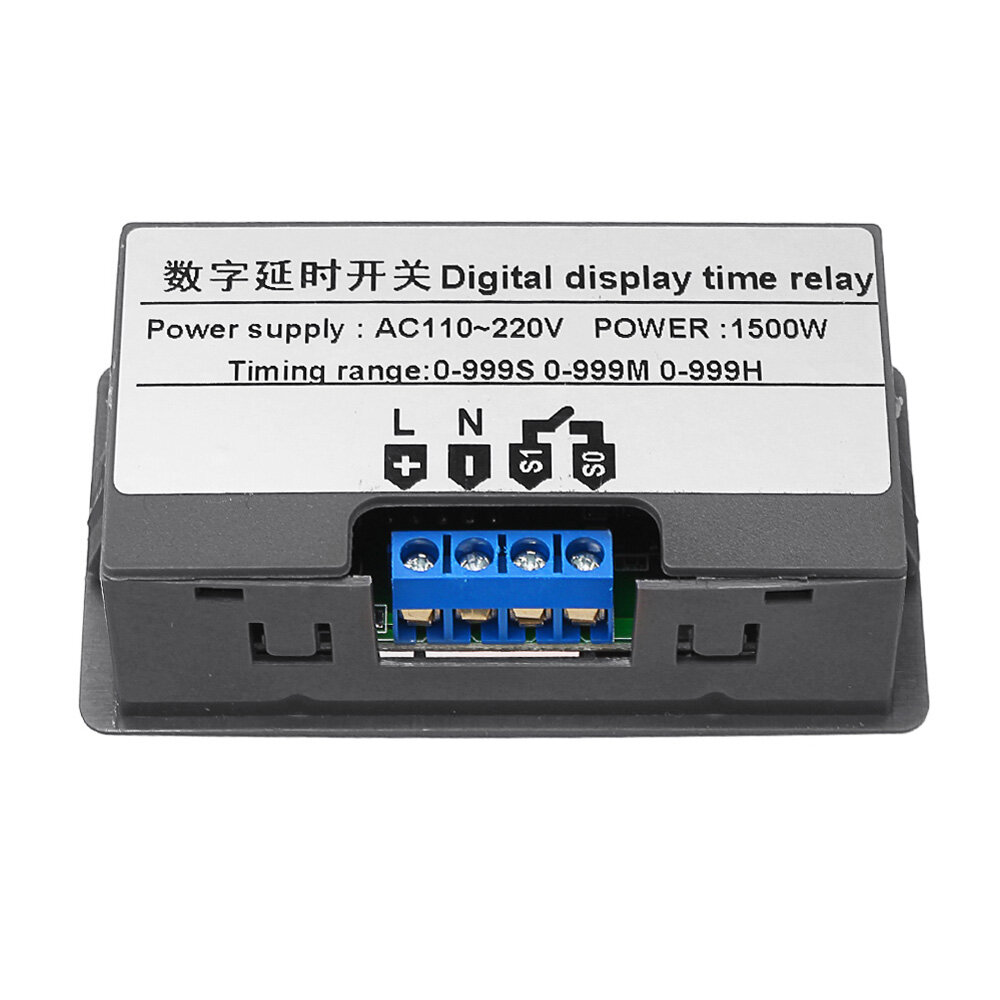
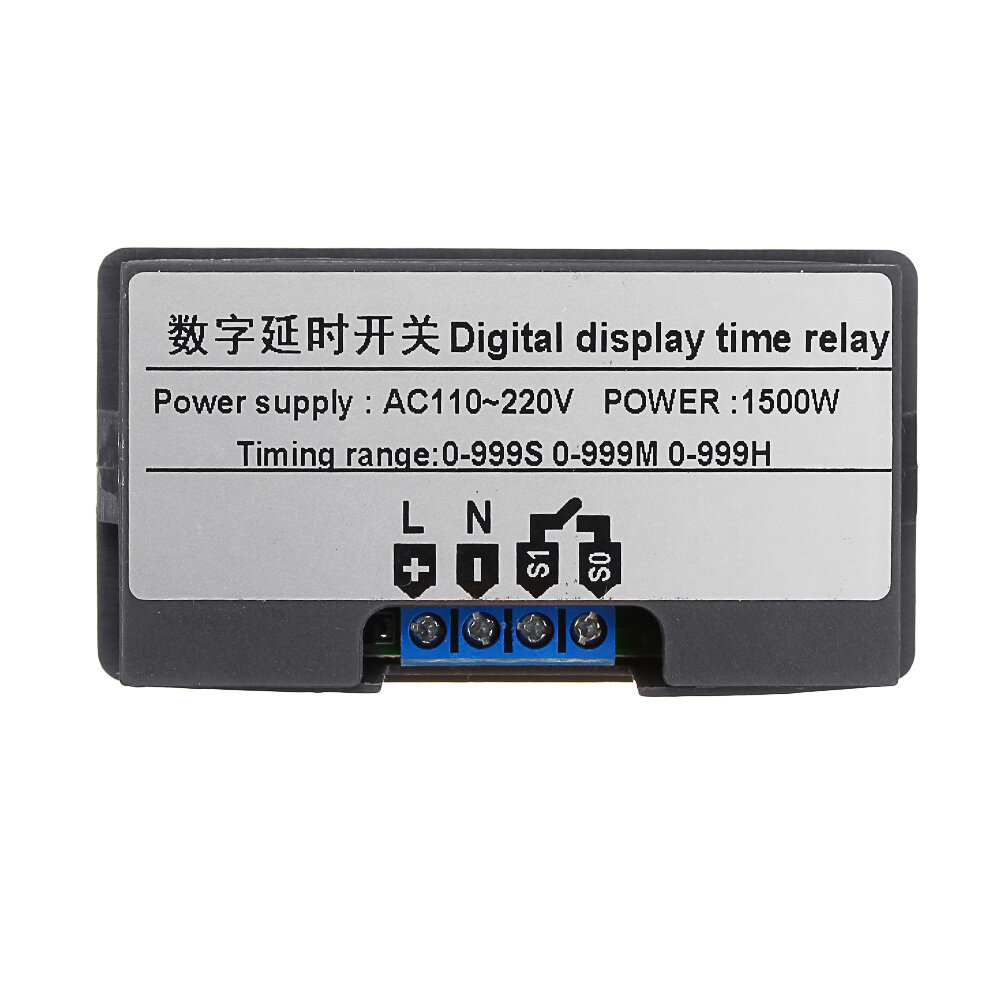

 Roymall C.o.


 Jopói libre
 Mba'e rembosa'irã
 Mba'e devolución rehegua








 Coupon Code
 Direct purchase from the factory
 Electronic Components & Supplies
 Module Board
 Relay Module