Tee Ga


Tee Gbe


 Roymall C.o.

Axɔ si wòkpɔ

 Dɔwɔnuku Xɔse
 Dɔwɔwɔ Kɔkɔe
 Dɔwɔwɔ Kɔkɔe
| Specification | |
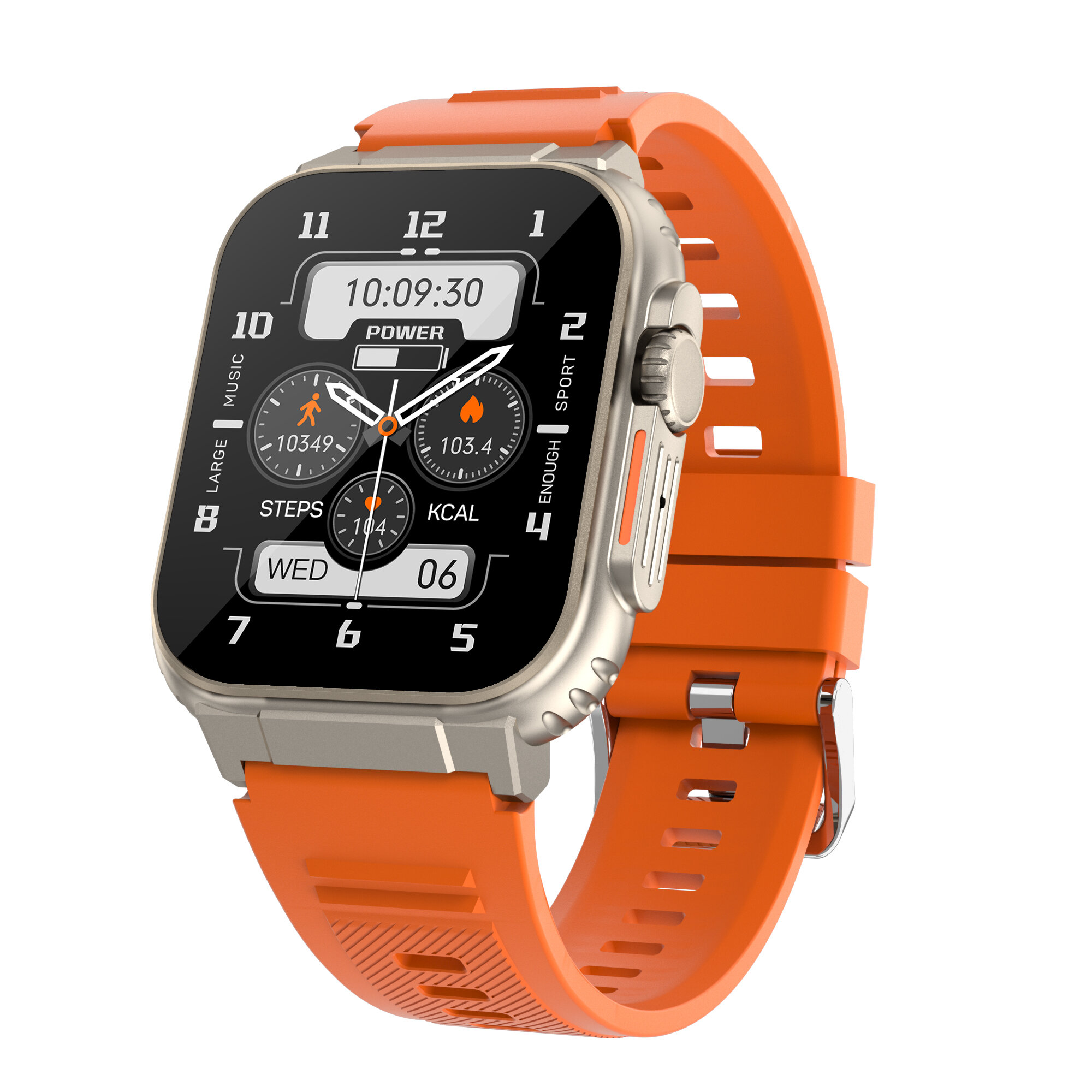
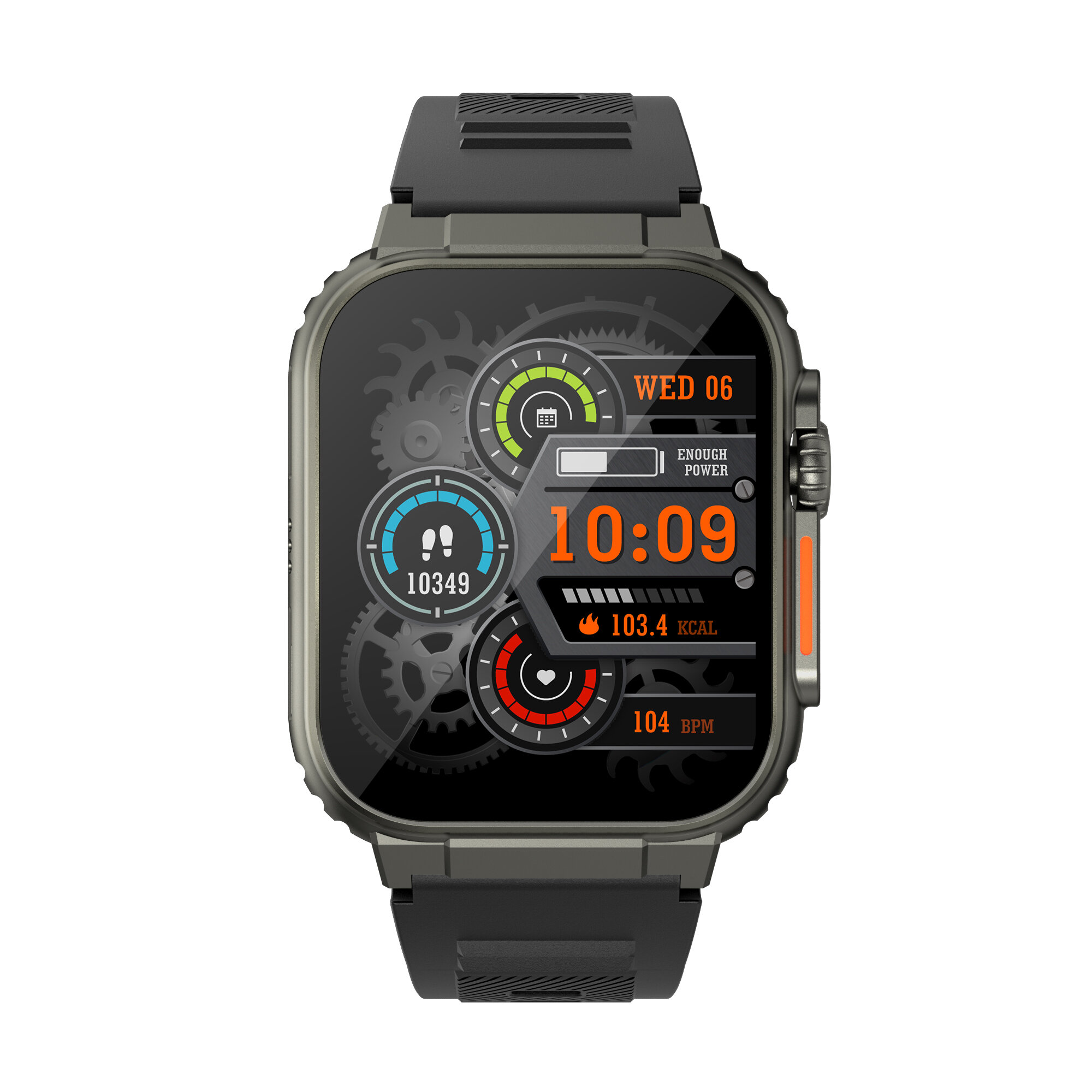
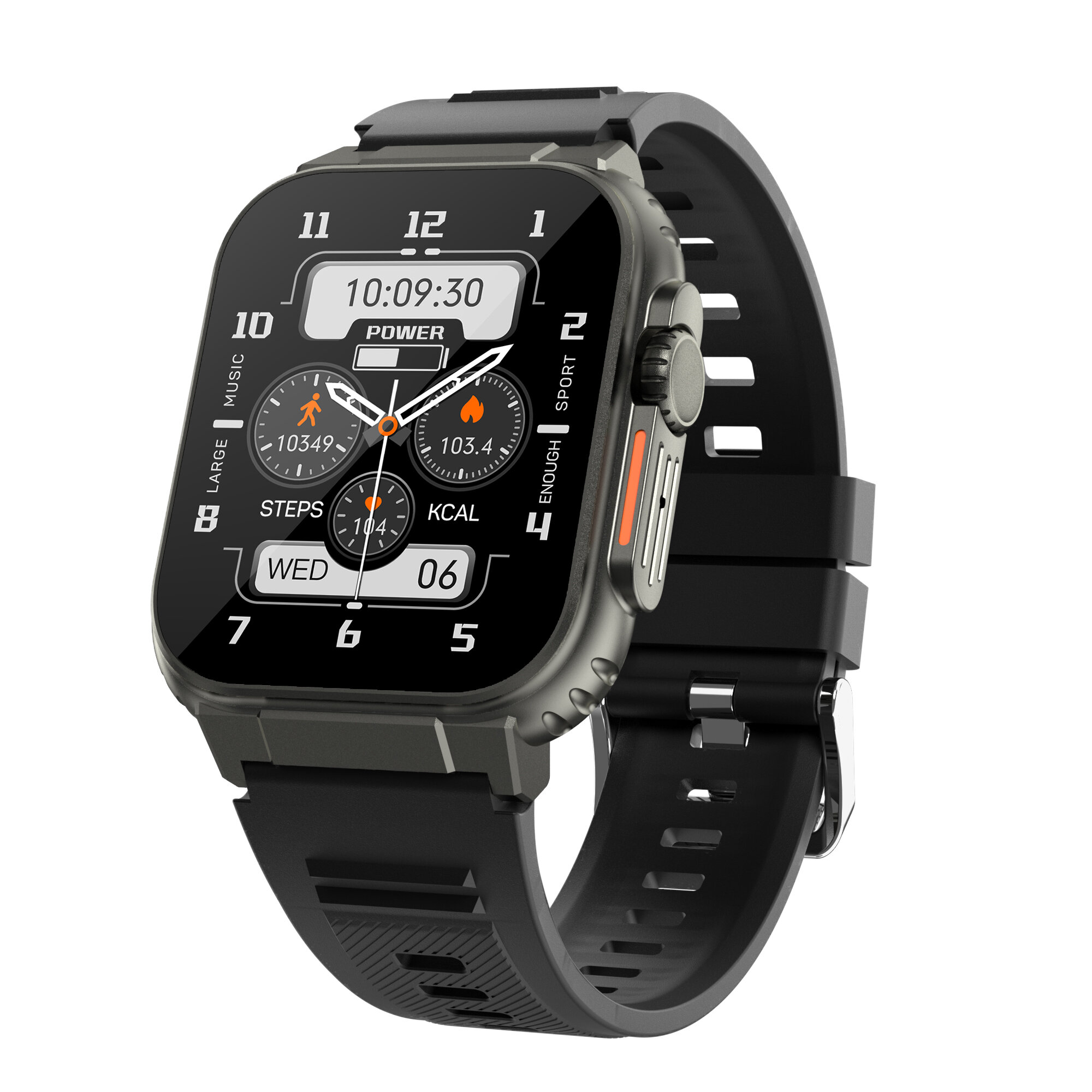
| Model | A70 |
| Bluetooth Version | BT 5.0 |
| Compatible OS | Android 4.4 or above; iOS 8.0 or above |
| Operating Mode | Full Touch |
| APP Name | Fit CloudPro |
| APP Language | App (follow mobile phone) : Chinese, traditional, English (default) , Korean, german, French, Italian, Spanish, Japanese, Polish, Russian, Portuguese, Vietnam, Arabic, Thai, Turkish, Dutch, indonesian, Malaysian, Romanian, Hebrew |
| Message Push Language | Supported languages on the watch side: Chinese, Traditional, English (default), Korean, German, French, Italian, Spanish, Japanese, Polish, Russian, Portuguese, Vietnamese, Arabic, , Thai,Turkish, Dutch, Indonesian, Malaysian, Romanian, Hebrew |
| System Language | Support language switching, Chinese, Traditional, English (default) , Korean, German, French, Italian, Spanish, Japanese, Polish, Russian, Portuguese, Vietnam, Arabic, Thai, Turkish, Dutch, Indonesian, Malaysian, Romanian, Hebrew |
| Special Features | |
| Information Reminder | Call Reminder |
| Message Reminder | |
| Reject Call | |
| Notification (Call, Text, and Smartphone App Notifications) | |
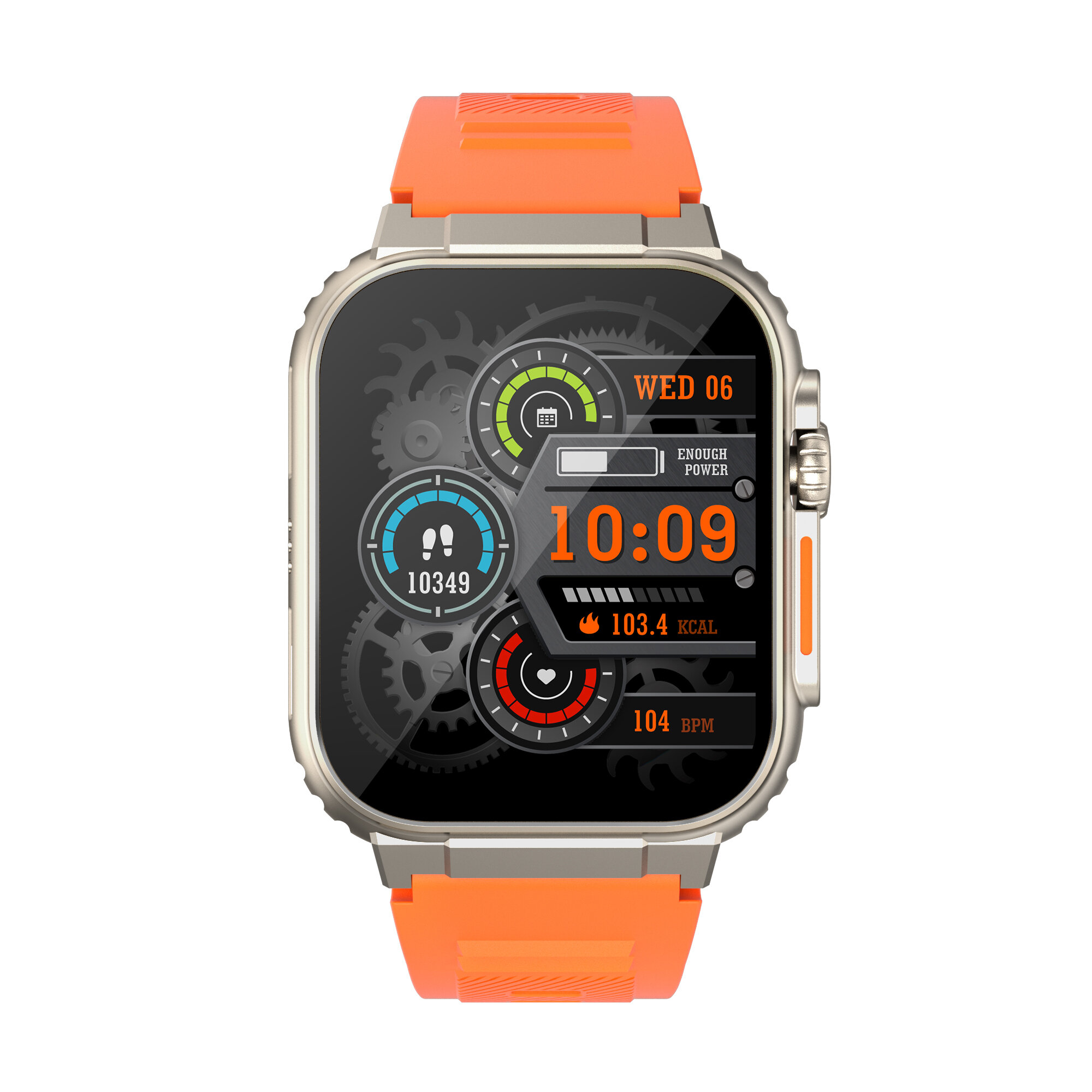
| Health | Heart rate |
| Blood oxygen (SpO2) Monitor | |
| Blood Pressure Monitor | |
| Sleep Monitor | |
| Sedentary reminder | |
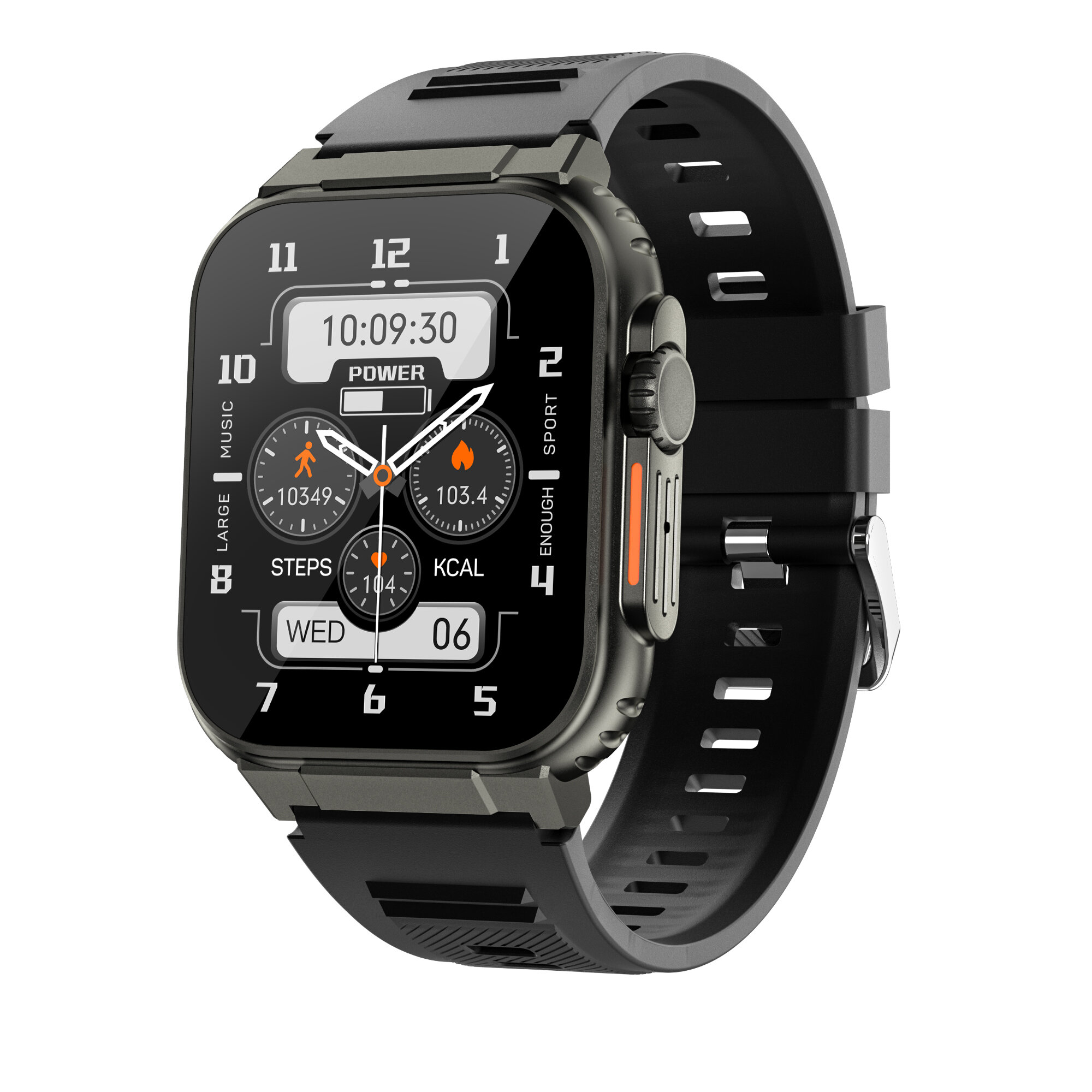
| Exercise and Record | Pedometer / Calories |
| Multi-sport Modes | |
| Healthy sharing | |
| Sports Mileage Record | |
| Application | Camera Control |
| Alarm Clock | |
| Stopwatch | |
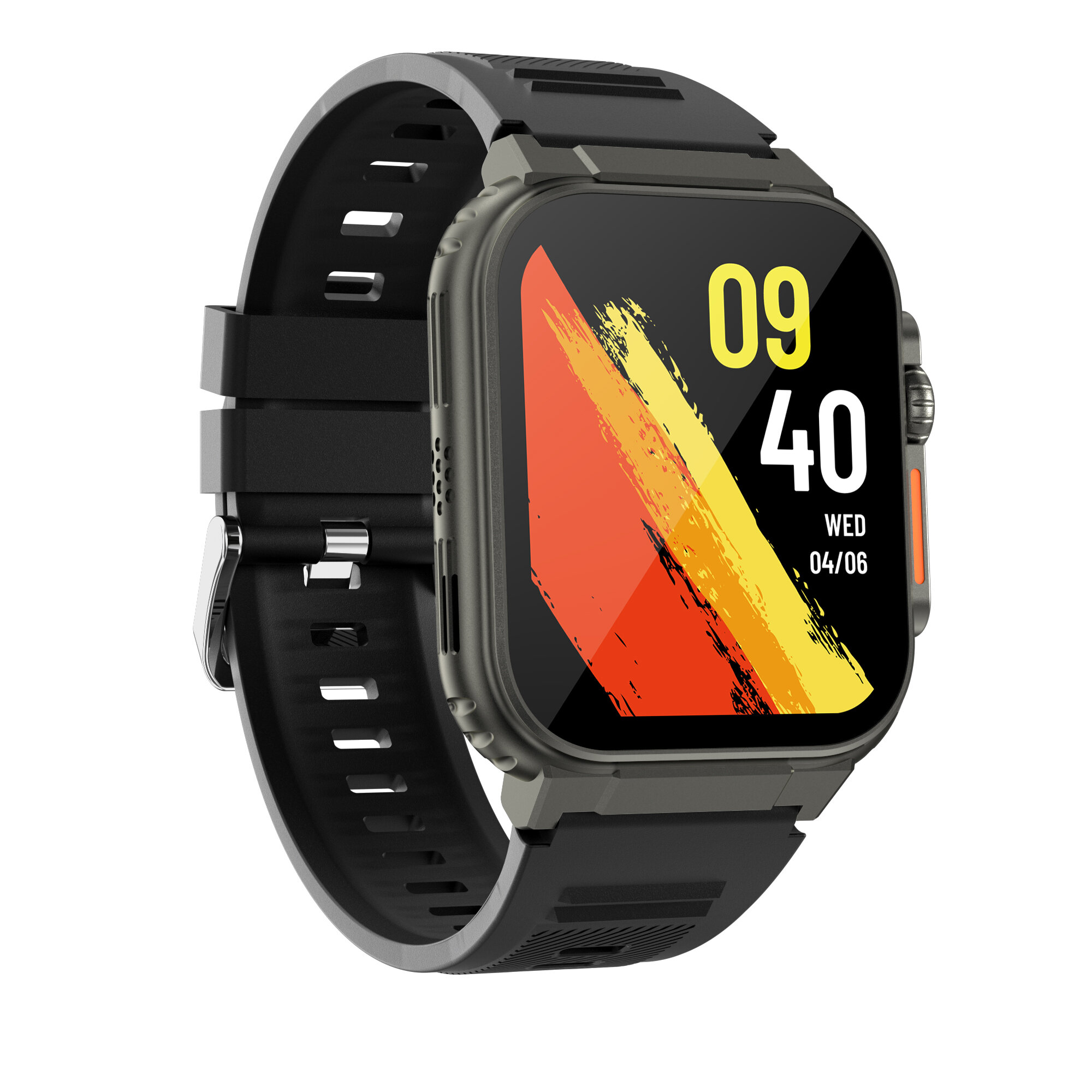
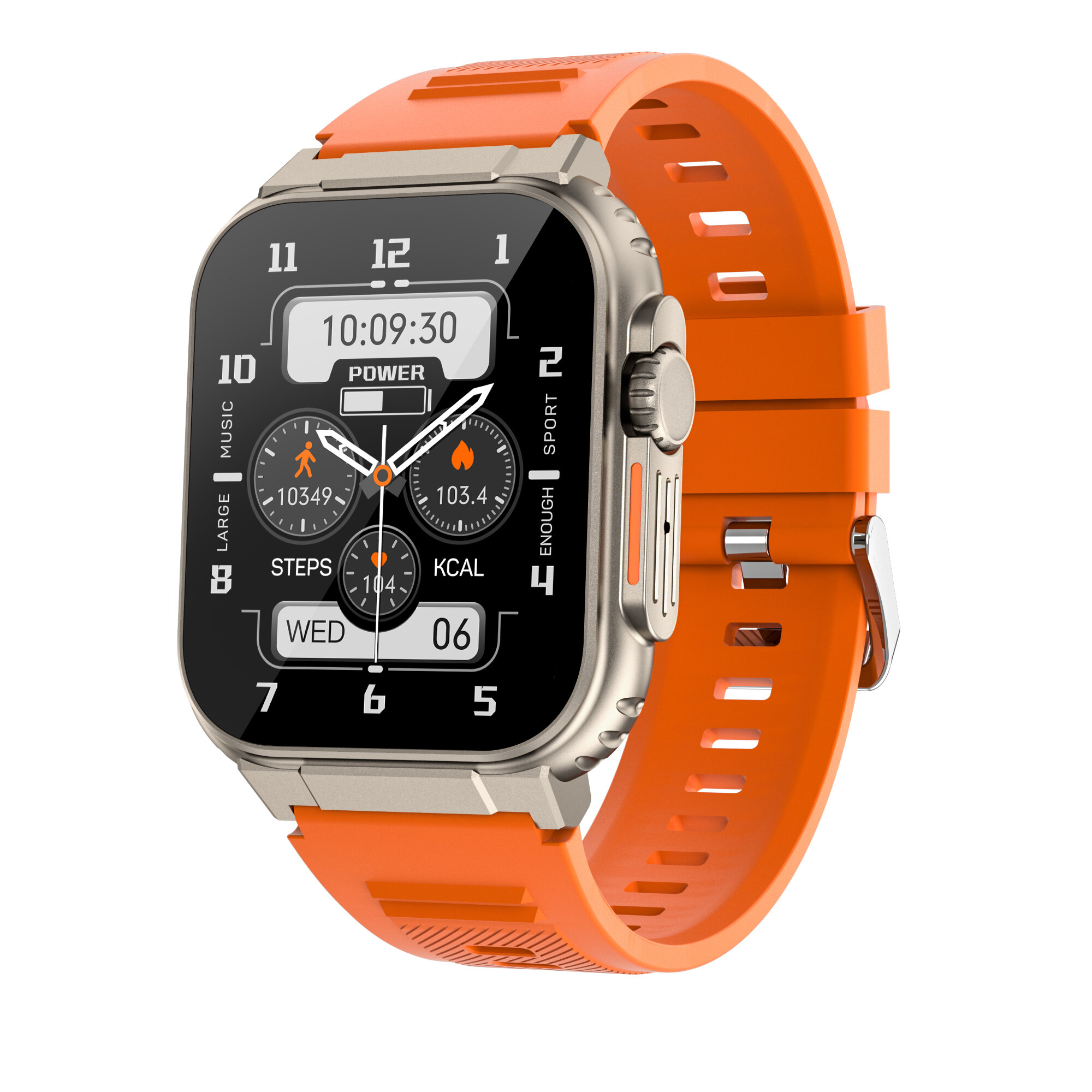
| Multiple Dial Switching | |
| Brightness Adjustment | |
| Technical Parameters | |
| Waterproof | IP68 |
| Sensor | Acceleration, Heart Rate Sensor |
| Screen | Size: 1.96 inch |
| Type: LCD | |
| Battery | Battery Capacity: 600mAh |
| Charging Time: About 3 hours | |
| Charging Type: Magnetic charging | |
| Appearance & Details | |
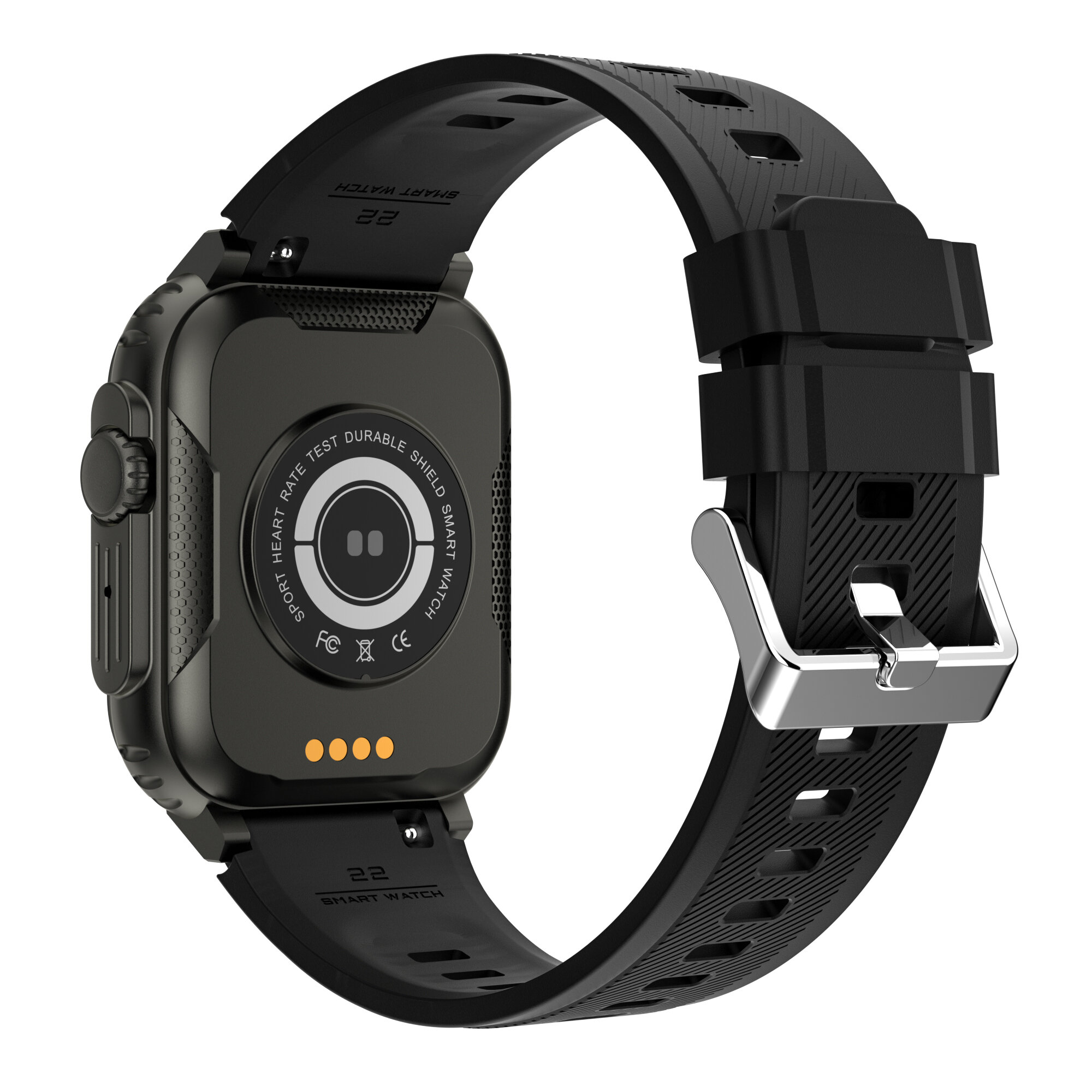
| Material | Band Material: TPU |
| Watch Case Material: Metal+plastic | |
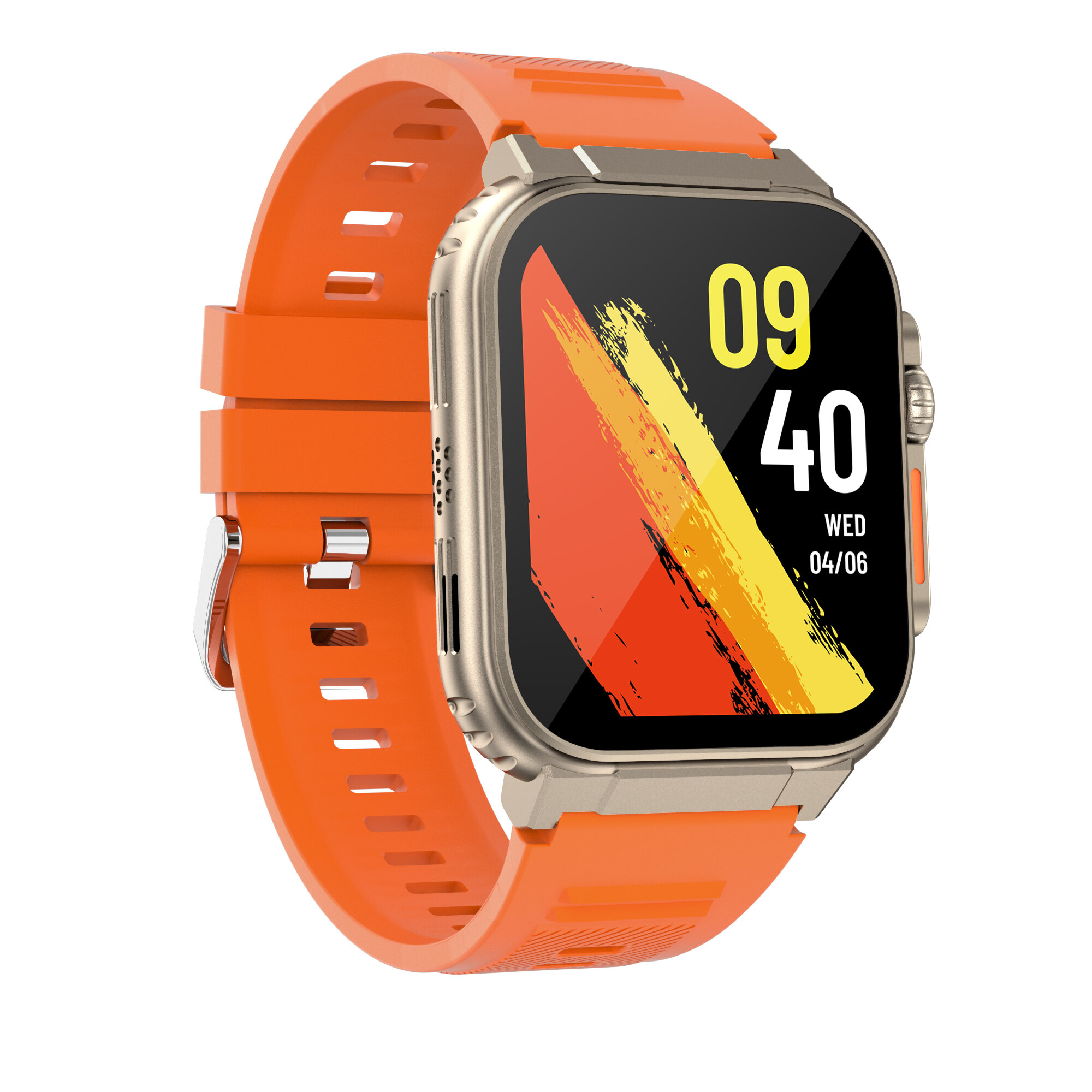
| Size | Dial Size: About 42*54*12.8mm |
| Packing List | 1* A70 Smart Bracelet |
| 1* Charging cable | |
| 1* User Manual | |
Tips: 1. Light of shoot will affect the color of the products, pictures for reference only, subject to our available products. | |
Q&A
- Why doesn't my watch start?
1. The watch needs to be connected to the charger for the first use.
2. If your watch battery runs out, you need to charge it for a while before trying to activate your watch.
3. Try to activate your watch by pressing the area below the screen for a long time.
- Why my watch doesn't charge successfully?
1. Please make sure your charger is 5V/1A. If the current is too high, the watch would into the automatic protection of the state.
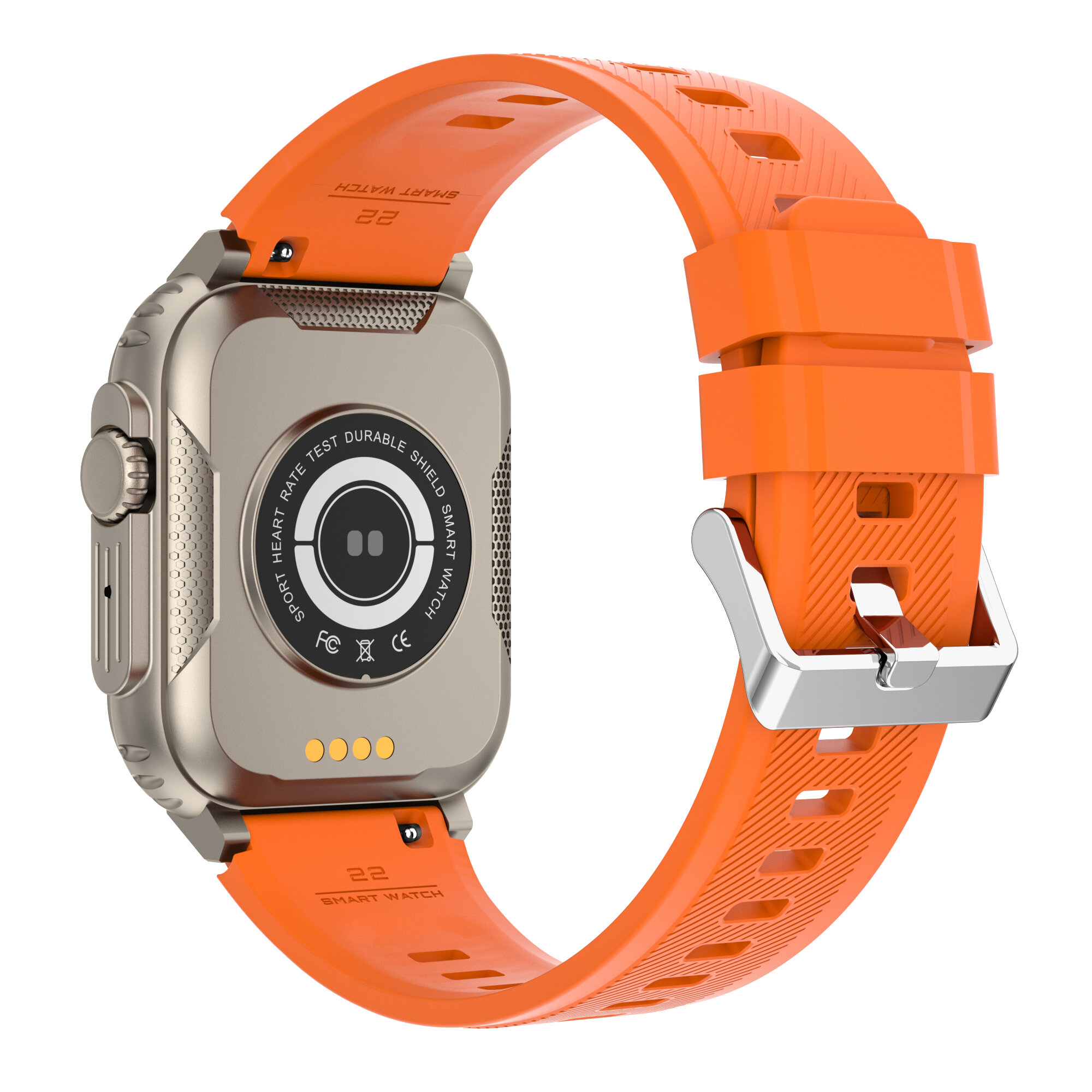
2. Please confirm that the charging cable is well attached to the charging position on the back cover of your watch.
- Why is there no charging cable in the package I received?
1. Please check the user manual and product details page to confirm whether the product is charged by USB. If so, please unplug the watchband, then you would find the charging jack.
2. If your watch isn't USB charging and you don't receive the charging cable, please contact our customer services right away.
- How to change the date and time?
Please scan the QR code in the manual to download the APP. Then the time and date will be automatically synced when the watch is connected to the phone.
- Can I wear it for swimming?
It is not recommended that you wear it to swim, because it is not a professional swimming watch.
- About the measurement data.
The monitoring data of health functions are for reference only, not on a medical basis.


Na ɖe nya yeye siwo katã wɔna kple 15% ɖeɖeɖe na wò xɔɖeɖe gbãtɔ.

Hi ?
How can we help?


 Coupon Code
 Direct purchase from the factory
 Consumer Electronics
 Smart Wearable Device
 Smart Watch