Tee Ga


Tee Gbe



 Roymall C.o.

Axɔ si wòkpɔ

 Dɔwɔnuku Xɔse
 Dɔwɔwɔ Kɔkɔe
 Dɔwɔwɔ Kɔkɔe
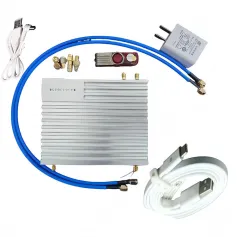
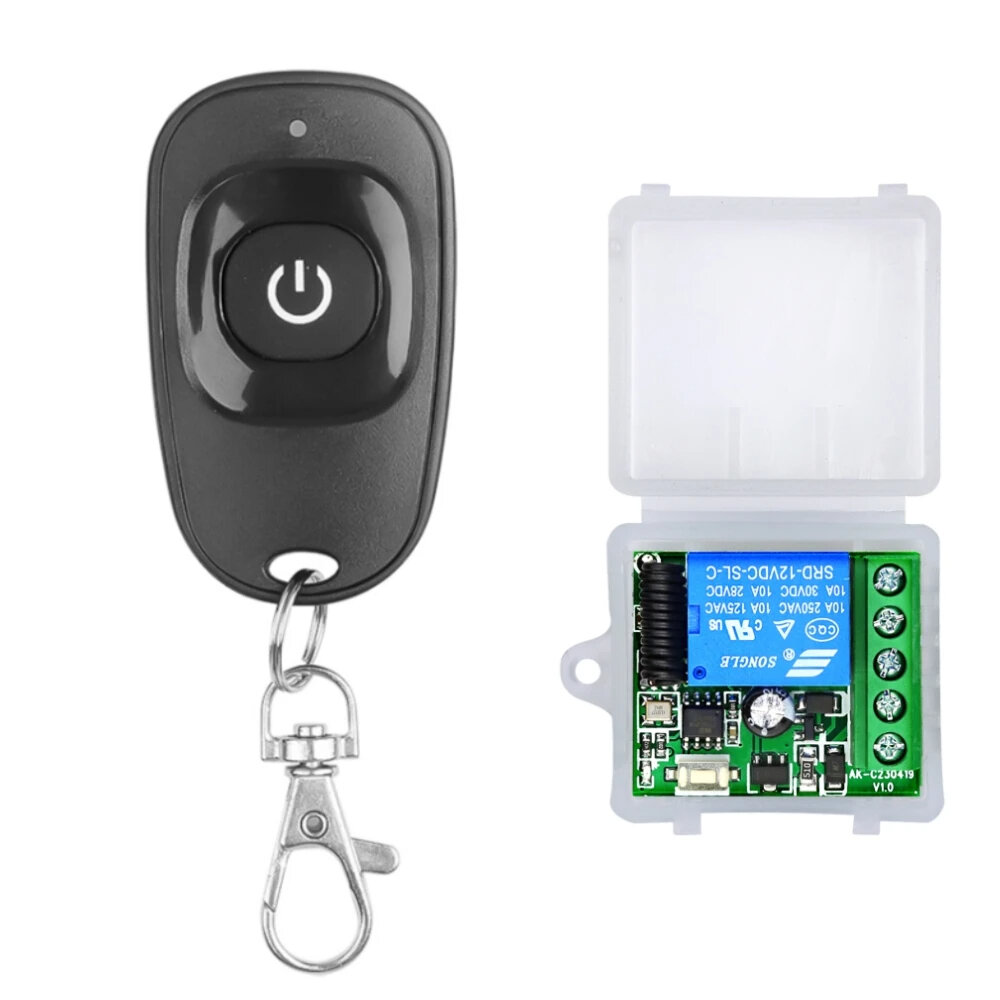
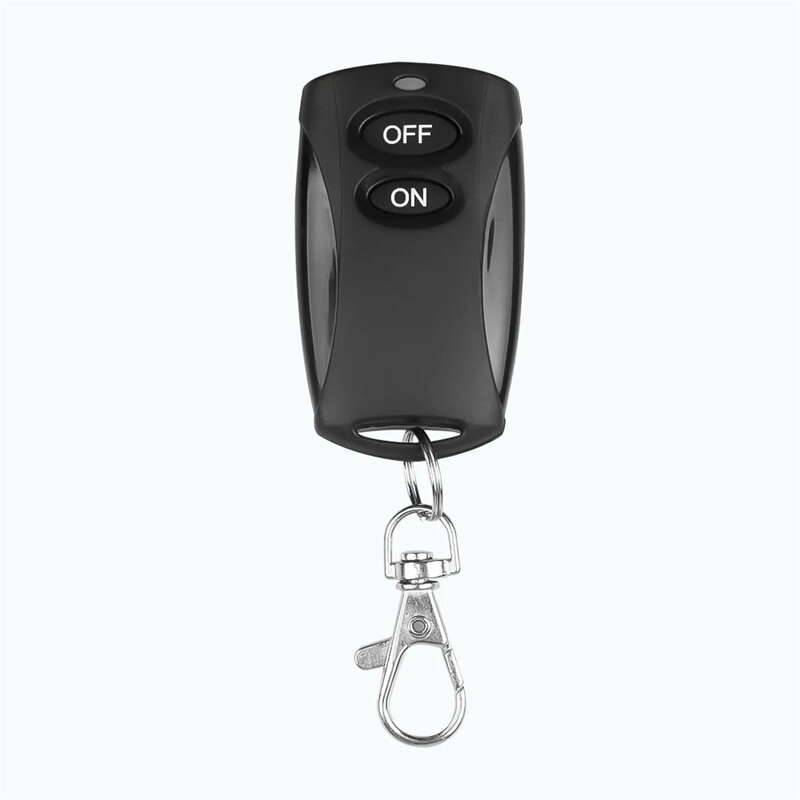
Package Include:
optional
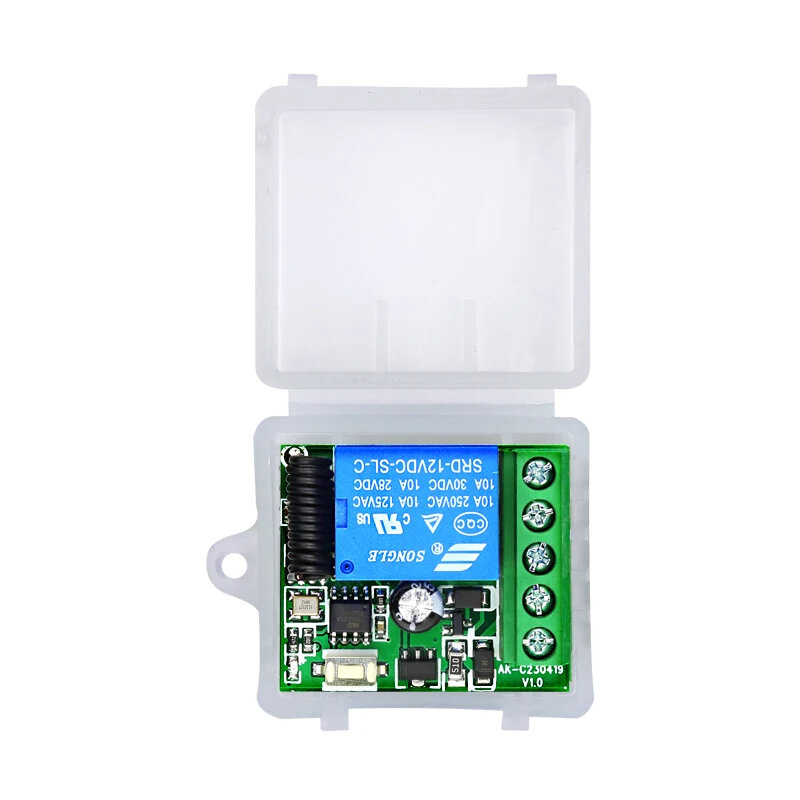
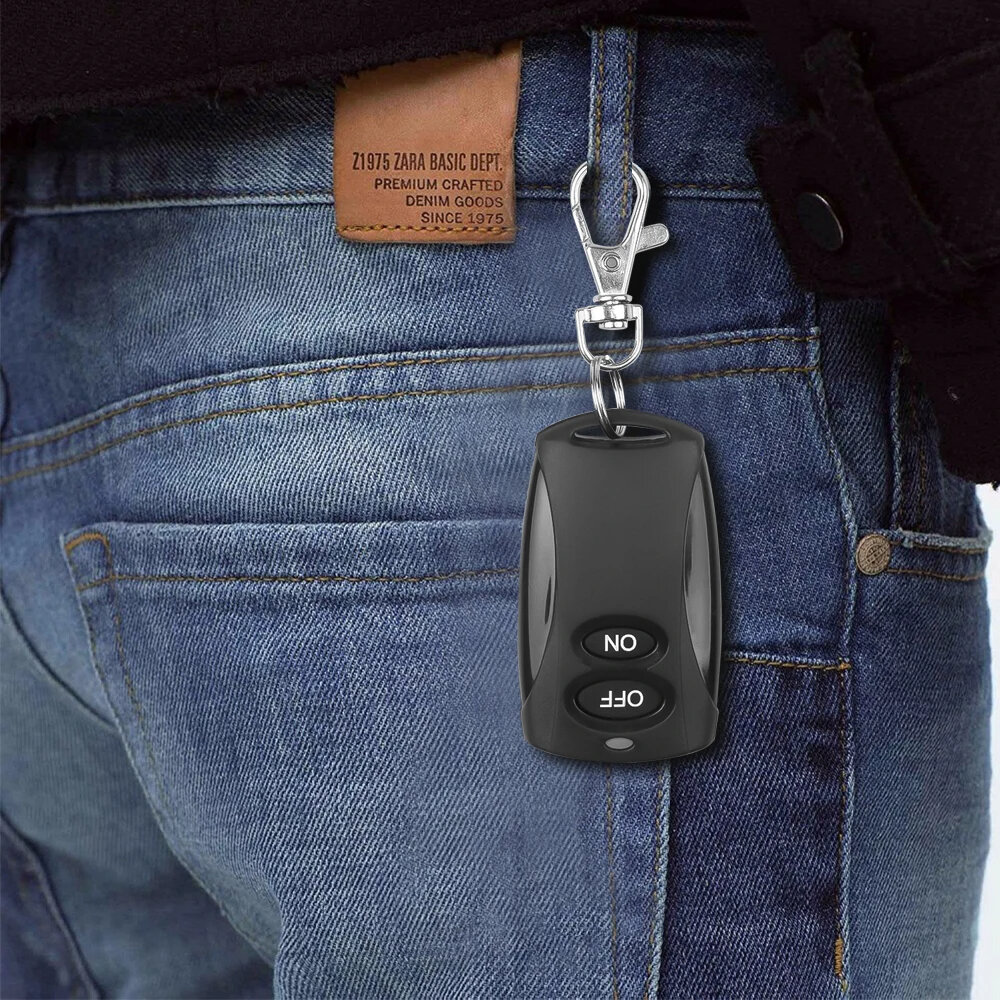
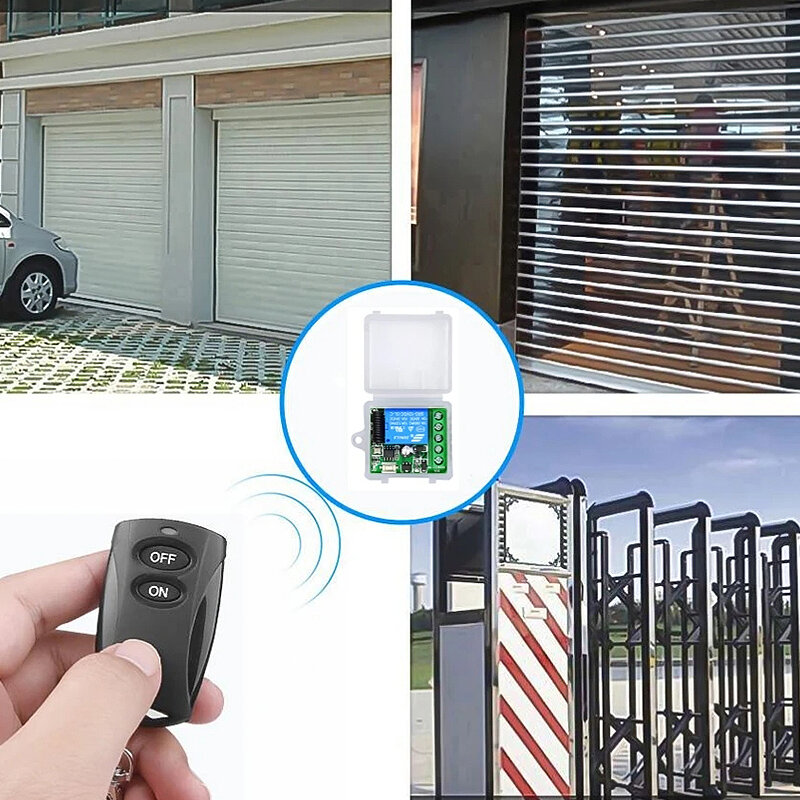
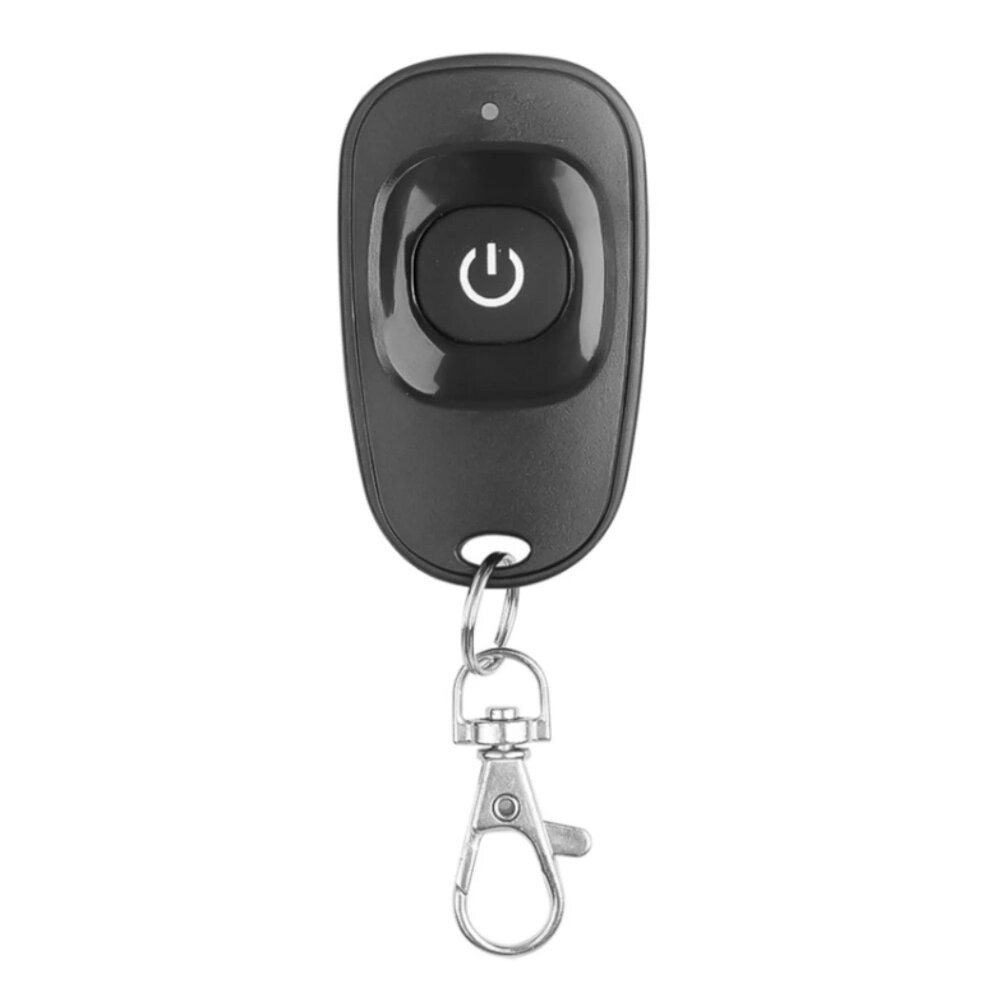
Type1: 1 Remote(1 Button)+1 ReceiverType2: 1 Remote(2 Button)+1 ReceiverType3: Only 1 ReceiverType4: 1 Button Remote onlyType5: 2 Button Remote only
(Please pay attention to the product type before purchasing. Different types include different products and have different prices.)
Operating Function Description
(1) Code learning operation
Inching learning code: After the controller is connected to the power, briefly press the learning code button (the light flashes once), and then long press the remote control button for 3 seconds. The controller indicator light flashes to indicate successful learning code, and the working mode is inching mode.
Self locking code learning: After the controller is connected to the power, briefly press the code learning button twice (once the light flashes), and then long press the remote control button for 3 seconds. The controller indicator light flashes to indicate successful code learning, and the working mode is automatic mode.
Interlockingcode learning: After the controller is connected to the power, briefly press the code learning button three times (press once to flash the light once), and then long press and hold one button on the remote control for 3 seconds (such as key A). The controller indicator light flashes and remains on, and then press another button on the remote control (such as key B). The controller indicator light flashes to indicate successful code learning, and the working mode is interlockingmode (such as ABinterlocking).
Delay for 5 seconds to learn code: After the controller is connected to the power, briefly press the learn code button four times (once the light flashes), and then long press the remote control button for 3 seconds. The controller indicator light flashes to indicate successful code learning, and the working mode is automatic shutdown mode with a delay of 5 seconds.
Delay of 10 seconds for learning code: After the controller is connected to the power, briefly press the learn code button five times (once the light flashes), and then long press the remote control button for 3 seconds. The controller indicator light flashes to indicate successful learning code, and the working mode is automatic shutdown mode with a delay of 10 seconds.
Delay for 15 seconds to learn code: After the controller is connected to the power, briefly press the learn code button six times (once the light flashes), and then long press the remote control button for 3 seconds. The controller indicator light flashes to indicate successful code learning, and the working mode is automatic shutdown mode with a delay of 15 seconds.
Delayed code learning by 20 seconds: After the controller is connected to the power, briefly press the code learning button seven times (once the light flashes), and then long press the remote control button for 3 seconds. The controller indicator light flashes to indicate successful code learning, and the working mode is automatic shutdown mode with a delay of 20 seconds.
(2) Clear code operation
Press and hold the learn code button on the controller for 5 seconds until the indicator light flashes, indicating successful code clearing.
(3) Clear code operation
Jog mode: After learning the code for a single button on the remote control, press the button relay to engage, and release the button relay to disconnect.
Self locking mode: After learning the code for a single button on the remote control, press the button relay once to engage and then press the button relay again to disconnect.
Interlock mode: After learning the codes for the two buttons on the remote control, press the A key to activate the relay, and press the B key to deactivate the relay.
Delay mode: After learning the code for a single button on the remote control, press the button relay to engage, and after the delay, it will automatically disconnect.




Na ɖe nya yeye siwo katã wɔna kple 15% ɖeɖeɖe na wò xɔɖeɖe gbãtɔ.

Hi ?
How can we help?


 Coupon Code
 Direct purchase from the factory
 Electronic Components & Supplies
 Module Board
 Smart Module