Retou yo ap aksepte nan 40 jou depi dat ou resevwa machandiz yo. Atik personnalize pa ka retounen oswa echanje. Atik achte ak yon kat kado e-ka sèlman echanje; rembousman pa aplike.
Kado gratis
Byenveni nan Roymall, sit entènèt pwofesyonèl ou pou achte kado magazen depatman prim. Nou valè ak apresye sipò ou anpil, epi nou vle eksprime rekonesans nou an lè nou ajoute yon touche eksitasyon anplis nan acha ou yo. Lè w ap fè makèt avèk nou, ou pa sèlman jwenn pou jwi pwodwi ki gen bon jan kalite ki amelyore vi ou, men ou pral resevwa tou yon kado gratis eksklizif ak chak lòd ou fè. Pare pou eksplore koleksyon nou yo epi jwenn kado pafè ou yo? Parcou seleksyon nou an nan atik magazen depatman prim, fè lòd ou, epi tann eksitasyon kado gratis ou a ki ap rive ansanm ak acha ou.
Règleman livrezon
Nou pral travay di pou livre atik yo ba ou apre nou fin resevwa kòmand ou yo epi asire yo rive an sekirite. Detay sou livrezon yo pral bay nan imèl konfimasyon ou.Nan pifò ka, kòmand yo trete nan 2 jou.Nan sikonstans espesyal, li pral retade jan sa a: Lè ou fè yon lòd nan samdi, dimanch oswa jou ferye, li pral retade pou 2 jou..Nòmalman, li bezwen 5-7 jou ouvrab (lendi a vandredi) san yo pa afekte pa reta vòl oswa lòt faktè anviwònman..Paske sèvis livrezon nou an se atravè lemond kidonk tan livrezon yo pral depann de kote ou ye kidonk li ka bezwen kèk tan epi tanpri tann pasyans si ou nan distri oswa peyi ki lwen.
1. Règleman Retou & Echanj
Nou sèlman aksepte atik ki achte nan roymall.com. Si ou achte nan distribitè lokal nou yo oswa lòt revandè, ou pa ka retounen yo sou bò pa nou.Atik lavant final oswa kado gratis pa akseptab pou retou.Pou kalifye pou yon retou, atik ou a dwe itilize epi nan menm kondisyon ke ou te resevwa li. Li dwe tou nan anbalaj orijinal la.Apre ou fin resevwa enstriksyon retou nan men nou, tanpri anbalaje atik ou retounen yo epi depoze pake ou a nan biwo lapòs lokal la oswa yon lòt kurye. Nou pral trete retou ou a oswa atik echanj nan 3-5 jou ouvrab apre nou fin resevwa li. Rembousman an pral trete epi kredite otomatikman nan metòd orijinal ou pou peman.Pa gen retou oswa echanj ka aksepte si pwodwi a te pwodui pèsonalize, ki gen ladan gwosè pèsonalize, koulè pèsonalize, oswa enprime pèsonalize.Bezwen plis èd, tanpri kontakte nou. service@roymall.com oswa Whatsapp: +447549870296
2.Règleman Rembousman
Ou pral jwenn yon rembousman konplè oswa 100% kredi nan magazen apre nou fin resevwa pake retounen an epi verifye li. Rembousman an pral trete epi kredite otomatikman nan metòd orijinal ou pou peman.Tanpri sonje ke depans livrezon ak nenpòt dwa oswa frè pa rembousab. Depans livrezon siplemantè yo pa rembousab yon fwa pake a te anvwaye. Ou responsab pou peye frè sa yo epi nou pa ka egzante oswa rembouse yo, menm si lòd la retounen ban nou.Apre nou fin resevwa epi konfime atik ou retounen an, nou pral voye yon imèl ba ou pou fè ou konnen nou te resevwa atik ou retounen an. Nou pral tou fè ou konnen apwobasyon oswa rejè rembousman ou.Si ou gen nenpòt pwoblèm konsènan pwosesis rembousman an, tanpri kontakte nou. service@roymall.com oswa Whatsapp: +447549870296
Videos for similar product
Loading product videos...
❮
❯
Products related to this item
Loading related products...
❮
❯
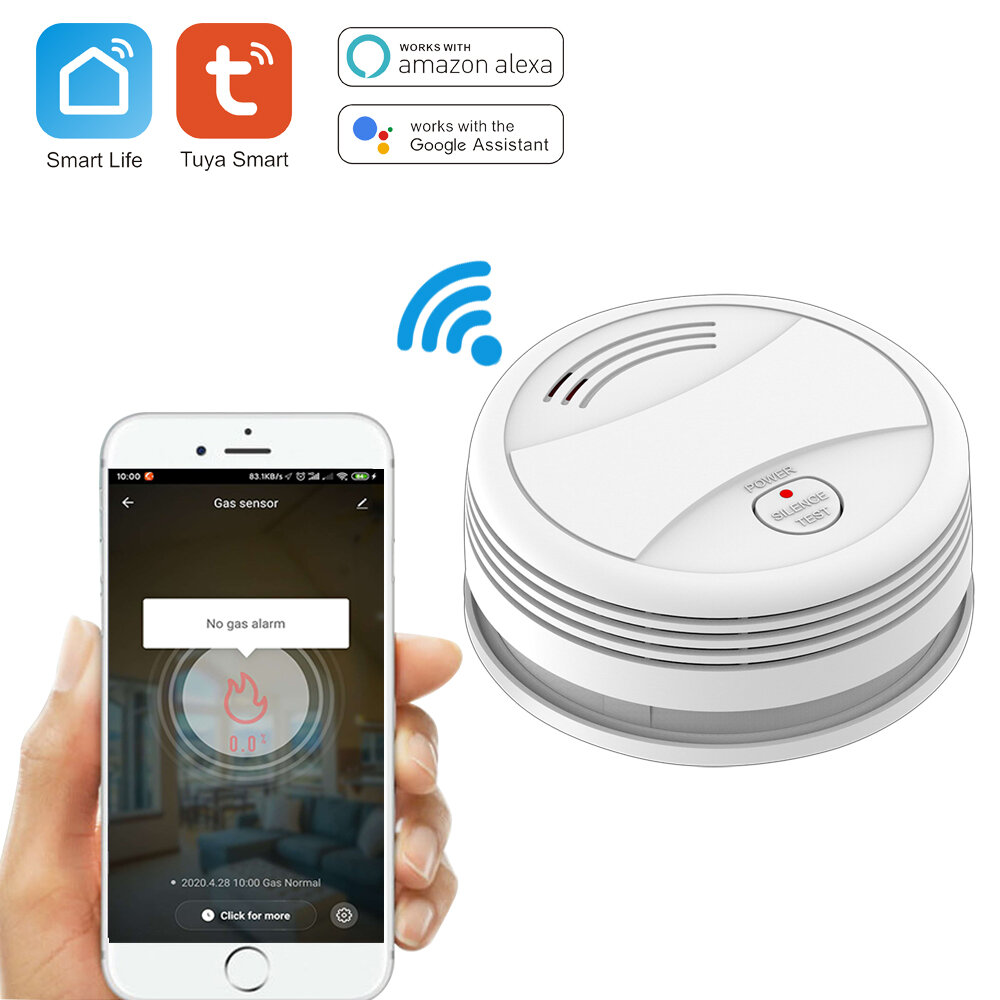
Specifications:
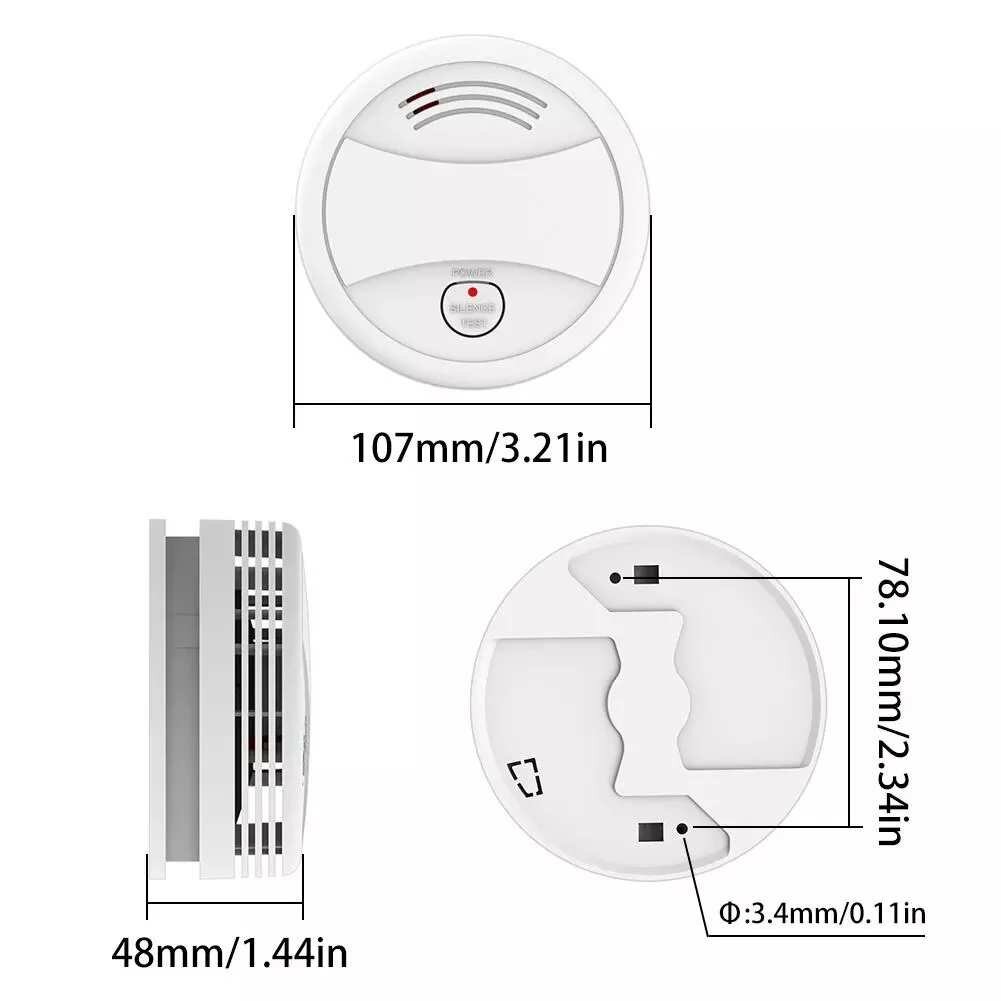
Power supply:DC9V alkaline battery (no include 6LR61)
Static current:<10uA
Alarm current: <100mA
Working temperature:0℃ ~ +50℃
Humidity:u226695%RH,no freezing
Alarm sound:>80dB
Low battery alert:u22667.0V± 0.2V
Mute & Testing:
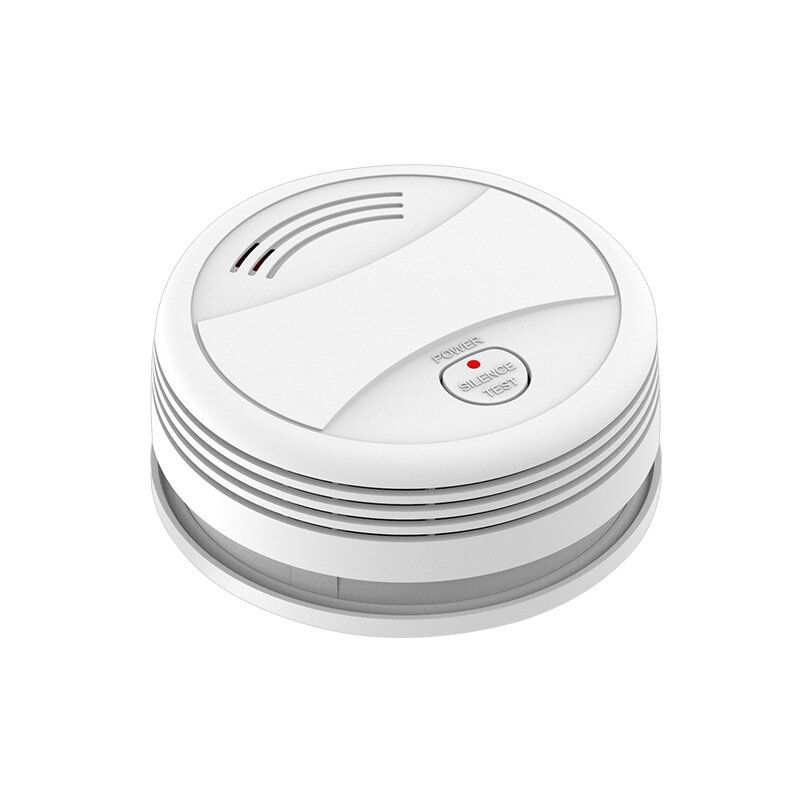
1. Mute: in alarm status, press the "TEST" button to mute the buzzer, only LED indicator flashes.
2. Testing: in normal status, long press "TEST" button for 2s to trigger the sound & light alarm, alarm message is pushed to the mobile APP.
WiFi Configuration & Networking:
Install "Tuya Smart" APP on your smartphone the first time you use the detector.
Make sure your smartphone is connected to the WiFi.
a) Launch the APP, click "Add device"---"Security Sensor"---"Sensor (WiFi)" / "Smoke(WiFi)".
b) Long press the "TEST" button for 5s until LED flashes with a short beep of "Di" (long press the button within 20s of loading the battery to enter WiFi configuration mode).
c) Click "OK" in the APP---input password for the WiFi an click "OK", the detector enters configuration mode which lasts for 60s maximum.
A long beep of "Di" with LED indicator on for 10s means the WiFi configuration is completed. When WiFi configuration fails, the detector exits configuration mode with short beep of "Di Di Di".
WiFi configuration is done based on the 3 steps above.
WiFi Networking Status: when LED indicator is on for 10s after battery is loaded, it means the detector is successfully connected to WiFi.
Installing Method:
a. Make a hole on the ceiling by using the percussion drill
b. Install the expansion tube on the ceiling
c. Fix the installation board by using the screw
d. Aiming the alarming device with the installing board and connect them, rotating clockwise till heard the "kaca" sound, means installing correctl



 Roymall C.o.


 Kado gratis
 Règleman livrezon
 Règleman retou





 Coupon Code
 Direct purchase from the factory
 Security & Protection
 Security & Surveillance
 Security Alarm
 Alarms