ntt
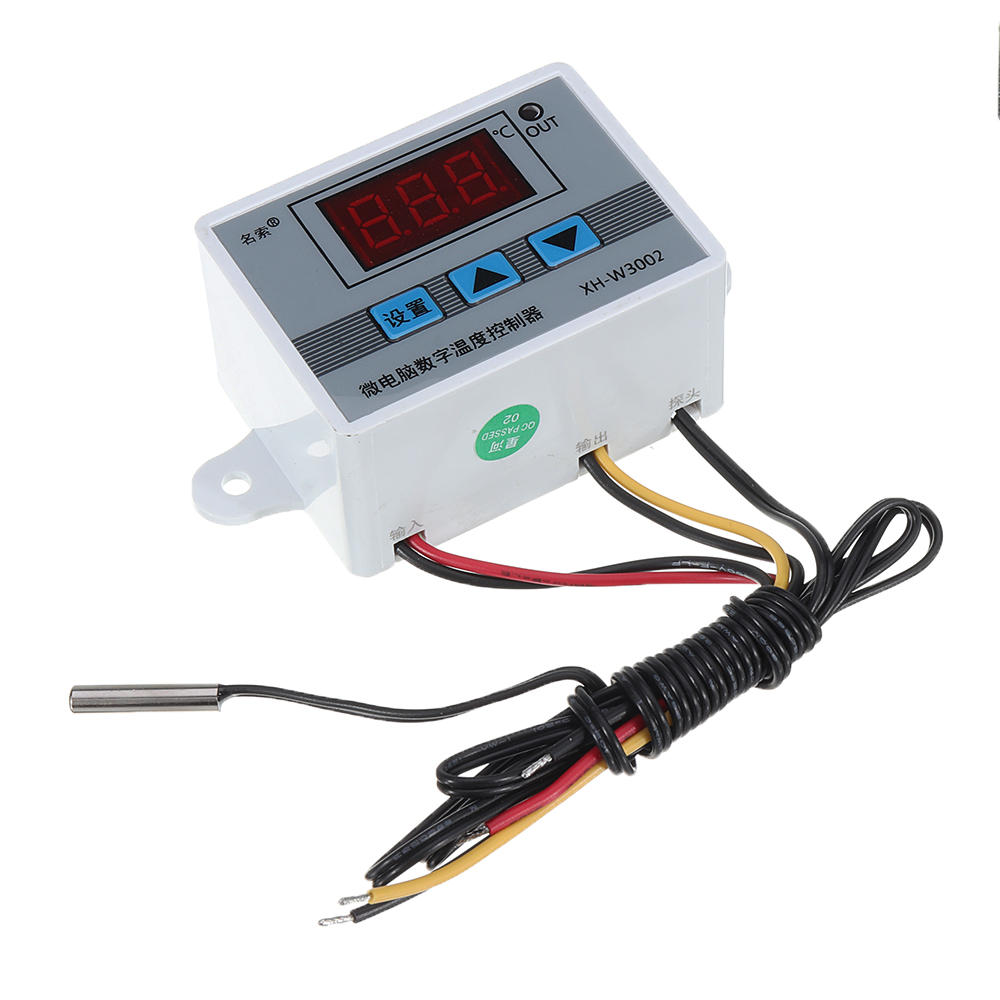
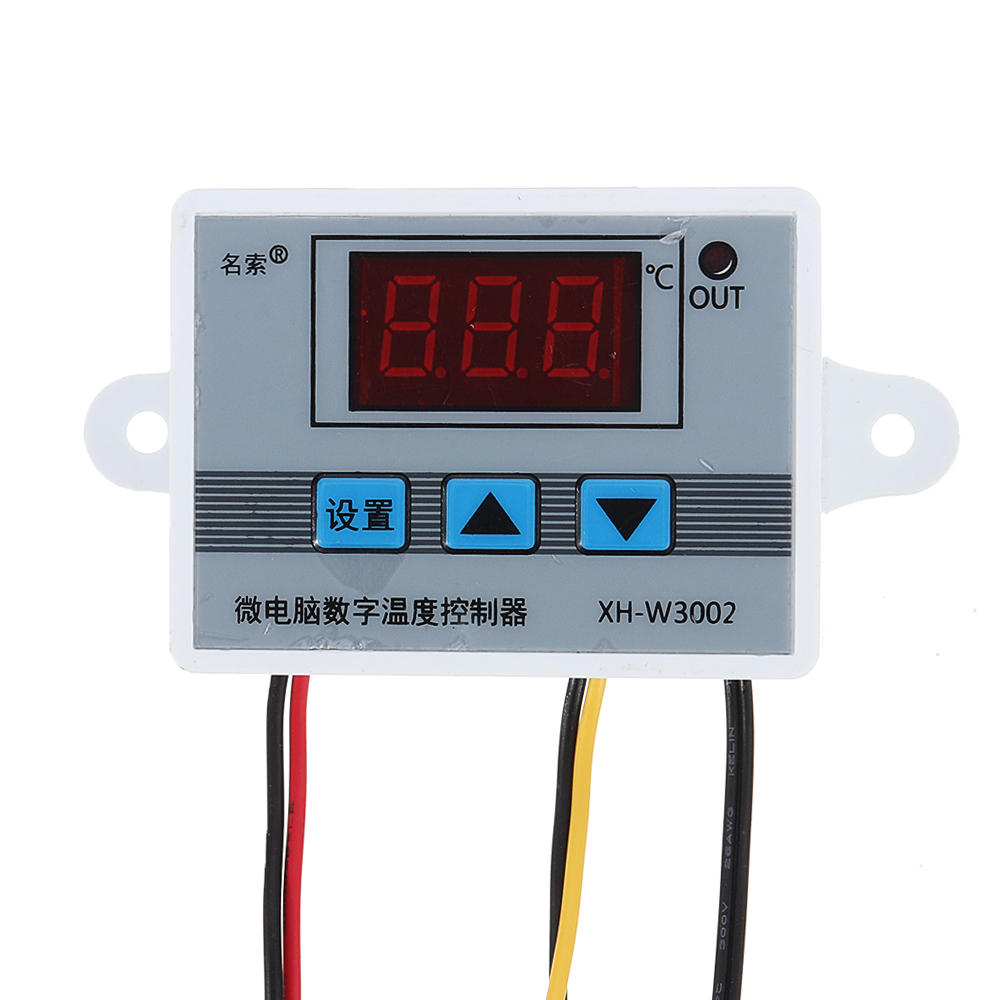
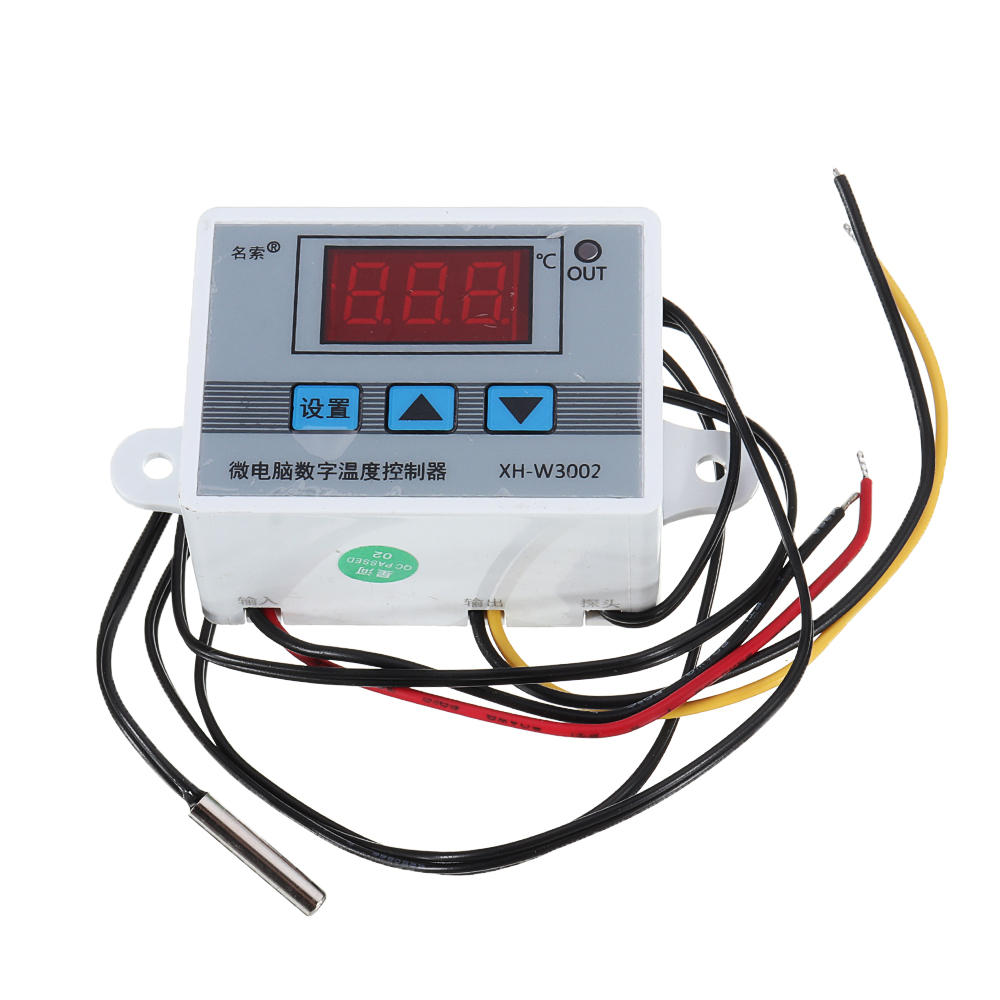
Shutdown button: Press to turn off the thermostat, and then press to turn on the thermostat.ntt
ntt
ntttnttttnttttnttttnttttntttntttnttttnttttt| nttttttCode | ntttttnttttttCode description | ntttttnttttttSetting range | ntttttnttttttFactory setting | ntttt
nttttnttttt| nttttttP0 | ntttttnttttttStarting temperature | ntttttntttttt -50~110°C | ntttttntttttt25 | ntttt
nttttnttttt| nttttttP1 | ntttttnttttttStop temperature | ntttttntttttt -50~110°C | ntttttntttttt40 | ntttt
nttttnttttt| nttttttP2 | ntttttnttttttTemperature correction | ntttttntttttt -10~10°C | ntttttntttttt0°C | ntttt
nttttnttttt| nttttttP3 | ntttttnttttttDelayed start | ntttttntttttt0-10 minutes | ntttttntttttt0 | ntttt
ntttntt
ntt
ntt
ntttP0. Set the startup temperature:
ntt
nttt
ntt
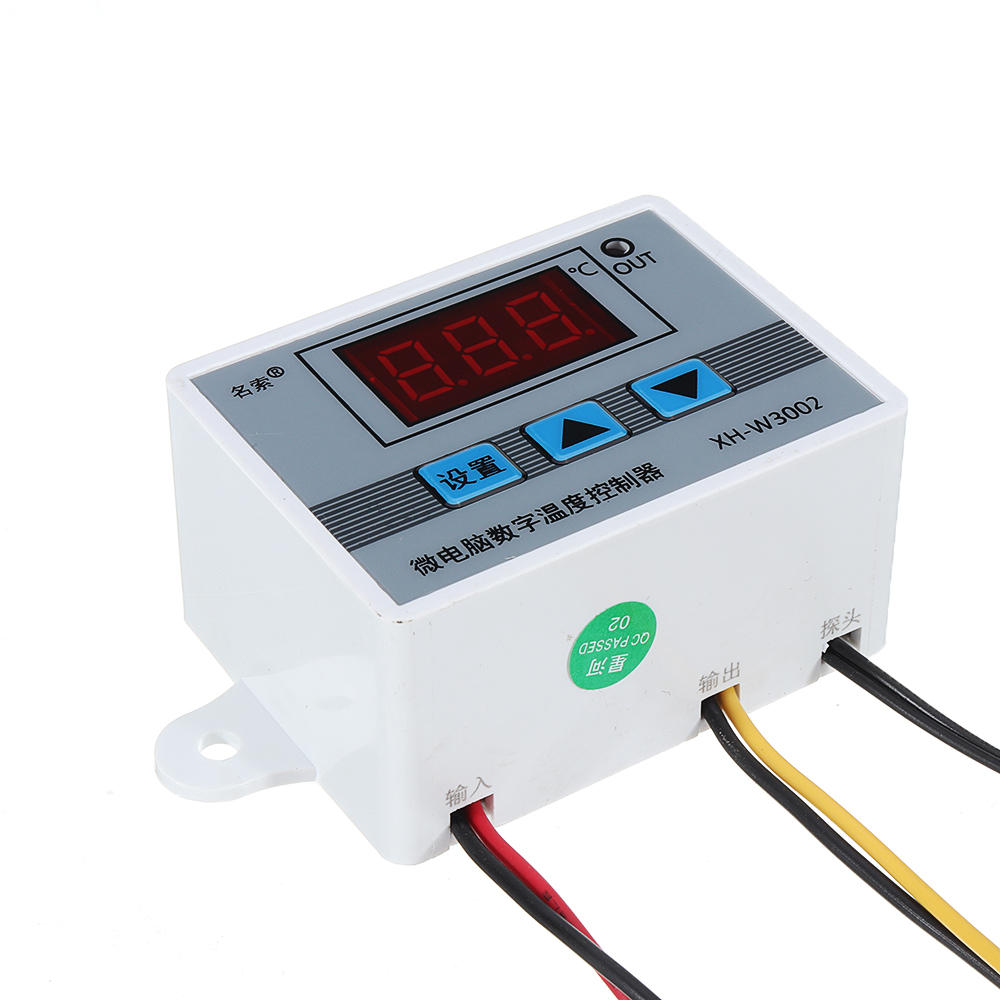
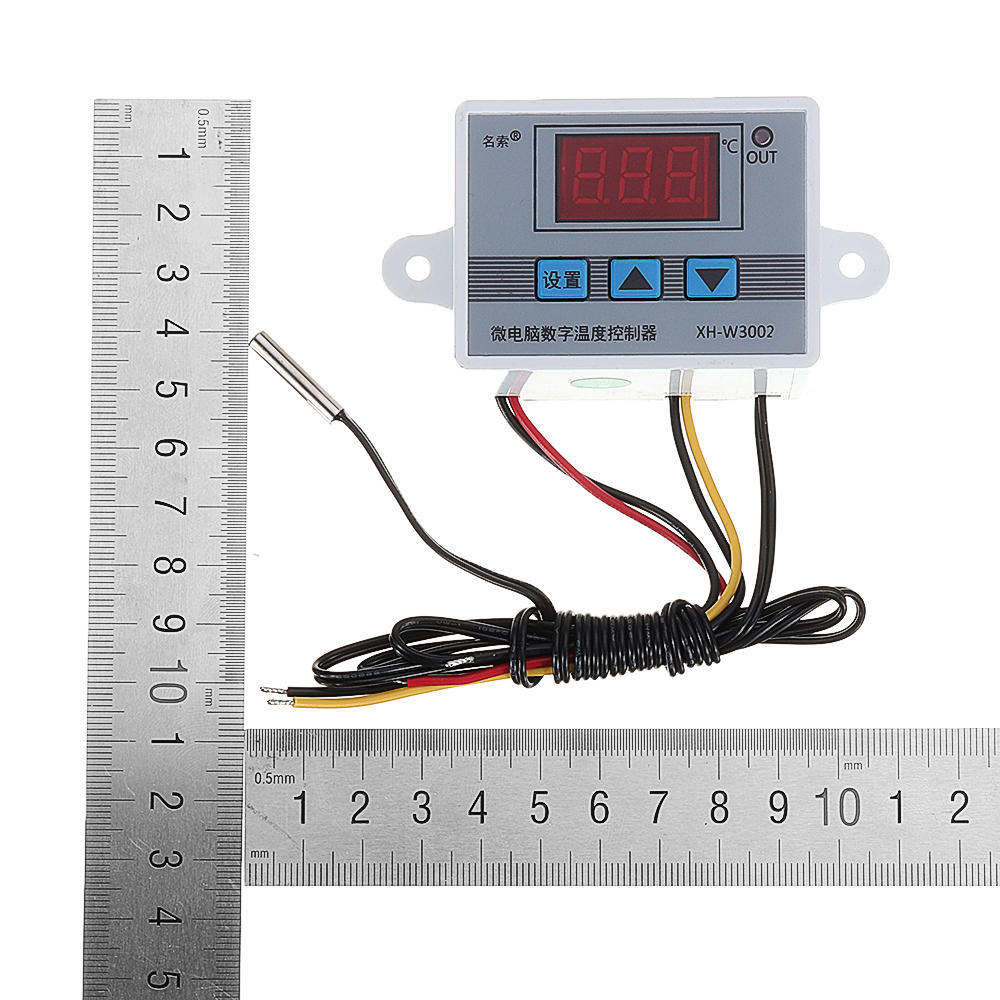
ntttPress the Setup button to enter the internal menu. The default display is P0. Press the Setup button again and set the desired startup temperature by pressing the up and down buttons.
ntt
nttt
ntt
ntttP1. Set the stop temperature:
ntt
nttt
ntt
ntttPress the setup button to enter the internal menu, the display is P0, switch to P1 by the up and down keys, press the setup button again, and set the required stop temperature by the up and down buttons.
ntt
nttt
ntt
ntttP2. Set the temperature correction:
ntt
nttt
ntt
ntttIn the same way, enter the internal menu, switch to P2 by pressing the up and down buttons, press the setting button again, and set the required calibration temperature by pressing the up and down buttons. (Note: In the setting, if the detected temperature value is 0.5 °C larger than the actual temperature value, then the calibration temperature to be set is -0.5 ° C. If the detected value is 1 ° C smaller than the actual temperature value, the set calibration temperature is required. It is 1 ° C. Detection temperature + correction temperature = actual temperature.)
ntt
nttt
ntt
ntttP3. Set the delay start:
ntt
nttt
ntt
ntttIn the same way, enter the internal menu, switch to P3 by pressing the up and down buttons, press the setting button again, and set the required delay time by the up and down buttons, the unit is minute. (Note: Delay start is generally used for compressor refrigeration. If it is used in refrigerator freezer, this value needs to be set. According to compressor back pressure, the general setting is 3-6 minutes, if you are not using it for control or doesn't need delay function, skip directly.
ntt
ntt
ntttInstructions:
ntt
nttt
ntt
ntttStart temperature
ntt
ntttStart temperature > stop temperature = cooling mode (output is connected to the cooling unit)
ntt
nttt
ntt
nttt1. Connect the power supply and heating or cooling equipment according to the wiring diagram above (note the positive and negative poles)
ntt
nttt2. Press and hold the up key to set the starting temperature. When the screen number flashes, press the up and down keys to set the starting temperature you want. After setting, wait for 5 seconds to brake the system.
ntt
nttt3. Press and hold the key to set the stop temperature. When the screen number flashes, press the up and down keys to set the desired stop temperature. After setting, wait for 5 seconds to automatically save the data.
ntt
nttt4. Restore the factory: Colleagues press and hold the up and down keys for 5 seconds, when the screen displays 888, the factory is restored.
ntt
nttt5. Press the power off button to turn off the thermostat and press to turn on the thermostat.
nt



 Roymall C.o.


 免費禮物
免費禮物
 運送政策
運送政策 退貨政策
退貨政策









 Coupon Code
 Direct purchase from the factory
 Electronic Components & Supplies
 Module Board
 Sensor & Detector Module