Pilia ang Currency


Pilia ang Pinulongan



 Roymall C.o.

Gigarantiya nga Luwas nga Pag-checkout

 Libre nga Regalo
 Polisiya sa Pagpadala
 Polisiya sa Pagbalik
Specification:
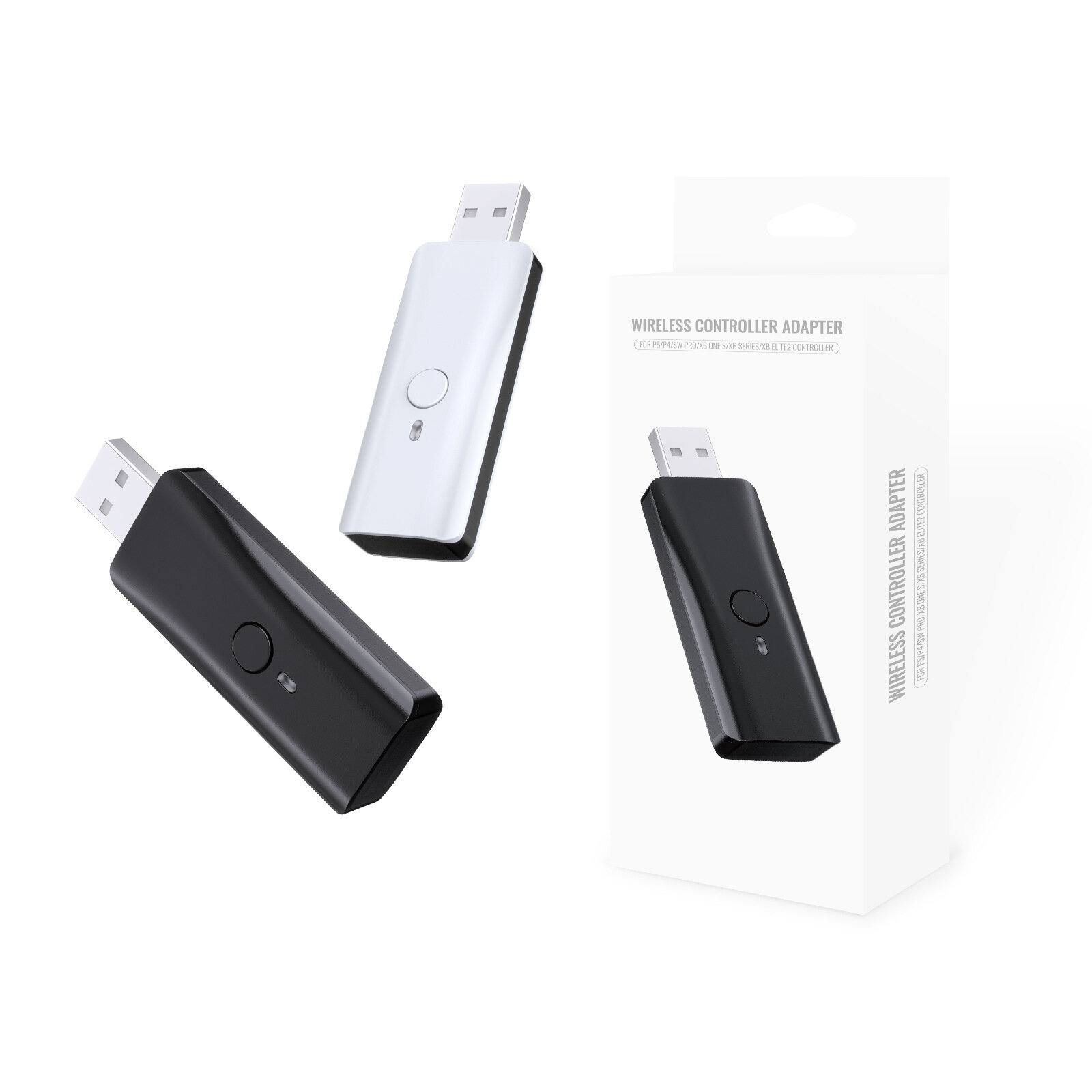
Brand: JYS
Model: JYS-P5119 PRO
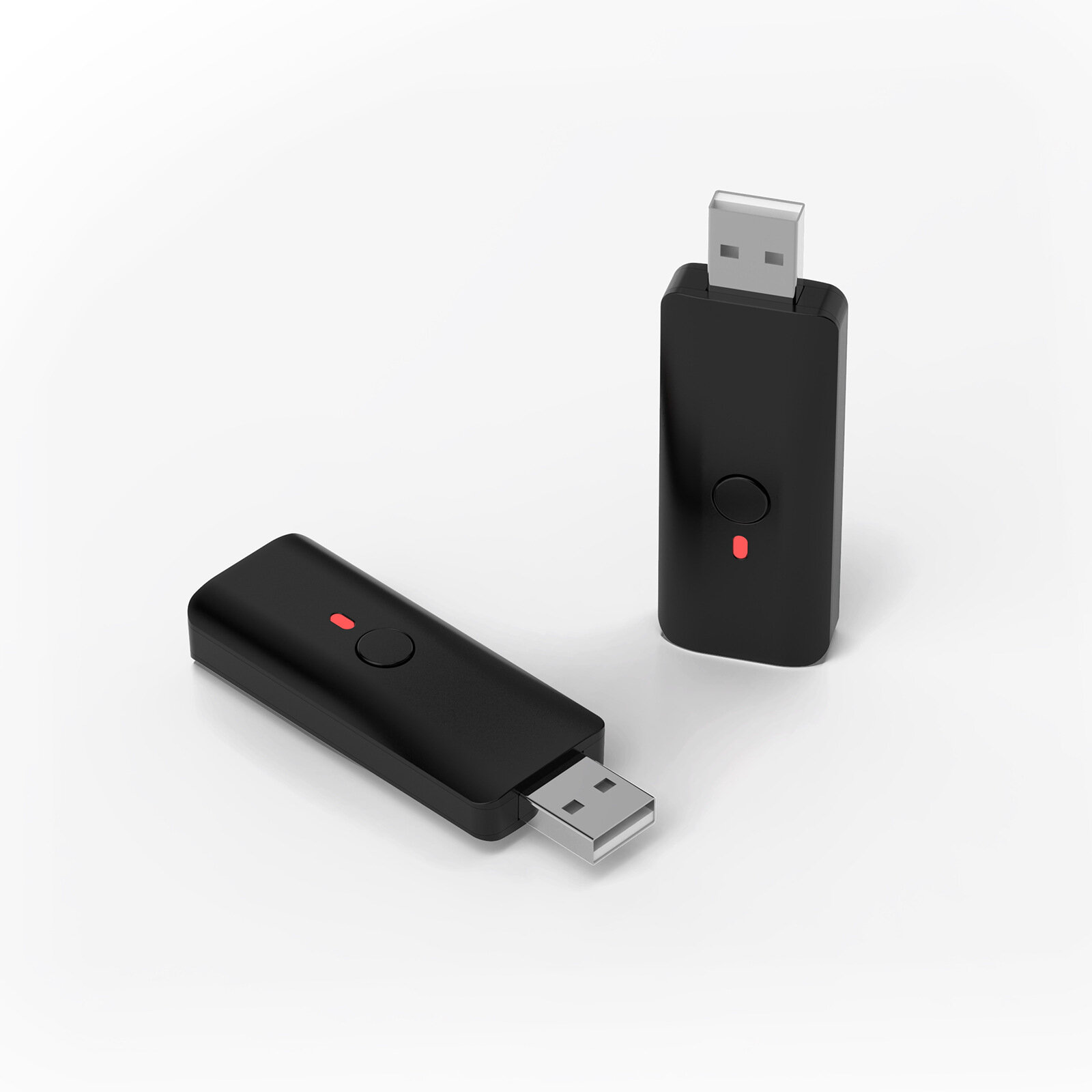
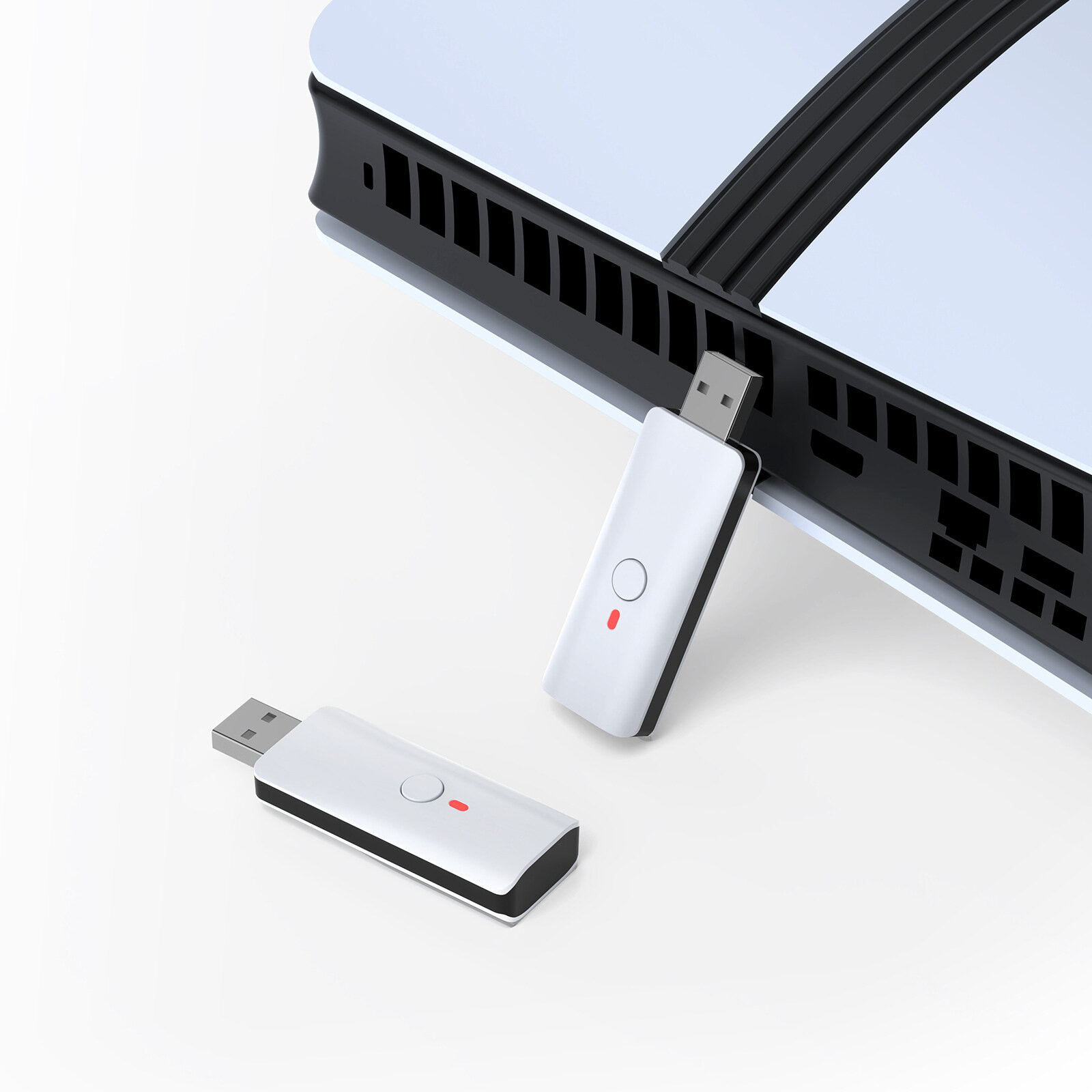
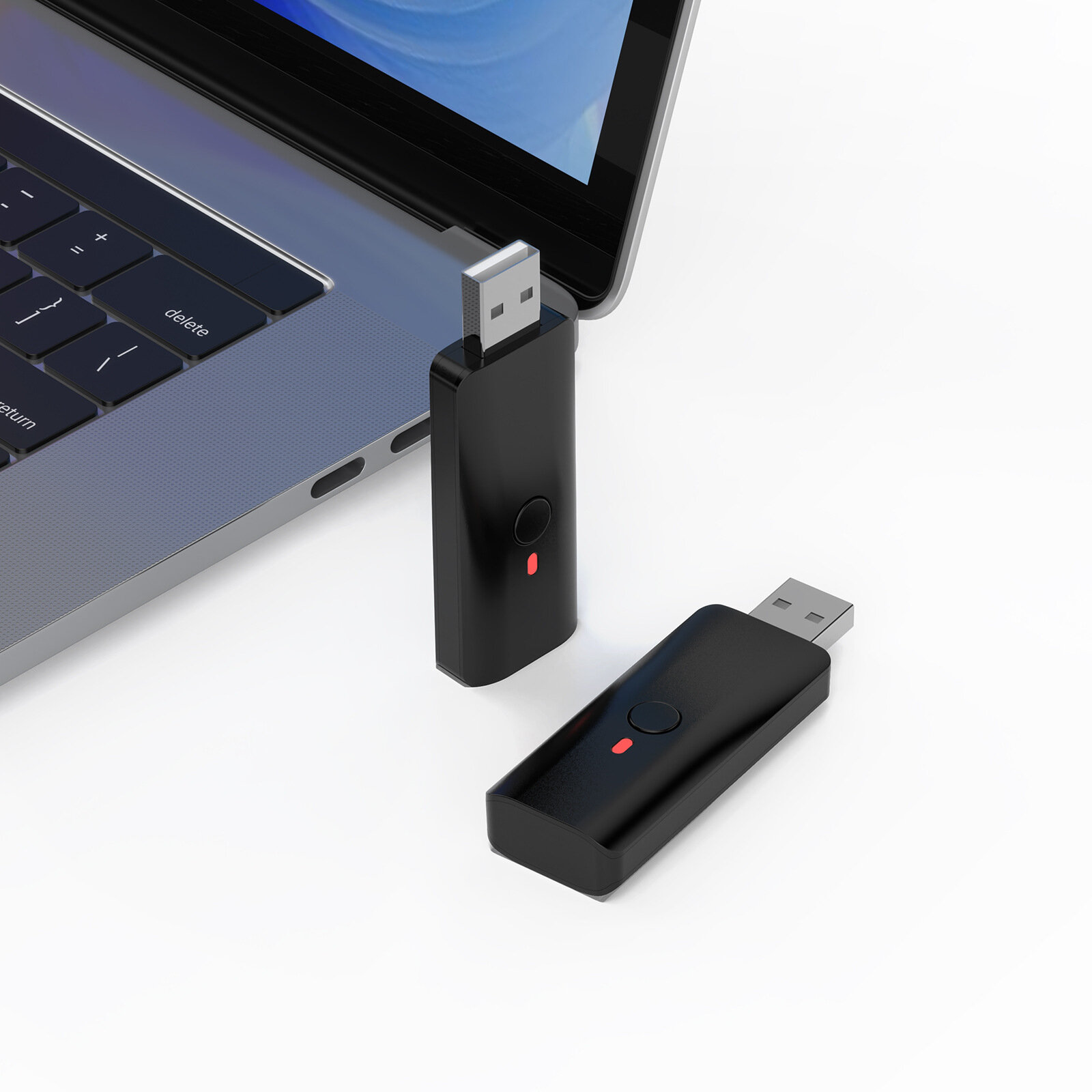
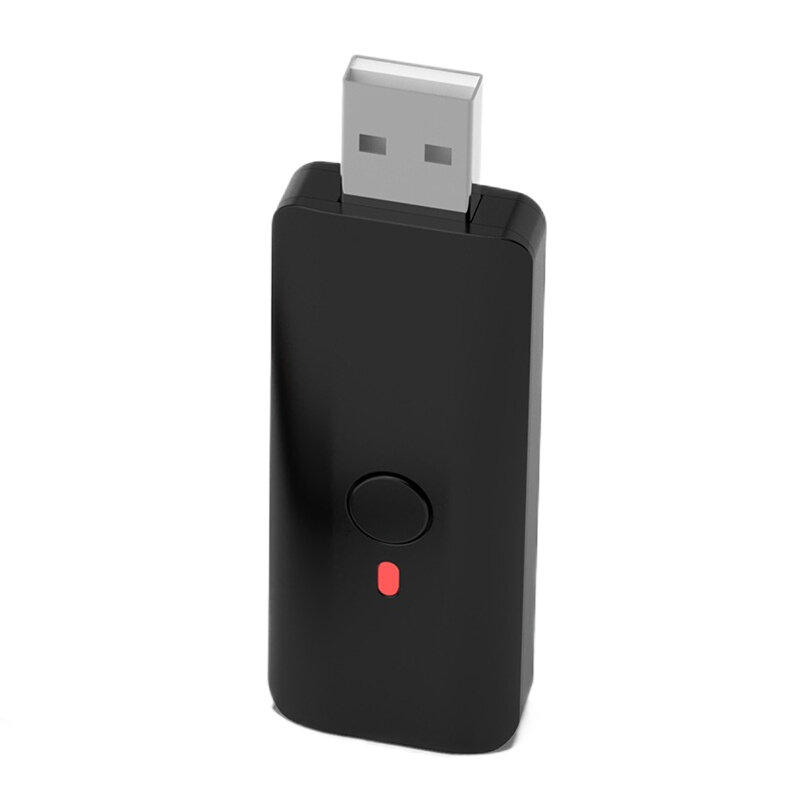
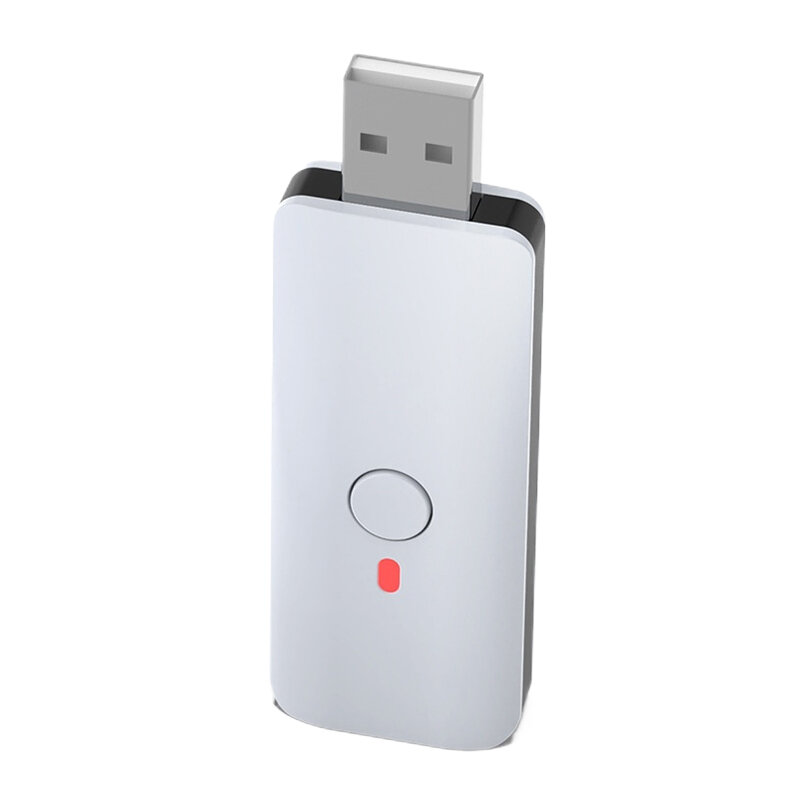
Product Name: Wireless Controller Adapter
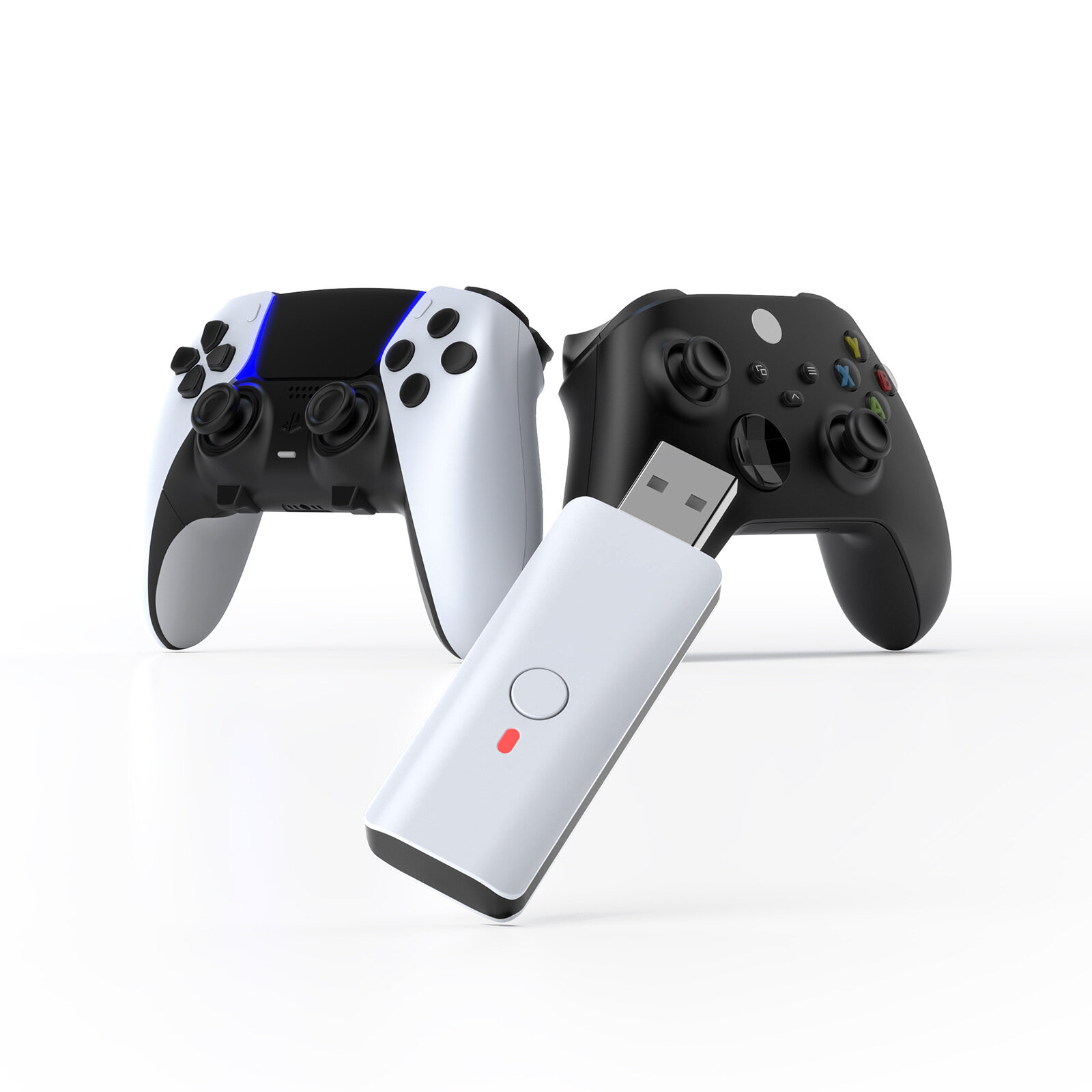
Compatible Platforms: PS5/PS5 Pro/PS5 Slim, Steam Deck, PC, and Android devices
Compatible Controllers: for PS4 Controller, PS5 Controller, PS5 Elite Controller, Switch Pro Controller, for Xbox One S/X Controller, Xbox Series X/S Controller, Xbox Elite Series 2 Controller
Material: ABS
Color Options: Black/White
Product Dimensions: 2.8in (L) x 0.94in (W) x 0.47in (H)
Packaging Dimensions: 6.18in (L) x 2.14in (W) x 0.74in (H)
Features:
1. Allows seamless bluetooth connection between controllers and multiple platforms for enhanced gaming versatility.
2. Supports advanced customization features like button remapping, turbo rapid-fire, and one-button combos for optimized gameplay.
3. Integrates Dual Vibration and 6-Axis Gyro functionality for precise motion control and immersive feedback.
4. Easy pairing process with LED indicators (slow flash/fast flash/constant light) for clear connectivity status.
5. Enables voice chat through for PS4 controllers when connected to PS5 systems for real-time communication.
Package Includes:
1 x Wireless Controller Adapter
How to connect the controller to the converter:
The converter uses USB wired mode to connect to the PS5 console. Please turn on the USB connection function of the PS5 console before using the converter. Setting method:
(Settings--Peripherals/Accessories--Controller (General)--Connection Method--Use USB Wired Connection)
The controller and converter have not been paired and connected before (first pairing):
1. The converter is connected to the game console, automatically recognized, and the converter LED indicator light flashes red slowly
2. When the controller is turned off, press the corresponding button on the controller to enter the bluetooth pairing state (please refer to the controller pairing instructions below)
3. Press and hold the pairing button of the converter for 3 seconds, the converter LED indicator light flashes red quickly, and the converter enters the pairing mode
4. After the controller and converter are successfully connected, the controller vibrates to feedback, the converter light is always red, and the controller channel light is always on. (The converter is connected to the PC device, and the display name is: Xbox360ControllerforWindows)
How to put the controller into bluetooth pairing state:
1. For PS4 controller, press and hold the [Share] key, then press the [PS key] (the round button in the middle of the controller) and the controller indicator light flashes quickly to enter the bluetooth pairing state
2. For PS5 controller/PS5 elite controller, press and hold the [Create] key, then press the [PS key] (the button in the middle of the controller) and the controller indicator light flashes quickly to enter the bluetooth pairing state
3. For Switch Pro controller, short press the [SYNC] round pairing key on the top of the controller, and the indicator light below the controller flashes in a cycle to enter the bluetooth pairing state
4. For Xboxone S controller/Xbox Series X/S controller/Xbox Elite Series 2 elite controller, press and hold the [XBOX] key on the controller to wake up the controller, the controller indicator light flashes slowly, and then long press the pairing key on the top of the controller●))) Let the controller enter the bluetooth pairing state, the controller indicator light flashes quickly, and connect with the converter


 Consumer Electronics
 Video Games Equipment & Accessories
 Video Games Accessories
 USB Receiver Adapter


Aron makuha ang pinakabag-o nga balita sa brand ug 15% nga diskuwento sa imong unang order.

Hi ?
How can we help?


 Coupon Code
 Direct purchase from the factory